

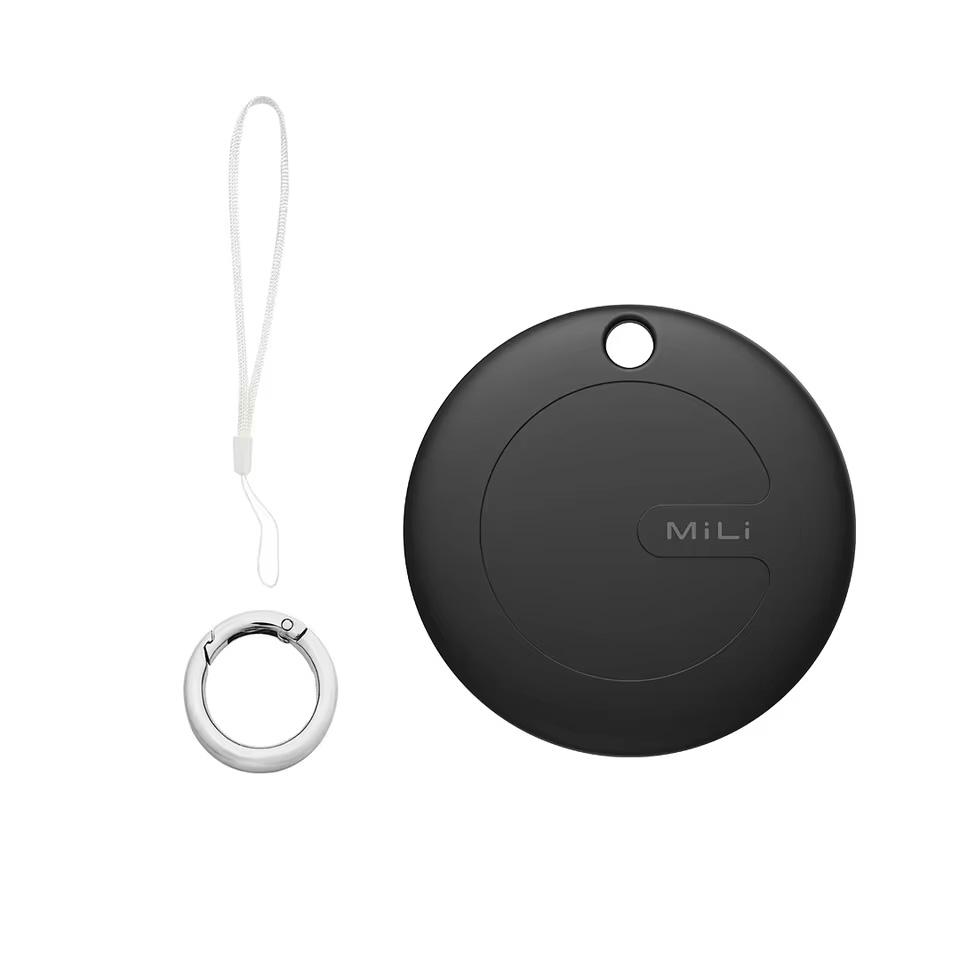
Tracking tags have become a popular helper for finding lost keys, wallets, or luggage. While users of Apple devices have the proven AirTag, Android users are looking for alternatives. One of them is the MiLi MiTag Go, which we put through testing in different conditions. How did it perform, and is it able to compete with the Apple AirTag itself?
Where to buy MiLi MiTag Go?
You can order the MiLi MiTag Go on AliExpress for a very low price. Since the product is available through the Aliexpress Choice selection, you can expect top-tier service when it comes to delivery. Delivery to you is free and takes less than 15 days (we currently tested it up to 10 days) and if you’re not satisfied, the product can be returned for free within 14 days.
We ordered the MiLi MiTag Go directly from AliExpress, and delivery took only 10 calendar days from the time we placed the order—an excellent shipping speed! The package even includes the necessary CR2032 battery.
MiLi MiTag Go for Android

TIP15-day delivery via Aliexpress Standard Shipping
For this product, Aliexpress Standard Shipping is available with guaranteed delivery within 15 days. It is the most reliable delivery method and in most cases is handled by a courier company. 15-day delivery we tested in real life.
When ordering from the Chinese warehouse, AliExpress will add the customs duty in your cart—approximately 3,70 € per order. When you receive the package, you won’t pay anything extra.
TIP15-day delivery via Aliexpress Standard Shipping
For this product, Aliexpress Standard Shipping is available with guaranteed delivery within 15 days. This is the most reliable delivery method and, in most cases, the parcel is handled by a courier company. We tested the 15-day delivery in real life.
When ordering from the Chinese warehouse, AliExpress will add the customs duty in your cart—approximately 3,70 € per order. When you receive the package, you won’t pay anything extra.
TIP12-day delivery via Aliexpress Standard Shipping
For this product, AliExpress Standard Shipping is available with guaranteed delivery in 12 days. This is the most reliable shipping method, and in most cases it’s handled by a courier company.
When ordering from the Chinese warehouse, AliExpress will add the customs duty in your cart—approximately 3,70 € per order. When you receive the package, you won’t pay anything extra.

TIPShipping via Aliexpress Standard Shipping
Aliexpress Standard Shipping is available for this product. This is the most reliable shipping method and, in most cases, it’s delivered by a courier company. Delivery time is usually 10-20 days.
When ordering from the Chinese warehouse, AliExpress will add the customs duty in your cart—approximately 3,70 € per order. When you receive the package, you won’t pay anything extra.
TIP15-day delivery via Aliexpress Standard Shipping
For this product, Aliexpress Standard Shipping is available with guaranteed delivery within 15 days. This is the most reliable delivery method and, in most cases, the parcel is handled by a courier company. We tested the 15-day delivery in real life.
When ordering from the Chinese warehouse, AliExpress will add the customs duty in your cart—approximately 3,70 € per order. When you receive the package, you won’t pay anything extra.
Initial setup and the Google Find My network
MiLi MiTag Go, just like other modern Android tracking tags, uses the extensive Google Find My Device network. The setup is usually straightforward and involves pairing the tag with your Google account directly through the Google Find My Device app. The app, which in Slovak is called “Find my device”, was opened and the unboxed MiTag was detected right away.
We tapped the connect button and the pairing started. After that, we could see the location of this tag through various smartphones using our specific Google account.
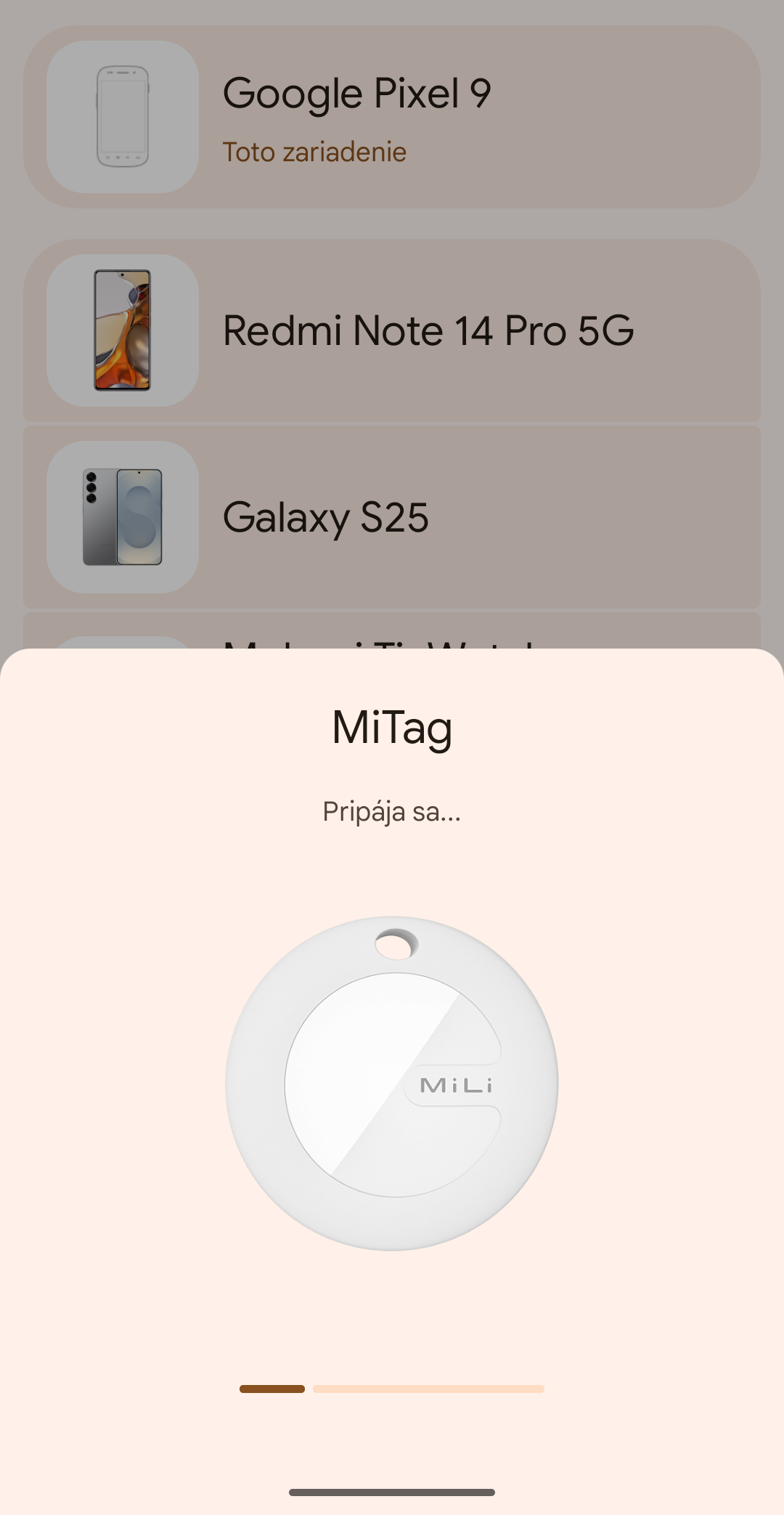
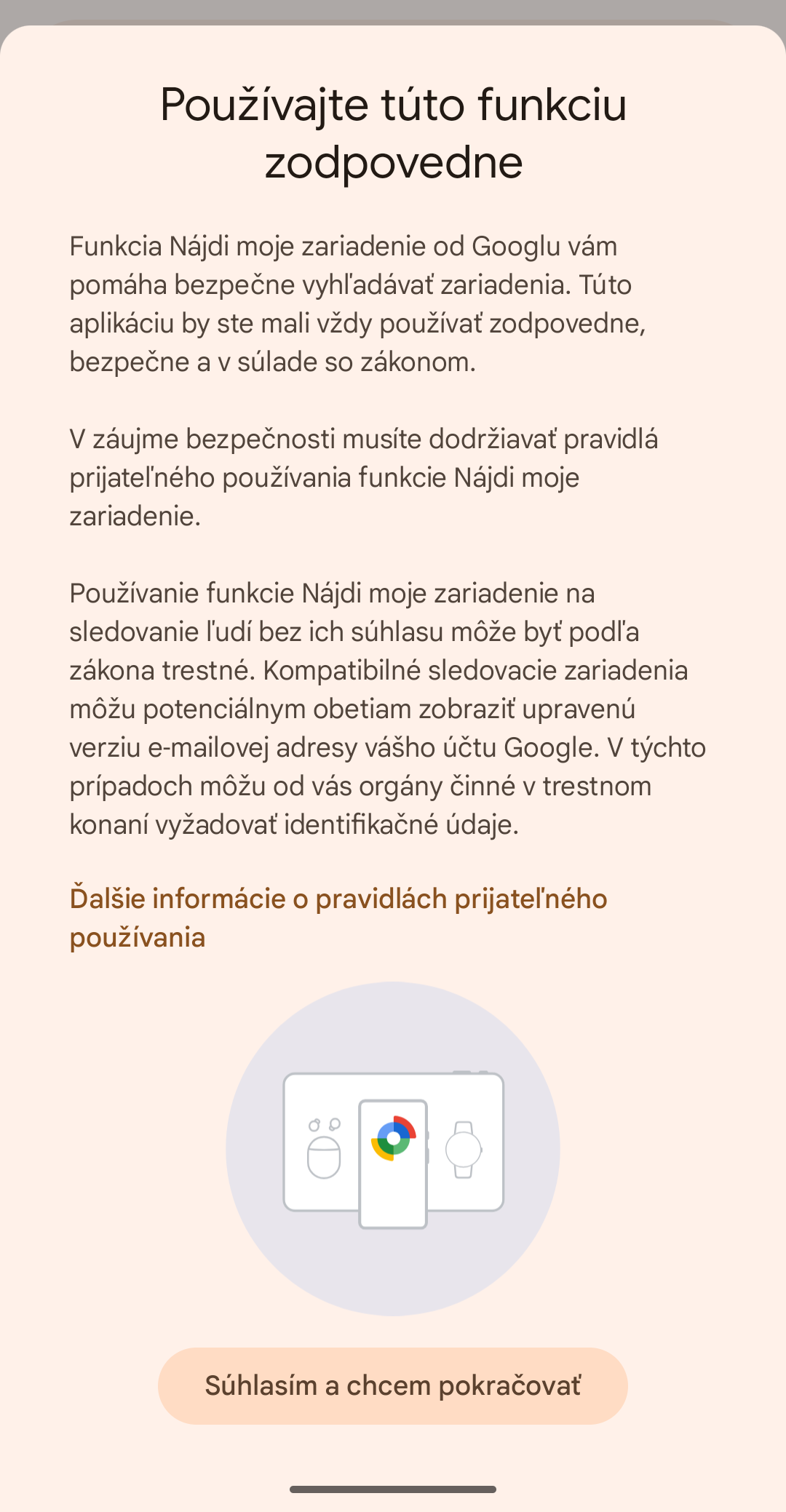
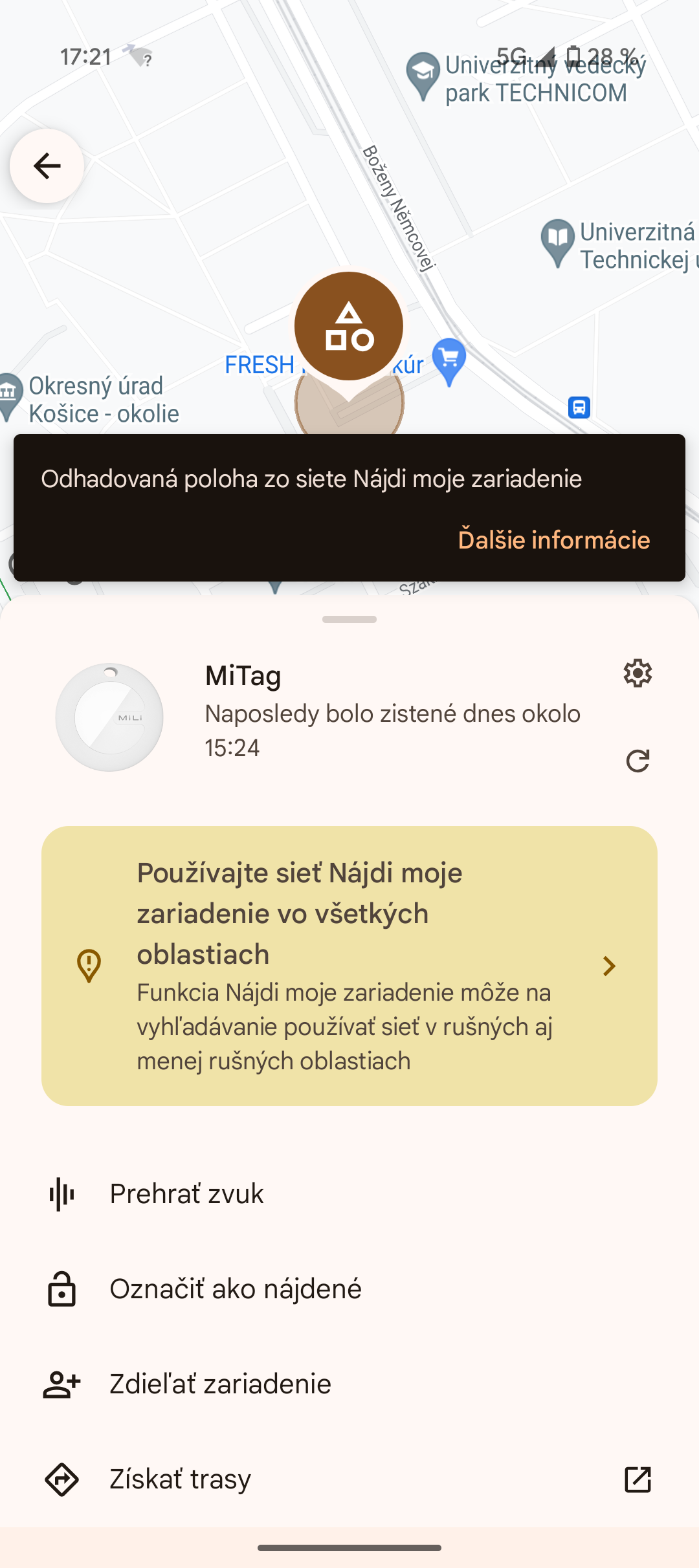

You couldn't track the tag through the computer. We don't understand why Google doesn't allow it. When you then tap the item on your phone, you should see an option below it to turn on more frequent updates. By default, Google prefers to update tags only in busy places, such as downtown, cafes, or airports – probably to improve location accuracy.
But for our testing we don’t want that, and you should switch it as well—specifically to the option “Use the network in all areas”.
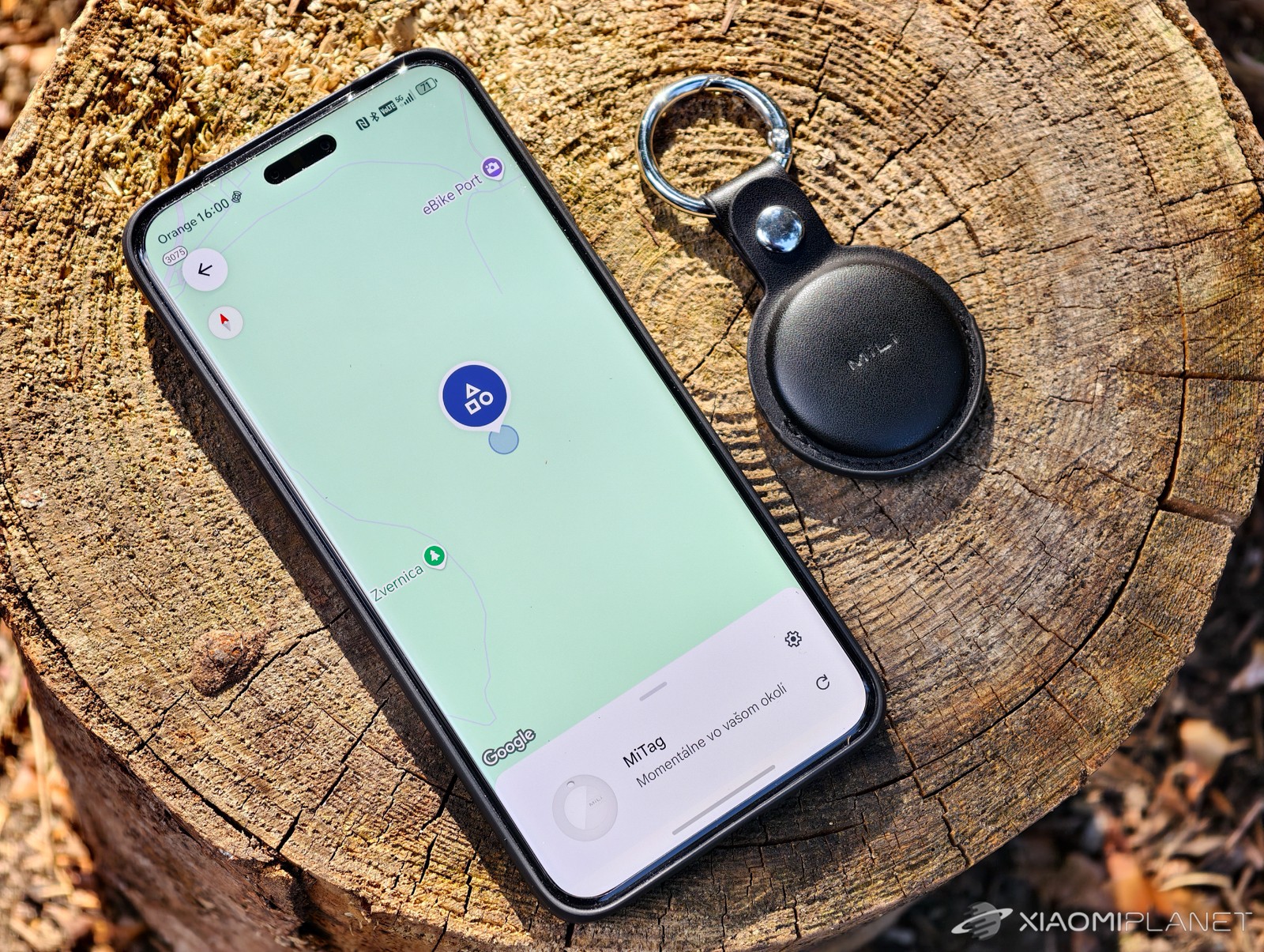
The magic is that locating your lost MiTag doesn’t just help you find your phone—it also anonymously helps millions of other Android devices around the world. When any compatible device with active Bluetooth and location services comes near your MiTag, it securely sends its location to Google servers, where you can view it in your app. The whole process is encrypted and anonymous to protect the privacy of everyone involved.
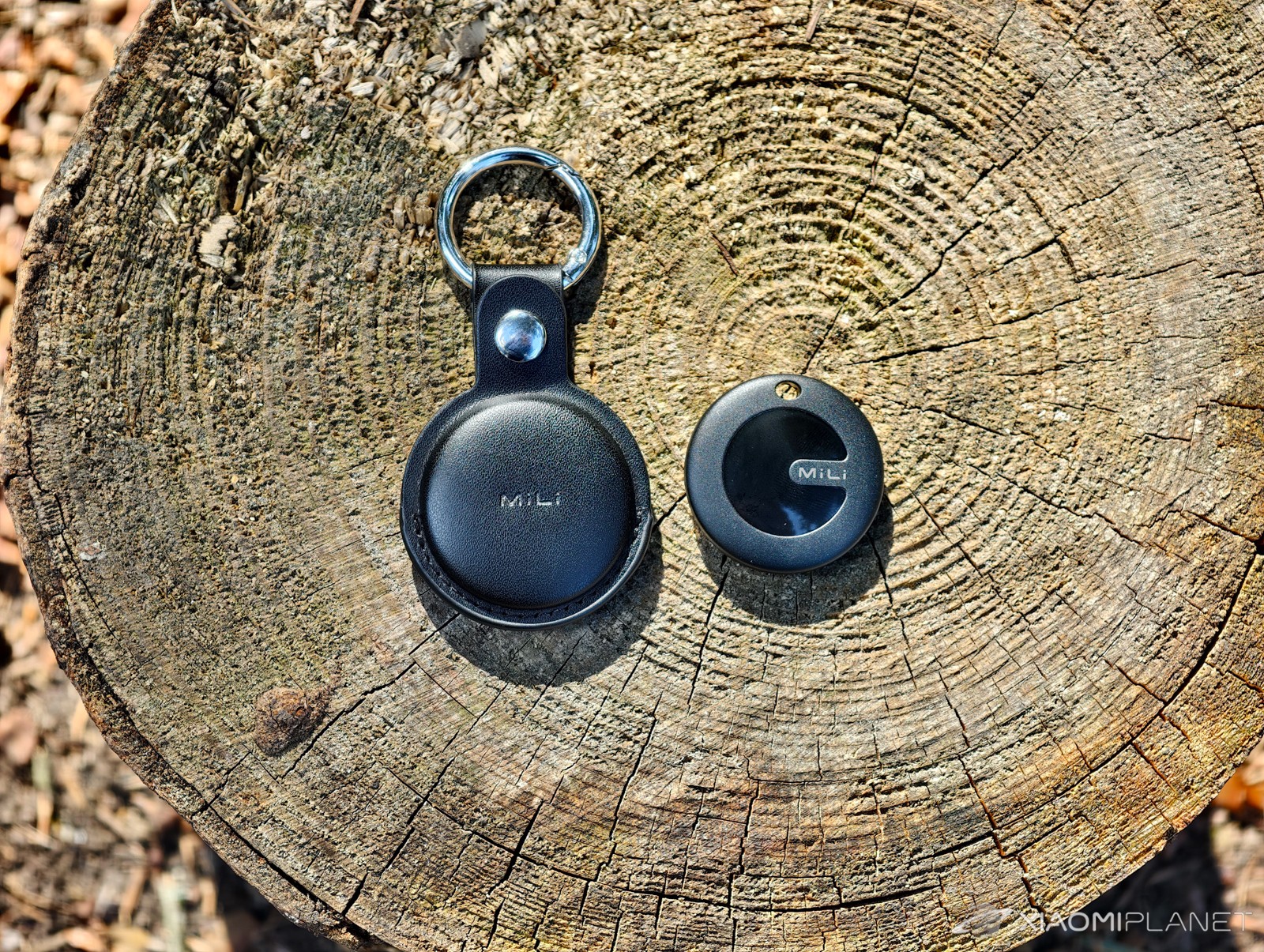
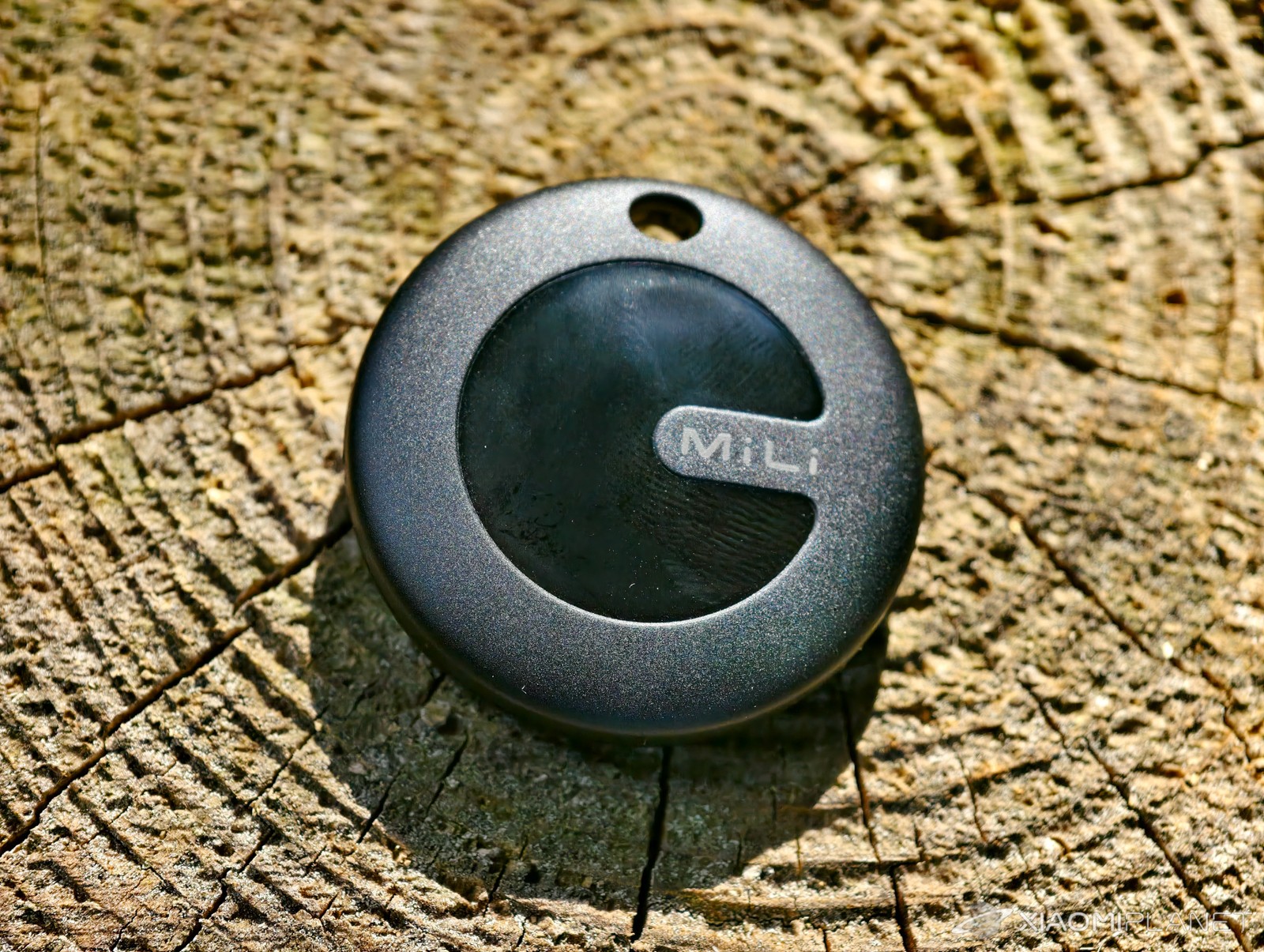
This principle is very similar to the Apple Find My network used by the Apple AirTag. The difference is in the user base—MiTag relies on Android devices, while AirTag relies on iPhones, iPads, and Macs.
The density and activity of these networks directly affect how quickly and accurately your tag gets located. During some of our tests, we also had access to an Apple AirTag, so we could compare MiLi MiTag Go directly and evaluate the effectiveness of both networks and the devices themselves in real life.
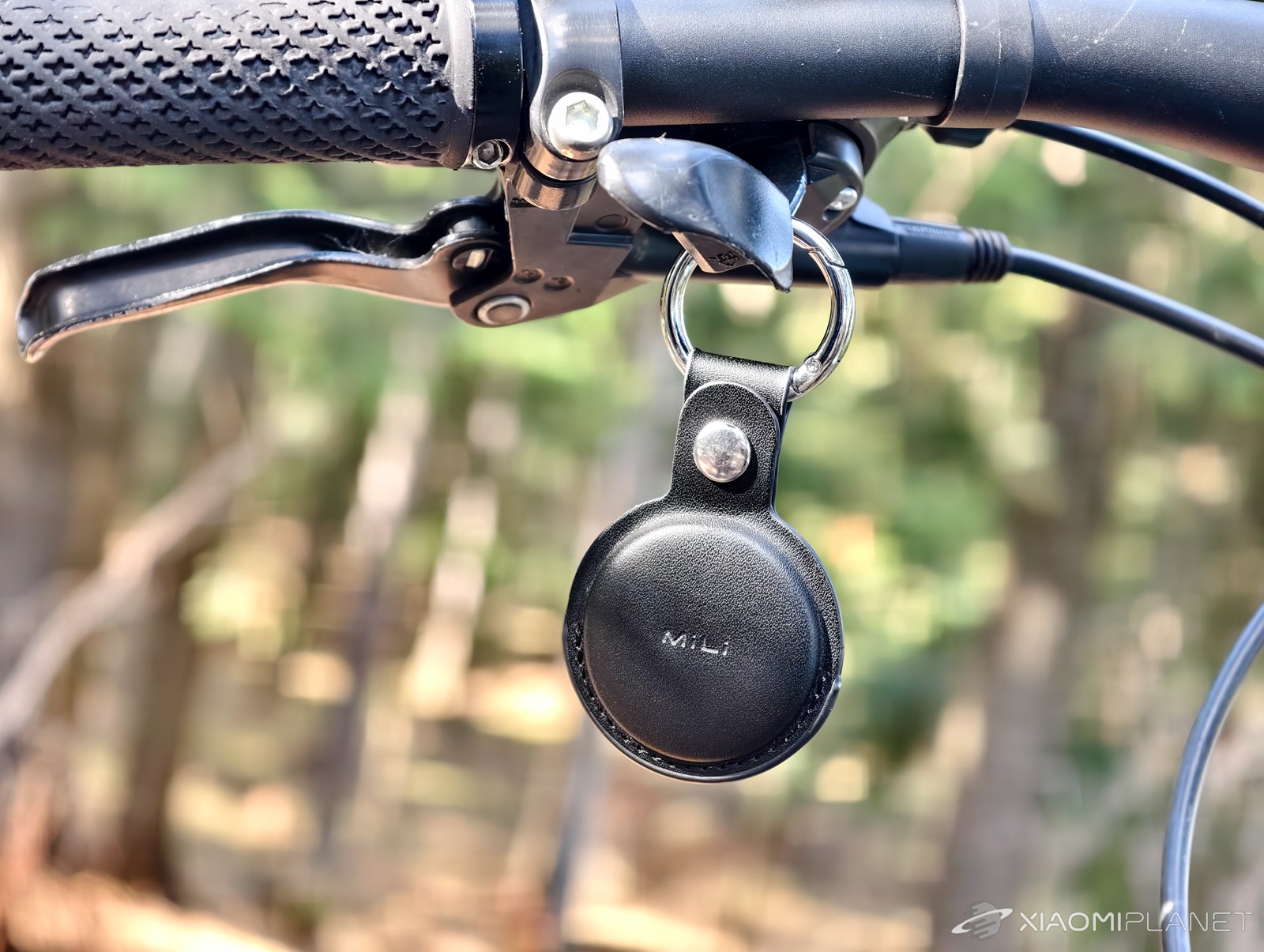
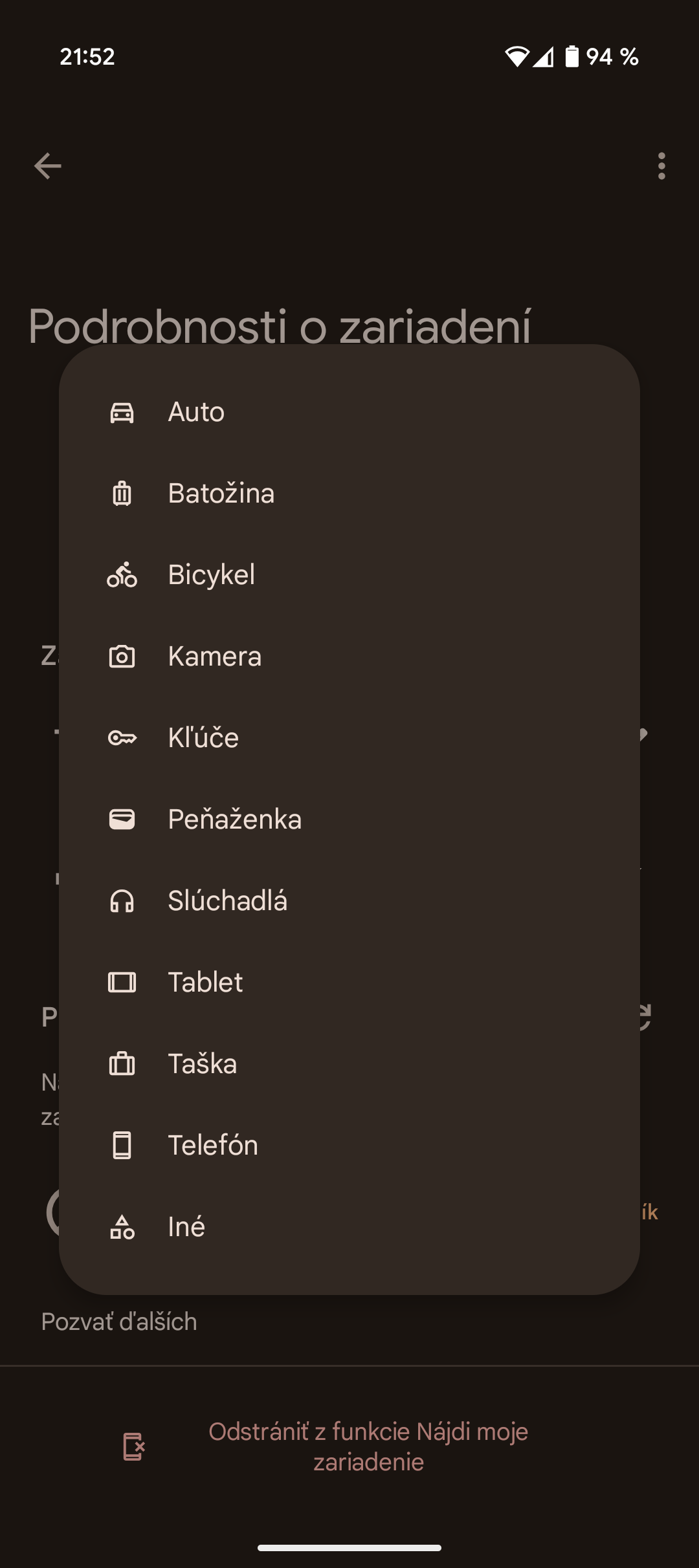
If the tag is within Bluetooth range, you can make it “ring” and locate it that way. Since it doesn’t have UWB, your phone won’t show you the distance to the item, or the direction you should go. In Google Find My Device, you can set a name and an icon for the tag so it’s easier to identify.
If it gets lost through this platform, you can mark it as lost and leave a short message for the finder along with your contact details. The phone will display these details if the honest finder tries to identify the owner and return the lost item.
In the next part of the review, you can see tables showing the date and time of the location verification for the trackers, the time of the last location, or latency, the size of the area in which it was possible to localize the tracker, and thus the accuracy of determining the location.
We also described the actual place where the object was located, including a description of other people nearby whose smartphones could update the trackers’ location. A friend helped us with the test—he allowed us to track his movements while traveling and thus simulate losing an item.
Do not use MiLi MiTag Go or any other tracking fob for unauthorized tracking of people. Pal, the one we’ve “tracked” like this knew about it, and his smartphone (iPhone 11) even warned him that he was moving with a foreign object!
Observing MiLi MiTag Go:
| Date | Verification time | Time of last location | Latency | Accuracy | Place / Status | Movement / Stationary |
|---|---|---|---|---|---|---|
| 16 March | 13:13 | 13:00 | after 13 minutes | small area | Supermarket warehouse (medium number of people) | Stationary |
| 16 March | 15:19 | 14:37 | after 42 minutes | small area | Supermarket warehouse (medium number of people) | Stationary |
| 16 March | 17:21 | 15:24 | after 1 hours 57 min | very small area | Supermarket warehouse (medium number of people) | Stationary |
| 16 March | 18:17 | 17:56 | after 21 minutes | very small area | Supermarket warehouse (medium number of people) | Stationary |
| 16 March | 21:18 | 18:57 | after 2 hours 21 min | small area | Supermarket warehouse (medium number of people) | Stationary |
| 16 March | 21:49 | live location | 0 minutes | large area | Public transport ride (moving, lots of people) | Movement |
| 16 March | 21:50 | 21:48 | after 2 minutes | large area | Public transport ride (moving, lots of people) | Movement |
| 16 March | 21:54 | 21:48 | after 6 minutes | large area | Public transport ride (moving, lots of people) | Movement |
| 16 March | 21:55 | live location | 0 minutes | large area | Public transport ride (moving, lots of people) | Movement |
| 17 March | 10:49 | live location | 0 minutes | small area (poor) | Public transport ride (moving, lots of people) | Movement |
| 17 March | 10:58 | live location | 0 minutes | very small area | Public transport ride (moving, lots of people) | Movement |
| 17 March | 11:02 | live location | 0 minutes | small area | Public transport ride (moving, lots of people) | Movement |
| 17 March | 11:37 | 11:32 | after 5 minutes | very large area | Public transport ride (moving, lots of people) | Movement |
| 17 March | 11:47 | 11:44 | after 3 minutes | very large area | Train ride (moving, medium number of people) | Movement |
| 17 March | 13:28 | 12:22 | after 1 hours 6 min | large area | Train ride (moving, medium number of people) | Movement |
| 17 March | 14:59 | 14:49 | after 10 minutes | very large area | In a town in a house (few people) | Stationary |
| 17 March | 16:37 | 16:19 | after 18 minutes | large area | In a town in a house (few people) | Stationary |
| 18 March | 11:14 | live location | 0 minutes | medium area | In a town in a house (few people) | Stationary |
| 18 March | 12:21 | 12:08 | after 13 minutes | very large area | In a town in a house (few people) | Stationary |
| 19 March | 11:53 | 11:50 | after 3 minutes | very small area | In an apartment building (few people) | Stationary |
| 22 March | 9:15 | 10:20 (21.3.) | after 22 hours 55 min | medium area | In an apartment building (few people) | Stationary |
| 22 March | 13:26 | 9:38 | after 3 hours 48 min | very small area | In an apartment building (few people) | Stationary |
| 28 March | 13:42 | 13:39 | after 3 minutes | very small area | E-scooter in an apartment building (few people) | Stationary |
| 28 March | 16:39 | 16:04 | after 35 minutes | medium area | E-scooter in an apartment building (few people) | Stationary |
| 1 April | 0:02 | 23:30 (31.3.) | after 32 minutes | very small area | E-scooter in an apartment building (few people) | Stationary |
| 1 April | 6:59 | live location | 0 minutes | large area | E-scooter in an apartment building (few people) | Stationary |
| 1 April | 7:28 | 6:58 | after 30 minutes | large area | E-scooter in an apartment building (few people) | Stationary |
| 1 April | 9:09 | 6:58 | after 2 hours 11 min | large area | E-scooter in an apartment building (few people) | Stationary |
| 1 April | 12:31 | 6:58 | after 5 hours 33 min | large area | E-scooter in an apartment building (few people) | Stationary |
| 2 April | 12:46 | 12:33 | after 13 minutes | medium area | E-scooter in an apartment building (few people) | Stationary |
| 3 April | 14:21 | 12:29 | after 1 hours 52 min | small area | E-scooter in an apartment building (few people) | Stationary |
| 3 April | 19:11 | 19:08 | after 3 minutes | very small area | E-scooter in an apartment building (few people) | Stationary |
Observing MiLi MiTag Go vs Apple AirTag:
| Date | Verification time | Place / Status | MiTag – Latency | MiTag – Accuracy | AirTag – Latency | AirTag – Accuracy |
|---|---|---|---|---|---|---|
| 17 March | 10:54 | Public transport ride (moving) | after 5 minutes | very large area | live location | very small area |
| 17 March | 12:10 | Train ride (moving) | live location | very small area | after 51 minutes | very small area |
| 17 March | 13:51 | In a town in a house (static) | after 1 hours 29 min | large area | after 1 hours 28 min | small area |
| 17 March | 15:54 | In a town in a house (static) | after 33 minutes | large area | after 3 hours 31 min | small area |
| 17 March | 18:52 | In a town in a house (static) | after 13 minutes | medium area | after 15 minutes | very small area |
| 17 March | 23:34/23:48 | In a town in a house (static) | after 5 hours 9 min | medium area | after 2 hours 3 min | very small area |
| 18 March | 6:29 | In a town in a house (static) | after 11 hours 50 min | medium area | after 9 minutes | very small area |
| 18 March | 7:39 | In a town in a house (static) | after 2 minutes | small area | after 3 minutes | very small area |
| 18 March | 8:54/8:52 | In a town in a house (static) | after 6 minutes | very small area | after 5 minutes | very small area |
| 18 March | 9:08 | In a town in a house (static) | after 4 minutes | very small area | after 15 minutes | very small area |
| 18 March | 11:12 | In a town in a house (static) | after 21 minutes | very small area | after 12 minutes | very small area |
| 18 March | 12:02 | In a town in a house (static) | after 2 minutes | very small area | after 47 minutes | very small area |
| 18 March | 17:02/17:03 | In a town in a house (static) | after 16 minutes | very large area | after 42 minutes | very small area |
| 18 March | 18:29/18:30 | Train ride (moving) | after 2 minutes | large area | after 31 minutes | very small area |
| 18 March | 18:56 | Public transport ride (moving) | after 2 minutes | small area | after 1 minute | very small area |
| 24 March | 10:07 | Library (static, high frequency) | live location | very small area | live location | very small area |
| 24 March | 11:17 | Library (static, high frequency) | live location | very small area | after 2 minutes | very small area |
| 24 March | 11:40/11:41 | Library (static, high frequency) | live location | very small area | live location | very small area |
| 24 March | 12:12 | Library (static, high frequency) | after 1 minute | very small area | after 1 minute | very small area |
| 24 March | 13:26 | Library (static, high frequency) | after 2 minutes | small area (inaccurate) | after 2 minutes | very small area |
Test with a moving object in different environments
Tracking a moving item (for example, in a backpack during a public transport ride or on a train) is quite challenging. This is where you’ll see how quickly the network can respond. MiLi MiTag Go delivered mixed results during our tests on public transport and in a train. On one hand, we recorded live location or updates within a few minutes, which is great. On the other hand, accuracy was often problematic.
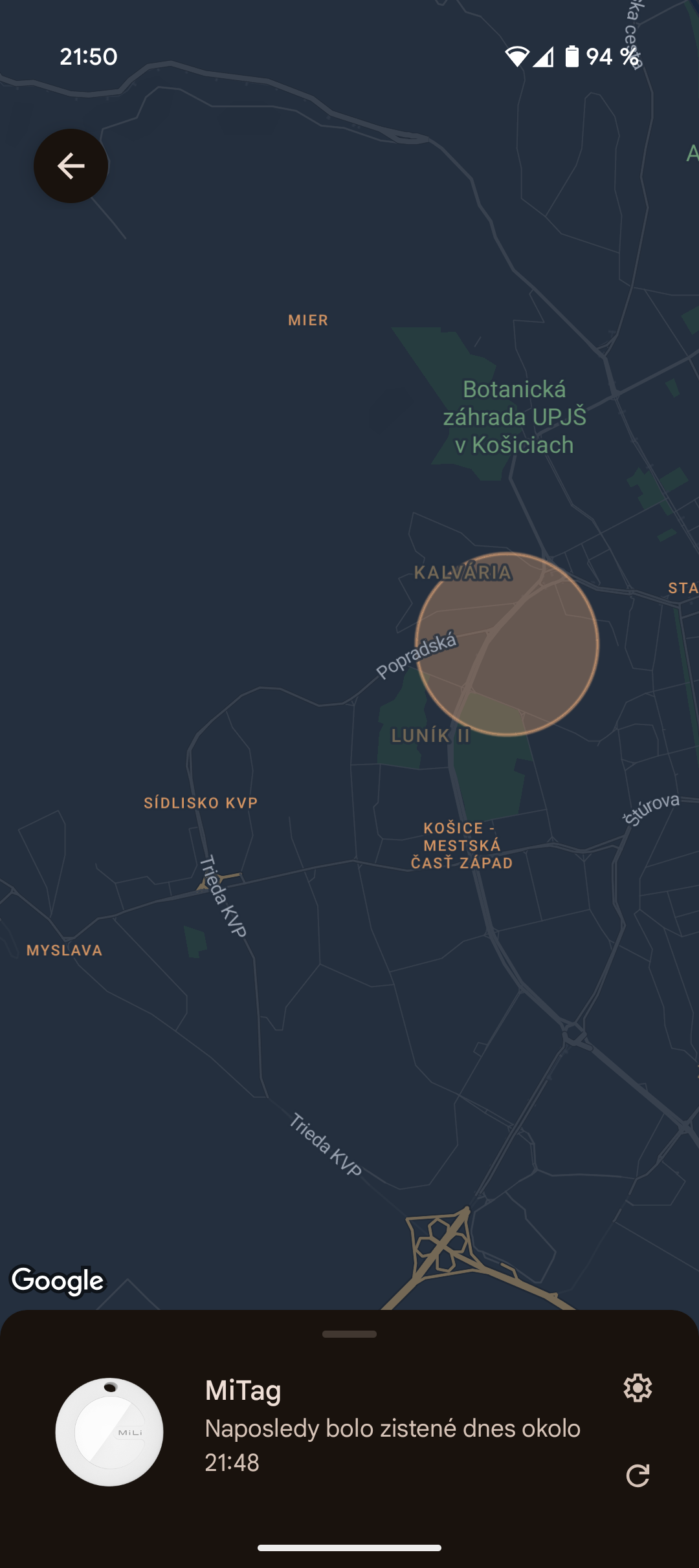

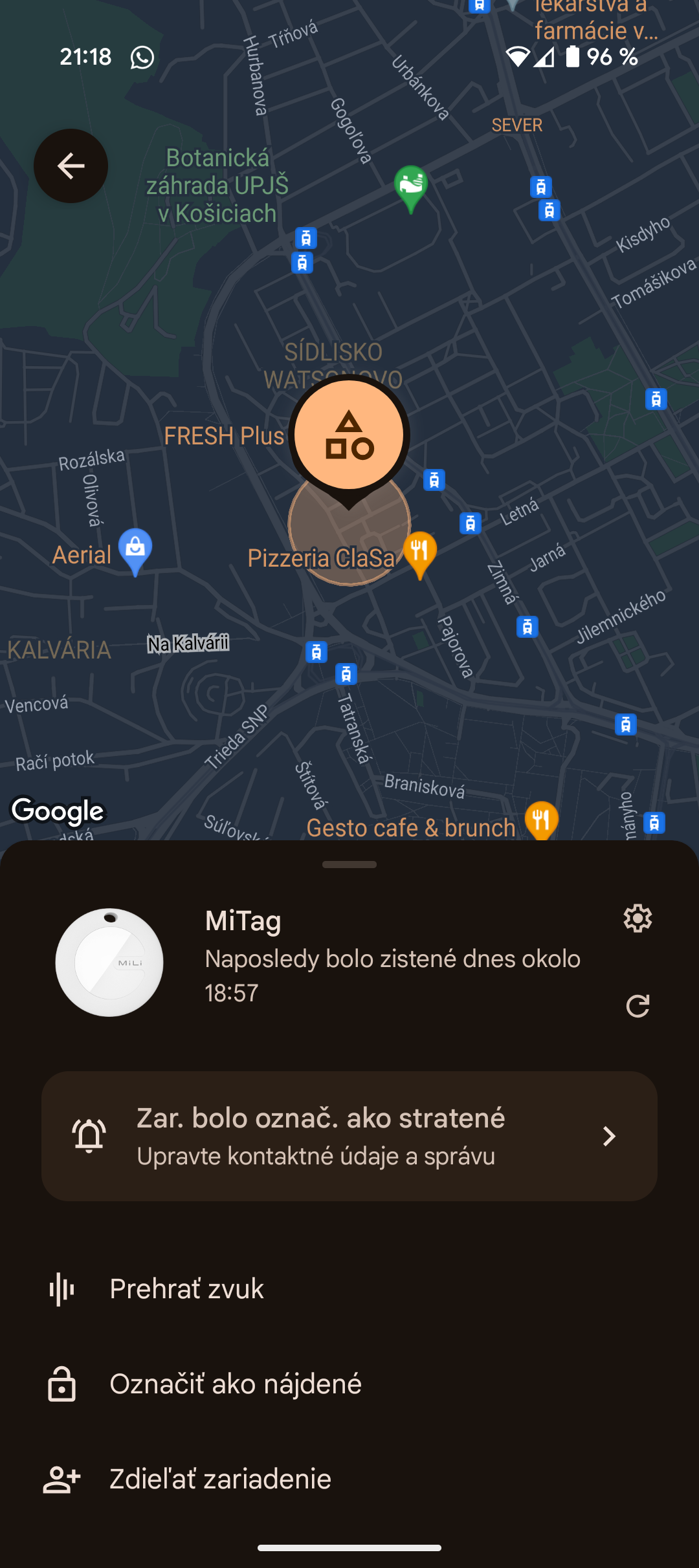
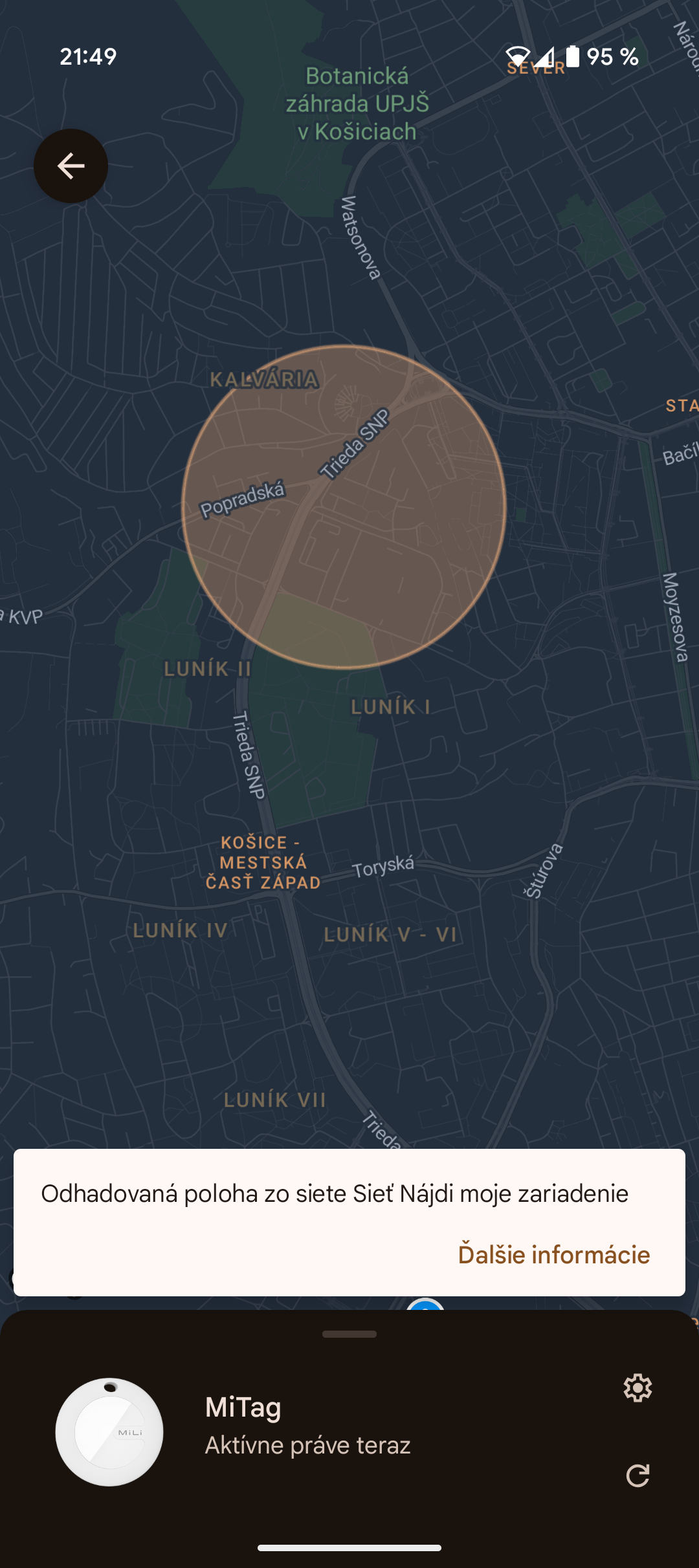
It ranged from very precise (“very small area”) to very inaccurate (“large” or “very large area”), which can make a huge difference when moving and can make it impossible to find a lost item—until, for example, the train stops at a larger station or the item leaves the vehicle.
Apple AirTag in the same situations (based on comparison data from March 17 and 18) showed more consistent results. Updates were also frequent. The key difference was in accuracy—AirTag almost always indicated a “very small area”, enabling much better tracking of the actual position.

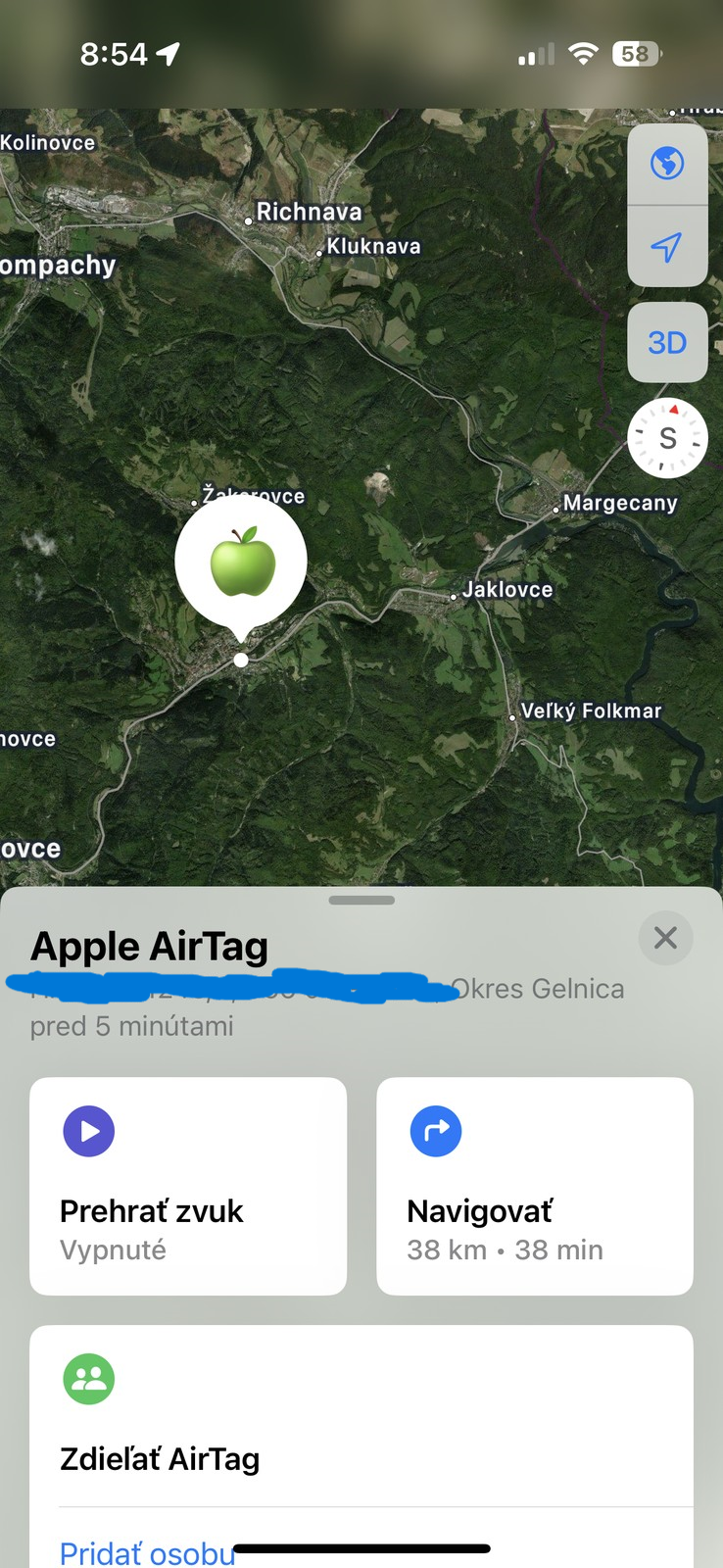
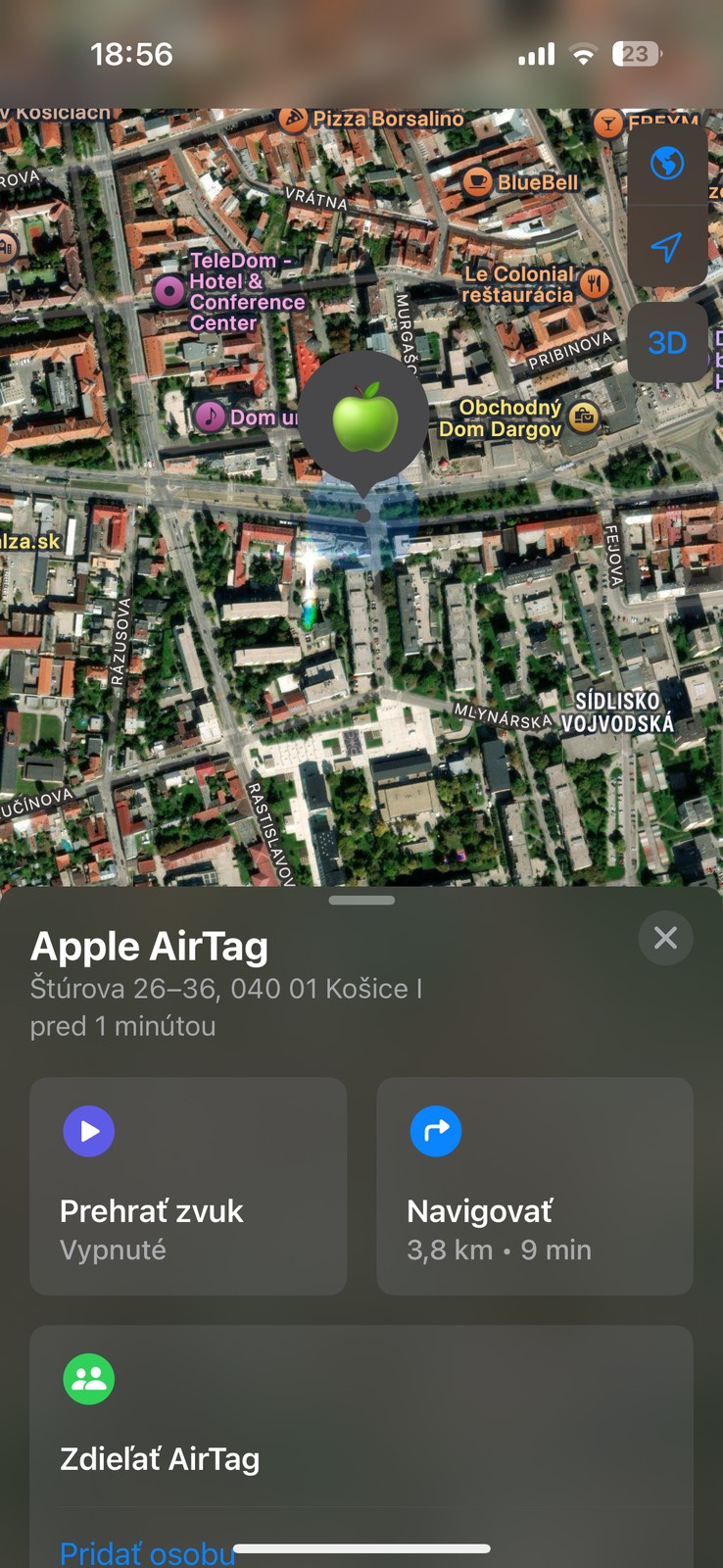
Even on March 17, we could use an AirTag to track a friend’s movement on public transport in Košice on the map, literally live. This is probably thanks to UWB integration. Although the AirTag usually had a greater delay in less busy areas (e.g. 51 minutes on the train on 17.3.), its accuracy remained above average.
Test on a static object in a very busy environment
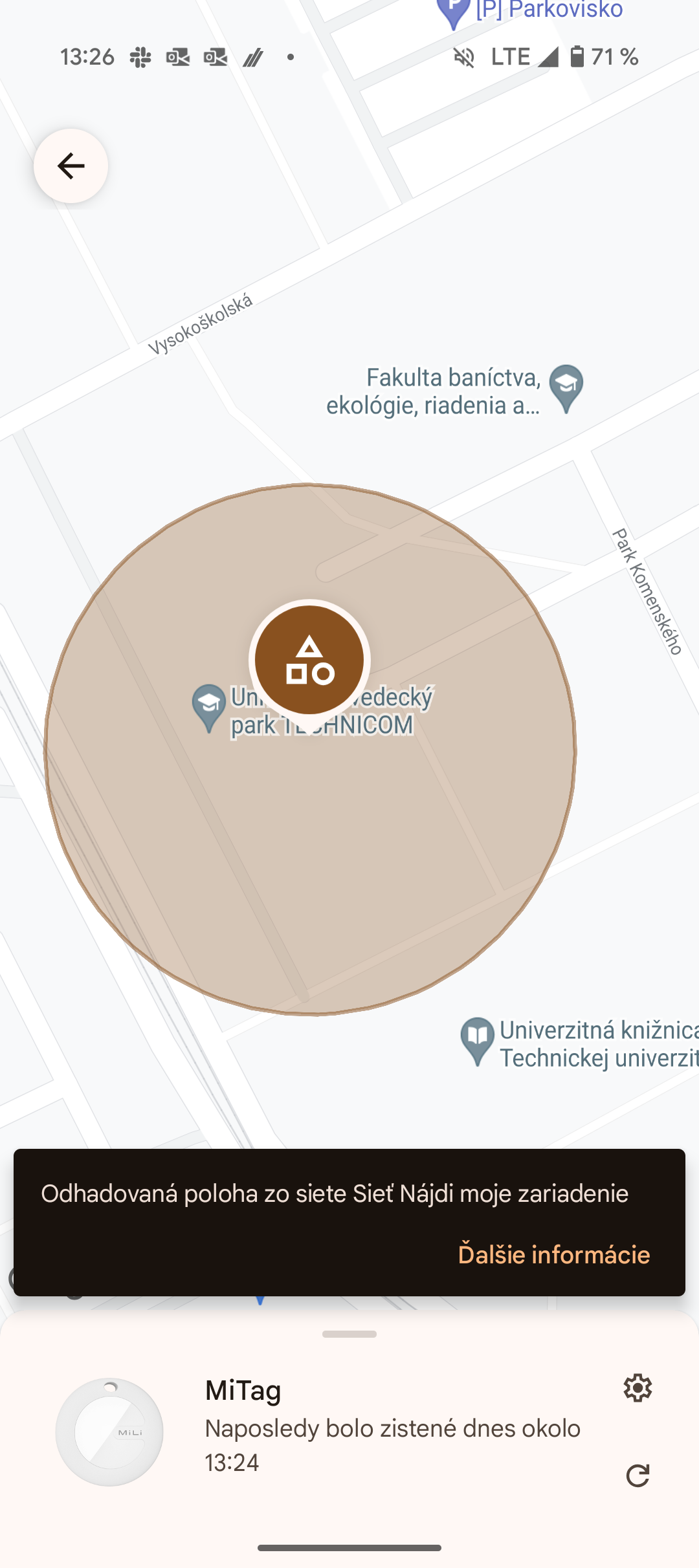
How do tags behave when we leave them in a place where lots of people are constantly moving? We locked both key fobs in a cabinet inside a very busy university library. The results surprised us.
Both of these tags are excellent. MiLi MiTag Go really impressed us—we repeatedly recorded live location or updates that were only 1 to 2 minutes old over the course of a few hours. Accuracy was almost always a “very small area”, with a single exception, when the circle of possible presence was slightly larger.
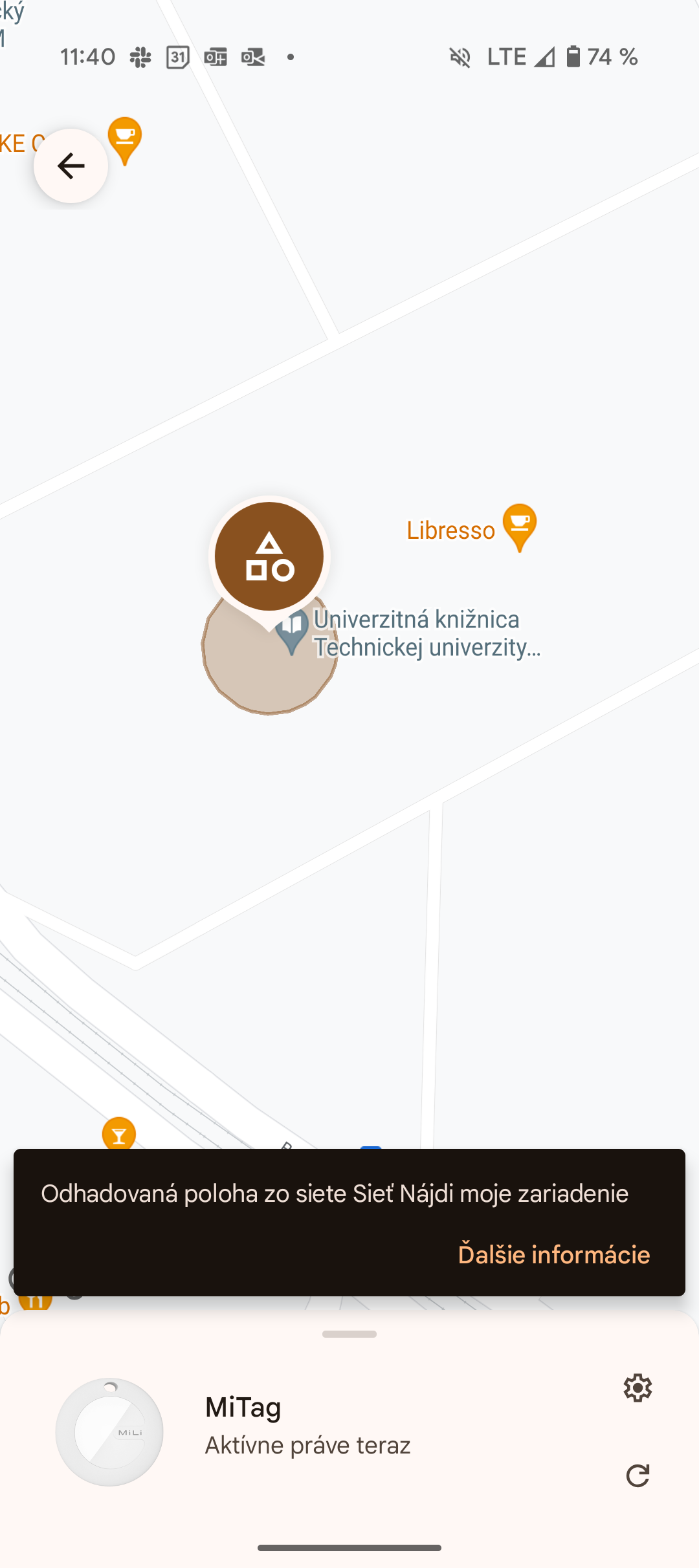
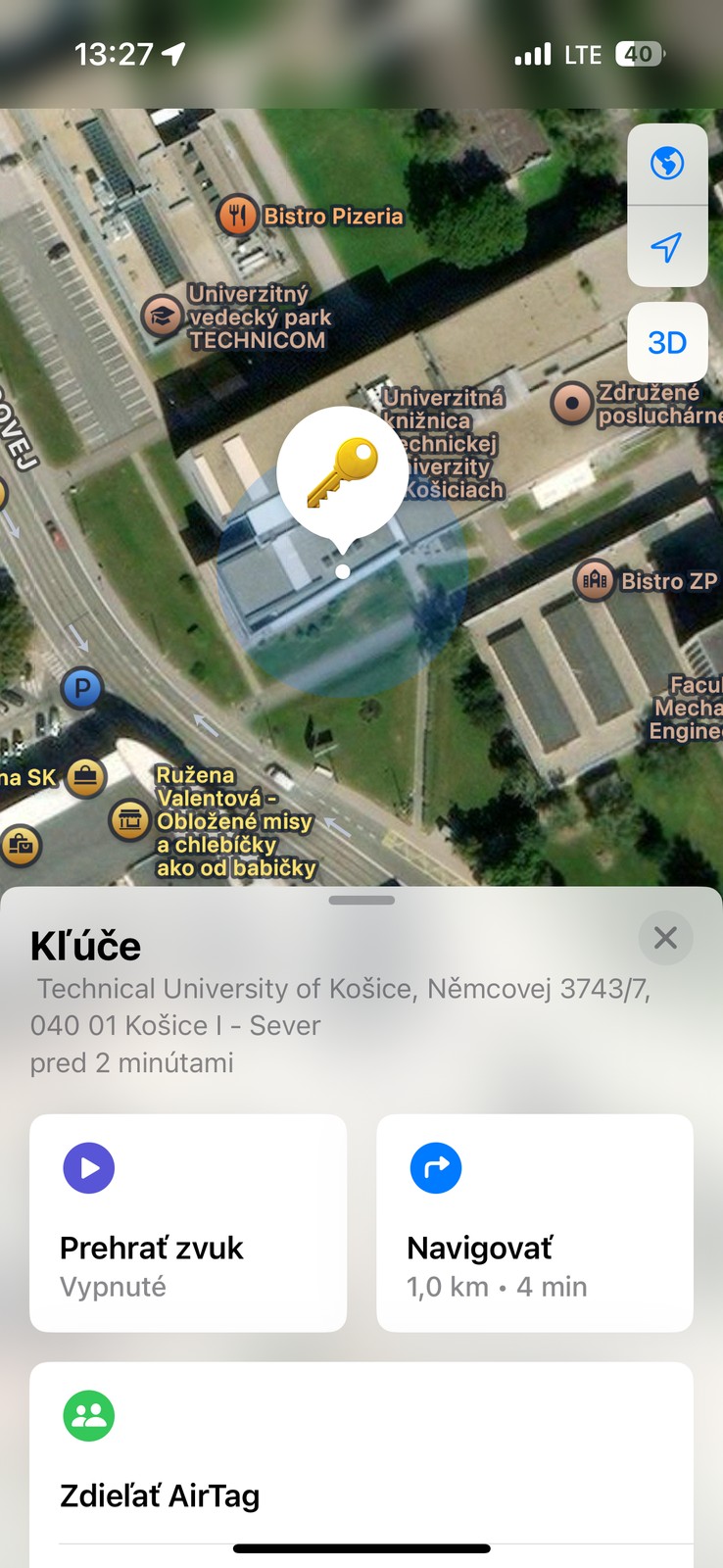
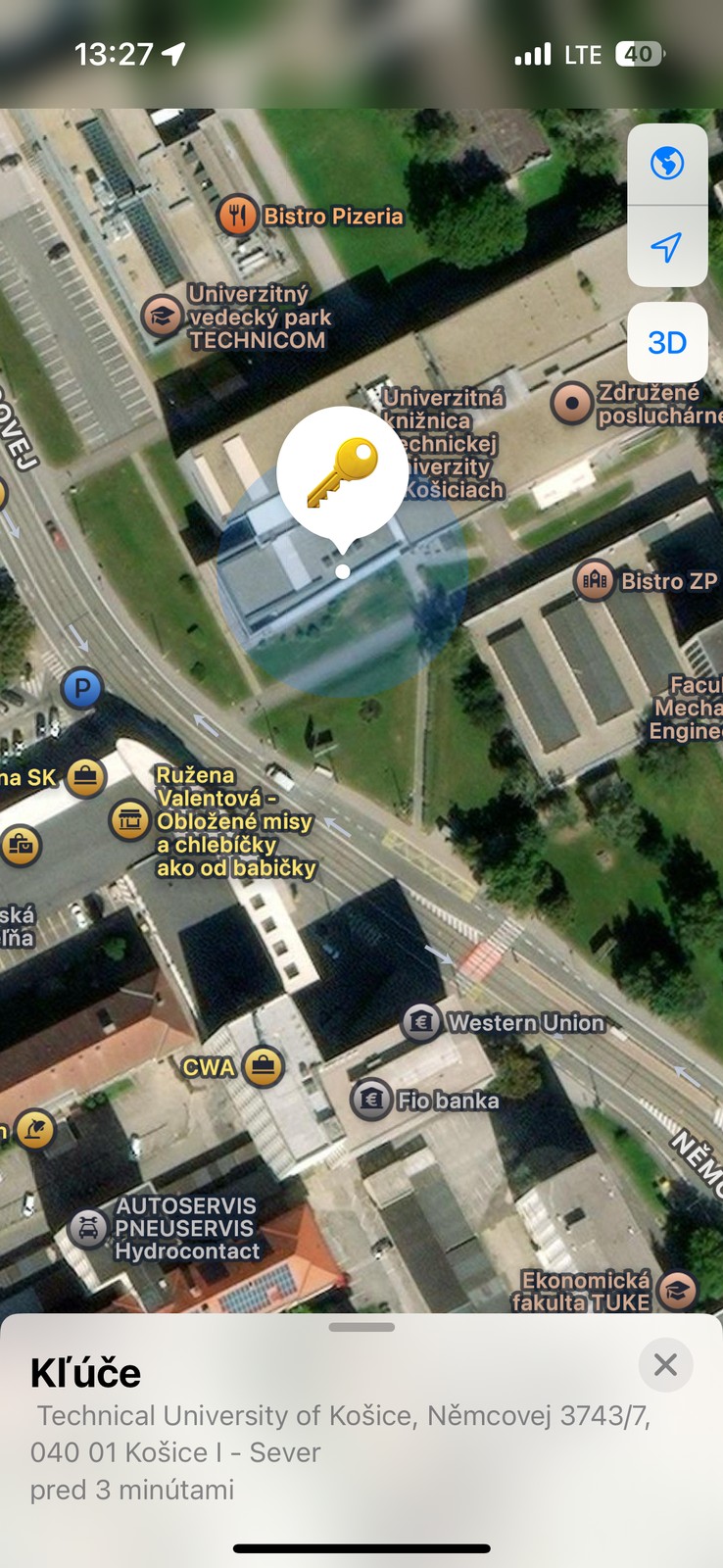
Apple AirTag delivered similarly excellent performance. Updates were either live or at most 2 minutes old, and the accuracy was consistently so good that we’d call it a “very small area”.
This test showed that when there are enough compatible devices nearby (Android phones for the MiTag, iPhones for the AirTag), both systems work great and can provide near-instant and precise location. MiTag was able to keep up with AirTag here, which is good news for Android users.
Test on a static object in a less busy environment
What happens when we leave the tracker somewhere there isn’t that much hustle? We monitored the tags in a family house in the village of Gelnica. MiLi MiTag Go was also attached to an e-scooter parked in the apartment building area for one week.
That’s where clearer differences started to show. MiLi MiTag Go updated slightly more often during the testing than AirTag. This could be, for example, because there are more Android device users around us.
Often, the location was updated within a few minutes, but at other times we saw long pauses between updates—in the house in Gelnica, once it was almost 12 hours (overnight from March 17 to 18), and in the apartment building we spotted an almost 23-hour delay once (between March 21 and 22).
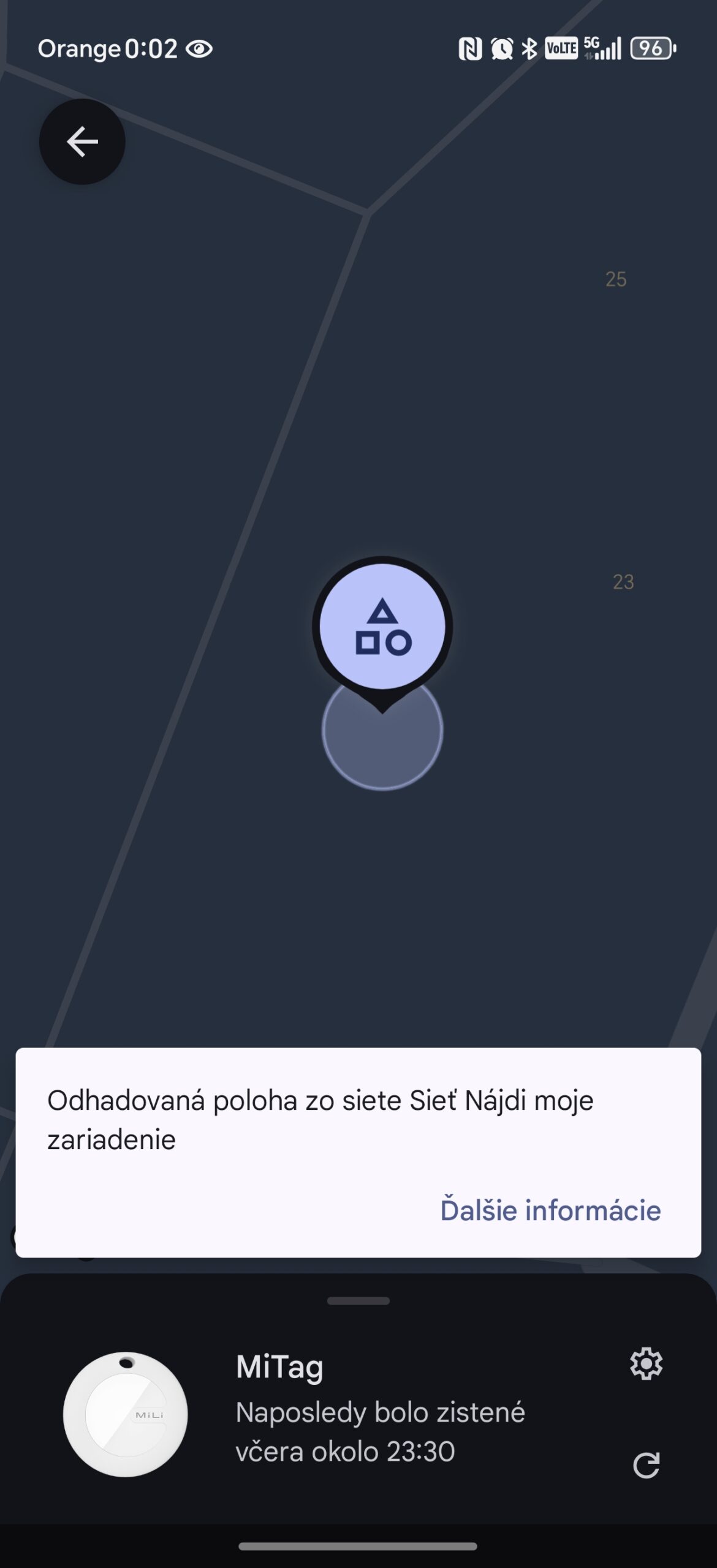
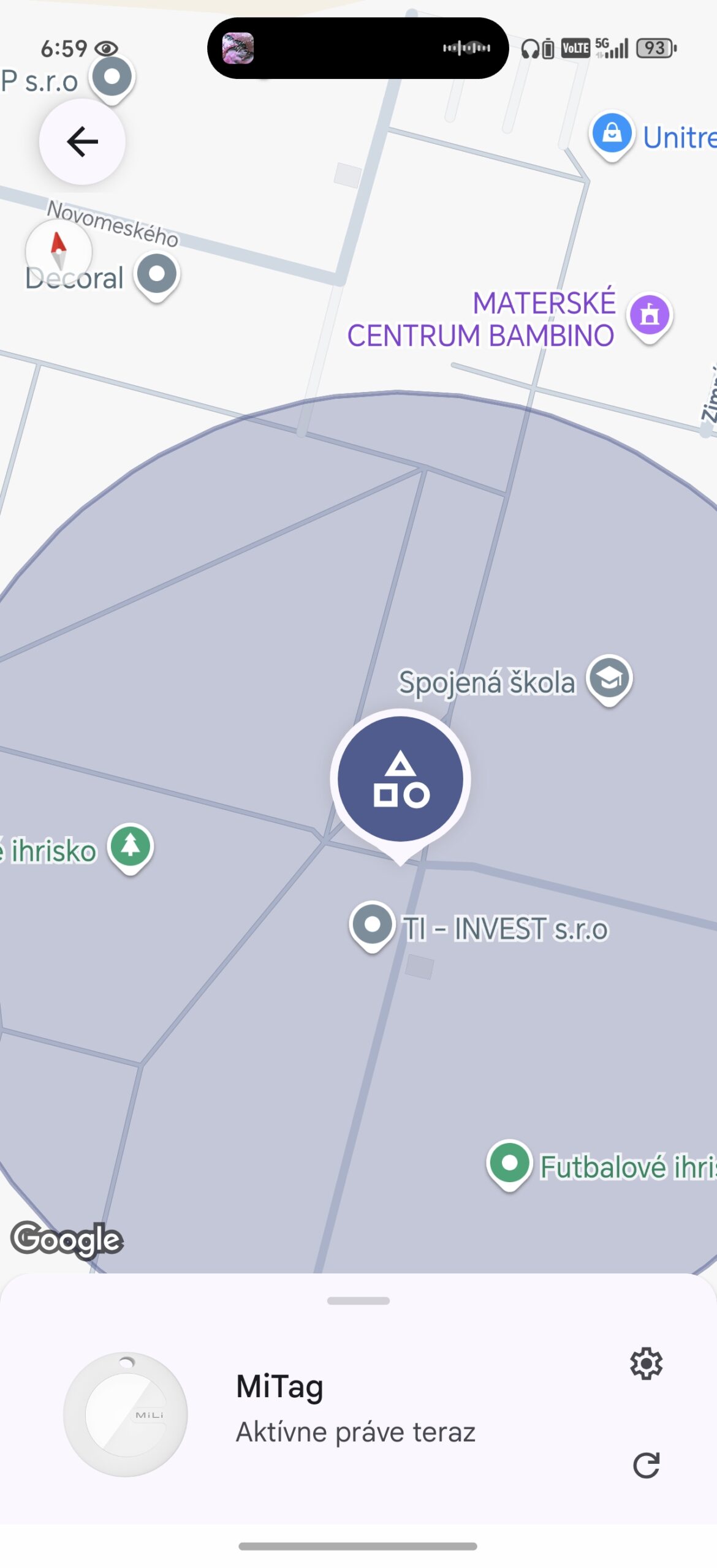
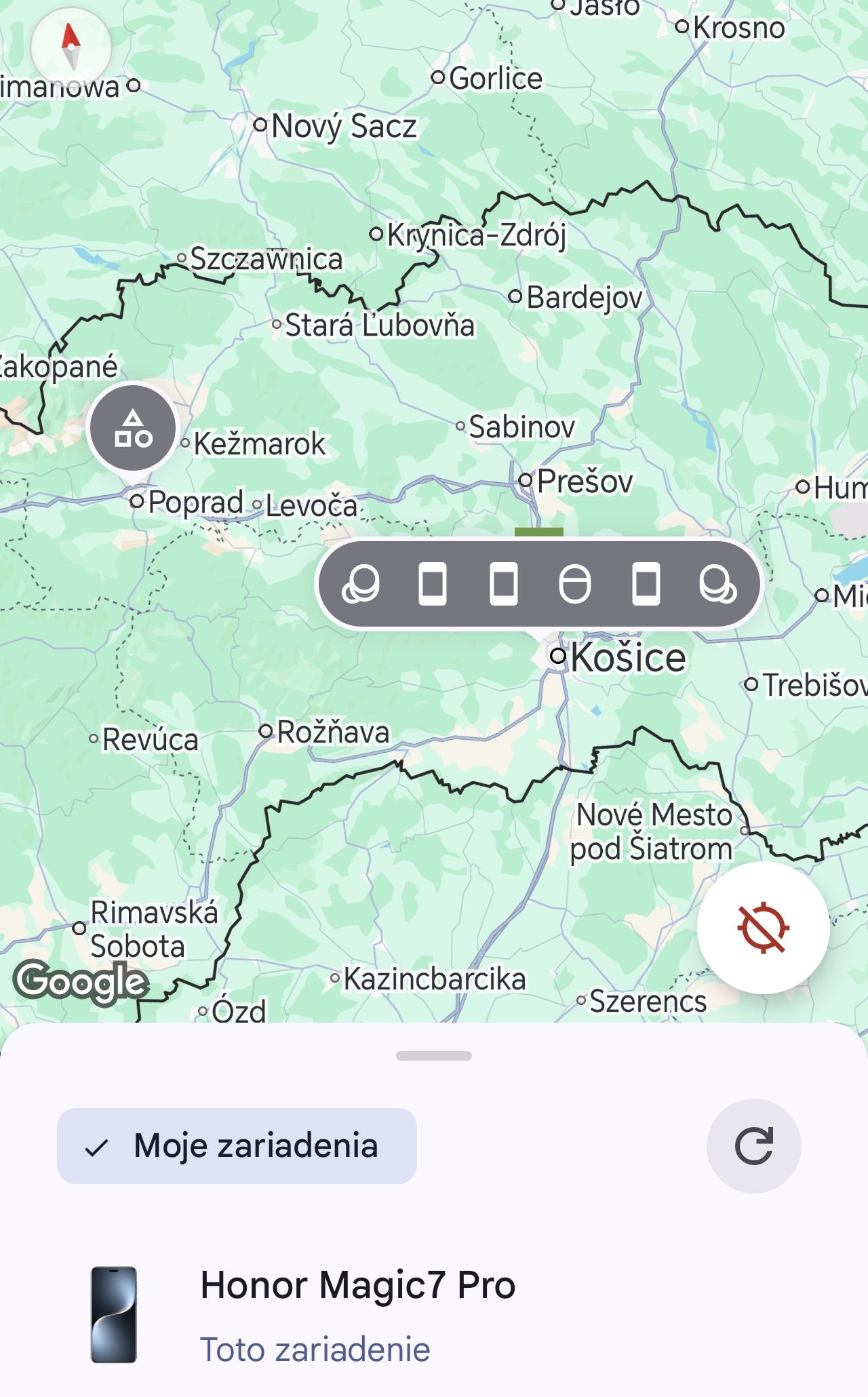
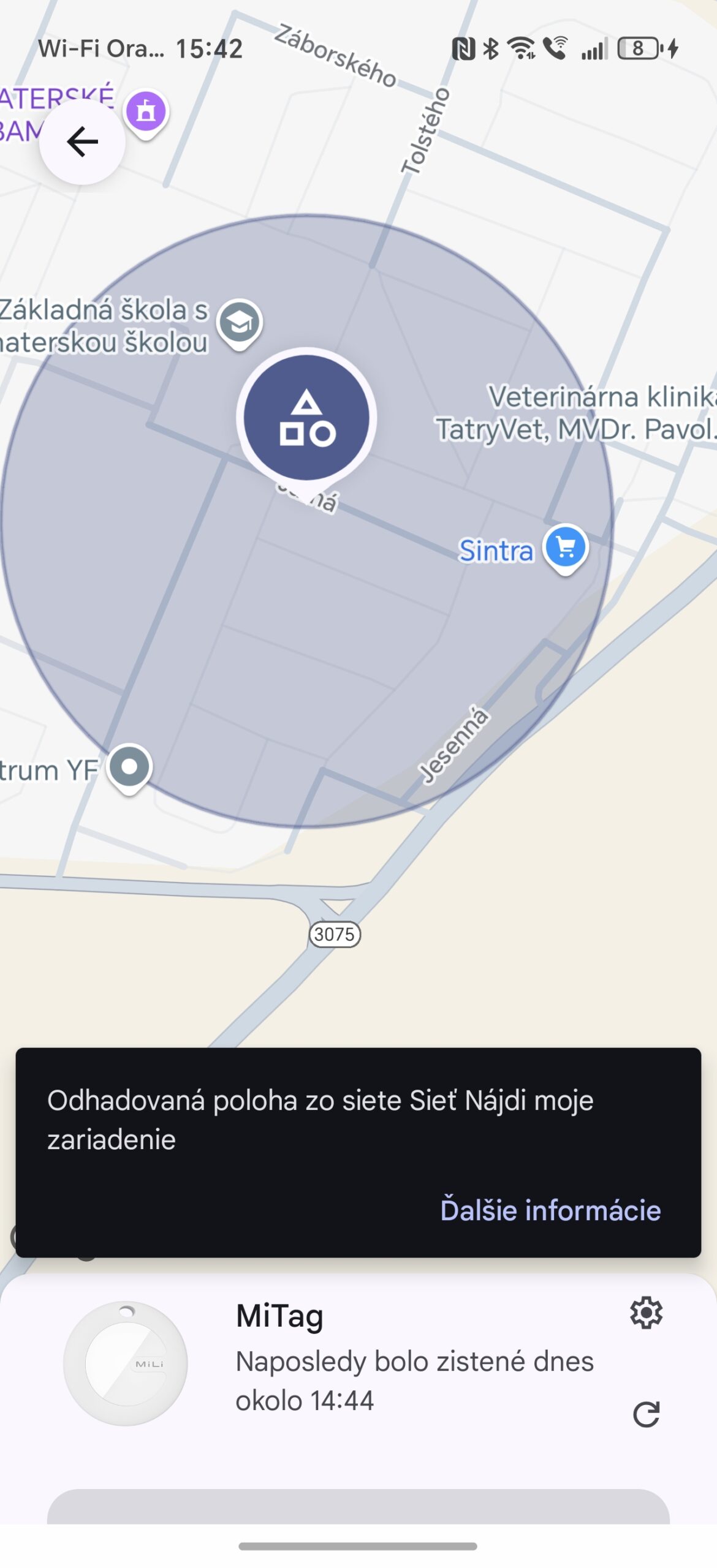
You should mention that comparing the morning of March 18, when the AirTag had location data that was 9 minutes old, while the MiTag showed a location that was almost 12 hours old, was of course caused by the night time and the low presence of other devices nearby. The fact that only the AirTag updated is probably just a coincidence – someone with an iPhone walked down the street earlier than someone with a supported Android phone. Soon after that, the MiTag also updated.
Even with the e-scooter, there were more than 5-hour update pauses during the day, but these were isolated cases. We also see similar behavior after two years of owning a pair of AirTags, even in that case—with the only difference being a better location reference. Even though MiTag’s accuracy would usually fluctuate, the rate of updates was still mostly high.
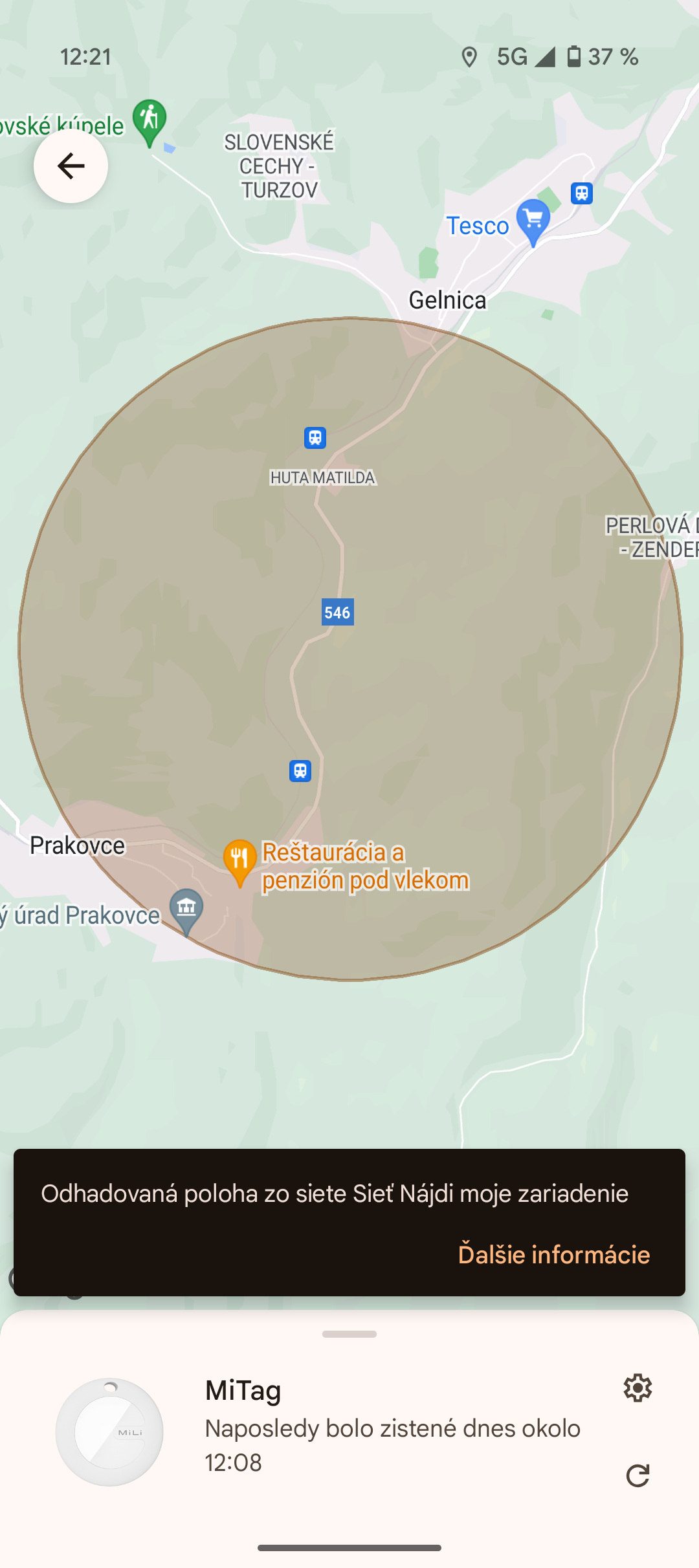
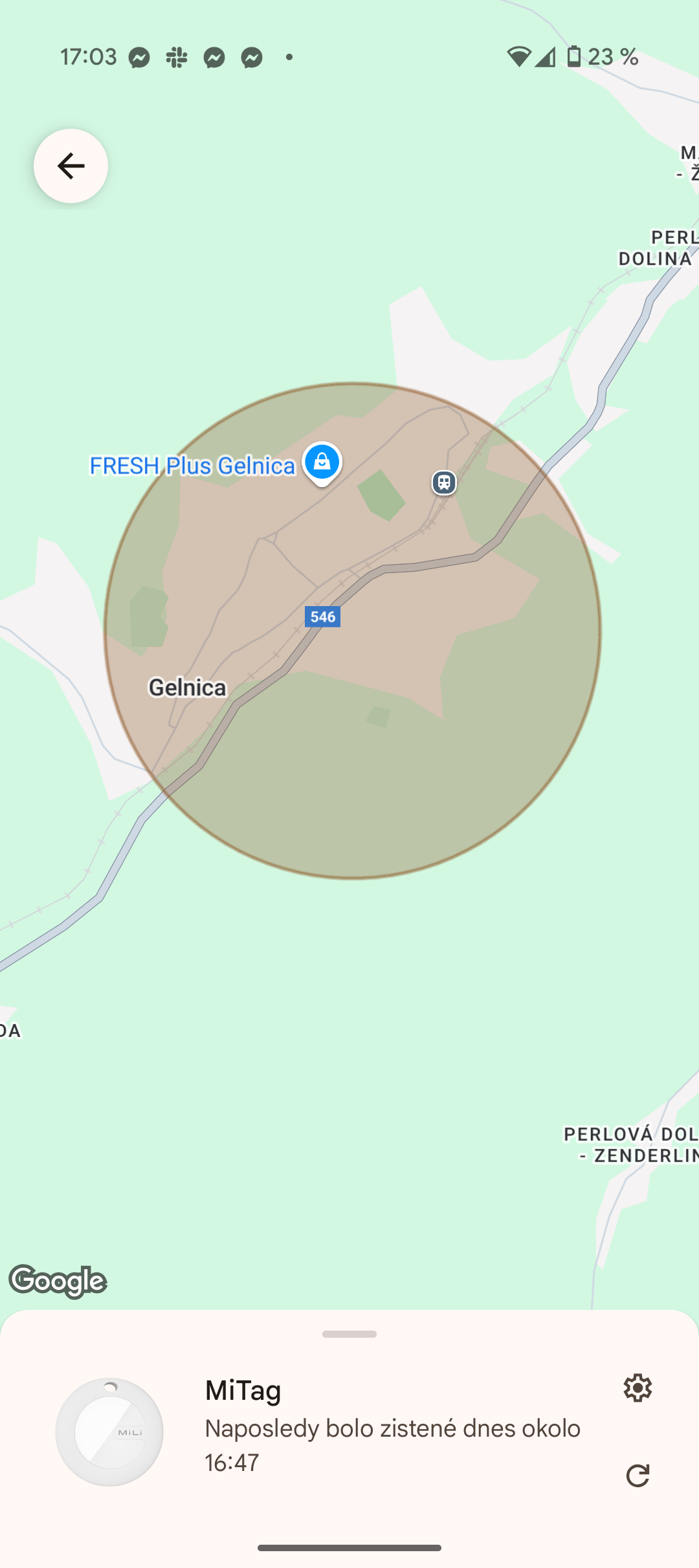
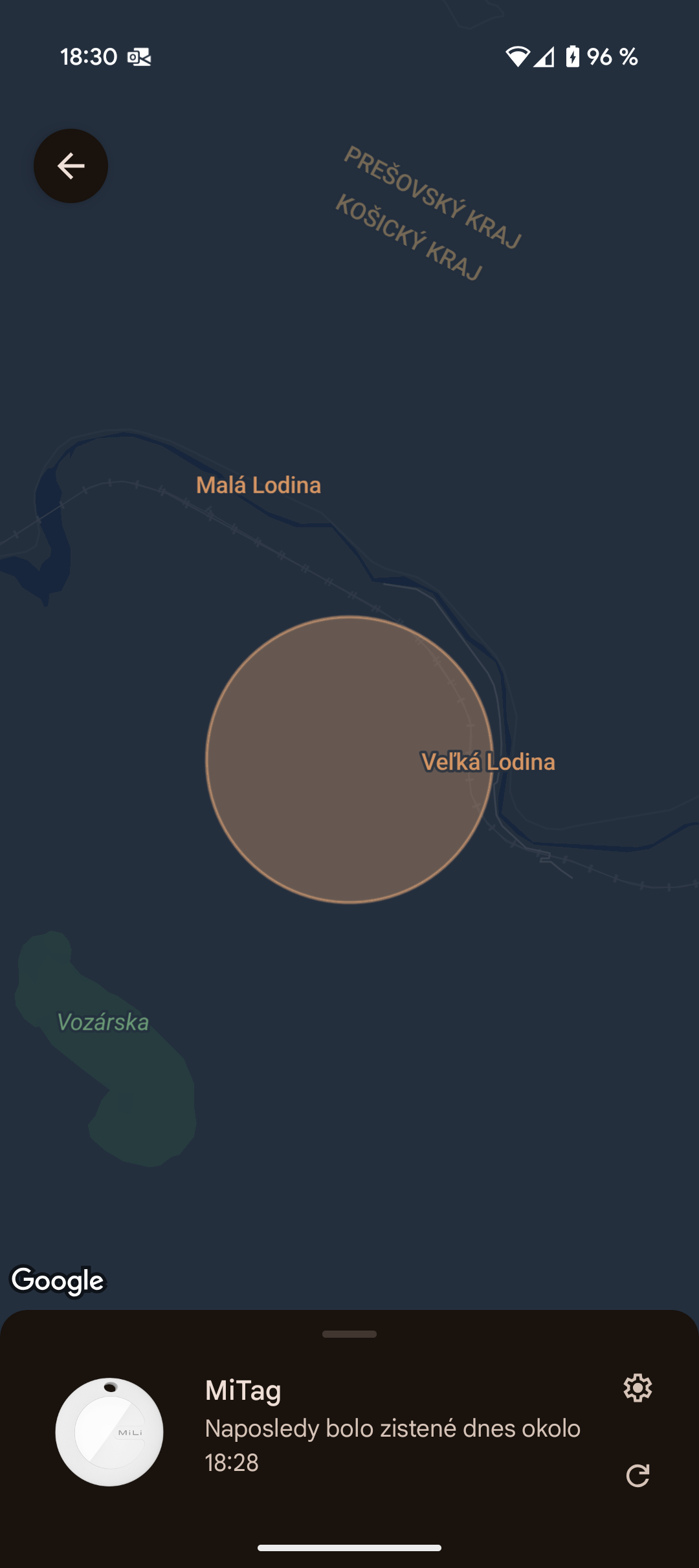
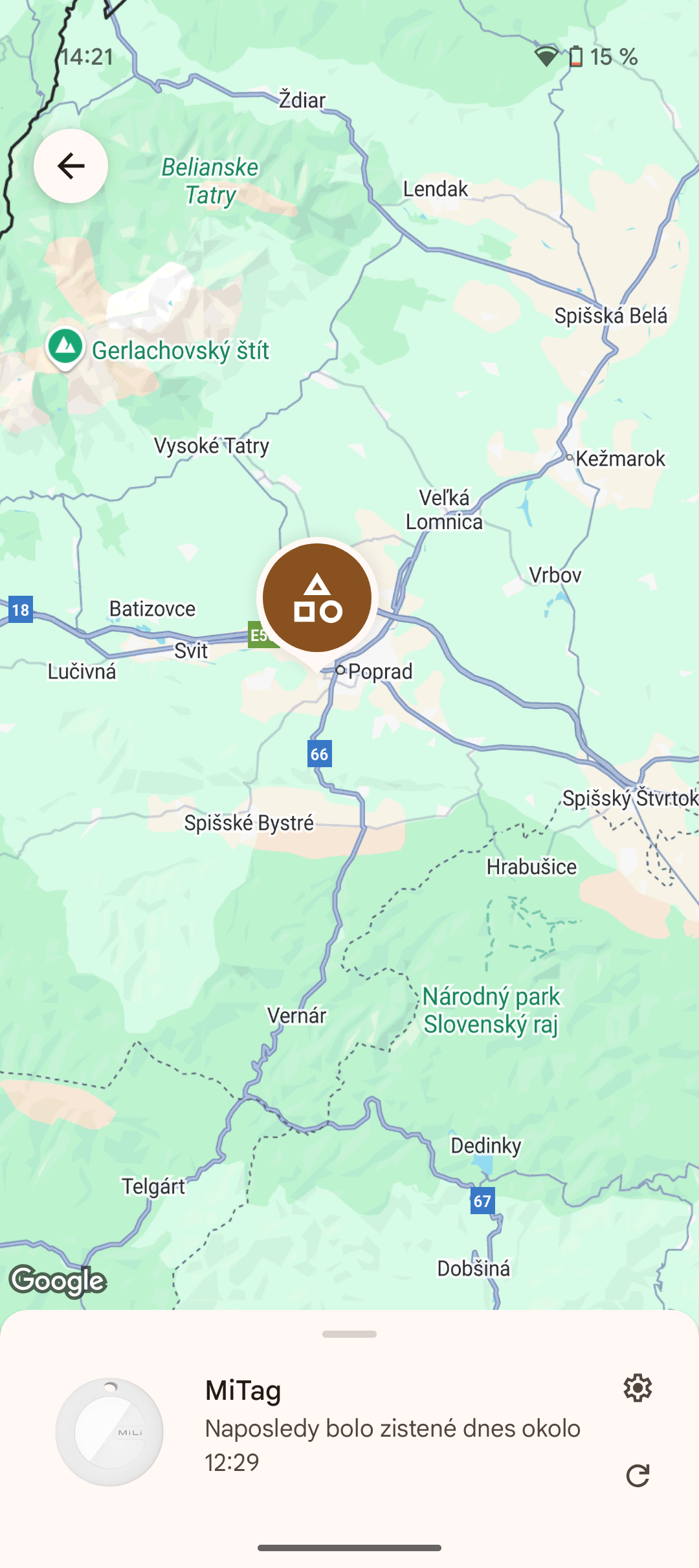
We saw a “very small area,” but more often a “medium,” “large,” and “very large area.” We also recorded a wrong location once (on March 18, in the house). Inaccurate location or a wide area where the object may appear can be an issue, for example with a e-scooter in an apartment building. Accuracy is critical here.
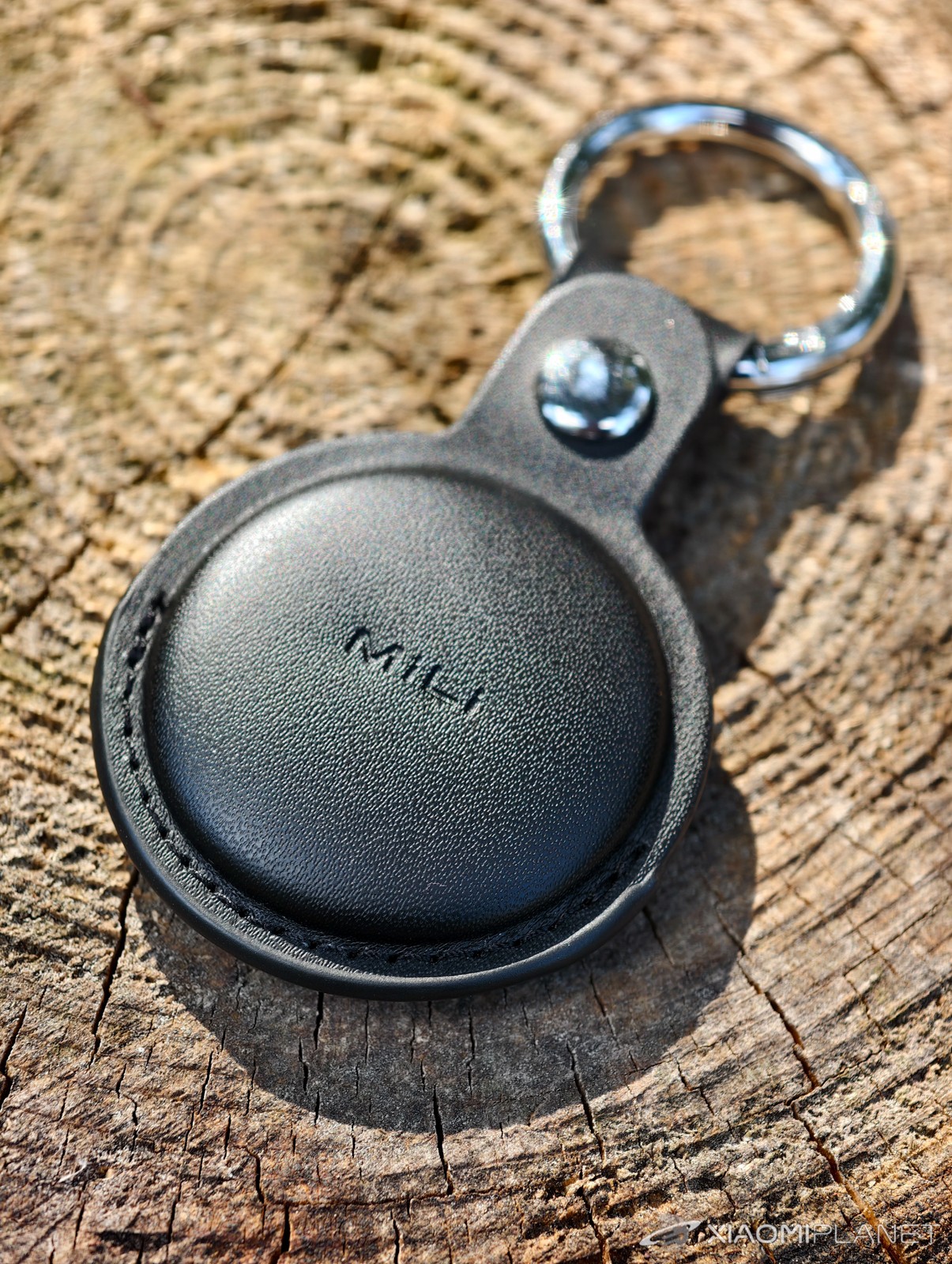
Showing a “mid” or “large” area in a housing estate can mean that the e-scooter is anywhere within a radius that also includes neighboring entrances or apartment blocks, which makes its localization much harder. Then you can’t determine whether someone from the area, for example, couldn’t have stolen it… We don’t add all the screenshots we have to the review – there are way too many. Instead, check our overview tables, where you have all the key information summarized for you.
MiLi MiTag Go Review: Final Verdict
MiLi MiTag Go is a worthy representative among tracking tags for the Android platform. In ideal conditions, such as busy urban areas (libraries, cafes, public transport, shopping centers, etc.), it can perform very well, providing frequent updates and high accuracy.
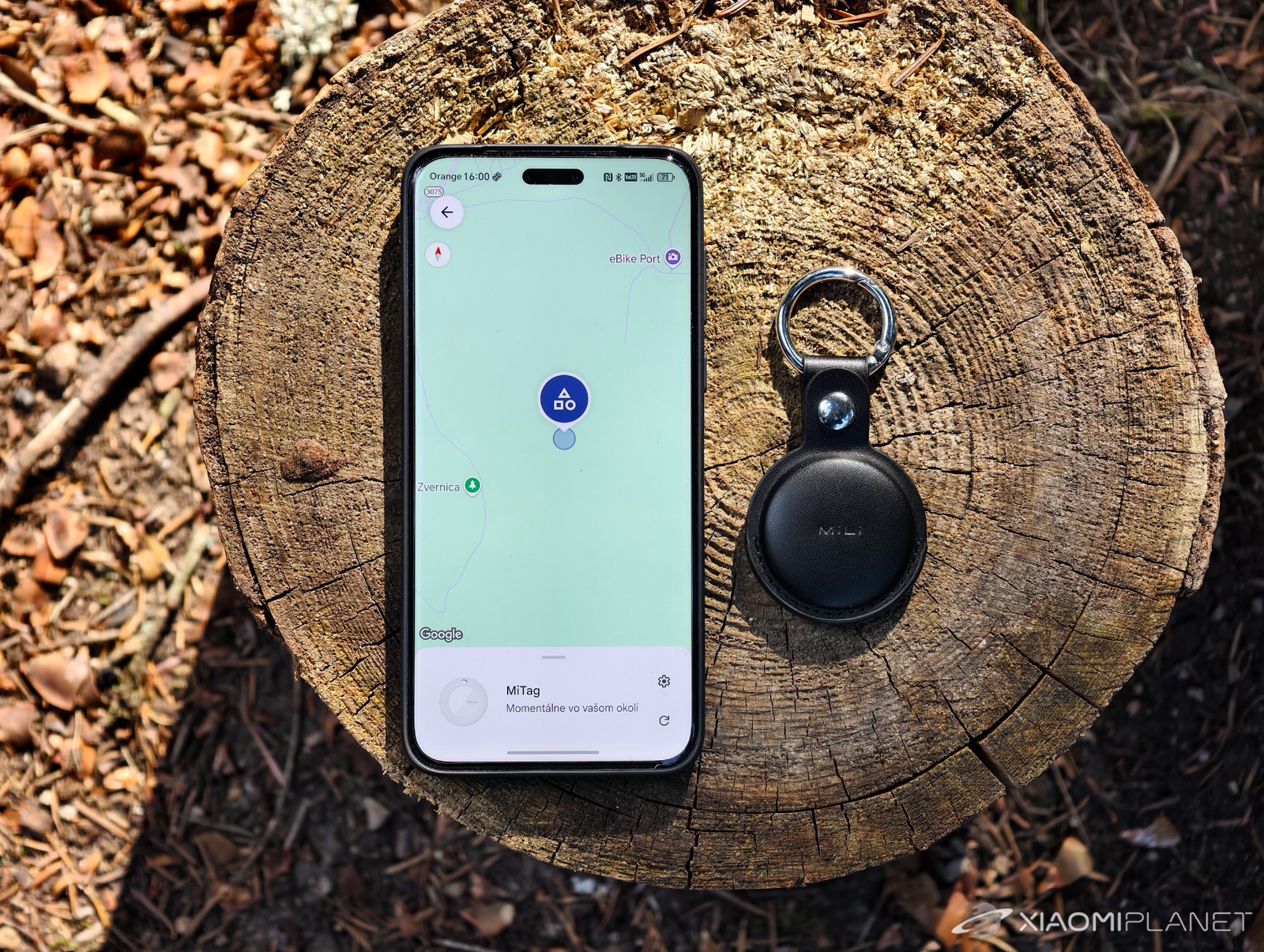
However, his Achilles’ heel appears to be unreliable motion accuracy and sometimes even when stationary. Sometimes it only provides a rough estimate of the location (“middle” to “very large area”), and occasionally it’s outright wrong. The accuracy issue in a housing estate when localizing an e-scooter is a clear example of that. You need to catch the moment when it updates with better location determination on the map.
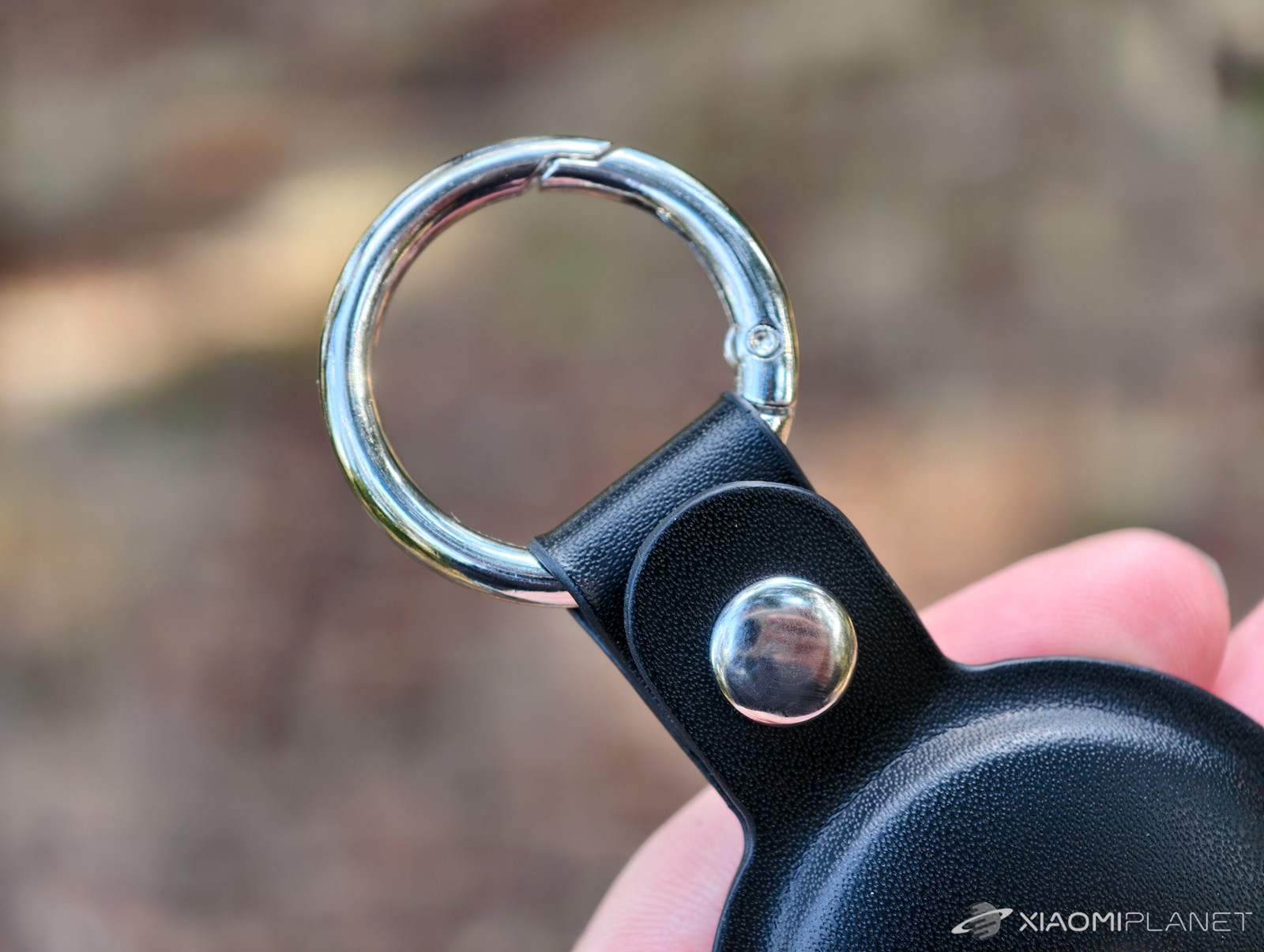
In an environment with dense foot traffic (public transport), both tags can update their position relatively often. MiLi MiTag Go, however, falls significantly behind in accuracy and reliability of localization while moving, where AirTag provides much more consistent and precise data.
But if all you need is an overview of where you may have left a lost item, it might be enough. Once the vehicle stops or when more people pass by the tag, you'll get more accurate location information.
A significant advantage of the AirTag is also the UWB chip for precise last-meter tracking, which MiLi MiTag Go does not have. We hope future generations will bring it. However, UWB must also be supported by the smartphone.
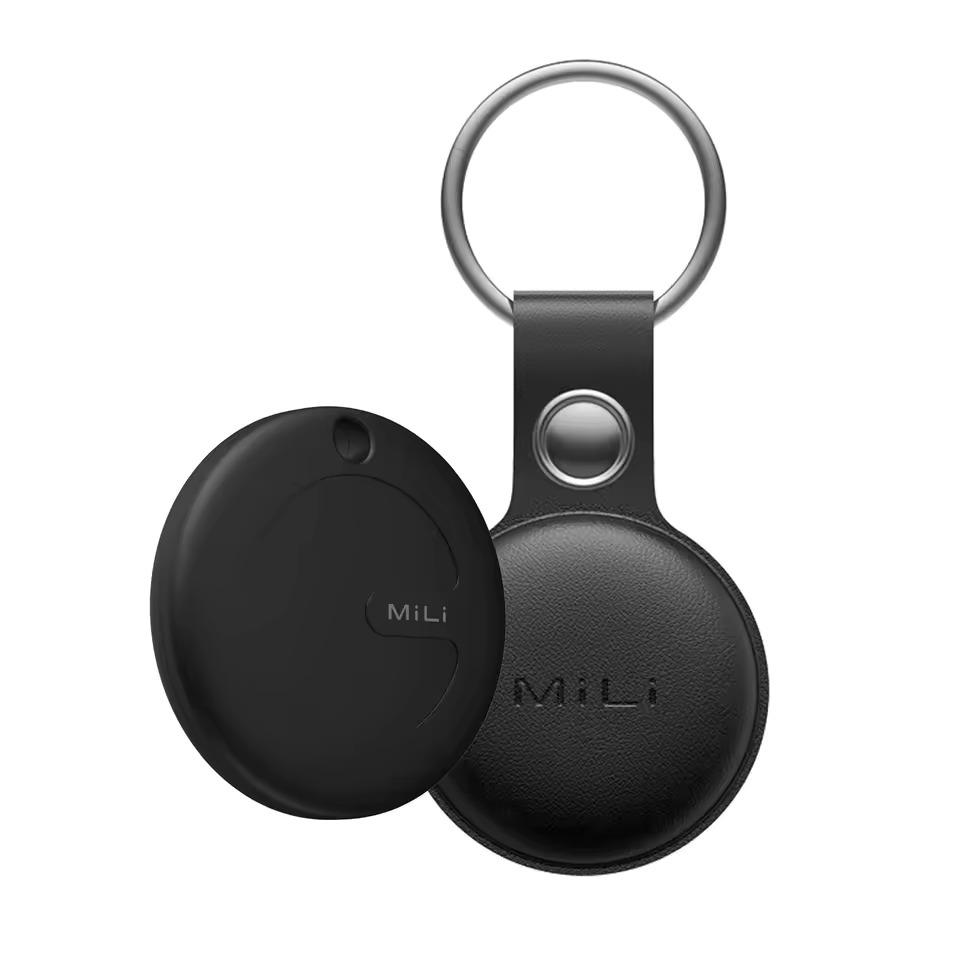
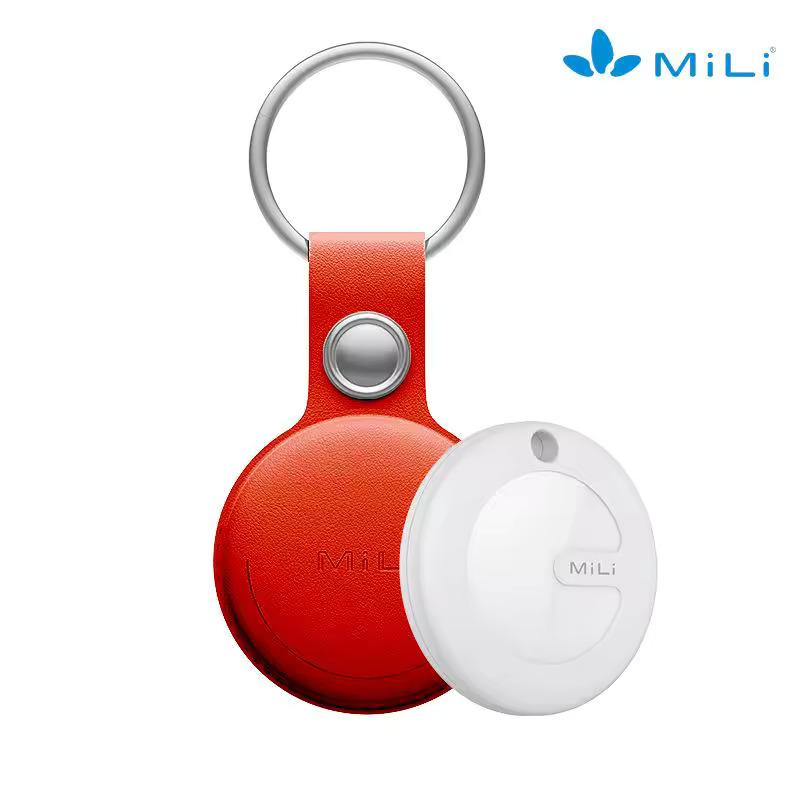
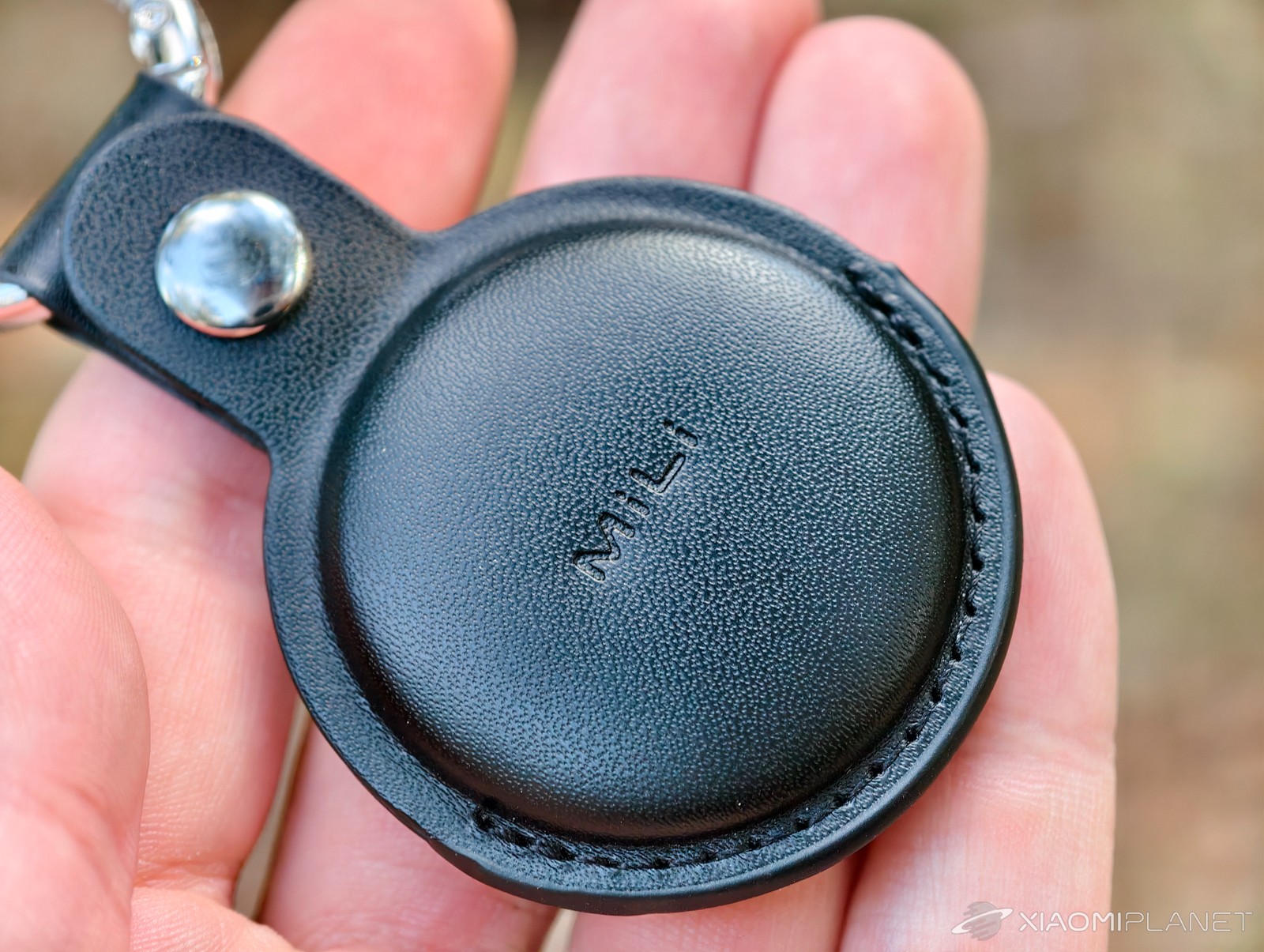
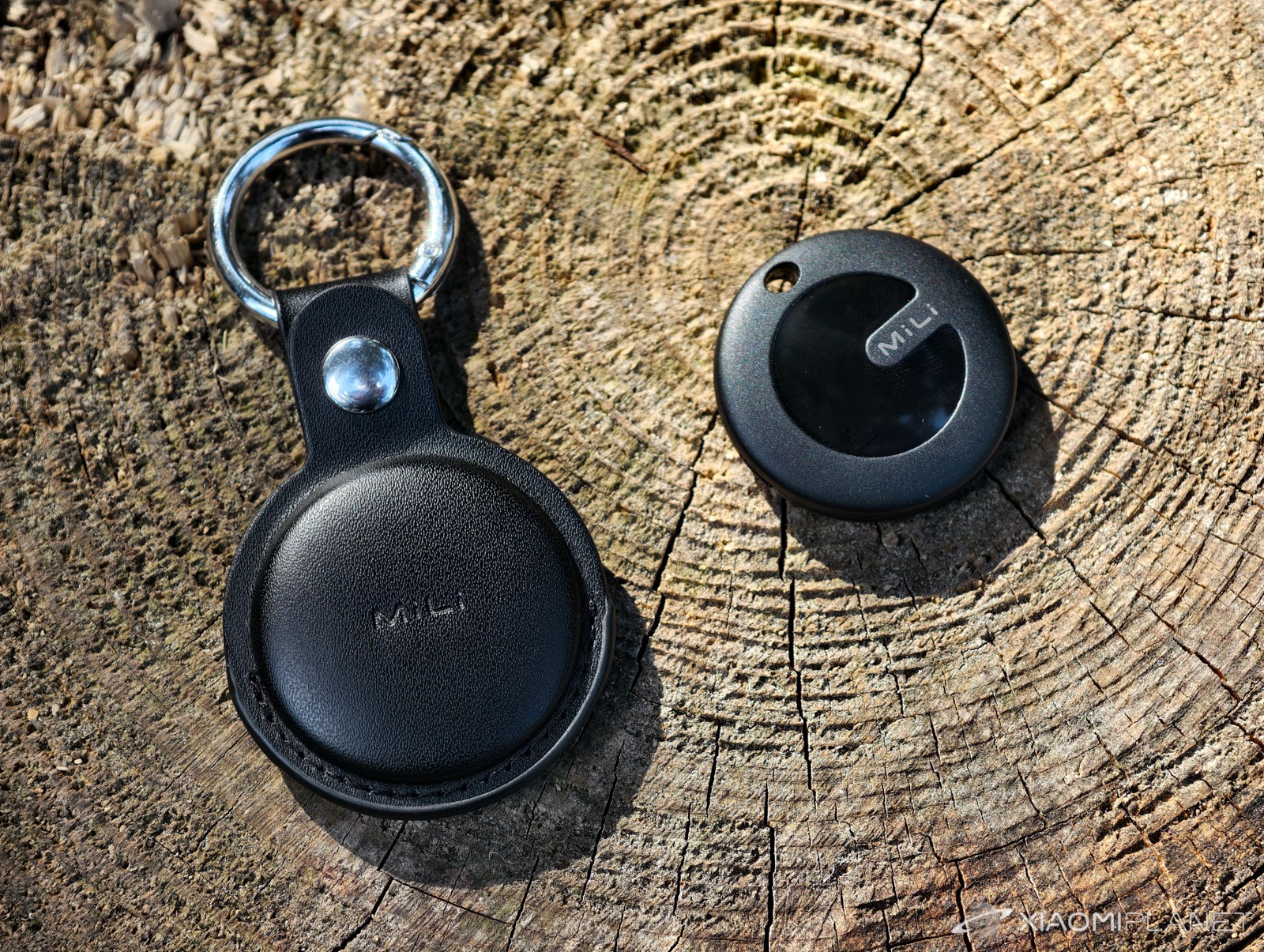
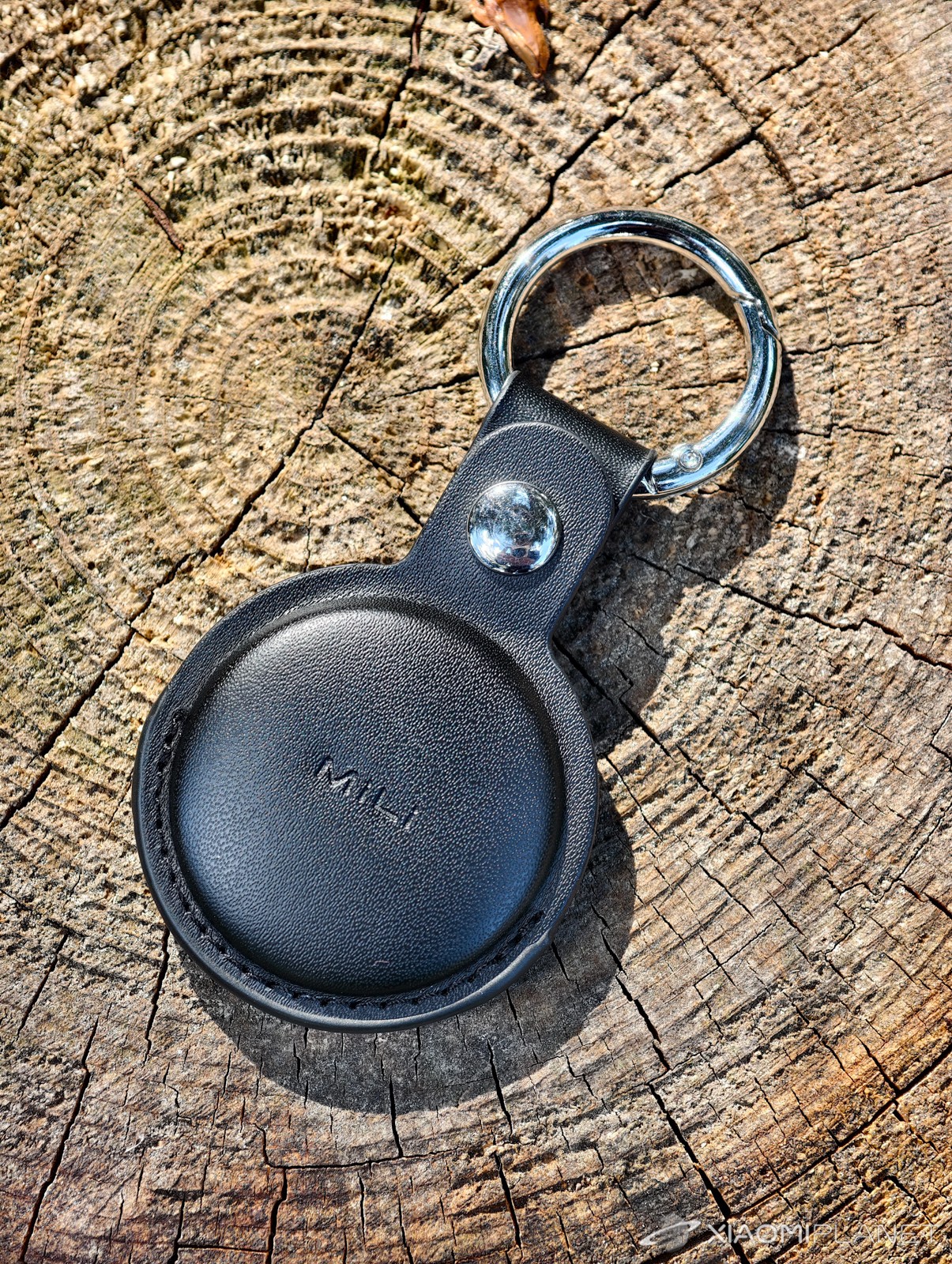
The latest chips already tend to implement it for future use. The big draw is the price, and the MiLi MiTag Go is practically half the price of the Apple AirTag. For that amount, you also get a nice faux-leather case. Apple's original case is horribly overpriced, but cheaper alternatives exist, also made of faux leather.
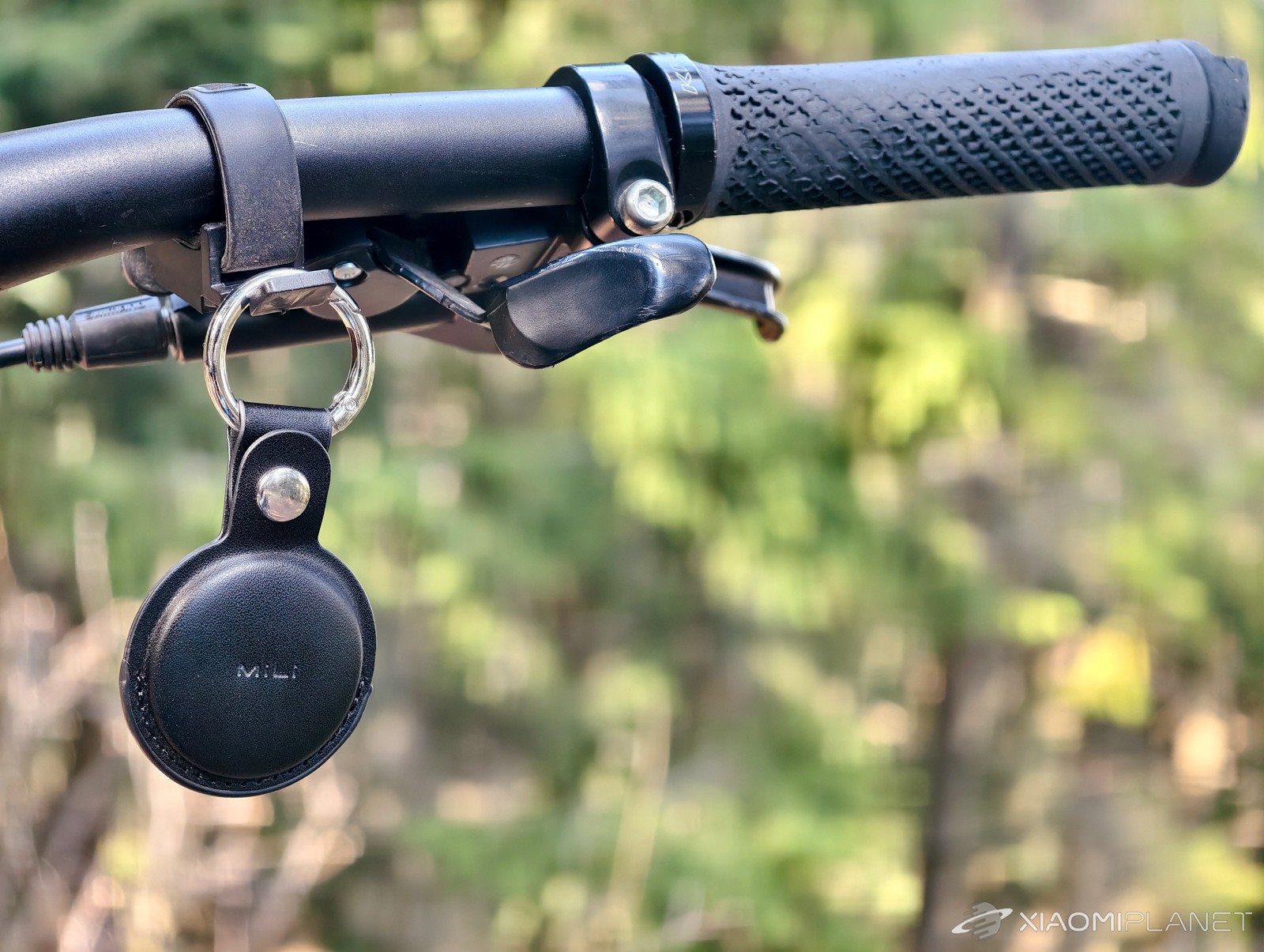
If you're an Android user looking for an affordable tracking tag, MiLi MiTag Go will be a good choice, especially if your valuables are mostly in densely populated areas. However, you must be prepared for its limitations — not always ideal accuracy, especially away from the bustle of cities and while moving.
Remember that our observations are based on specific tests and locations. The performance of both tags may vary depending on the local density of Google Find My Device and Apple Find My networks.
To get more updates from the world of Xiaomi, keep following our Xiaomi Planet website. Join our Facebook group, where we build an active community and help each other out. Subscribe to our Telegram as well, where we add the best deals and coupons from China every day.
Don’t miss the best coupons 📩
Subscribe and we’ll email you new coupons before they expire. We only send it once a month — no spam.