
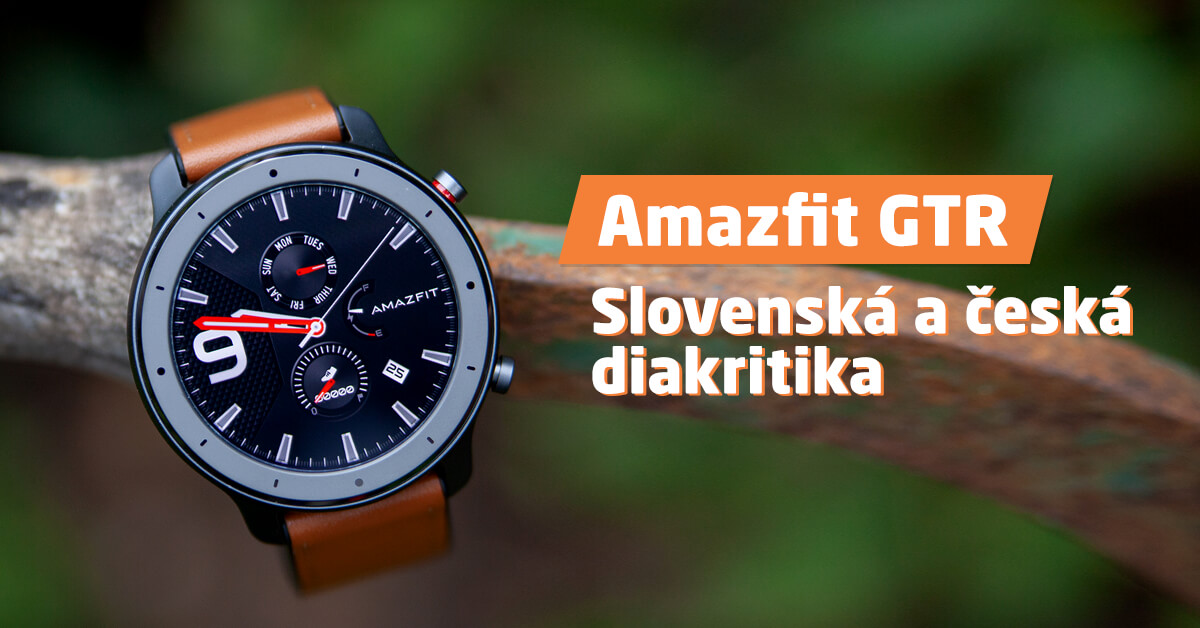
If you own Amazfit GTR or GTR Lite, you may have run into the absence of the Czech or Slovak language. This also means there’s no diacritics in incoming notifications from apps.
However, this issue can be solved quite easily and elegantly—just takes you a few minutes. This guide will show you how.
Simple solution
The solution is very simple. As a first step, you need to temporarily switch your phone to Italian through the settings of your specific phone. In this language, the feature surprisingly works. This applies to Android smartphones, but iOS users don’t have to miss out either.
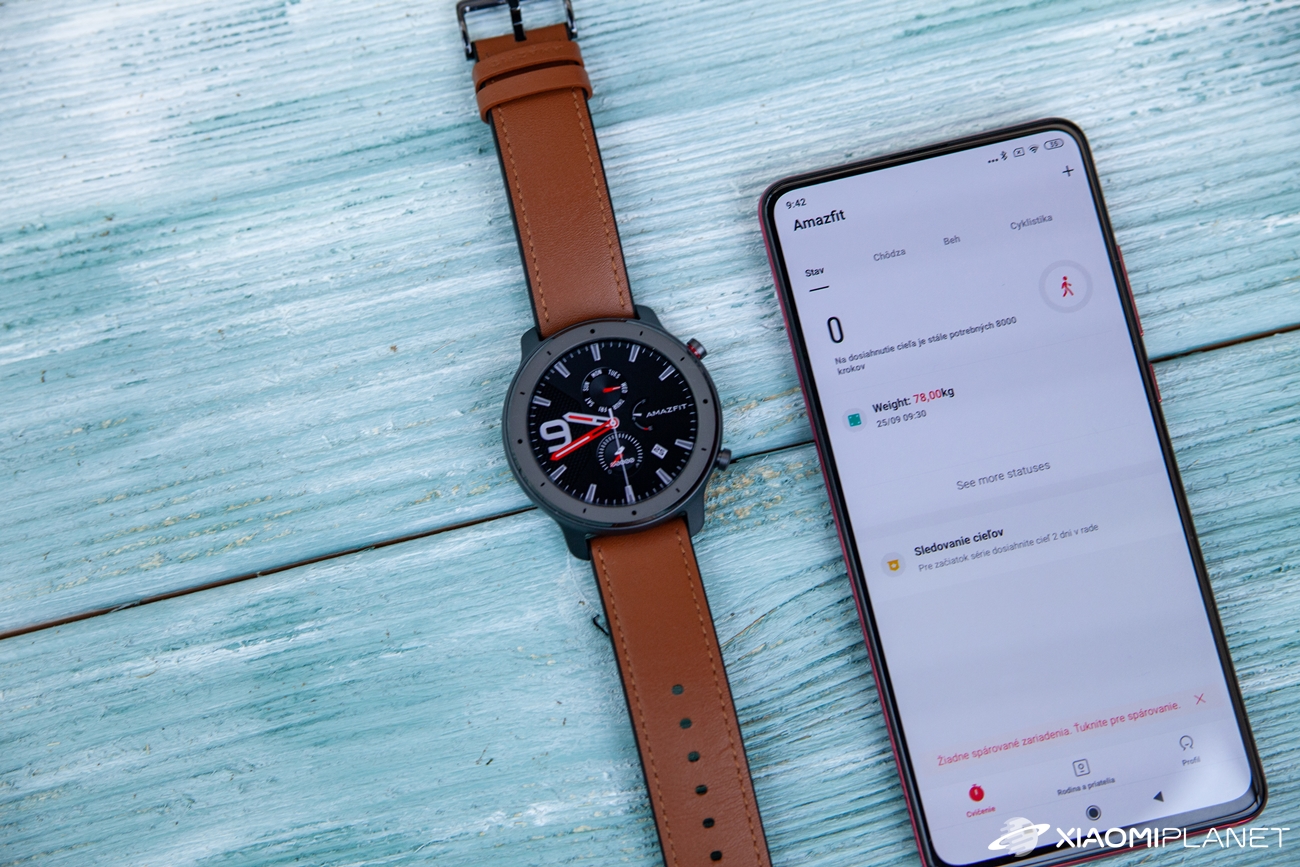
On iPhone, you can even switch only the app itself to Italian, without changing the language or region of the whole smartphone.
The Amazfit app will then load in Italian. However, that’s not a problem at all—quite the opposite. In the menu of the device, meaning the Amazfit GTR or GTR Lite watch, you need to look for firmware updates.
Current coupons for Amazfit GTR watches
You need to update the firmware
The app will practically immediately offer an update that includes a new text font, but also other improvements, including the mentioned diacritics. Install the update in a single click—of course, on your smart watch currently connected via Bluetooth.


After the update is finished, your watches should also display in Italian—this time with working diacritics. The last step is to go back to your phone settings. There, you need to switch the phone (Android) or the Amazfit app (iOS) back to the original setting—in our case, to English.
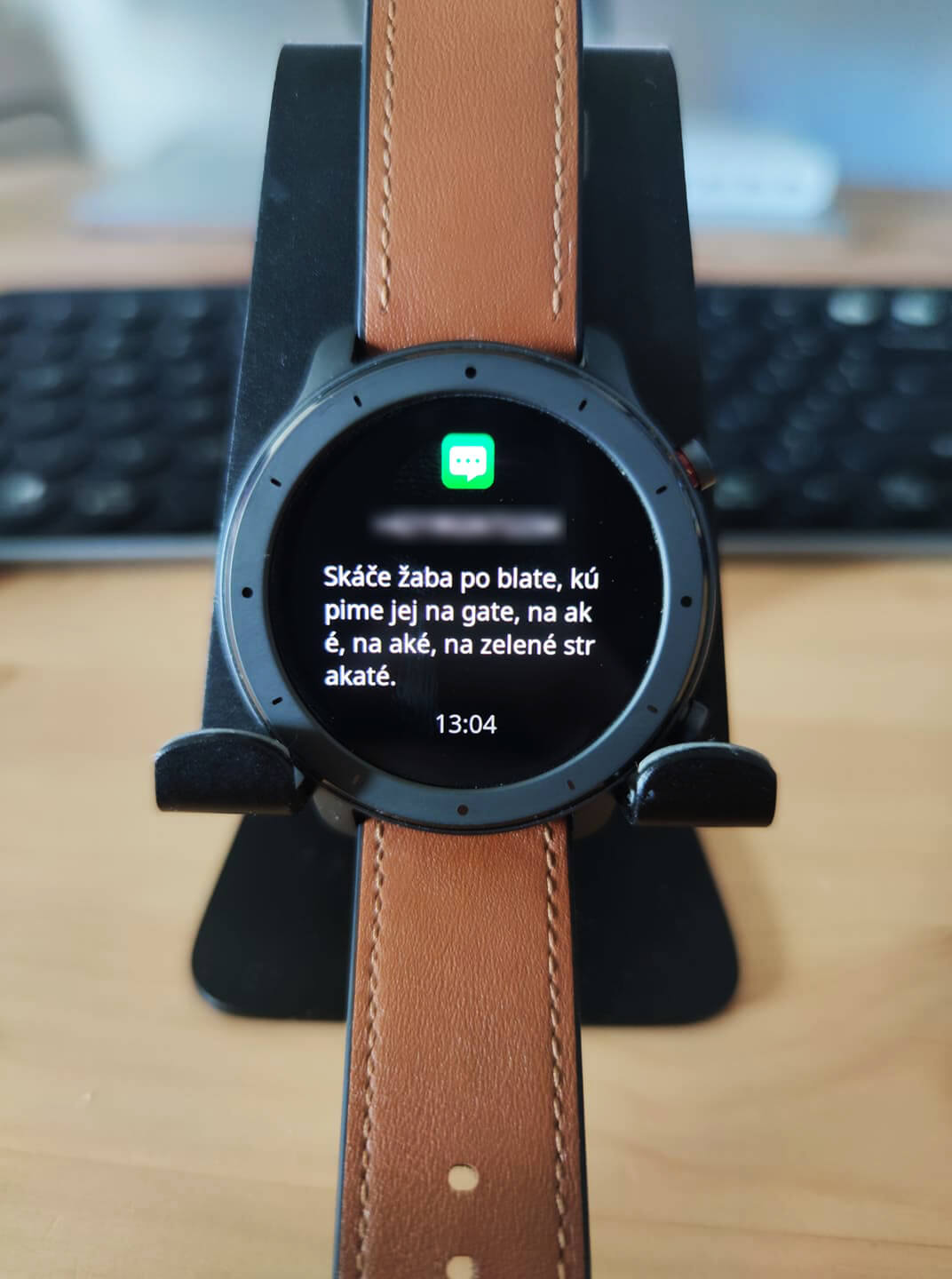
The diacritics will remain active even after you change the language again. If you can’t figure it out with the guide or you have more questions, feel free to write to us in the discussion under the article.
If you want more guides, subscribe to our newsletter. 👇
Don’t miss the best coupons 📩
Subscribe and we’ll email you new coupons before they expire. We only send it once a month — no spam.