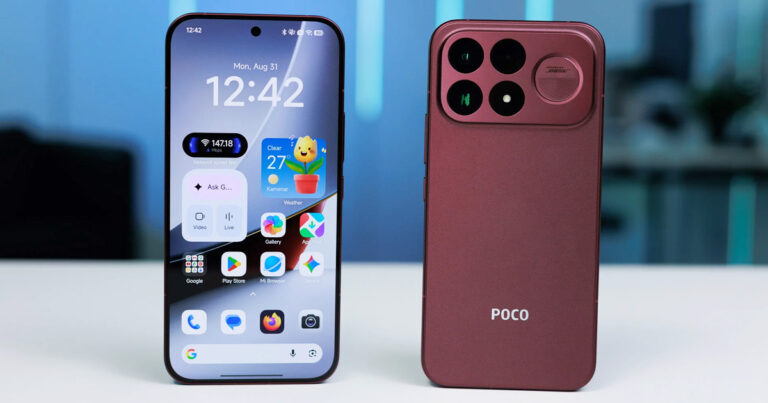

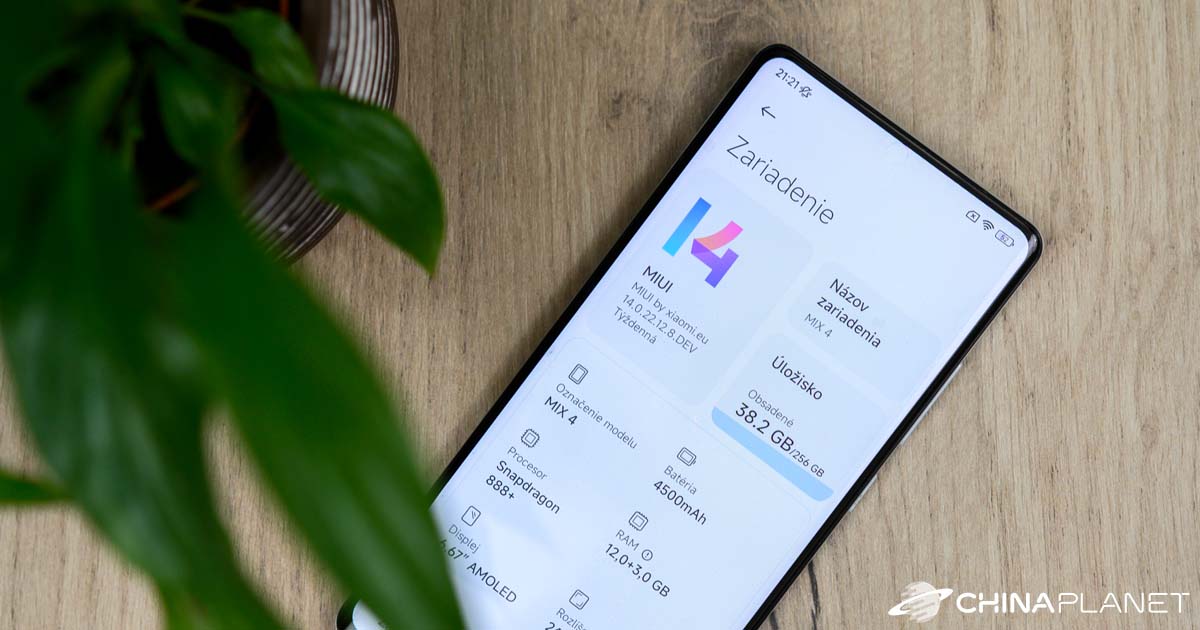
At its December press conference, Xiaomi recently unveiled a new version of its graphical overlay, MIUI 14. It’s based on Android 13 and comes together with new Xiaomi 13 and Xiaomi 13 Pro flagship models, which are the first smartphones to feature the new MIUI version.
In our review, we’ll look at the new features and improvements that MIUI 14 brings. We tested the interface on our editorial Xiaomi MIX 4.
Modified ROM from Xiaomi.eu
The latest MIUI 14 showed up on the well-known community Xiaomi.eu, but also in the local community Miuios.cz, just a week after the official launch. The good news is that the newest version, built on top of the Chinese ROM, is available right away for quite a large number of Xiaomi, Redmi, and POCO smartphones, including our MIX 4.
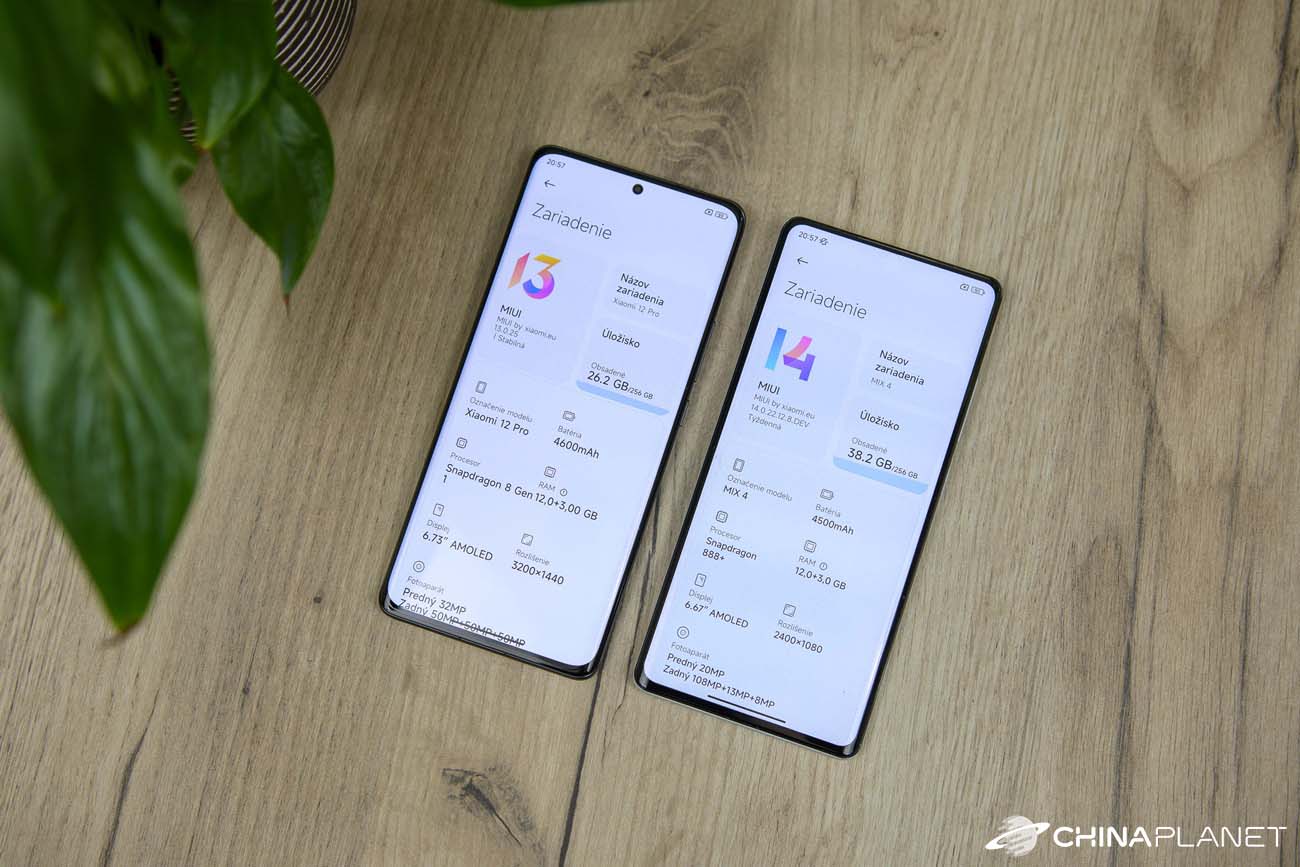
The installation itself is straightforward, since these are fastboot ROM versions. As we also installed the previous MIUI 4 version on our editorial MIX 13, we only needed to download the new ROM, enable Fastboot on the phone, and run the installation file.
There aren’t many design changes
Naturally, everyone will notice first and foremost the changes in the interface design, and in this case there aren’t many. With the exception of a series of new wallpapers, the lock screen along with the home screen is almost completely the same as in the older MIUI version.

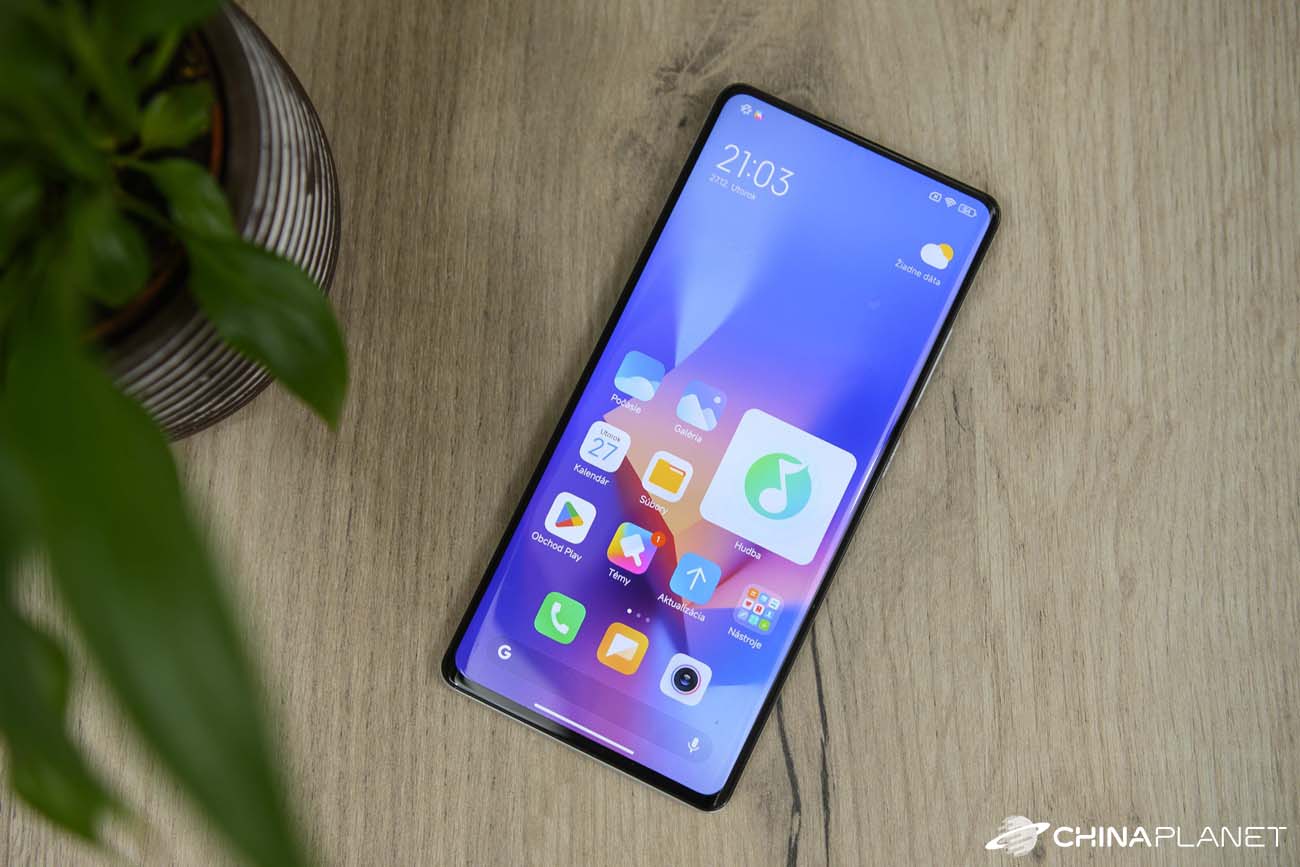
Some app icons have been slightly changed (Music and Google Play), but otherwise we didn’t notice any change on the home screen. The notification panel and the control center haven’t changed either—they’re the same ones we’re used to.
In Settings, the difference is already visible, and it’s not only the new MIUI 14 logo. The icons of individual items in Settings have been changed—they’re a bit larger and have a full, colorful background.

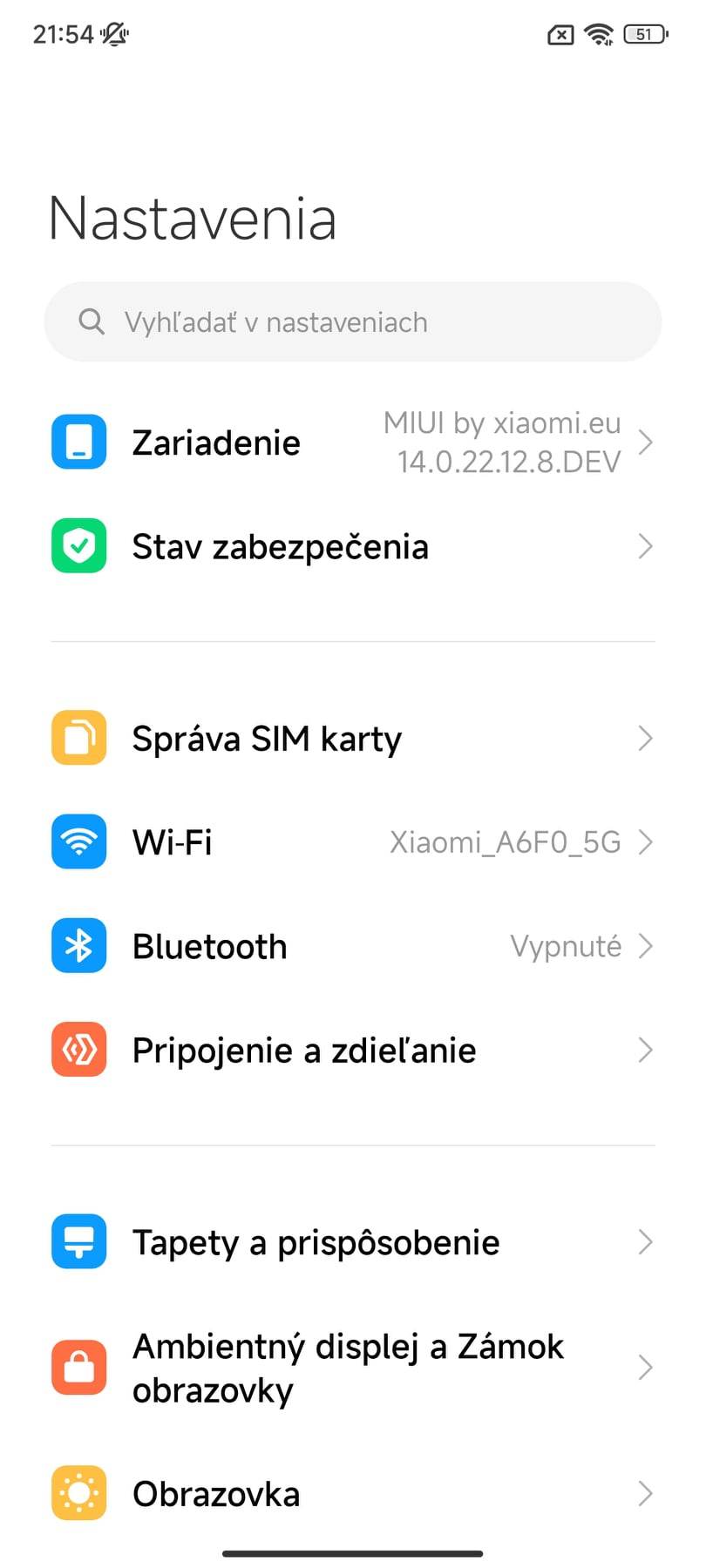
Since the look hasn’t changed fundamentally, the system still keeps its clean, minimalist, and functional design.
New super icons
Icon settings have been updated, including a new feature called so-called super icons. These are large app icons, probably aimed especially at seniors. Thanks to the big icons on the home screen, access to important apps becomes easier.

You can adjust the icon size by long-pressing a specific icon, which will bring up a menu with a new option called “Edit icon”. The standard icon size is 1 x 1, and you can also choose 2 x 1, 1 x 2, or 2 x 2. The largest icon then takes up space for four standard icons.
However, it’s necessary to point out that such adjustments can’t be made with third-party apps. Icon resizing works only for some system apps and those from Xiaomi, such as Xiaomi Home.
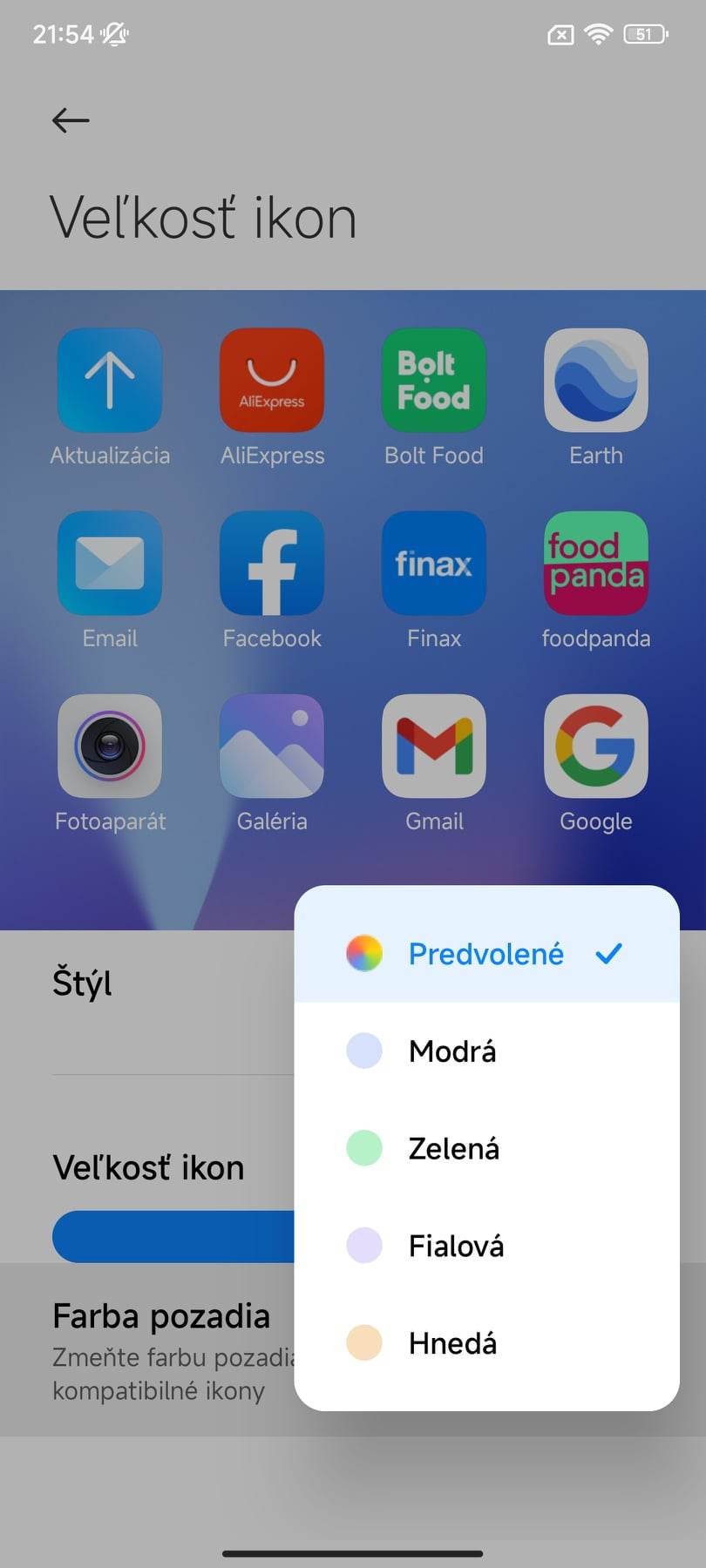
We also got the option to change the background color of the icons, with choices including blue, green, purple, and brown, in addition to the default. In the new version, we also have options to customize the app grid in the main menu—specifically 4 x 6, 4 x 7, 5 x 6, 5 x 7, 6 x 6, or 6 x 7.

For those using the Xiaomi.eu ROM, this isn’t anything new. That way, you can fit up to 7 rows and 6 columns of app icons into the app menu, which is a total of 42 apps on a single screen. Honestly, there isn’t much room left for any further changes.
Large folders
Grouping apps into folders isn’t new. We already know this feature from older MIUI versions. This time, the folders follow the same icon spirit as mentioned above, so similarly you can also enlarge the folders.
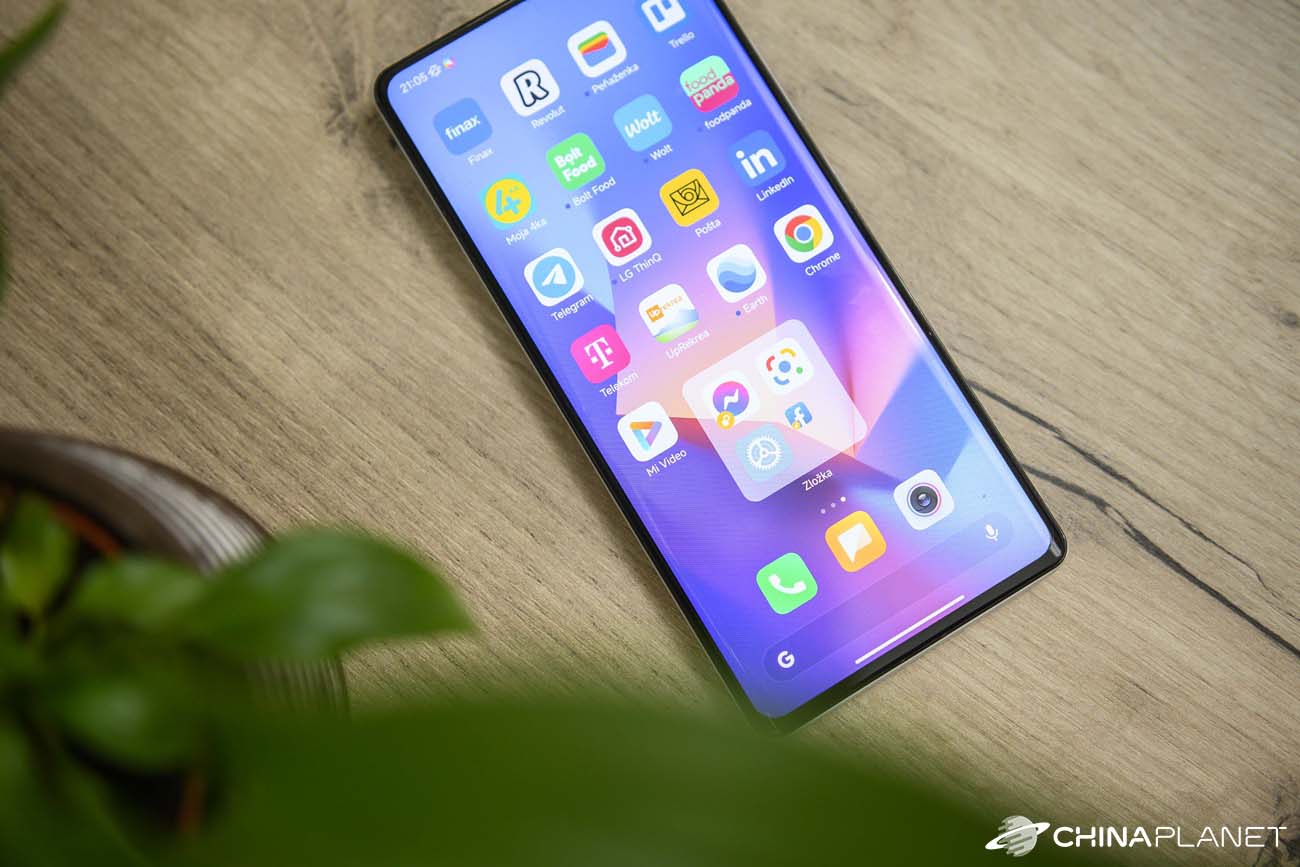
After grouping apps, a long-press on their folder shows the option “Edit folder”. Here you can choose between the classic view, where you only see tiny app icons inside a small folder, or a large folder. This keeps the icon size almost unchanged, even without the app name.
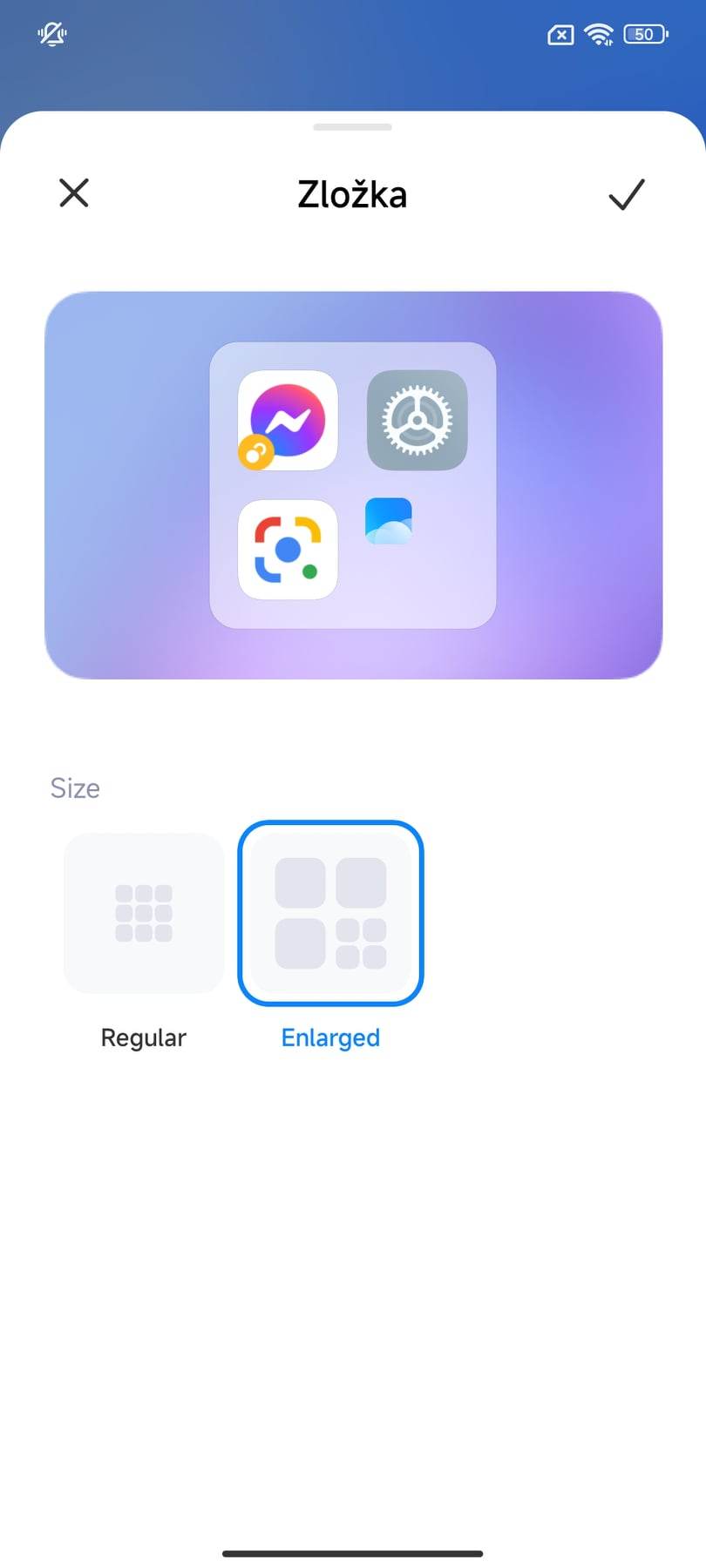
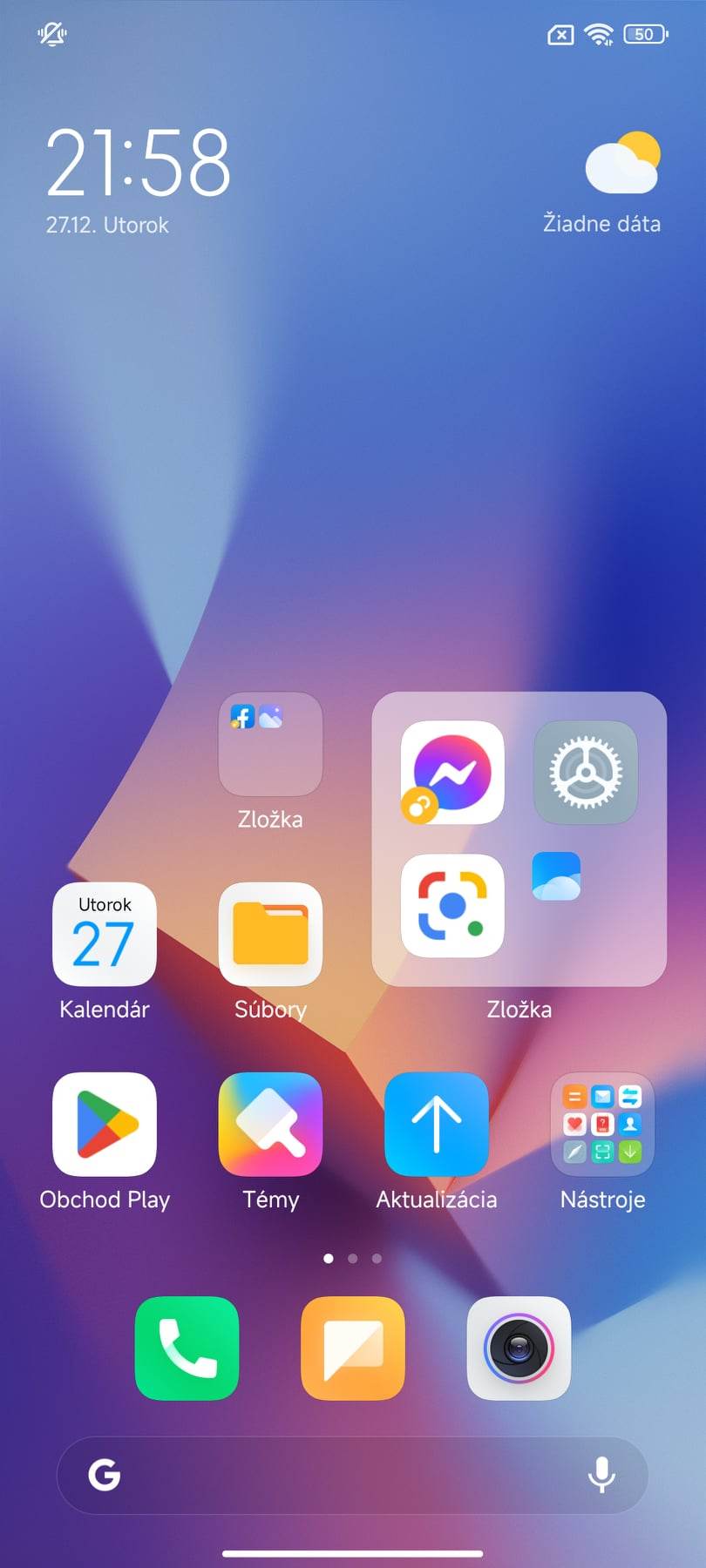
The peculiarity is that if we put 4 apps into a large folder, the icon of the fourth one is already scaled down, even though there’s still space for a classic large icon. In one such folder, we can fit a maximum of 7 apps, where the last 4 are shown only as miniatures.
Fewer apps that can’t be removed?
During the presentation of the new MIUI 14, Xiaomi also highlighted a reduction in bloatware—preinstalled apps that most of us never use.
According to the presentation materials of the new interface, it should also be possible to remove system apps, except for eight of them. Specifically, these are the apps Contacts, Camera, Settings, Files, Browser, Phone, Messages, and GetApps (for the Chinese version).
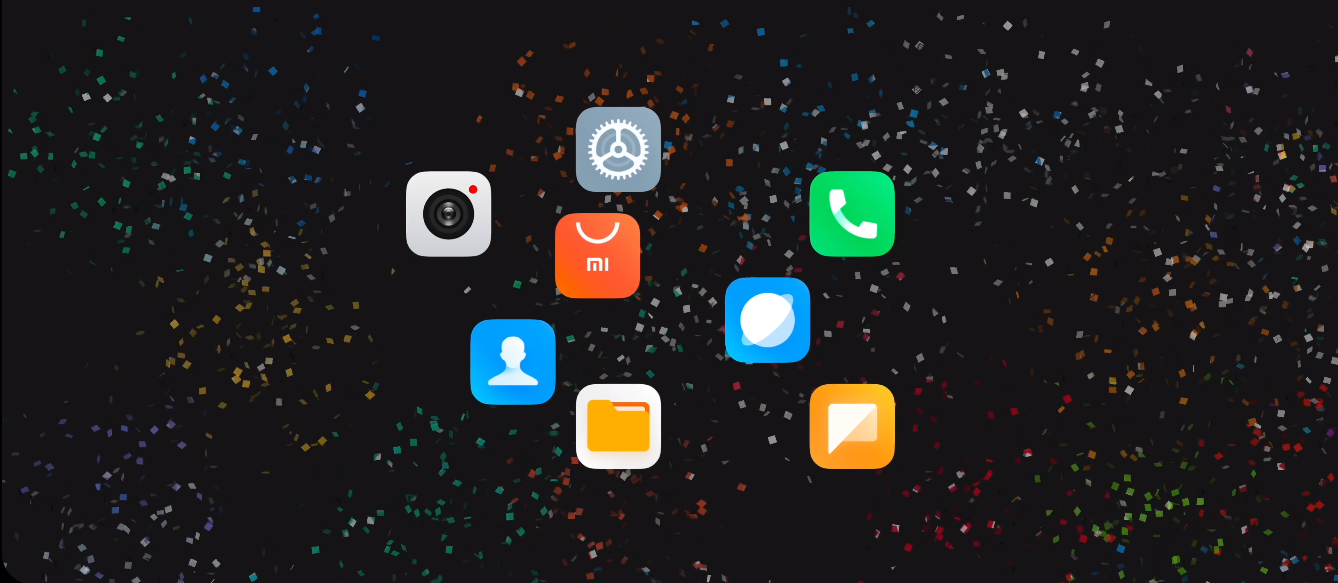
In our smartphone, besides the ones mentioned, there were also apps like Mi Video, Music, Calendar, Optimization, Recorder, and tools such as Email, Xiaomi Mover, Health, and more. In total, there are significantly more of them here than 8.
So can they be uninstalled? Unfortunately, no. At least not yet. Just like in MIUI 13, here you can only disable these apps, not uninstall them. However, we have to admit that after disabling, the app disappears from the menu, and you basically don’t hear about it anymore.
Text recognition directly from a photo
At first glance, the Gallery app also hasn’t changed in any way, but it was improved with a very interesting feature. Text recognition from a photo isn’t exactly new, but the way you use it has changed.

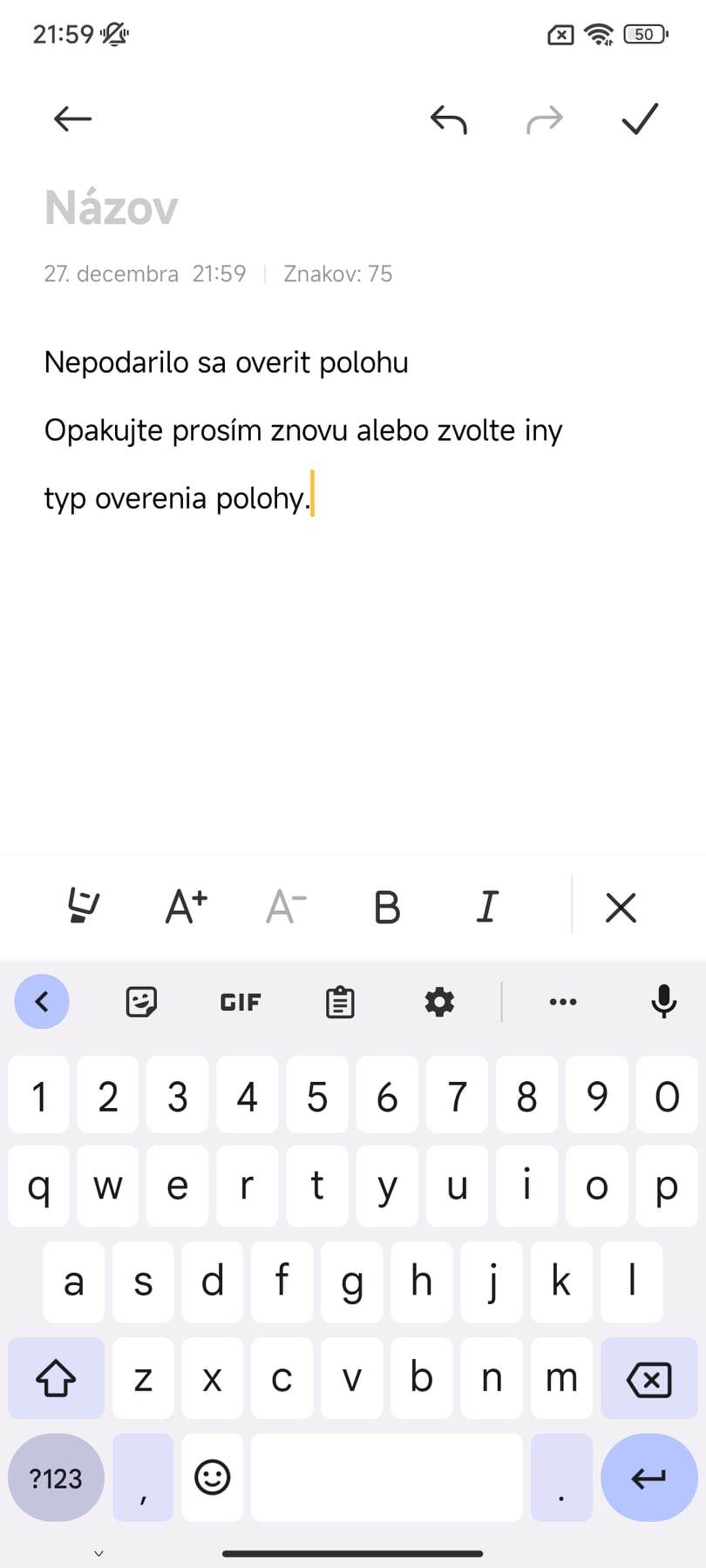
With MIUI 13, text recognition is hidden in an extra menu that appears after you tap the “More” button. In the new MIUI 14, the feature is built directly into the gallery so that for text recognition, you just need to press and hold your finger on the text in the photo. The app will automatically recognize it and highlight it.
This way, we can quickly copy the text directly from the photo without any additional menu options. As for reliability, it’s very good, but currently it ignores diacritics. That means if the selected text contains diacritics, the app won’t display them in the recognized text.
Changed search results and new settings
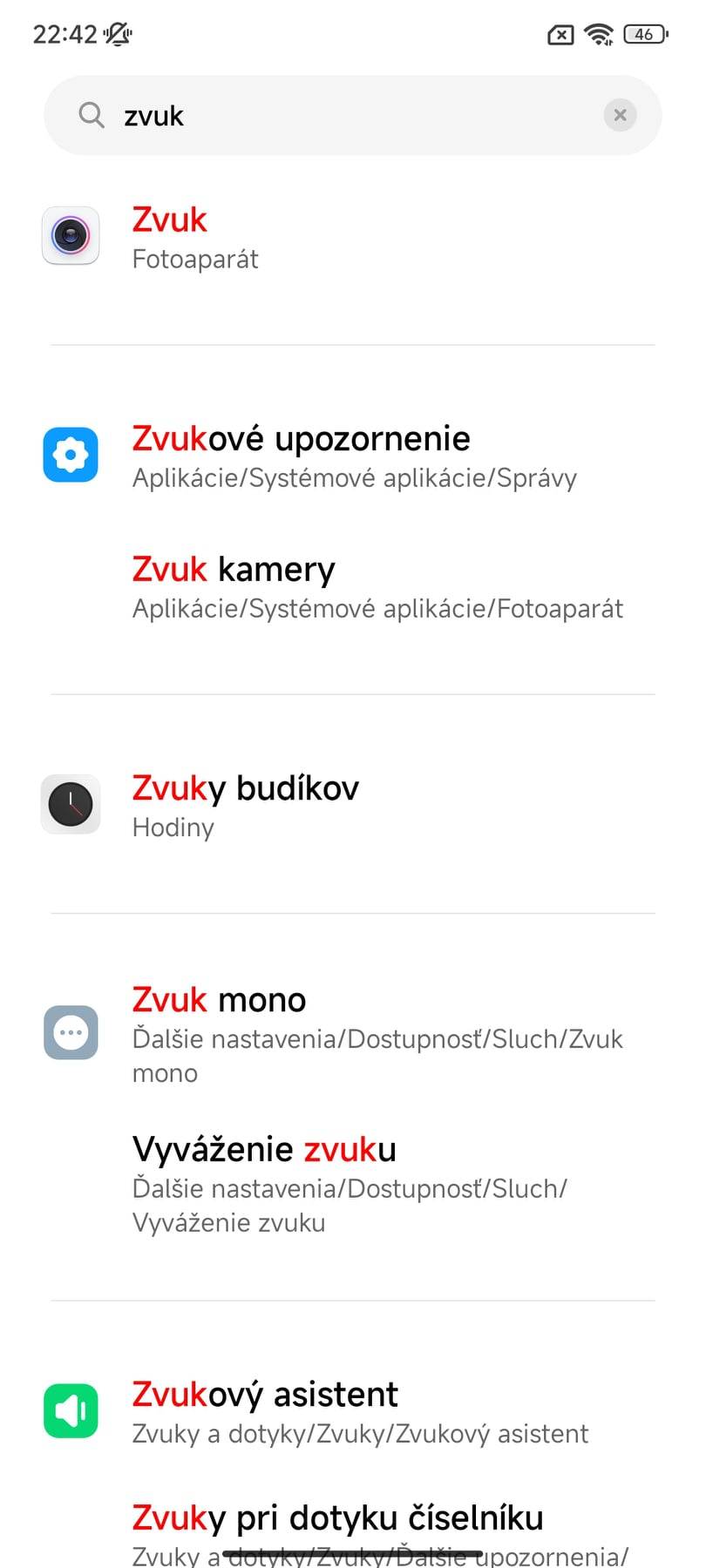
In Settings, the changes didn’t only affect the icons of individual items, but also the search results. From now on, they’re shown more clearly, split by the individual categories of settings where they are located. The search algorithm itself has also been improved, and it should deliver better results.

Some specific settings have also been moved, such as switching pages in the notification center and the control center. From now on you’ll find them directly under the “Notifications and Control Center” tab. In MIUI 13, this setting is hidden under the “Controller appearance” item.

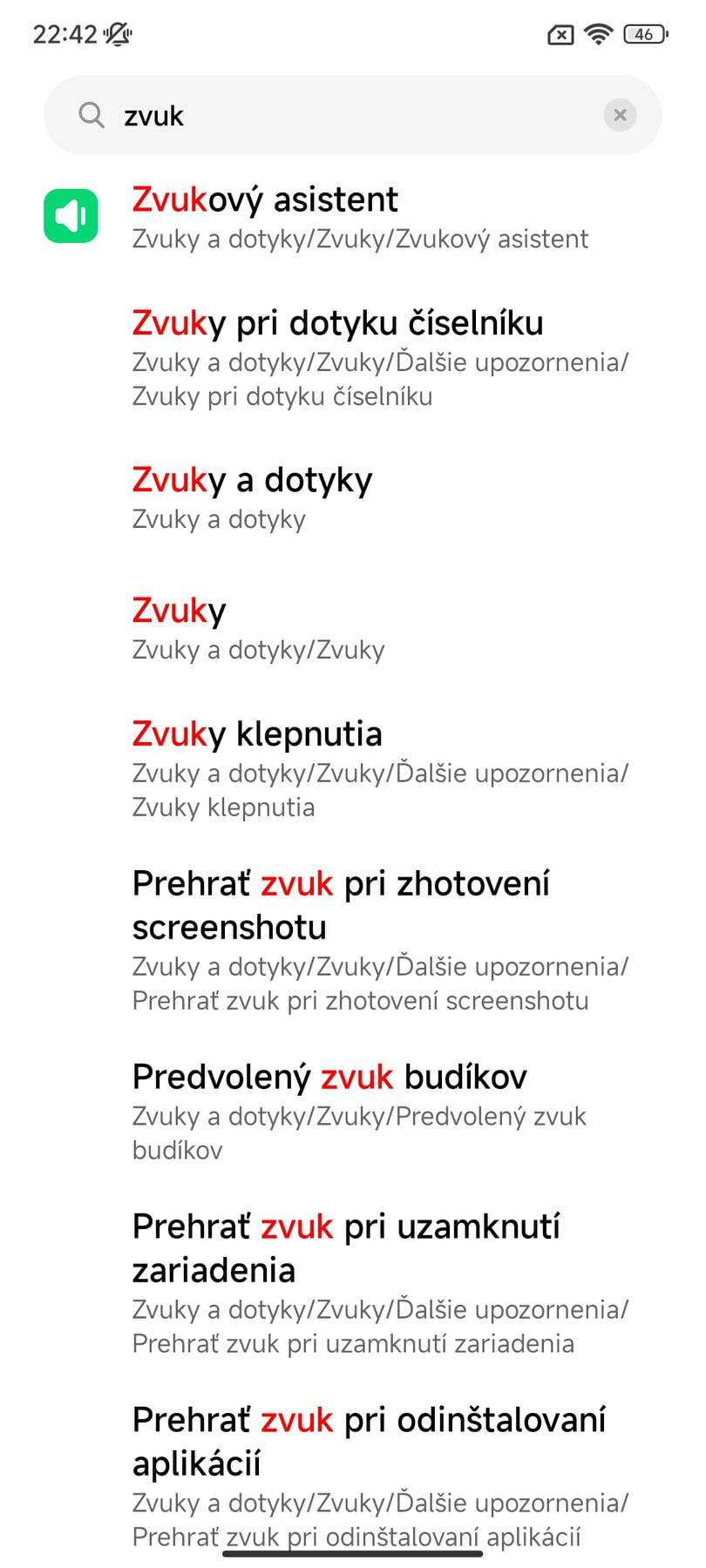
We also noticed a few new settings, such as preventing accidental use in your pocket based on the proximity sensor, or using the so-called smart cover lock with the front cover.
Speed and security come first
As we also informed you in our article page XiaomiPlanet.sk, Xiaomi is focusing mainly on changes that you can’t really see at first glance, because they’re not visual changes. We’re talking about speeding up the environment itself and improving overall smoothness.
As an example, Xiaomi cites the 12s Ultra, which should be up to the mentioned 60 % faster with the new system and its interface overlay. Honestly, those numbers seem exaggerated to us, and in our test MIX 4 we don’t feel that the increase is that significant.
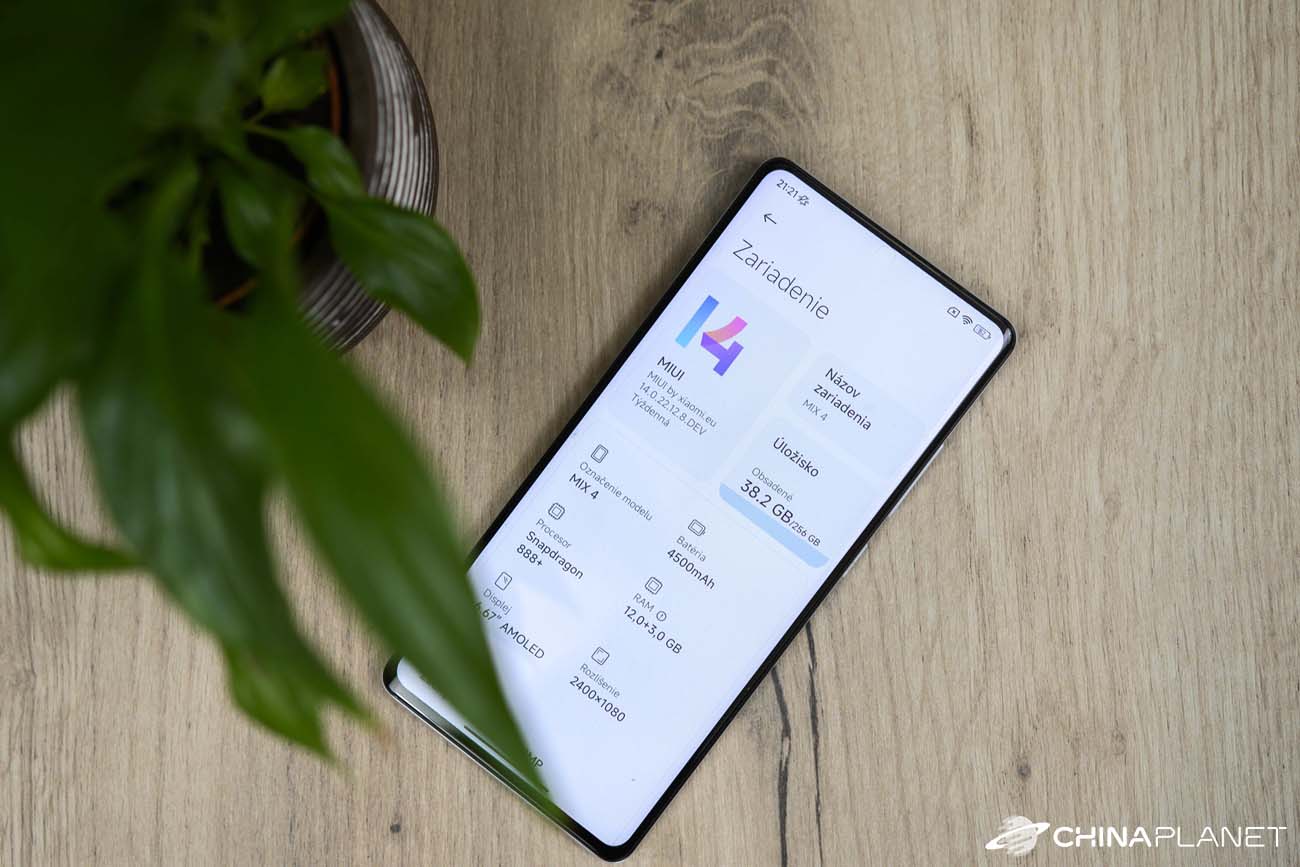
On the other hand, we have to admit that stability and reliability have improved significantly compared to older versions of the weekly ROM from Xiaomi.eu. In that one, apps would often crash, and we also had problems launching some apps.
However, it’s important to note that this is currently only a beta version, in which there are still some minor hiccups. For a full assessment of speed and, above all, stability, we’ll have to wait for the stable version.
Xiaomi, according to official information, has also improved security. The company has adjusted how some sensitive data is processed—now it’s processed locally on the smartphone, without being uploaded to the cloud. However, we can’t verify this, so we can only trust the manufacturer.
Better battery life and more free space from internal storage
The new environment also promises optimized battery usage by individual apps, which leads to overall improved battery life on a single charge. Unfortunately, the battery in our MIX 4 is already past its best days, so it’s hard to judge any improvement. Xiaomi states that battery consumption by apps has improved by 22%.

MIUI 14 also takes up less space compared to the older MIUI 13 version. So you’ll have more room on internal storage for apps, photos, or videos. MIUI 13 on our MIX 4 took up 27 GB, while MIUI 14 took approximately 25.5 GB. So the difference isn’t that significant, since the promised system apps can’t be uninstalled.
MIUI 14: Final review
When it comes to the MIUI environment, Xiaomi sticks to the idea that if something works reliably and correctly, there’s no need to change it. That’s also how the individual improvements are approached. From a design perspective, the environment stays minimal and simple, with a new series of wallpapers.
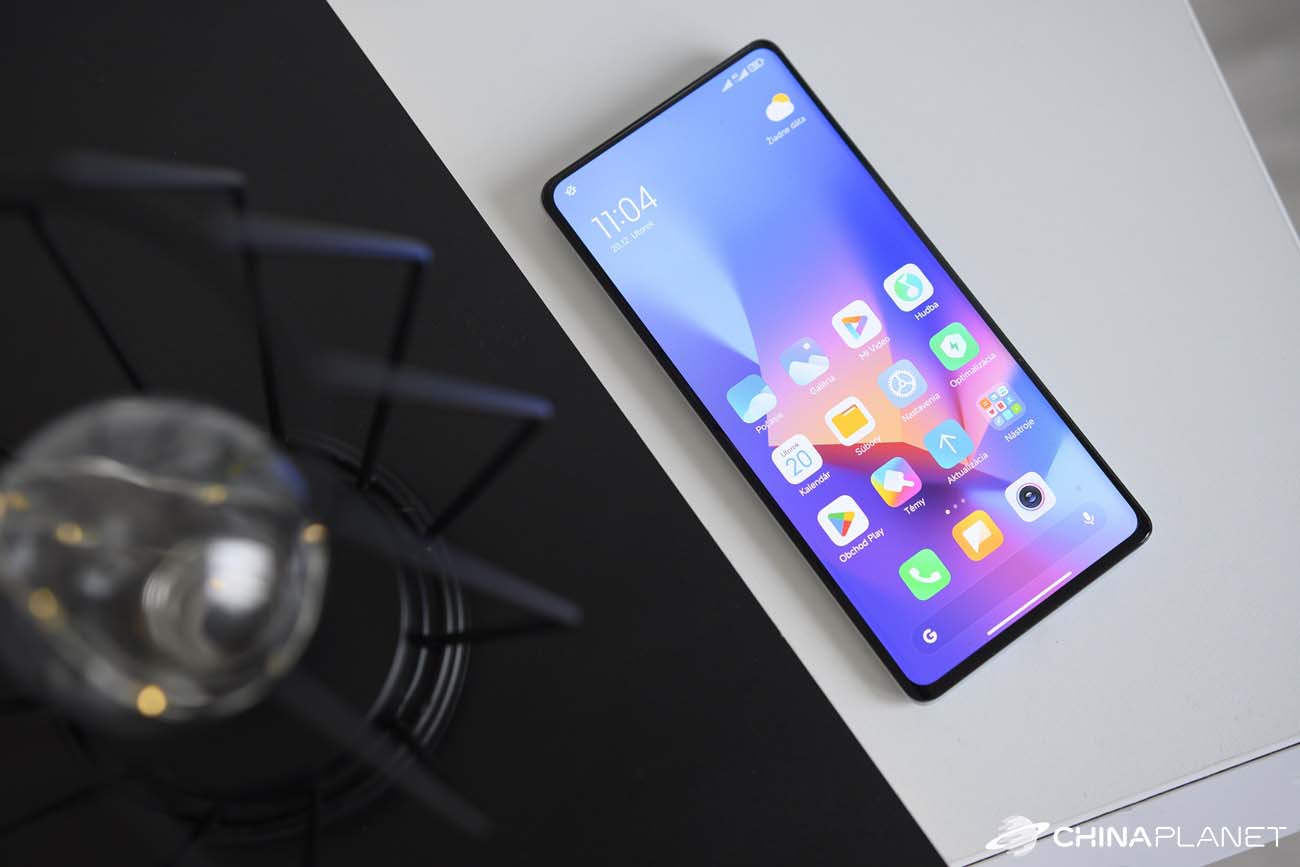
System apps have hardly changed, but there are still a few interesting improvements. For example, there are new super icons that stand out due to their size, or automatic text recognition directly from a photo, with the option to copy the text from the image instantly.
System changes also include improved stability, security, speed, more optimal storage usage, or better battery consumption by individual apps.
In our case, however, it still only involves the beta version of the weekly ROM from Xiaomi.eu, which we had the chance to test on our Xiaomi MIX 4. Before we make a definitive assessment of the new environment, we’ll wait for the stable version.
Don’t miss the best coupons 📩
Subscribe and we’ll email you new coupons before they expire. We only send it once a month — no spam.