A planet full of Xiaomi news
Deal Planet

We’re starting a partnership with the new seller Gshopper.com: EU warehouses plus top prices on Xiaomi products

11. July 2021 8 min read 0 comments

If you’ve been following our Xiaomi Planet portal for a while, you definitely know that we try to help you with your purchases—not just Xiaomi products that you can get much more advantageously thanks to our discounts and coupons.

Besides that, we also try to lend a helping hand to our readers not only when choosing products, handling a possible complaint, or solving delivery issues—but most of all, we focus on offering the most reliable foreign sellers, which we’ve also personally tried ourselves.

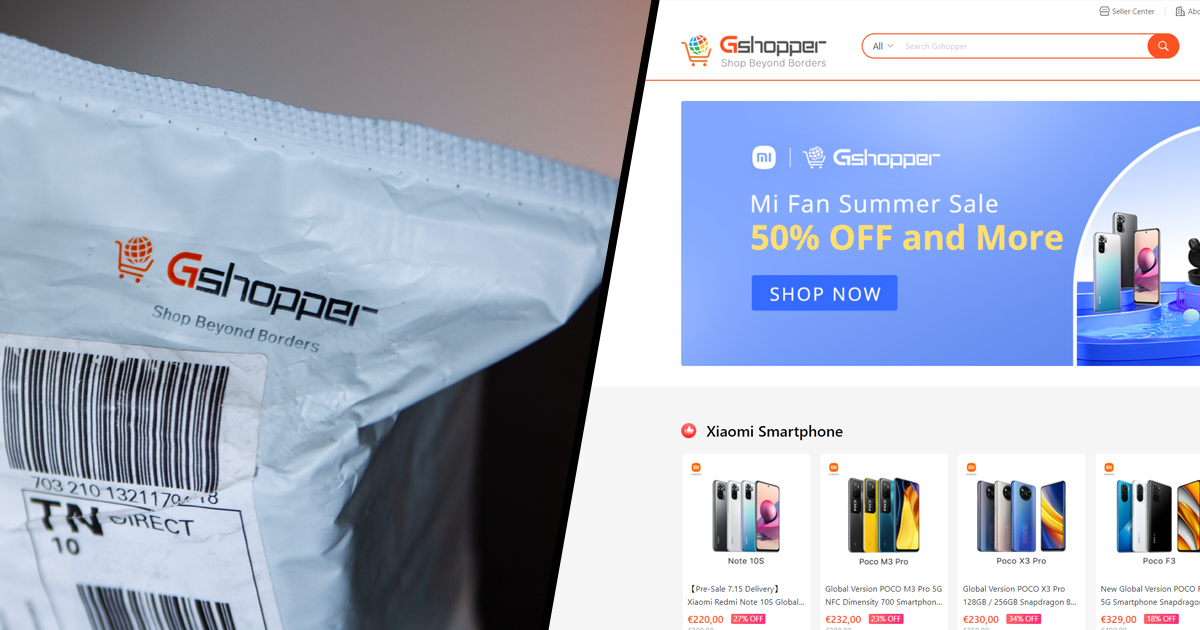
We’re always looking for new reliable sellers and fresh shopping options—and we’ve now found one like that – as the first in Slovakia and the Czech Republic we’re launching a partnership with the Gshopper.com website.

Something about the Gshopper.com website

We came across the Gshopper.com site back in January this year, when we first contacted them about a possible collaboration. At the time, their product range and especially their prices really caught our attention, but back then they still didn’t deliver to Slovakia or the Czech Republic.

That changed in July 2021 and the Gshopper sales platform has officially started selling to both Slovakia and the Czech Republic. Yes, this website is basically an online marketplace—i.e., a sales platform similar to AliExpress or DHgate.

Since the website is relatively new and has only been running for about a year, so far they mostly sell products themselves, meaning you won’t find many third-party sellers there yet. But that’s also a good thing, because it means the shop has full control over the products your customers order.

What’s more, the Gshopper website itself is at a very high technological and design level. We can say it’s probably the most polished website you’ll find among Chinese sellers. Everything works as it should—loading is very fast, and the design is modern and really pleasant. This is what a reputable seller’s website should look like!

Product range and availability

As we mentioned above, this seller impressed us mainly with its product range, prices, and also product availability. Currently, we mostly find Xiaomi products in their offering, and all of them are official global versions made for Europe. This is a major advantage, especially for smartphones and home smart devices you can buy from them.

Complete product range on the Gshopper.com website

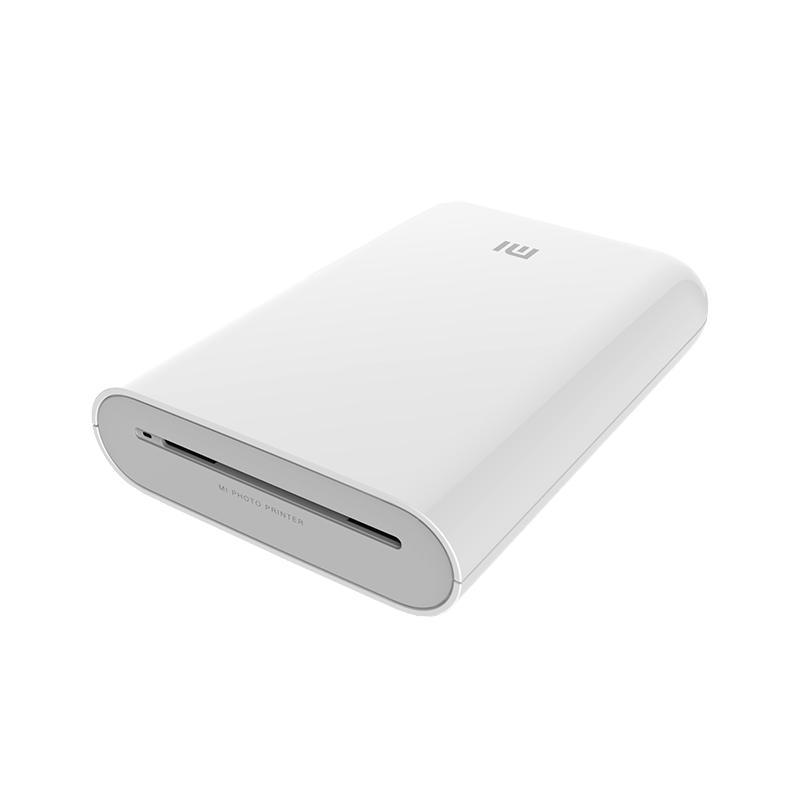
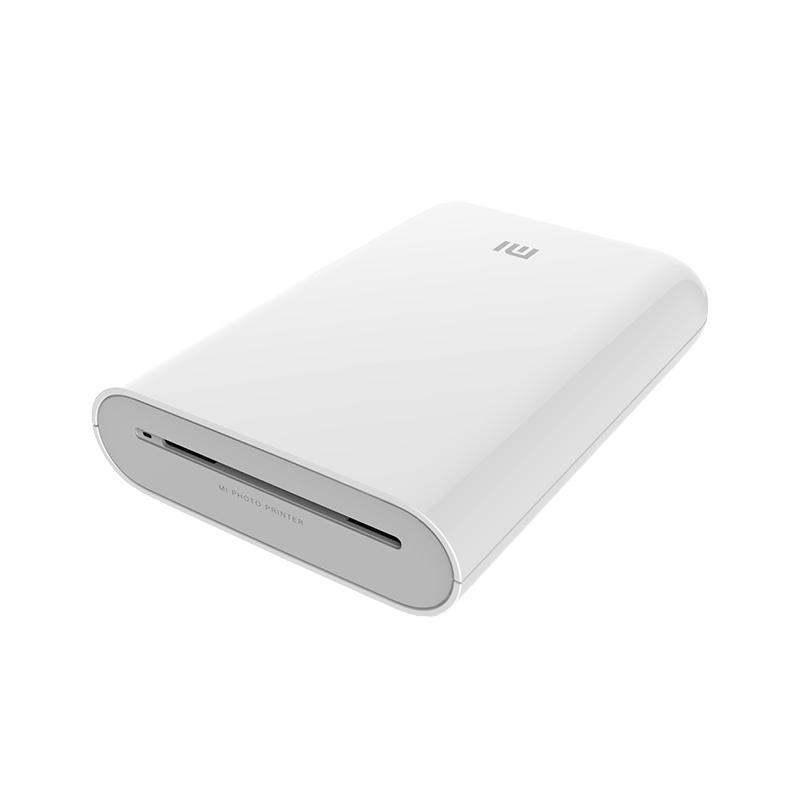
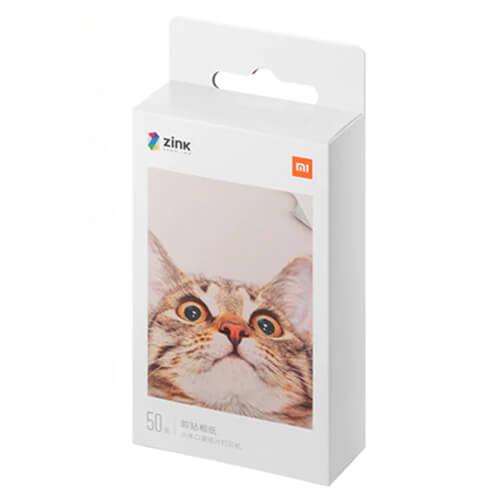
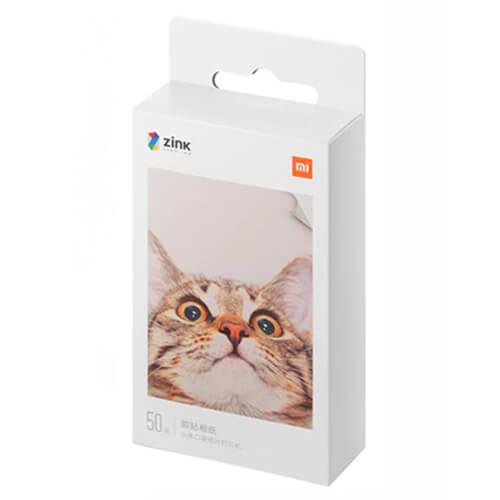
For example, the portable Xiaomi printer is available from the Czech warehouse

The offer is currently limited and will certainly grow over time, but the big advantage is the fact that almost all items are available in European warehouses. The Czech and Spanish warehouses dominate, but you can also find items, for example, in an Italian warehouse.

Gshopper rating on the Trustpilot portal

Real customer ratings from Trustpilot add a lot to the reliability of this online shop. Trustpilot is a global review platform for e-shops from all over the world. This portal is already well-known among people, and it’s famous for always having reliable reviews from real people.

Right on the Trustpilot portal, the seller Gshopper has a rating of 4 stars out of the maximum 5. This rating is based on nearly 700 reviews directly from customers. This aspect has also helped a lot in pushing us to start collaborating with the Gshopper website.

Ad

Our real order

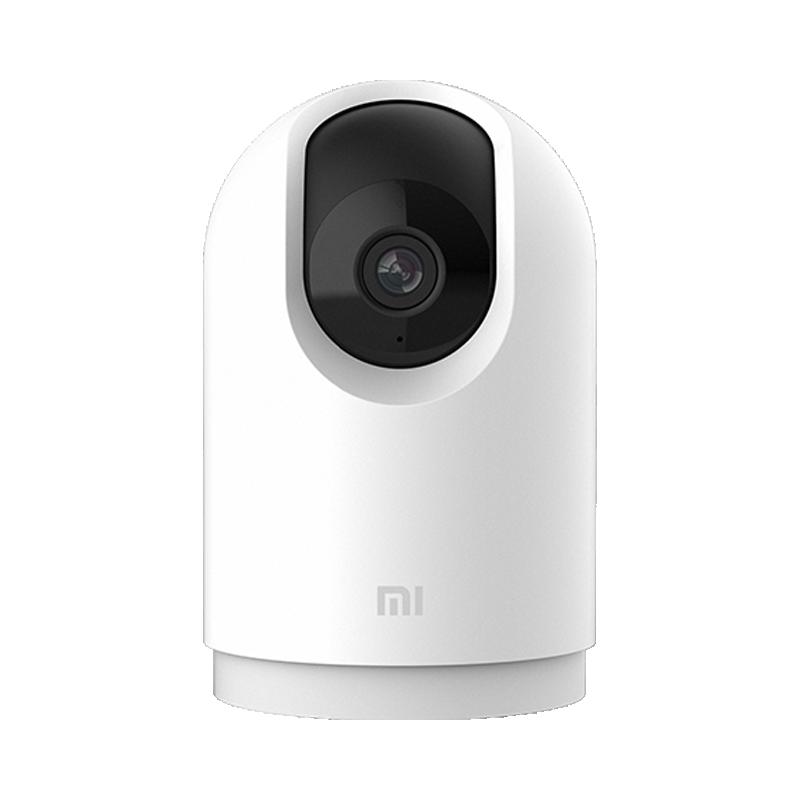
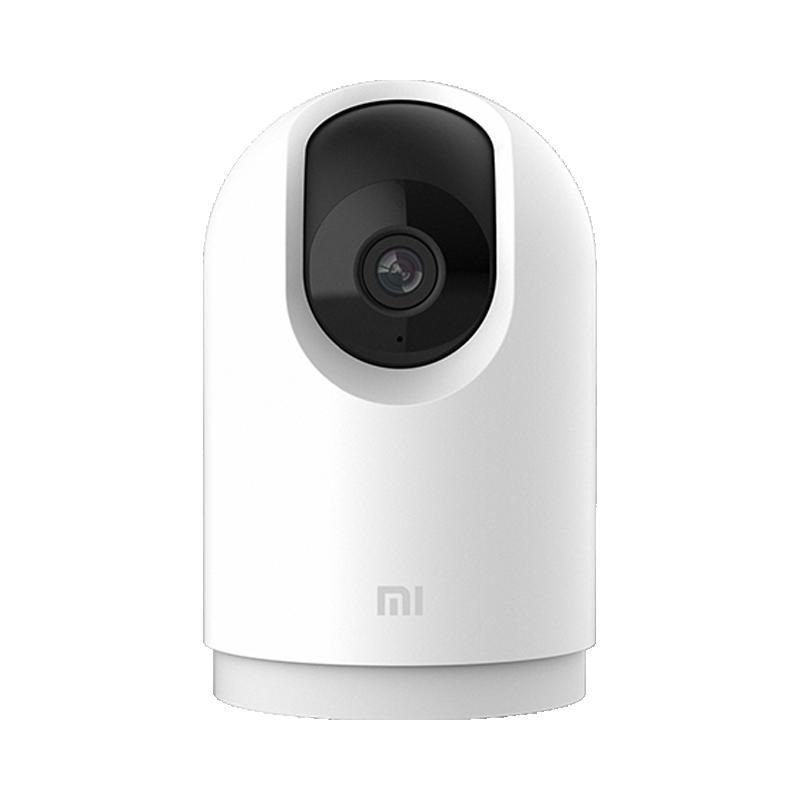
Before we even got started with the cooperation and published this article, we tested the ordering process ourselves. We picked the product Xiaomi Mi Smart Camera Pro 2K, so a smart home camera that’s available in the Czech warehouse.

On the page, we created an account, entered our address (without diacritics), applied a discount coupon, and paid via PayPal. We finalized the order 1.7.2021. The next day, i.e. 2.7., we received an email saying the order had been processed and the package was shipped to our address.

The message also included a tracking number along with a button for direct shipment tracking through the TrackingMore portal. The package was handled by the courier company DHL, and delivery works exactly the same as from the Czech warehouse of the well-known Banggood.

First the package traveled to DHL’s main hub in Germany, and from there it went to our address, while the actual delivery took 5 days. That’s a fantastic result, confirming that the seller truly has the goods stored in Europe.

Packages to Slovakia are delivered by the courier company SPS, which takes over all shipments from DHL. The package arrived with absolutely no damage in a standard bubble mailer. Even the product box had no dents, which sometimes show up. We rate the speed and delivery quality from Gshopper as one with five stars.

Ad

VAT on the Gshopper website

Since the seller offers goods from European warehouses, VAT is already included in the product price, so you don’t have to pay anything extra. You also won’t have to deal with any customs procedures, because the goods are shipped within the territory of the European Union.

The new VAT law that applies from 1.7.2021 doesn’t affect purchases on this website in any way—in other words, as the end customer you won’t notice anything.

What to do before your first purchase and how to enter a coupon?

From now on, you’ll find more offers from the Gshopper seller on our website. If you want to test this webshop too, we recommend that you register an account before buying—that’s the absolute basics. You’ll be able to keep track of all your orders, and if by any chance you don’t receive the order confirmation email, you’ll still be able to see the order in your account. Sometimes this happens with Chinese webshops.

Next, you need to set the correct country on the website, i.e. Slovakia or the Czech Republic. Then you’ll see all available products for our countries. As for purchases via the mobile app—we haven’t tested it yet, and for now we recommend only buying via a computer or the Chrome browser on your smartphone.

After registration, you’ll be prompted to fill in your address, which, as you probably already know, needs to be entered without diacritics—so no accents and length marks. Once everything is set, you can jump right into shopping.

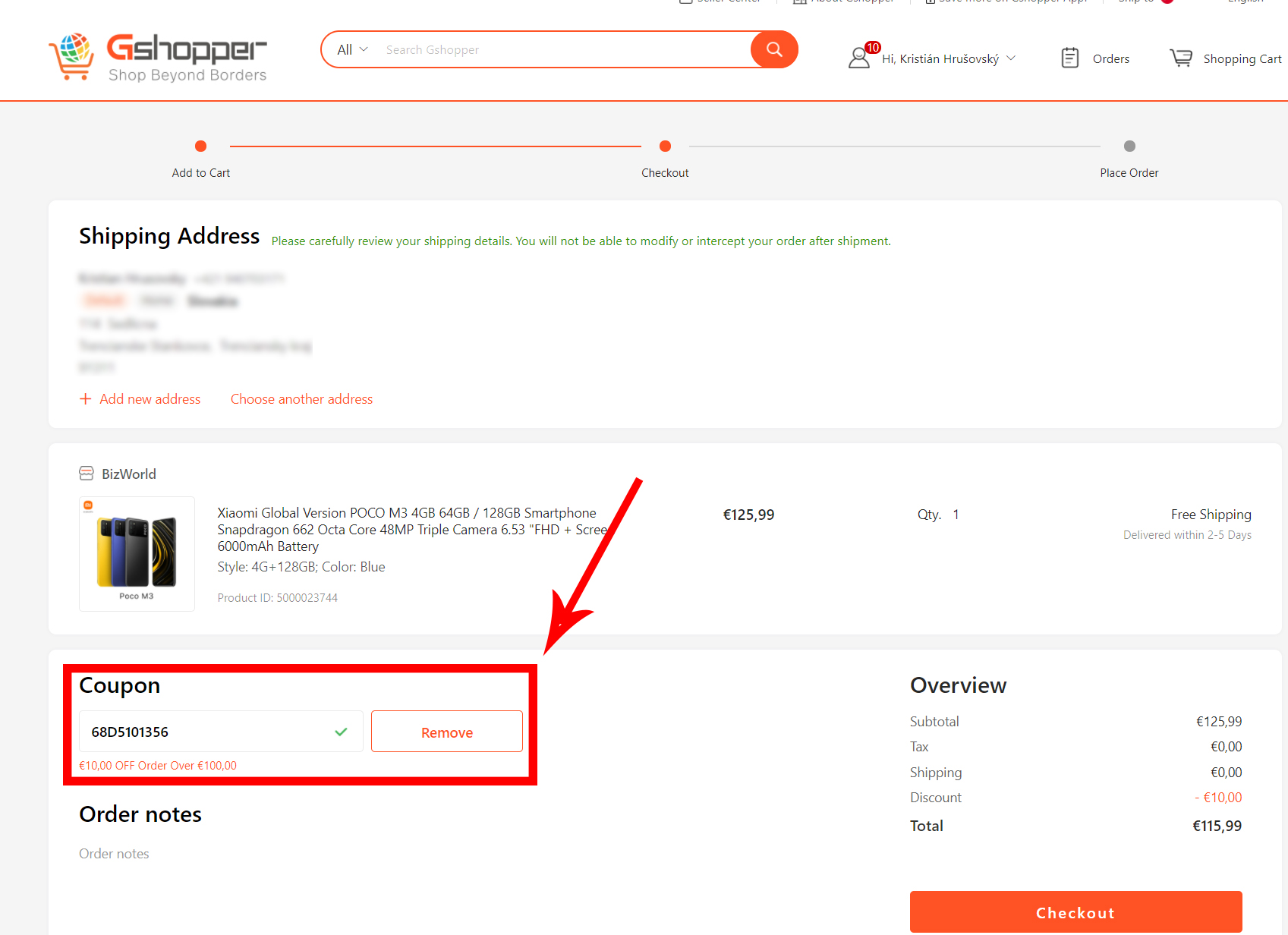
The process is almost identical to what you know from shopping on Banggood. On the product page, just click the Buy Now button, which will immediately redirect you to the order summary. Check your address, the selected item, and in this step you can also use a discount coupon, which has a dedicated large field. You definitely won’t miss it.

You’ll get to the payment by clicking the large orange “Checkout” button, and you can pay by card as well as via PayPal, which many of you will definitely appreciate. We clearly recommend paying with PayPal, whenever possible—payments work right through this service.

Done. Now you just need to wait for the email confirming the shipment of the goods and for the delivery of the package.

When you shop via Xiaomi Planet, you get support

We’ve been in close contact with the Gshopper seller for a long time, and thanks to that we have direct contact there as well—just like with other verified sellers we work with.

Thanks to this, we can lend a hand to customers who order via our articles if any issues come up with their order or a potential claim. Just contact us by email or reach out to us via social media. For most items, the seller provides the standard 1-year warranty period, and for smartphones it’s even 2 years.

Current coupons from the seller Gshopper

As you already know from our portal Xiaomi Planet, discount coupons can’t be missing either. We worked with the seller to prepare a few great coupons for multiple products, and you’ll find them all below—all the available ones. We’ll be adding them to our articles gradually as well.

XiaomiPlanet deal

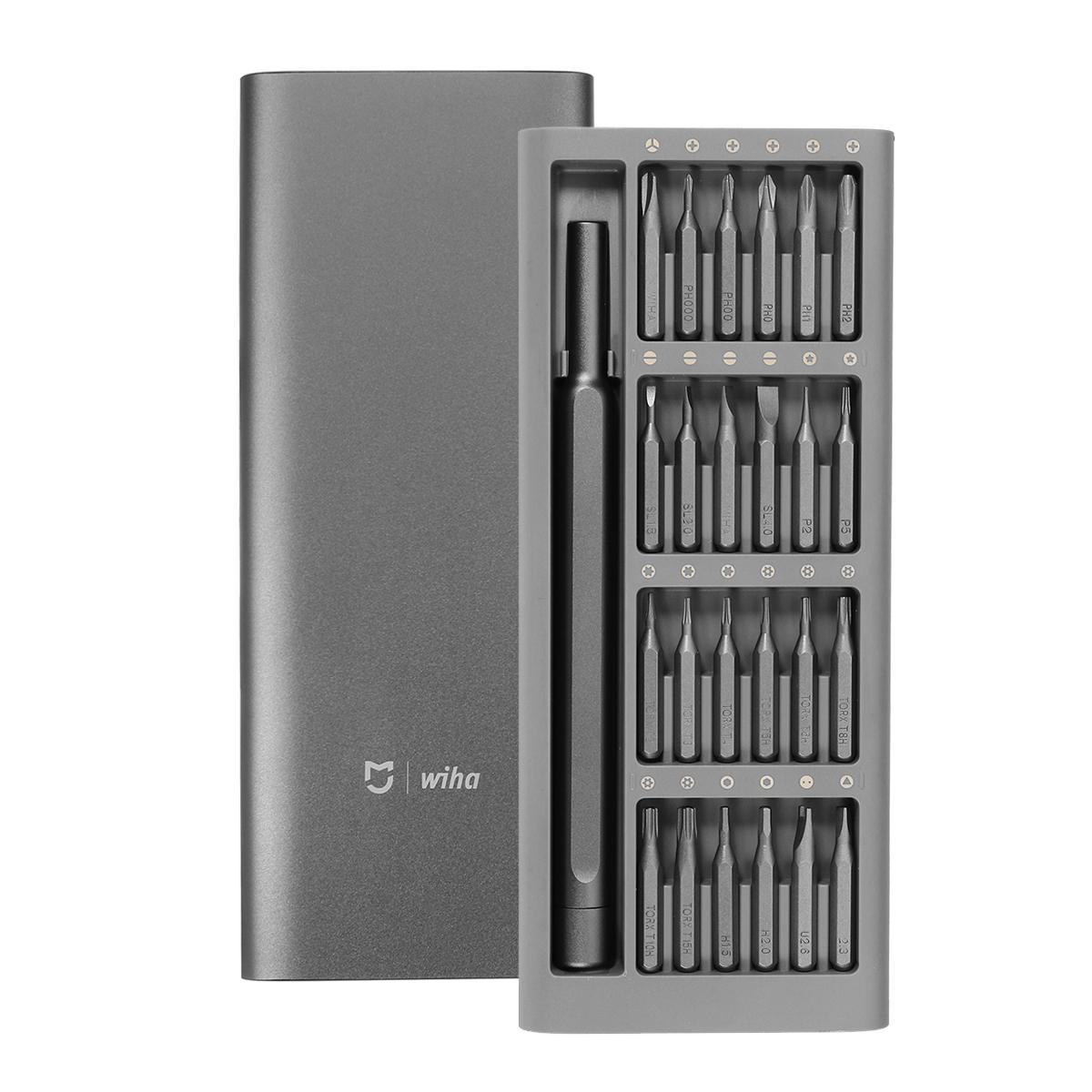
Xiaomi Wiha screwdriver set

Chinese warehouse, duty-free shipping
Xiaomi Wiha sada skrutkovačov
15-day delivery
20,89 €You save 9,18 €
11,71 €

Price history

5,06 €cheaper than the average price
Cheapest 11,71 €Most expensive 19,22 €
Buying on AliExpress for the first time? See the guide!
More coupons
20,89 €16,80 €
IFPYWWI
Use
19,05 €16,92 €
IFPYWWI
Use
Updated 11. 7. 2025 on 07:41
TIP15-day delivery via Aliexpress Standard Shipping

For this product, Aliexpress Standard Shipping is available with guaranteed delivery within 15 days. This is the most reliable delivery method and, in most cases, the parcel is handled by a courier company. We tested the 15-day delivery in real life.

When ordering from the Chinese warehouse, AliExpress will add the customs duty in your cart—approximately 3,70 € per order. When you receive the package, you won’t pay anything extra.

Track this product’s price

As soon as we post a new coupon, we’ll send you an email. You can unsubscribe from tracking anytime.

Buying on AliExpress for the first time?

This process is done through the AliExpress mobile app, where most people shop. Two things matter: don’t use Buy now and enter the coupon only in the order summary in the Promo code field. After you click Pay now, you can’t add it anymore.

  1. Copy the code and click GET THE DISCOUNTIn our article, copy the coupon and click the button GET THE DISCOUNT. The link will take you directly to the product in the AliExpress app.
  2. Use Add to cart, not Buy nowOn the product card, scroll down and click Add to cart. Don’t use the Buy now button—this skips the cart, so later you won’t have a place to enter the coupon. Before that, make sure the variant is correct: color, version, and whether it ships from an EU warehouse.
  3. Continue to Checkout via the cartA pop-up will appear: Added to cart!—tap Check it out. If it disappeared, open the cart using the icon in the bottom-right corner. In the cart, check the product and quantity, then tap the red Checkout button. Only the items marked with the red circle are included.
  4. Fill in your address and card, then look for Promo codeIn the order summary, first enter the delivery address and payment card at the top. Below that, there’s a line Promo code — expand it with the arrow on the right.
    Riadok Promo code v zhrnutí objednávky v aplikácii AliExpress
    Look for this line under the address and payment method.
  5. Paste the code and confirm ApplyIn the field Promo code paste the copied code and click the black Apply. The code is case-sensitive and must not contain spaces.
    Políčko Promo code s kódom a tlačidlom Apply v aplikácii AliExpress
    Paste the code into the field and confirm by clicking the Apply button.
  6. Check your savings and payIn the section Summary expand the line Saved — you’ll see the applied coupon there as AliExpress coupons/codes. Only when Total is really lower, click Pay now.
    Riadok Saved s uplatneným kupónom a znížený Total v aplikácii AliExpress
    The applied coupon will show up in the Saved line and reduce the Total.
Apply the discount again in the order summary. After you click Pay now, you can’t add a coupon anymore. If Apply shows an error, the code has either expired, doesn’t apply to your item, or your order doesn’t meet the minimum amount.
Store Coupon also belongs in the same field. — a coupon from the seller itself, which isn’t always available and changes day to day. It can’t be combined with an AliExpress coupon, so try both and go with the one that gives you more. Coins are added automatically.


Xiaomi Planet shopping tip: GShopper has now launched direct bank transfer payments, so you can save another 4.5 % off the product price! Compared to card / Google Pay payment, you can get this product much cheaper. We described the full bank transfer payment process in our article.
XiaomiPlanet deal

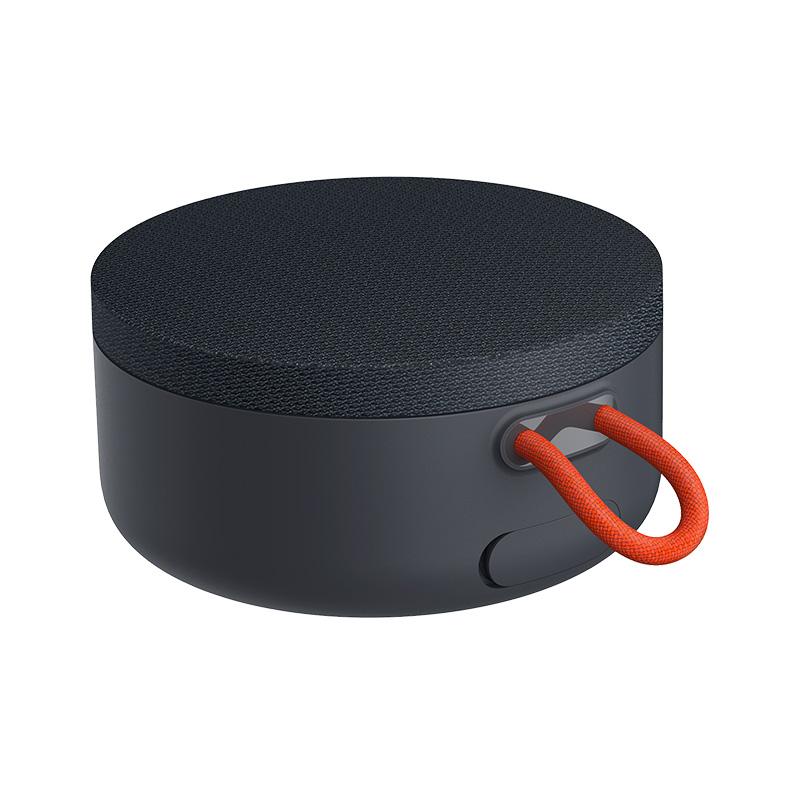
Xiaomi Mi Bluetooth Outdoor Speaker Mini

Czech warehouse
Xiaomi Mi Bluetooth Outdoor Speaker Mini
CZ warehouse
48,00 €You save 35,01 €
12,99 €
Coupon38552B9C83
Is it your first time shopping on GShopper? See the guide!
Updated 26. 7. 2021 on 14:00
TIPExpress delivery from the Czech warehouse without customs duty and VAT.

This product will be delivered to you express from the local Czech warehouse. Delivery from the Czech Republic usually takes 7-10 days and is handled by a courier. When it arrives, you don’t pay any extra fees—no customs duty and no VAT.

Track this product’s price

As soon as we post a new coupon, we’ll send you an email. You can unsubscribe from tracking anytime.

Is it your first time shopping on GShopper?

GShopper is an international online store with warehouses not only in China, but also directly in the EU. You can complete your order in just a few minutes. Enter your address without diacritics, choose bank transfer as the payment method—it works out cheaper than a card—and enter the discount coupon before you submit your order.

  1. Register or log inOn GShopper, you create an account, or you can log in via Google or Facebook. You can also shop without registering, but with an account you’ll see your order status and it’s easier to handle any possible claim.
  2. Get to the product using our buttonIn our article, click the GET THE DISCOUNT button—this will open exactly the product and the version the coupon applies to. Then on the product page, click Buy Now or Add to Cart.
  3. Fill in the address WITHOUT diacriticsWrite your name, street and city without accents — so Zilina, not Žilina. Foreign carrier systems can’t handle diacritics and the package may get stuck. Check your ZIP code and phone number, including the country code.
  4. Choose shipping and check the warehouseMost products come with free shipping—if Free Shipping is available, choose it. Items shipped from an EU warehouse arrive in 2 to 7 business days and don’t go through customs clearance; dispatch from China or Hong Kong takes 7 to 45 days depending on the shipping method you choose. Continue with the Next button.
  5. For payment, choose bank transfer and saveIn checkout, you pick from the available options Bank Transfer, Credit Card and PayPal. Choose bank transfer—GShopper gives you an additional discount that, depending on the product, is 3 to 4,5 % compared to card payment. In the order summary, you’ll see it as a separate line.GShopper will then show you the bank account number and the amount in the line Amount to Transfer and a reference that you need to include in the note for the recipient. You make the transfer in your bank; the account is held in EUR within the EU—so it’s a standard SEPA transfer.
    Súhrn objednávky na Gshopperi so zľavou za bankový prevod
    The discount for bank transfer will appear as a separate line in the order summary.
  6. Enter the coupon and submit your orderPut the coupon into the field Discount Code and confirm with the button Apply. Only one coupon can be applied at a time. The price in the summary must be recalculated right away—if it didn’t change, the coupon wasn’t applied. Then submit your order by clicking Place Order.After payment, you’ll receive a confirmation email and you can also find your order in your account under the section My Orders.
    Políčko Discount Code v pokladni Gshopper s tlačidlom Apply
    You’ll find the coupon box at checkout under the payment method selection.
Enter the coupon before you click on Place Order. A discount won’t be added automatically to the completed order. If you forget the promo code, you’ll have to write via [email protected] — they may not have to comply.
You can change or cancel your order within 12 hours e-mail to [email protected]. Warranty varies by category: Xiaomi phones, Redmi and POCO have 24 months, tablets and e-scooters 12 months, earbuds, smartwatches and other Xiaomi products 6 months.
Our extra service with VIP support — we’ll handle the order on Gshopper for you and ship it straight to your address.

If you don’t have experience buying on Gshopper, payments don’t go through, or coupon use doesn’t work for you, we offer an order handling service directly to your address for our readers and customers. You transfer the money to our account and we place the order directly to your address. This way, you won’t have to worry about a failed payment or applying the coupon, and you can be sure the entire order will go through correctly 100 %. In addition, you automatically get our VIP support — if any issues arise with the shipment, we handle them for you and assist with filing a claim. The fee for this service is €15 extra of the product price. You can contact us by email at info(@)xiaomiplanet.sk or on Messenger, where we’re constantly active.


XiaomiPlanet deal

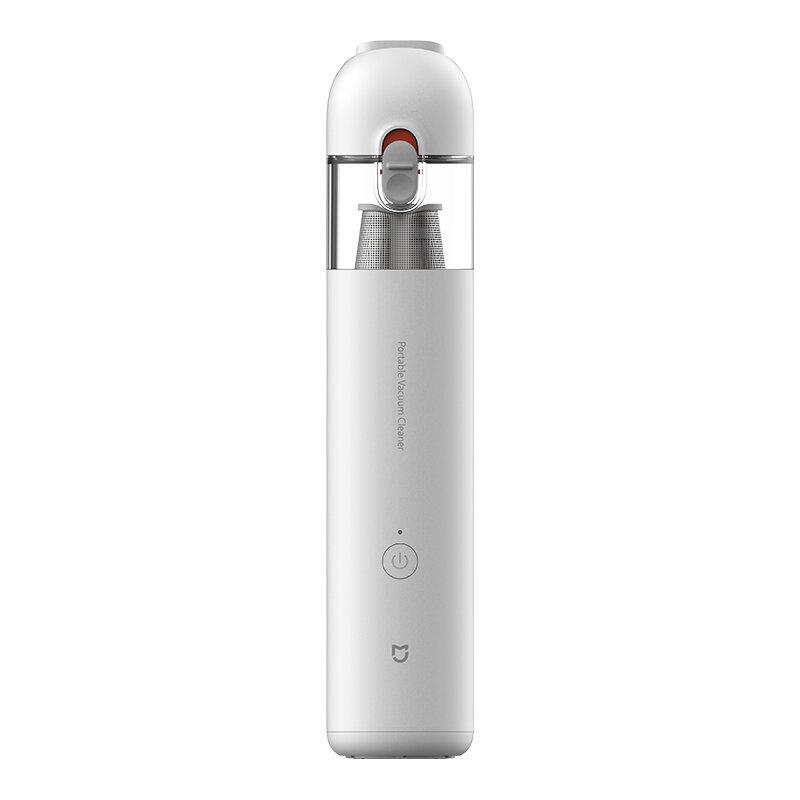
Xiaomi Mi Portable Vacuum Cleaner

Gshopper, global 6000 pa version
Xiaomi Mi Portable Vacuum Cleaner
Standard Shipping GShopper
45,42 €You save 7,02 €
38,40 €Card price 40,13 € (+4,5 %)
Coupongshopper5

Price history

0,67 €more expensive than the average price
Cheapest 32,78 €Most expensive 45,42 €
Is it your first time shopping on GShopper? See the guide!
Updated 13. 10. 2026 on 14:42
TIPWith Standard Shipping via GShopper, you pay no extra fees—everything is already included!

With the GShopper seller, we recommend choosing Standard Shipping, where you won’t pay anything extra. Customs fees and any VAT are handled by the seller. You can select the shipping method in the cart only, after entering your delivery address. Delivery with this option usually takes about 15 business days from dispatch from the warehouse, but it may take longer.

Track this product’s price

As soon as we post a new coupon, we’ll send you an email. You can unsubscribe from tracking anytime.

Is it your first time shopping on GShopper?

GShopper is an international online store with warehouses not only in China, but also directly in the EU. You can complete your order in just a few minutes. Enter your address without diacritics, choose bank transfer as the payment method—it works out cheaper than a card—and enter the discount coupon before you submit your order.

  1. Register or log inOn GShopper, you create an account, or you can log in via Google or Facebook. You can also shop without registering, but with an account you’ll see your order status and it’s easier to handle any possible claim.
  2. Get to the product using our buttonIn our article, click the GET THE DISCOUNT button—this will open exactly the product and the version the coupon applies to. Then on the product page, click Buy Now or Add to Cart.
  3. Fill in the address WITHOUT diacriticsWrite your name, street and city without accents — so Zilina, not Žilina. Foreign carrier systems can’t handle diacritics and the package may get stuck. Check your ZIP code and phone number, including the country code.
  4. Choose shipping and check the warehouseMost products come with free shipping—if Free Shipping is available, choose it. Items shipped from an EU warehouse arrive in 2 to 7 business days and don’t go through customs clearance; dispatch from China or Hong Kong takes 7 to 45 days depending on the shipping method you choose. Continue with the Next button.
  5. For payment, choose bank transfer and saveIn checkout, you pick from the available options Bank Transfer, Credit Card and PayPal. Choose bank transfer—GShopper gives you an additional discount that, depending on the product, is 3 to 4,5 % compared to card payment. In the order summary, you’ll see it as a separate line.GShopper will then show you the bank account number and the amount in the line Amount to Transfer and a reference that you need to include in the note for the recipient. You make the transfer in your bank; the account is held in EUR within the EU—so it’s a standard SEPA transfer.
    Súhrn objednávky na Gshopperi so zľavou za bankový prevod
    The discount for bank transfer will appear as a separate line in the order summary.
  6. Enter the coupon and submit your orderPut the coupon into the field Discount Code and confirm with the button Apply. Only one coupon can be applied at a time. The price in the summary must be recalculated right away—if it didn’t change, the coupon wasn’t applied. Then submit your order by clicking Place Order.After payment, you’ll receive a confirmation email and you can also find your order in your account under the section My Orders.
    Políčko Discount Code v pokladni Gshopper s tlačidlom Apply
    You’ll find the coupon box at checkout under the payment method selection.
Enter the coupon before you click on Place Order. A discount won’t be added automatically to the completed order. If you forget the promo code, you’ll have to write via [email protected] — they may not have to comply.
You can change or cancel your order within 12 hours e-mail to [email protected]. Warranty varies by category: Xiaomi phones, Redmi and POCO have 24 months, tablets and e-scooters 12 months, earbuds, smartwatches and other Xiaomi products 6 months.


Important: Orders from Banggood come with our VIP support, which you get after downloading our extension for the Chrome browser on desktop only.
XiaomiPlanet deal

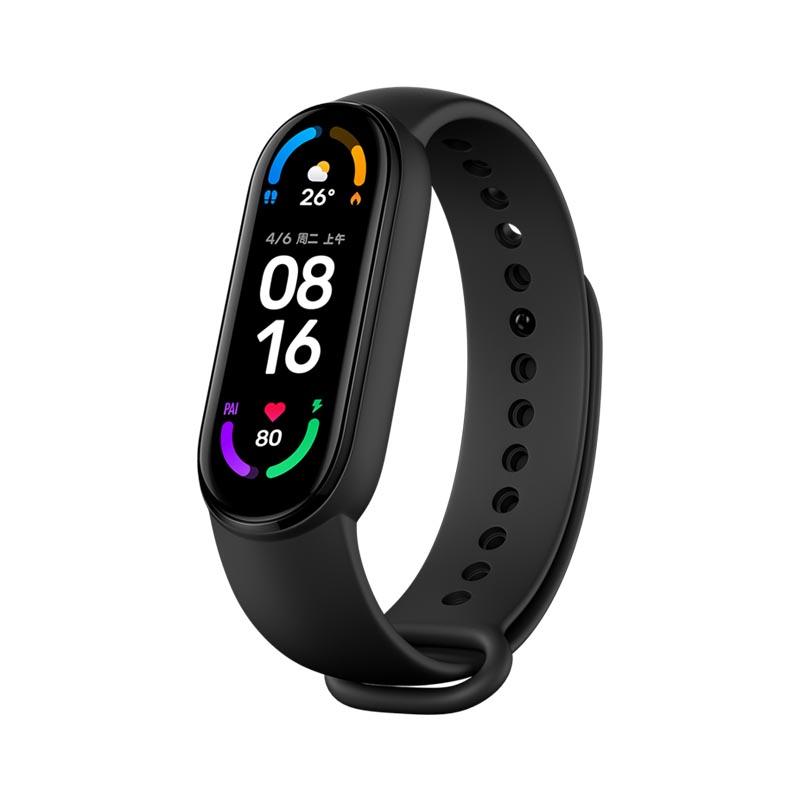
Xiaomi Mi Band 6 Global

Xiaomi Mi Band 6 Global
55,33 €You save 23,83 €
31,50 €
CouponBGHU2426
Shopping on Banggood for the first time? See the guide!
Updated 5. 8. 2022 on 08:51
TIPExpress delivery from the Czech warehouse without customs duty and VAT.

This product will be delivered to you express from the local Czech warehouse. Delivery from the Czech Republic usually takes 7-10 days and is handled by a courier. When it arrives, you don’t pay any extra fees—no customs duty and no VAT.

Track this product’s price

As soon as we post a new coupon, we’ll send you an email. You can unsubscribe from tracking anytime.

Shopping on Banggood for the first time?


XiaomiPlanet deal

Xiaomi Mi Smart Camera Pro 2K

Xiaomi Mi Smart Camera Pro 2K
89,90 €You save 43,00 €
46,90 €
Coupongshopper10
Is it your first time shopping on GShopper? See the guide!
Updated 21. 9. 2023 on 13:14
TIPShipping absolutely free.

For this product, shipping is available completely free of charge. However, this is the slowest delivery method and the item may take 20 days up to 1 months to arrive.

When ordering from the Chinese warehouse, AliExpress will add the customs duty in your cart—approximately 3,70 € per order. When you receive the package, you won’t pay anything extra.

Track this product’s price

As soon as we post a new coupon, we’ll send you an email. You can unsubscribe from tracking anytime.

Is it your first time shopping on GShopper?

GShopper is an international online store with warehouses not only in China, but also directly in the EU. You can complete your order in just a few minutes. Enter your address without diacritics, choose bank transfer as the payment method—it works out cheaper than a card—and enter the discount coupon before you submit your order.

  1. Register or log inOn GShopper, you create an account, or you can log in via Google or Facebook. You can also shop without registering, but with an account you’ll see your order status and it’s easier to handle any possible claim.
  2. Get to the product using our buttonIn our article, click the GET THE DISCOUNT button—this will open exactly the product and the version the coupon applies to. Then on the product page, click Buy Now or Add to Cart.
  3. Fill in the address WITHOUT diacriticsWrite your name, street and city without accents — so Zilina, not Žilina. Foreign carrier systems can’t handle diacritics and the package may get stuck. Check your ZIP code and phone number, including the country code.
  4. Choose shipping and check the warehouseMost products come with free shipping—if Free Shipping is available, choose it. Items shipped from an EU warehouse arrive in 2 to 7 business days and don’t go through customs clearance; dispatch from China or Hong Kong takes 7 to 45 days depending on the shipping method you choose. Continue with the Next button.
  5. For payment, choose bank transfer and saveIn checkout, you pick from the available options Bank Transfer, Credit Card and PayPal. Choose bank transfer—GShopper gives you an additional discount that, depending on the product, is 3 to 4,5 % compared to card payment. In the order summary, you’ll see it as a separate line.GShopper will then show you the bank account number and the amount in the line Amount to Transfer and a reference that you need to include in the note for the recipient. You make the transfer in your bank; the account is held in EUR within the EU—so it’s a standard SEPA transfer.
    Súhrn objednávky na Gshopperi so zľavou za bankový prevod
    The discount for bank transfer will appear as a separate line in the order summary.
  6. Enter the coupon and submit your orderPut the coupon into the field Discount Code and confirm with the button Apply. Only one coupon can be applied at a time. The price in the summary must be recalculated right away—if it didn’t change, the coupon wasn’t applied. Then submit your order by clicking Place Order.After payment, you’ll receive a confirmation email and you can also find your order in your account under the section My Orders.
    Políčko Discount Code v pokladni Gshopper s tlačidlom Apply
    You’ll find the coupon box at checkout under the payment method selection.
Enter the coupon before you click on Place Order. A discount won’t be added automatically to the completed order. If you forget the promo code, you’ll have to write via [email protected] — they may not have to comply.
You can change or cancel your order within 12 hours e-mail to [email protected]. Warranty varies by category: Xiaomi phones, Redmi and POCO have 24 months, tablets and e-scooters 12 months, earbuds, smartwatches and other Xiaomi products 6 months.


XiaomiPlanet deal

Xiaomi Mi Pocket Photo Printer

Xiaomi Mi Pocket Photo Printer
60,03 €You save 12,04 €
47,99 €

Price history

1,10 €cheaper than the average price
Cheapest 45,58 €Most expensive 53,03 €
Buying on AliExpress for the first time? See the guide!
Updated 2. 9. 2025 on 09:33
TIPFast delivery from the Spanish warehouse with no customs duty and VAT.

This product will be delivered to you quickly from a local Spanish warehouse. Shipping from Spain usually takes 7-10 days and is handled by a courier. When it arrives, you don’t pay any extra fees—no customs duty, no VAT.

Track this product’s price

As soon as we post a new coupon, we’ll send you an email. You can unsubscribe from tracking anytime.

Buying on AliExpress for the first time?

This process is done through the AliExpress mobile app, where most people shop. Two things matter: don’t use Buy now and enter the coupon only in the order summary in the Promo code field. After you click Pay now, you can’t add it anymore.

  1. Copy the code and click GET THE DISCOUNTIn our article, copy the coupon and click the button GET THE DISCOUNT. The link will take you directly to the product in the AliExpress app.
  2. Use Add to cart, not Buy nowOn the product card, scroll down and click Add to cart. Don’t use the Buy now button—this skips the cart, so later you won’t have a place to enter the coupon. Before that, make sure the variant is correct: color, version, and whether it ships from an EU warehouse.
  3. Continue to Checkout via the cartA pop-up will appear: Added to cart!—tap Check it out. If it disappeared, open the cart using the icon in the bottom-right corner. In the cart, check the product and quantity, then tap the red Checkout button. Only the items marked with the red circle are included.
  4. Fill in your address and card, then look for Promo codeIn the order summary, first enter the delivery address and payment card at the top. Below that, there’s a line Promo code — expand it with the arrow on the right.
    Riadok Promo code v zhrnutí objednávky v aplikácii AliExpress
    Look for this line under the address and payment method.
  5. Paste the code and confirm ApplyIn the field Promo code paste the copied code and click the black Apply. The code is case-sensitive and must not contain spaces.
    Políčko Promo code s kódom a tlačidlom Apply v aplikácii AliExpress
    Paste the code into the field and confirm by clicking the Apply button.
  6. Check your savings and payIn the section Summary expand the line Saved — you’ll see the applied coupon there as AliExpress coupons/codes. Only when Total is really lower, click Pay now.
    Riadok Saved s uplatneným kupónom a znížený Total v aplikácii AliExpress
    The applied coupon will show up in the Saved line and reduce the Total.
Apply the discount again in the order summary. After you click Pay now, you can’t add a coupon anymore. If Apply shows an error, the code has either expired, doesn’t apply to your item, or your order doesn’t meet the minimum amount.
Store Coupon also belongs in the same field. — a coupon from the seller itself, which isn’t always available and changes day to day. It can’t be combined with an AliExpress coupon, so try both and go with the one that gives you more. Coins are added automatically.


XiaomiPlanet deal

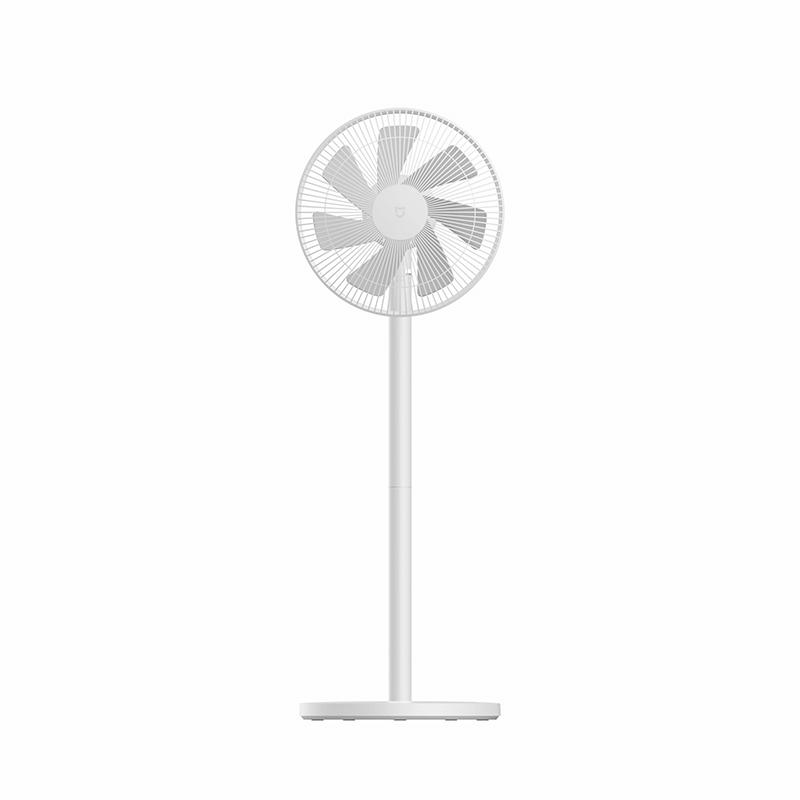
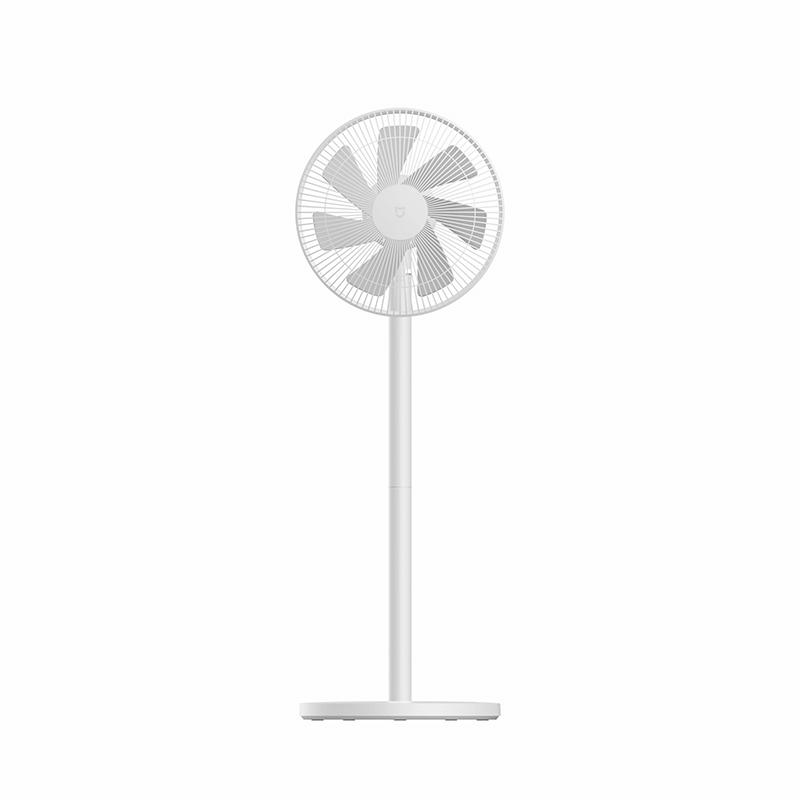
Xiaomi Mi Smart Standing Fan 2

Xiaomi Mi Smart Standing Fan 2
81,99 €You save 12,65 €
69,34 €
Coupon5EXTRA
Are you buying on Smarty.sk for the first time? See the guide!
Updated 27. 6. 2025 on 10:38
TIPExpress delivery from a Slovak warehouse within 1 to 3 business days.

This product will be delivered to you express from a local Slovak warehouse. Delivery usually takes 1-3 business days and is handled by a courier. The price is final.

Track this product’s price

As soon as we post a new coupon, we’ll send you an email. You can unsubscribe from tracking anytime.

Are you buying on Smarty.sk for the first time?

Manual coming soon.


XiaomiPlanet deal

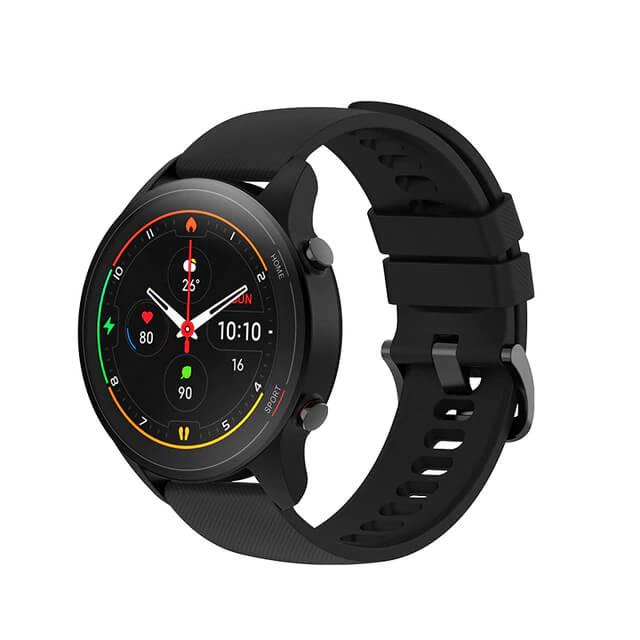
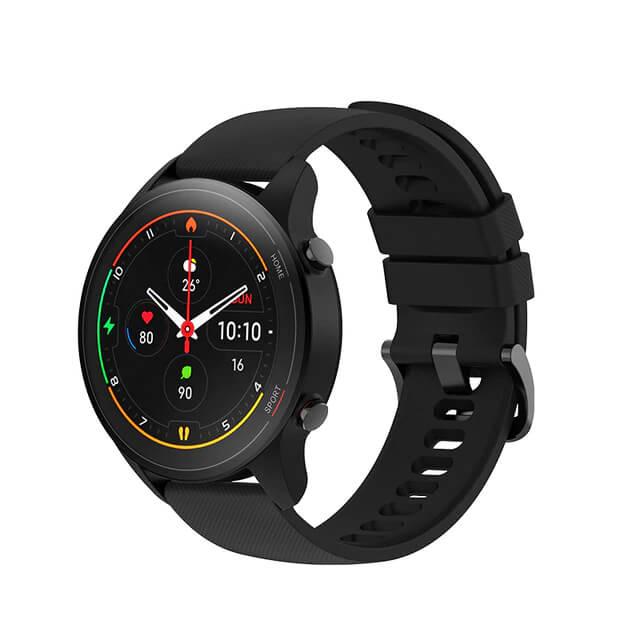
Xiaomi Mi Watch Global

Xiaomi Mi Watch Global
150,00 €You save 71,00 €
79,00 €
CouponA28FF75A590C
Is it your first time shopping on GShopper? See the guide!
Updated 22. 3. 2022 on 13:25
TIPExpress delivery from the German warehouse with no customs duty and no VAT.

This product will be delivered to you express from a local German warehouse. Delivery from Germany usually takes 7-10 days, and it’s brought by courier. When it arrives, you don’t pay any extra fees—no customs duty or VAT.

Track this product’s price

As soon as we post a new coupon, we’ll send you an email. You can unsubscribe from tracking anytime.

Is it your first time shopping on GShopper?

GShopper is an international online store with warehouses not only in China, but also directly in the EU. You can complete your order in just a few minutes. Enter your address without diacritics, choose bank transfer as the payment method—it works out cheaper than a card—and enter the discount coupon before you submit your order.

  1. Register or log inOn GShopper, you create an account, or you can log in via Google or Facebook. You can also shop without registering, but with an account you’ll see your order status and it’s easier to handle any possible claim.
  2. Get to the product using our buttonIn our article, click the GET THE DISCOUNT button—this will open exactly the product and the version the coupon applies to. Then on the product page, click Buy Now or Add to Cart.
  3. Fill in the address WITHOUT diacriticsWrite your name, street and city without accents — so Zilina, not Žilina. Foreign carrier systems can’t handle diacritics and the package may get stuck. Check your ZIP code and phone number, including the country code.
  4. Choose shipping and check the warehouseMost products come with free shipping—if Free Shipping is available, choose it. Items shipped from an EU warehouse arrive in 2 to 7 business days and don’t go through customs clearance; dispatch from China or Hong Kong takes 7 to 45 days depending on the shipping method you choose. Continue with the Next button.
  5. For payment, choose bank transfer and saveIn checkout, you pick from the available options Bank Transfer, Credit Card and PayPal. Choose bank transfer—GShopper gives you an additional discount that, depending on the product, is 3 to 4,5 % compared to card payment. In the order summary, you’ll see it as a separate line.GShopper will then show you the bank account number and the amount in the line Amount to Transfer and a reference that you need to include in the note for the recipient. You make the transfer in your bank; the account is held in EUR within the EU—so it’s a standard SEPA transfer.
    Súhrn objednávky na Gshopperi so zľavou za bankový prevod
    The discount for bank transfer will appear as a separate line in the order summary.
  6. Enter the coupon and submit your orderPut the coupon into the field Discount Code and confirm with the button Apply. Only one coupon can be applied at a time. The price in the summary must be recalculated right away—if it didn’t change, the coupon wasn’t applied. Then submit your order by clicking Place Order.After payment, you’ll receive a confirmation email and you can also find your order in your account under the section My Orders.
    Políčko Discount Code v pokladni Gshopper s tlačidlom Apply
    You’ll find the coupon box at checkout under the payment method selection.
Enter the coupon before you click on Place Order. A discount won’t be added automatically to the completed order. If you forget the promo code, you’ll have to write via [email protected] — they may not have to comply.
You can change or cancel your order within 12 hours e-mail to [email protected]. Warranty varies by category: Xiaomi phones, Redmi and POCO have 24 months, tablets and e-scooters 12 months, earbuds, smartwatches and other Xiaomi products 6 months.


XiaomiPlanet deal

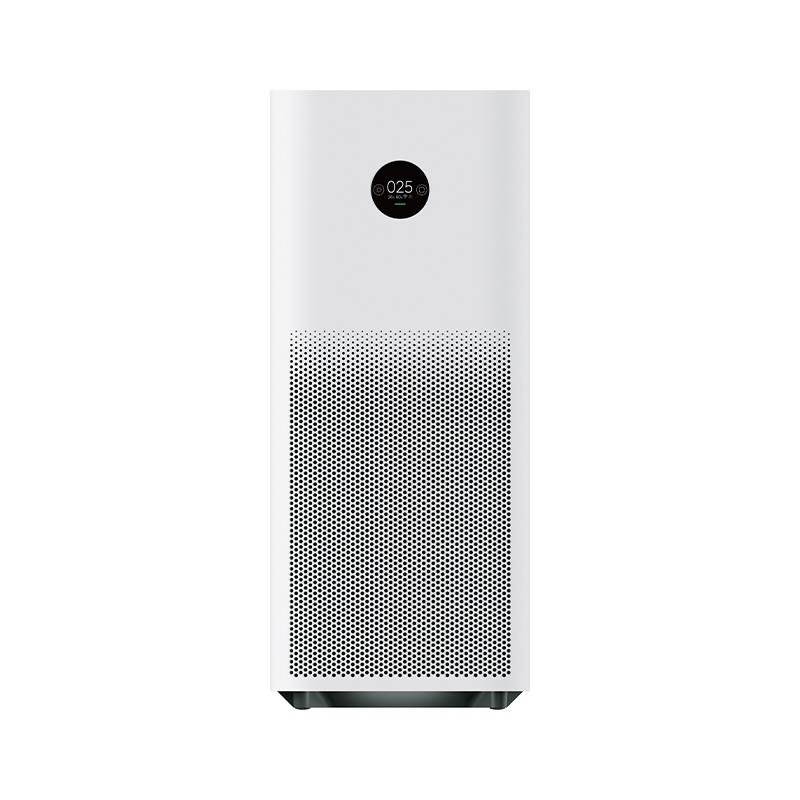
Xiaomi Mi Air Purifier Pro H

Mi Air Purifier Pro H, Czech warehouse
Xiaomi Mi Air Purifier Pro H
CZ warehouse
404,14 €You save 245,54 €
158,60 €
CouponBGHCNY03
Shopping on Banggood for the first time? See the guide!
Updated 28. 1. 2023 on 19:57
TIPExpress delivery from the Czech warehouse without customs duty and VAT.

This product will be delivered to you express from the local Czech warehouse. Delivery from the Czech Republic usually takes 7-10 days and is handled by a courier. When it arrives, you don’t pay any extra fees—no customs duty and no VAT.

Track this product’s price

As soon as we post a new coupon, we’ll send you an email. You can unsubscribe from tracking anytime.

Shopping on Banggood for the first time?


XiaomiPlanet deal

POCO M3 Global version

[EU Priority Line] 4 + 128 GB
POCO M3 Globálna verzia
EU Priority Line
185,31 €You save 47,20 €
138,11 €
Without a coupon
Shopping on Banggood for the first time? See the guide!
Updated 16. 10. 2021 on 10:20
TIPWith EU Priority Line shipping, you don’t pay any extra fees.

We recommend choosing Priority Line shipping, where you won’t pay anything extra. Customs duties and any VAT will be handled for you directly by the seller. Shipping can be selected in the cart after you enter your delivery address. Delivery with EU Priority Line usually takes about 15 - 25 days, but it may also be longer.

Track this product’s price

As soon as we post a new coupon, we’ll send you an email. You can unsubscribe from tracking anytime.

Shopping on Banggood for the first time?


XiaomiPlanet deal

Redmi Note 10S Global Version

Redmi Note 10S Globálna Verzia
259,00 €You save 106,07 €
152,93 €
CouponAFA6C3977334
Is it your first time shopping on GShopper? See the guide!
Updated 26. 7. 2022 on 11:45
TIPExpress delivery from the German warehouse with no customs duty and no VAT.

This product will be delivered to you express from a local German warehouse. Delivery from Germany usually takes 7-10 days, and it’s brought by courier. When it arrives, you don’t pay any extra fees—no customs duty or VAT.

Track this product’s price

As soon as we post a new coupon, we’ll send you an email. You can unsubscribe from tracking anytime.

Is it your first time shopping on GShopper?

GShopper is an international online store with warehouses not only in China, but also directly in the EU. You can complete your order in just a few minutes. Enter your address without diacritics, choose bank transfer as the payment method—it works out cheaper than a card—and enter the discount coupon before you submit your order.

  1. Register or log inOn GShopper, you create an account, or you can log in via Google or Facebook. You can also shop without registering, but with an account you’ll see your order status and it’s easier to handle any possible claim.
  2. Get to the product using our buttonIn our article, click the GET THE DISCOUNT button—this will open exactly the product and the version the coupon applies to. Then on the product page, click Buy Now or Add to Cart.
  3. Fill in the address WITHOUT diacriticsWrite your name, street and city without accents — so Zilina, not Žilina. Foreign carrier systems can’t handle diacritics and the package may get stuck. Check your ZIP code and phone number, including the country code.
  4. Choose shipping and check the warehouseMost products come with free shipping—if Free Shipping is available, choose it. Items shipped from an EU warehouse arrive in 2 to 7 business days and don’t go through customs clearance; dispatch from China or Hong Kong takes 7 to 45 days depending on the shipping method you choose. Continue with the Next button.
  5. For payment, choose bank transfer and saveIn checkout, you pick from the available options Bank Transfer, Credit Card and PayPal. Choose bank transfer—GShopper gives you an additional discount that, depending on the product, is 3 to 4,5 % compared to card payment. In the order summary, you’ll see it as a separate line.GShopper will then show you the bank account number and the amount in the line Amount to Transfer and a reference that you need to include in the note for the recipient. You make the transfer in your bank; the account is held in EUR within the EU—so it’s a standard SEPA transfer.
    Súhrn objednávky na Gshopperi so zľavou za bankový prevod
    The discount for bank transfer will appear as a separate line in the order summary.
  6. Enter the coupon and submit your orderPut the coupon into the field Discount Code and confirm with the button Apply. Only one coupon can be applied at a time. The price in the summary must be recalculated right away—if it didn’t change, the coupon wasn’t applied. Then submit your order by clicking Place Order.After payment, you’ll receive a confirmation email and you can also find your order in your account under the section My Orders.
    Políčko Discount Code v pokladni Gshopper s tlačidlom Apply
    You’ll find the coupon box at checkout under the payment method selection.
Enter the coupon before you click on Place Order. A discount won’t be added automatically to the completed order. If you forget the promo code, you’ll have to write via [email protected] — they may not have to comply.
You can change or cancel your order within 12 hours e-mail to [email protected]. Warranty varies by category: Xiaomi phones, Redmi and POCO have 24 months, tablets and e-scooters 12 months, earbuds, smartwatches and other Xiaomi products 6 months.


Platba cez DHgate: The platform has finally launched safe and reliable Google Pay payments! So now you don’t need to use Revolut / Wise cards for payment, and you can pay directly in EUR. We’d also like to remind you that orders from DHgate come with our VIP support, which you get after downloading our extension for the Chrome browser on desktop only (when shopping on a smartphone, you can use the DHgate app).
XiaomiPlanet deal

Redmi Note 10 Pro Global Version

Redmi Note 10 Pro Globálna Verzia
359,00 €You save 175,29 €
183,71 €
CouponDHGATEMAR25OFF

Price history

7,93 €cheaper than the average price
Cheapest 183,71 €Most expensive 200,49 €
Are you shopping on DHGate for the first time? See the guide!
Updated 23. 3. 2023 on 14:28
TIPExpress delivery from the German warehouse with no customs duty and no VAT.

This product will be delivered to you express from a local German warehouse. Delivery from Germany usually takes 7-10 days, and it’s brought by courier. When it arrives, you don’t pay any extra fees—no customs duty or VAT.

Track this product’s price

As soon as we post a new coupon, we’ll send you an email. You can unsubscribe from tracking anytime.

Are you shopping on DHGate for the first time?

The process is in the DHgate mobile app. The Buy Now button takes you straight from the product page to checkout, and the coupon box is all the way at the very end of the page—which is why most people miss it and pay the full price.

  1. Sign in and click Get the DiscountOn DHgate, create an account or log in—it also works via Google or Facebook. Then copy the coupon from our article and click the GET THE DISCOUNT button—it will open the exact product the code applies to.
  2. On the product page, click Buy NowDHgate redirects you from the product straight to checkout Place Order, and the cart is skipped. So before you click, check the variant—color, memory, and version.
  3. Fill in the address without diacritics and choose paymentAt the top of checkout, enter the delivery address—write your name, street, and city without accents and diacritics, otherwise the shipment may get stuck with the carrier. Then tap Select Payment Method. Also note the Ship from info—items shipped from the EU warehouse usually take days, and they don’t go through customs clearance.
  4. Scroll all the way down to the Coupon code lineThe coupon box is at the very end of the page, below the offer Buy It Together. Look for the line Coupon code with the text Enter code here and tap it.
    Riadok Coupon code s textom Enter code here v pokladni aplikácie DHgate
    You’ll find the Coupon code line only below the summary, above Order Total.
  5. Paste the code and confirm ApplyA window will open Use Promo Code. Paste the copied code into it and tap the yellow Apply. Enter the code exactly, including uppercase letters and without spaces.
    Okno Use Promo Code so zadaným kupónom a tlačidlom Apply v aplikácii DHgate
    Paste the code into the Use Promo Code window and confirm with the Apply button.
  6. Check the discount and payYou’ll see the applied coupon in the Saved line — when you open it, it will show as DH Coupon. Only when Order Total really lower, tap Confirm to pay.
    Rozbalený riadok Saved s položkou DH Coupon v pokladni DHgate
    After opening the Saved line, you can see the applied coupon as DH Coupon.
You only have about half an hour to pay. There’s a countdown on the Confirm to pay button — when it runs out, the order is canceled and you have to create it again. So enter the coupon before you start paying.
DHgate sometimes adds a discount automatically. The Saved line may already be filled in before you enter any code. After pressing Apply, compare the Order Total — if it didn’t go down, the code either wasn’t applied or it’s weaker than the discount DHgate gave you automatically.
Our extra service with VIP support — we’ll handle the order on DHgate for you and ship it straight to your address.

If you don’t have experience buying on DHgate, your payment won’t go through, or the coupon doesn’t work, we offer our readers and customers an order-handling service delivered directly to your address. You send us the money by bank transfer and we order the product straight to you. That way, you don’t have to worry about a failed payment or applying the coupon, and you can be sure the whole order goes through 100 % correctly. On top of that, you automatically get our VIP support — we handle any shipping issues for you and assist with warranty claims. The fee for this service is 15 € for the product price. You can contact us by email at info(@)xiaomiplanet.sk or on Messenger, where we’re active all the time.


Add us as your preferred source on Google

Don’t miss the best coupons 📩

Subscribe and we’ll email you new coupons before they expire. We only send it once a month — no spam.

Ad Engerio