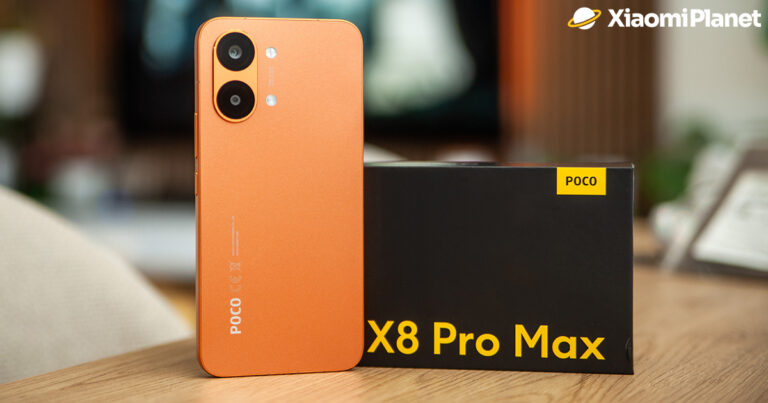

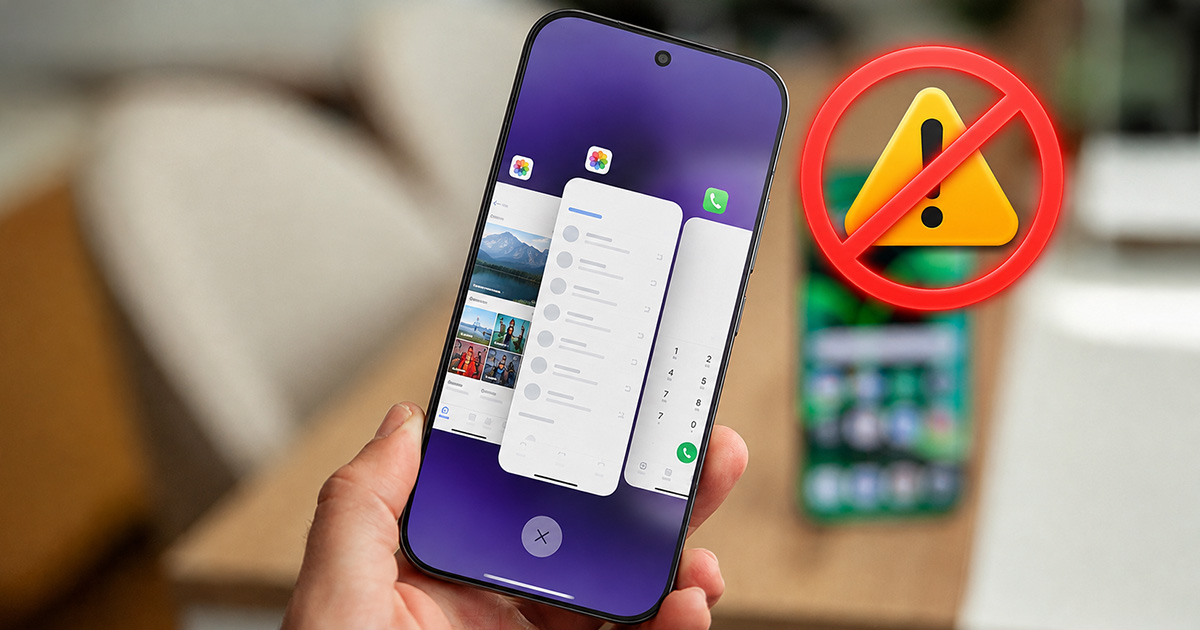
Do you think that if you regularly clear the multitasking menu on your Xiaomi, your phone will run faster? The opposite may be true. Android and HyperOS are designed to handle system memory automatically.
RAM in a smartphone doesn’t have to be empty
If you’re one of those users who opens multitasking several times a day and closes all apps with one gesture, it might be time to rethink this habit. At first glance, the phone looks “cleaner” after the clear-out, and you may feel like you freed up some memory. In reality, it often helps nothing.
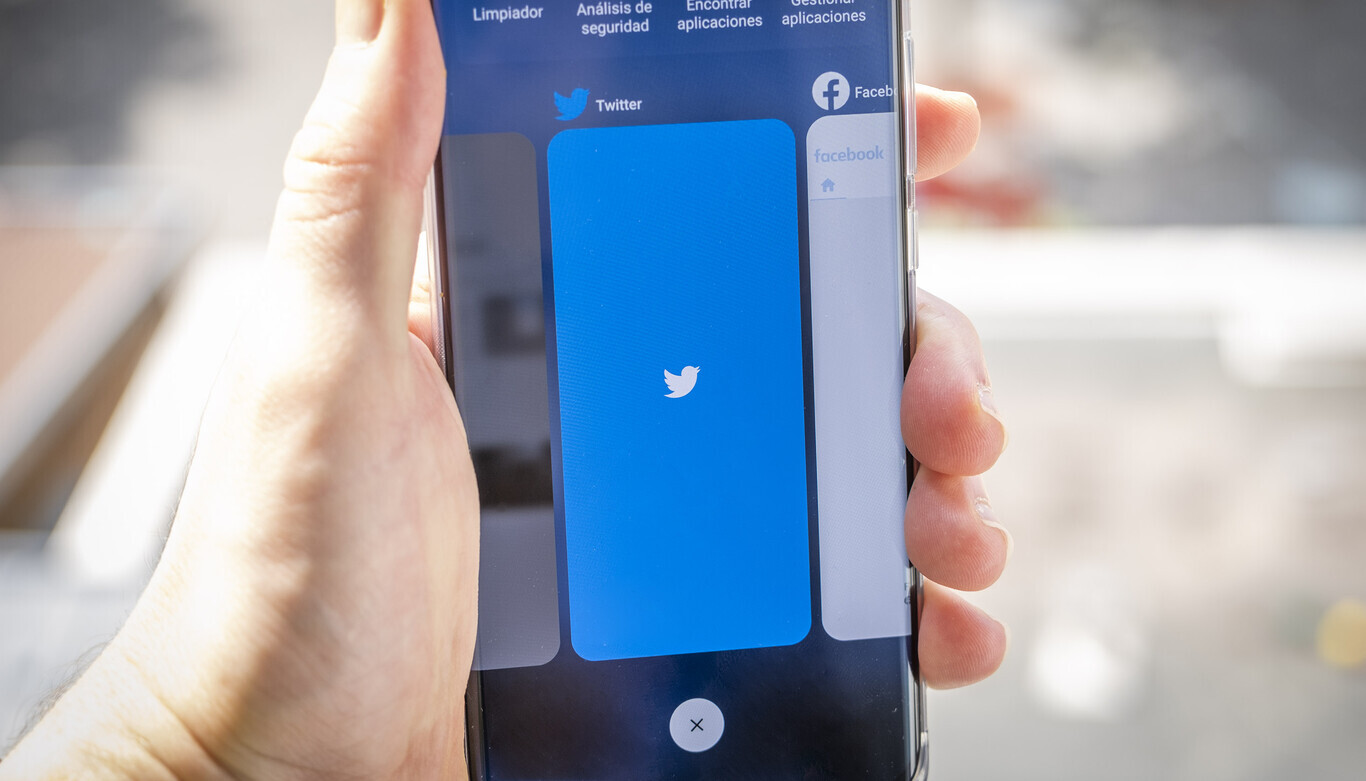
One of the most common misconceptions about smartphones is the idea that the more free RAM you have, the faster your phone automatically is. Android works a bit differently. The system tries to use available RAM. Apps you used recently may be kept ready in memory so they can start as quickly as possible the next time you open them.
If the system needs RAM for something else, it simply makes space by freeing it from processes that are no longer necessary. That means that when you see, for example, WhatsApp, Chrome, Instagram, or Google Maps among your recent apps, it doesn’t automatically mean that all of them are actively overloading the CPU, the battery, or your internet connection.
Android has mechanisms that limit how apps behave in the background. When the phone is idle, features like Doze or App Standby also kick in, helping to restrict syncing and other background tasks.
HyperOS can take care of app monitoring on its own
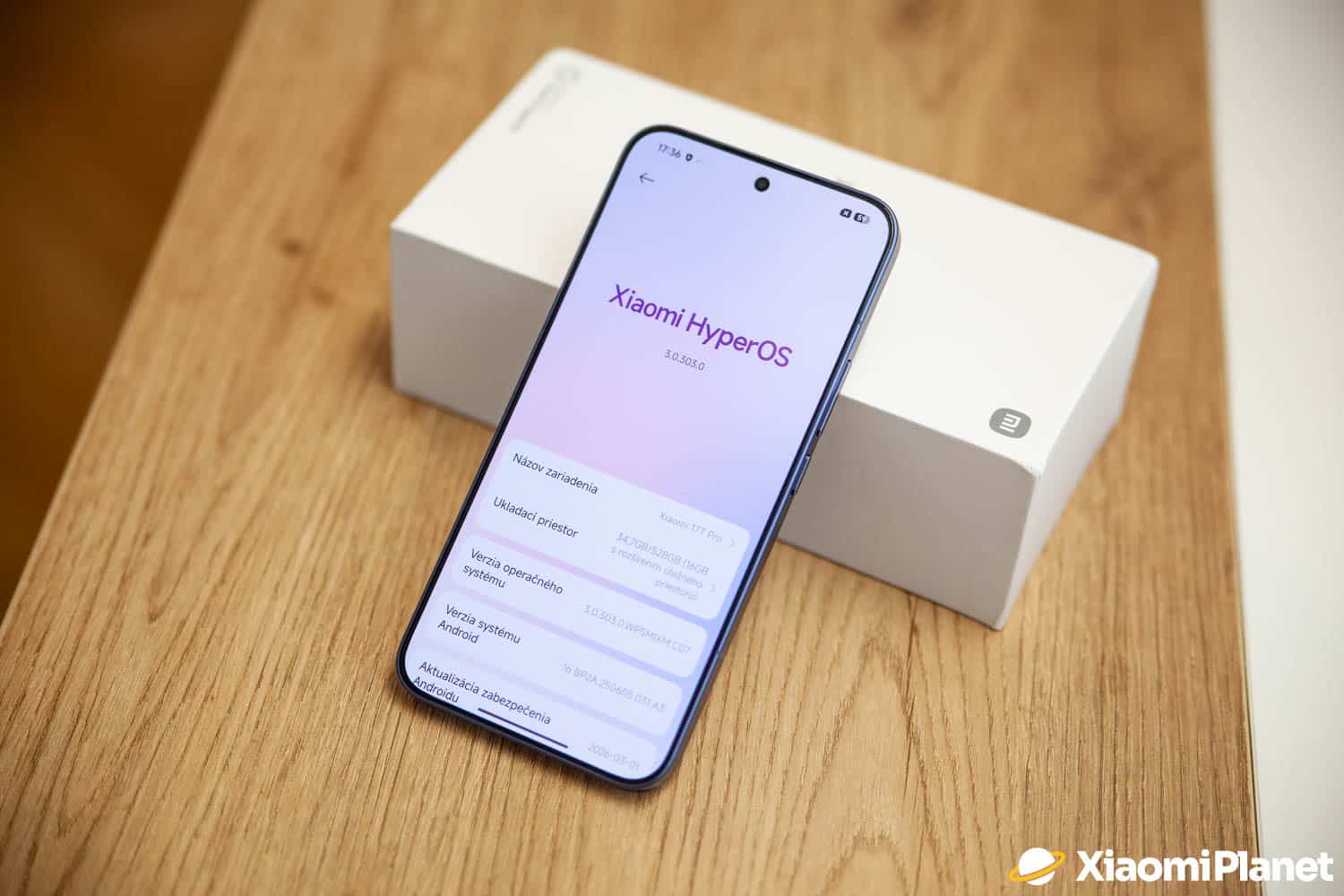
HyperOS works in a similar way on Xiaomi. The system includes built-in energy consumption and app activity management mechanisms. When an app stays in the background, it doesn’t need to keep working at full power all the time. Depending on your settings, HyperOS can limit its activity, connection, or automatic start.
For you, it comes down to one simple thing: there’s no need to manually close everything several times a day that you see in multitasking. On the contrary. Constantly closing apps can actually add work for the phone.
Imagine you regularly use WhatsApp, Chrome, and Instagram during the day. If you fully close them every time, the system has to load them again next time you use them. That can mean reloading data, recreating processes, and adding more CPU work.
Of course, on a modern Xiaomi with enough performance, you might not even notice it. But if you repeat it often, closing apps doesn’t provide the kind of benefit many users expect. Free RAM isn’t the goal by itself. What matters is that your phone runs smoothly and the system can use memory efficiently.
So when does closing an app make sense?
That doesn’t mean you should never use multitasking. If a specific app freezes, stops responding, starts acting strangely, or has unusually high battery or data consumption, closing it can be a reasonable solution. In that case, though, you don’t need to close everything.

Just remove the specific problematic app and try launching it again. If the issue persists, you can update the app, clear its cache, or use force stop. If you suspect excessive usage, it’s better to check directly in Xiaomi settings and see which app is running in the background and how much energy or data it’s consuming.
So should I stop clearing multitasking?
If your phone works normally, then yes—you can (and should) stop closing all apps just out of habit. Multitasking isn’t a list of apps you need to “tidy up” regularly. It’s part of how Android lets you switch quickly between apps.
However, if a specific app freezes or starts consuming resources excessively, then closing it manually makes sense. For Xiaomi, there’s a simple rule: don’t shut everything just to keep as much RAM free as possible. Let HyperOS do its job and only deal with the apps that truly cause the problem.
For more news from Xiaomi and their entire ecosystem, keep following our Xiaomi Planet website as well—join our Telegram channel full of the latest articles, sign up for updates, and join the community group on Facebook.
Don’t miss the best coupons 📩
Subscribe and we’ll email you new coupons before they expire. We only send it once a month — no spam.