
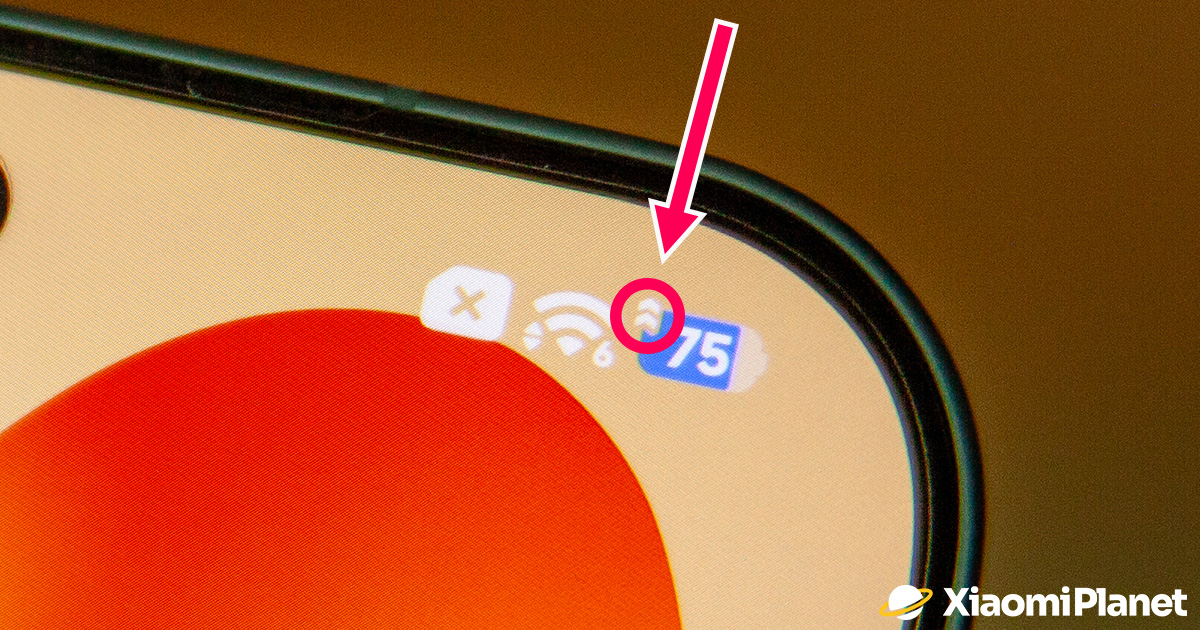
If a symbol resembling a speedometer or a pair of arrows pointing upward appeared in the status bar on your Xiaomi, Redmi, or POCO smartphone, there’s no need to worry.
It’s not a system or hardware error. HyperOS uses this way to tell you that Performance Mode is enabled, prioritizing maximum CPU performance over battery life.
HyperOS changes the way the processor behaves
Many users ignore this indicator or don’t know what it means. In reality, it signals that the phone is running in a more power-hungry performance profile, which is especially useful for demanding tasks. The trade-off is higher power consumption.

In the default balanced mode, HyperOS dynamically adjusts the CPU and graphics chip performance based on the current load. That way, during everyday use it saves energy while still delivering enough performance for daily apps.
Once Performance Mode is enabled, however, the system uses more aggressive CPU and GPU settings. The result can be faster app launches, smoother animations, or higher performance in games and when editing photos and videos.
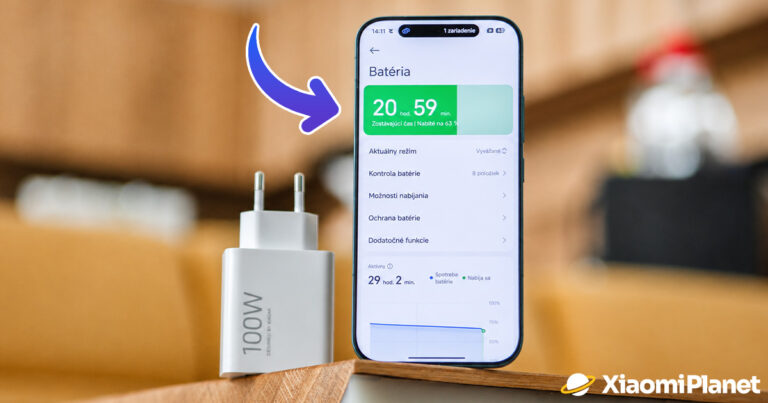
For the higher performance, you pay with higher power consumption and shorter battery life. That’s why Xiaomi recommends using this mode only when it’s truly necessary.
Higher performance also means more heat
A more powerful CPU naturally produces more heat. If you play graphics-heavy games, upload videos in high resolution, or edit multimedia files, the phone may heat up more than during normal use.
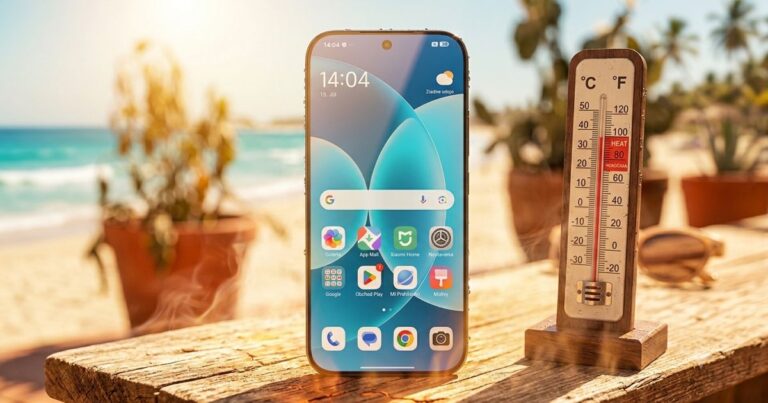
HyperOS continuously monitors the device temperature and, if needed, automatically reduces performance to protect the hardware—but that’s still not a reason to keep Performance Mode on all day.
When is it worth turning on Performance Mode?
Performance Mode makes the most sense during short, demanding tasks. For example: gaming, exporting video, processing a larger number of photos, or using apps that can take advantage of the chip’s maximum performance.
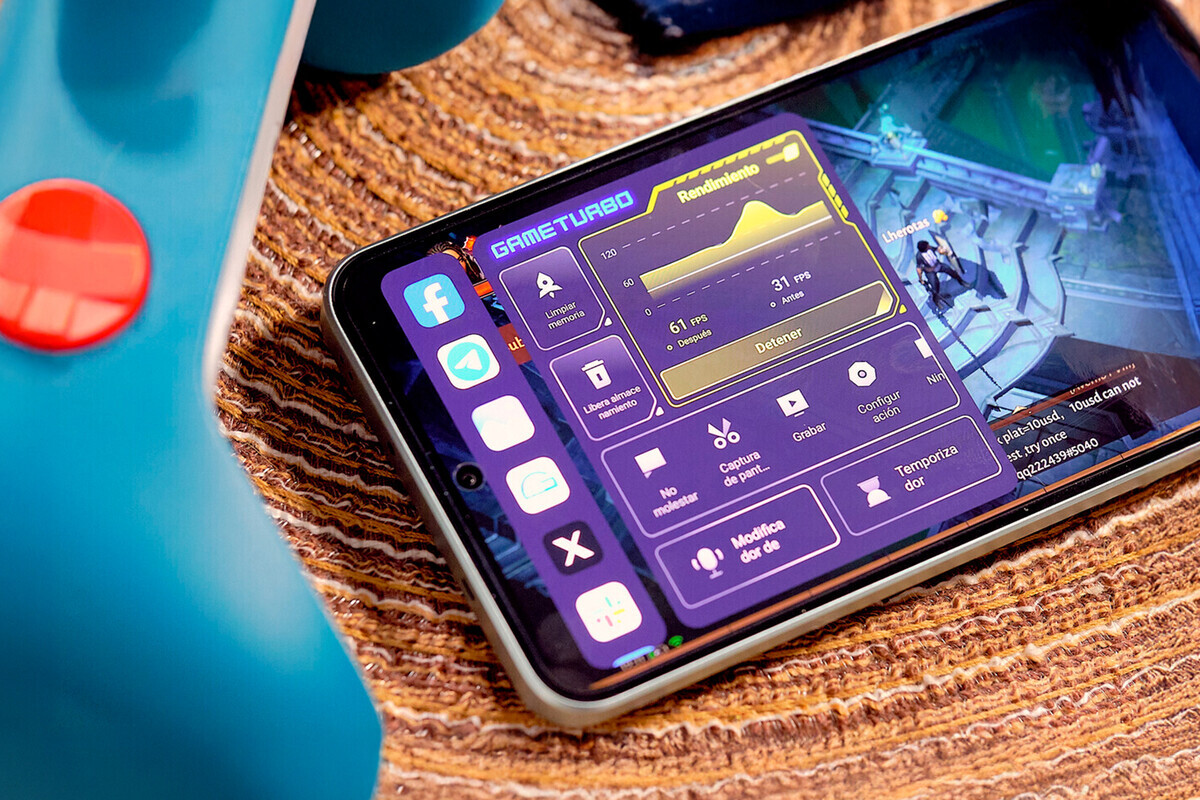
After you’re done, it’s a good idea to switch back to the balanced mode. Your phone will use less power, heat up less, and the battery will last noticeably longer.
How to turn on Performance Mode in HyperOS?
If your Xiaomi model supports this feature, you’ll find it in the menu Settings → Battery → Current mode → High performance mode. After confirming, the corresponding icon will appear in the status bar, indicating that your phone is running in a more performance-focused mode.

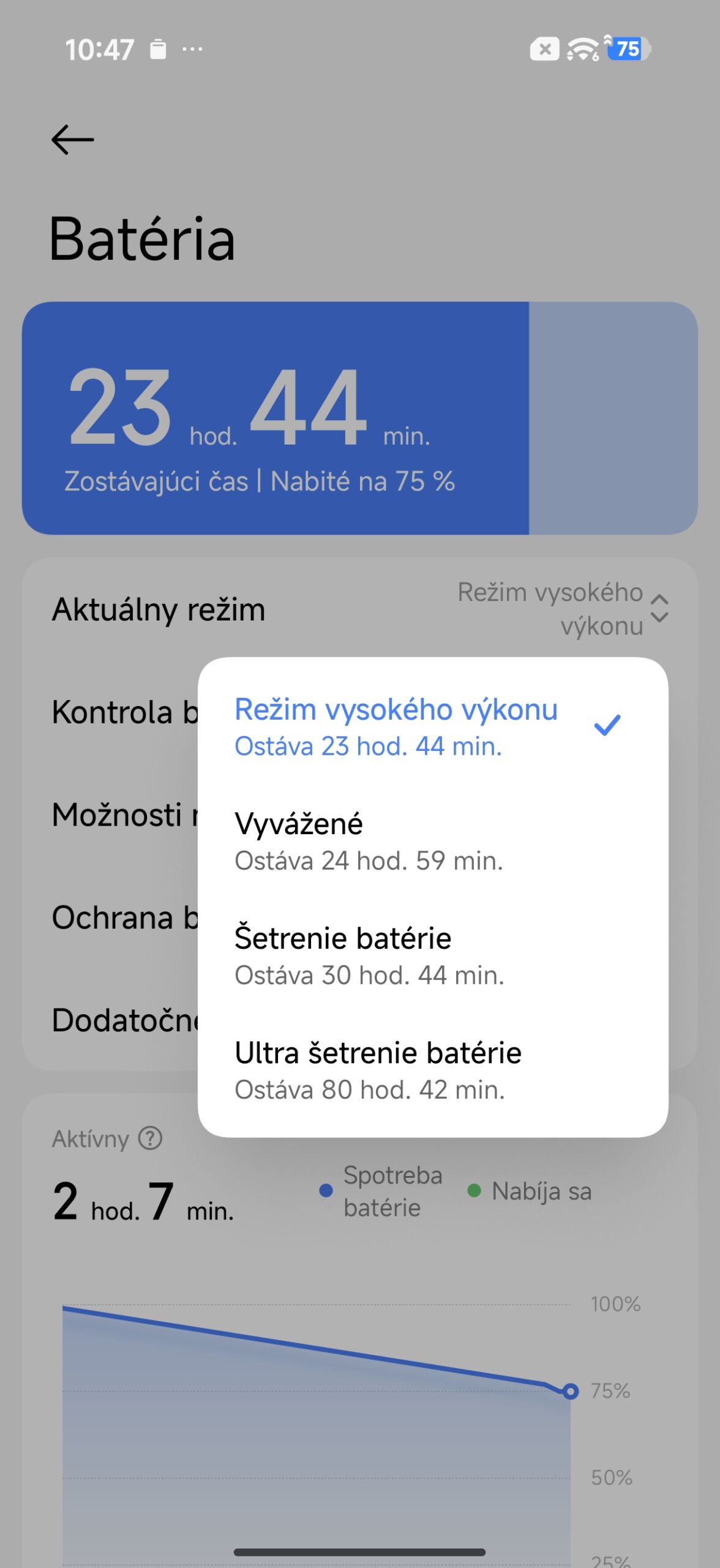

On some models, you can also enable the mode directly from the Control Center. However, the availability of this option may vary depending on your HyperOS version and the specific device.
So if you notice a new symbol on your Xiaomi in the top bar, there’s no reason to panic. It only means that HyperOS is currently prioritizing maximum performance over energy saving. If you don’t need the mode, it’s recommended to switch back to the balanced profile after you finish the demanding work.
For more news from Xiaomi and their entire ecosystem, keep following our Xiaomi Planet website as well—join our Telegram channel full of the latest articles, sign up for updates, and join the community group on Facebook.
Don’t miss the best coupons 📩
Subscribe and we’ll email you new coupons before they expire. We only send it once a month — no spam.