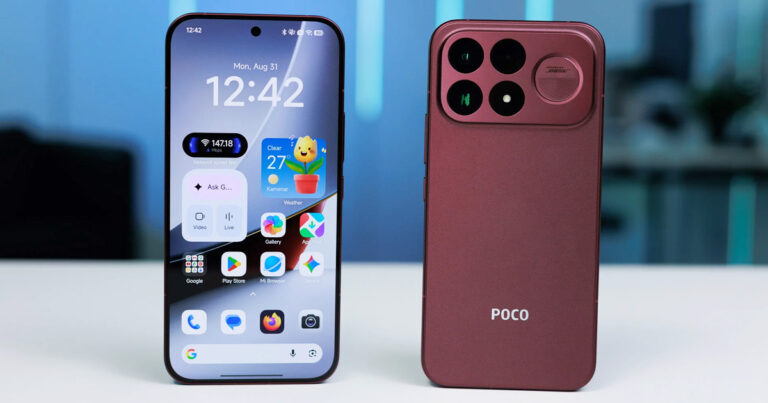
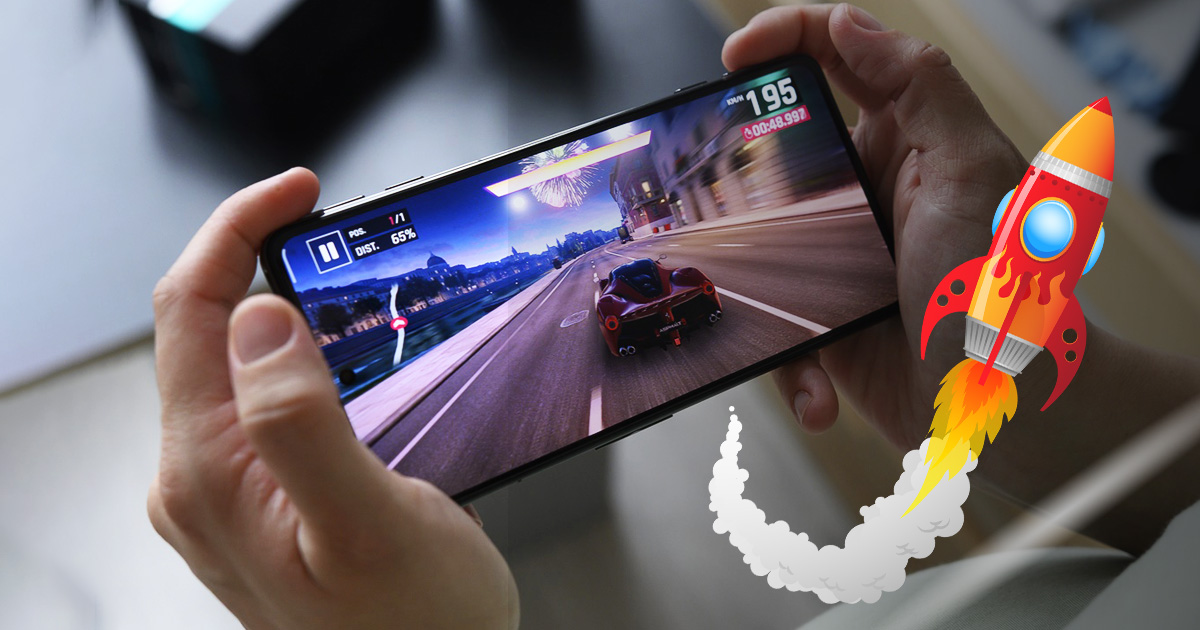
Do you also feel some slowing with long-term use of your Xiaomi smartphone? If so, we have several solutions to optimize it right away.
These are the reasons your Xiaomi smartphone slows down
Your device is usually smooth and fast right out of the box. However, over time it tends to become slower and lose responsiveness. This can be caused by different factors, starting with storage space, updates or malicious software. Today we’ll show you several tricks to prevent or at least delay this slowdown—especially for cheaper devices.

Technology, however, is advancing at a dizzying pace, and Xiaomi is no exception. New devices improve on the features of their predecessors, with only a few months’ gap. As devices get better, so do operating systems, such as Android, or the manufacturer’s custom UI, like MIUI. And every update brings new features for users.
One of the limits is hardware constraints. A lot of memory RAM is a key factor for how smoothly your Xiaomi smartphone runs, and a new update on a device with less RAM (for example, 2 GB RAM) will significantly slow it down. This happens mainly because the device needs more resources for smooth operation compared to the previous version before the update.
However, besides the physical amount of memory RAM, you can also take background activity into account. These use up a large amount of available RAM. That’s why it’s a good idea to close apps you’re not using to maximize free RAM with fewer apps running.
The third factor that can cause your smartphone to slow down is internal storage. The amount of storage can also be important—because if it’s full, it needs time to manage the available space itself, which slows down device performance.
How can you fix it?
- As a first and simplest option, you can use freeing up internal storage. If you delete unnecessary apps, as well as other content, or move your older photos to an external drive, it will help your device—and its smooth performance.
- It may seem a bit contradictory, but especially with cheaper devices, avoid the latest updates. Those big, noticeable updates—such as the Android operating system 13—can slow down older devices or may include a bug that hasn’t been fixed yet. One option is to wait and install such an update later, along with any accompanying patch package.
- We also recommend closing background apps that you aren’t using right now. It might seem like common sense, but many users forget. As we mentioned before, these apps consume a lot of RAM, which is key to your smartphone running fast.
- If you’ve already tried all these options but it didn’t help, there’s one more solution. And that’s restoring factory settings from the manufacturer. This step will erase all data on your device, so we recommend making a backup. However, it will restore your smartphone to the state it was in when you bought it. We recommend that all the steps above should help with app speed and your device’s overall performance.
Do you like our guides? If you have any other questions about this topic, feel free to write them below in the discussion under the article. Also follow our Facebook group: Xiaomi Planet – Place for true Xiaomi fans and also our Xiaomi Planet portal, and you’ll learn more information.
Don’t miss the best coupons 📩
Subscribe and we’ll email you new coupons before they expire. We only send it once a month — no spam.