



- The Open Gate mode records the entire sensor area.
- From one take: video for YouTube and TikTok.
- You’ll find the button next to the 9:16 and 2.39:1 options.
- Xiaomi hasn’t confirmed resolution and the number of frames yet.
Xiaomi 18 Pro and 18 Pro Max have a button in the Camera app that went almost unnoticed at the launch. It’s called Open Gate. If you shoot videos for social media, you’ll use it more often than most of what Xiaomi showed on stage. In this mode, the phone records the entire sensor area instead of a cutout that fits into 16:9.
Why a normal video wastes part of the image
Phone sensors have an aspect ratio of 4:3. Landscape video has 16:9, so the top and bottom bars must be cropped out of the image. The pixels are captured by the sensor, but they don’t make it into the final file.
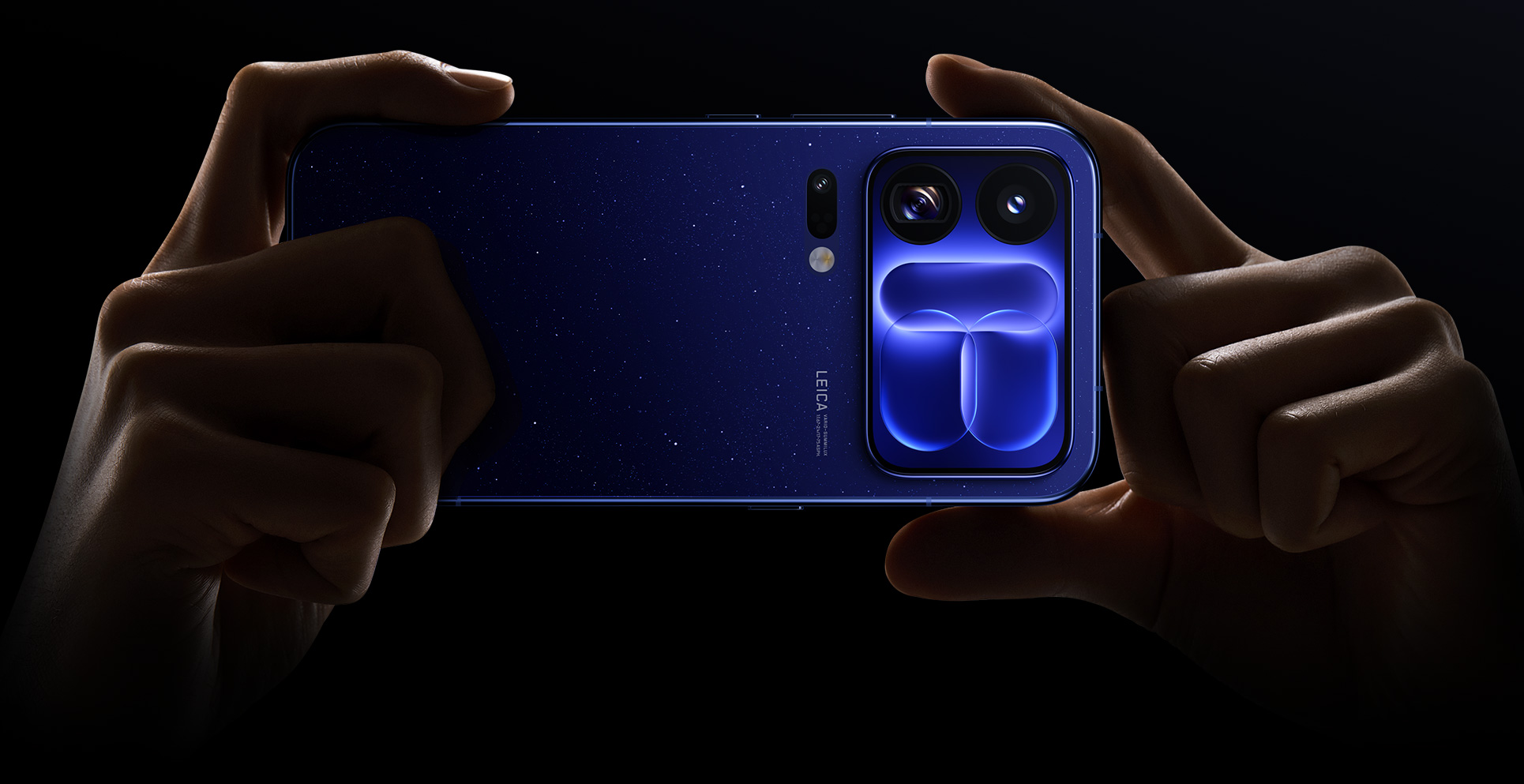
Open Gate disables this crop. The whole area is recorded, and you choose the crop later during editing. In the app, you’ll find it under the 3:4 aspect ratio. That’s exactly how the sensor looks when you hold your phone in portrait.
A mode filmmakers know
Open Gate isn’t an invention by Xiaomi. For years, filmmakers have used it on cameras and mirrorless systems. They record the entire sensor area and handle the format in post-production. For example, action cameras like the DJI Osmo Action 5 Pro have it too.
On Android, it has so far mostly been offered by the Blackmagic Camera app. It bypasses the system’s standard crop. Xiaomi now puts it directly into its own Camera app, so you don’t have to install anything.
One recording—YouTube video and TikTok video
From a single recording, you can pull out a landscape version for YouTube and a portrait version for Reels and TikTok. You can even move the crop itself. When the subject is off-center, you can center it during editing without losing the scene edges.
When recording, it’s worth leaving some room around the main subject. Otherwise, the crop will cut off exactly what was supposed to stay in the shot. You can hold the phone in portrait or landscape—nothing changes in the result. You’ll especially appreciate it when the scene can’t be repeated.
Where to find the button in the phone
You can find Open Gate in the video options panel next to the 9:16 and 2,39:1 switches. In the same panel, you’ll also see the LOG profile, Dolby Vision, exposure metering mode, and a watermark. So Xiaomi placed it among advanced settings.
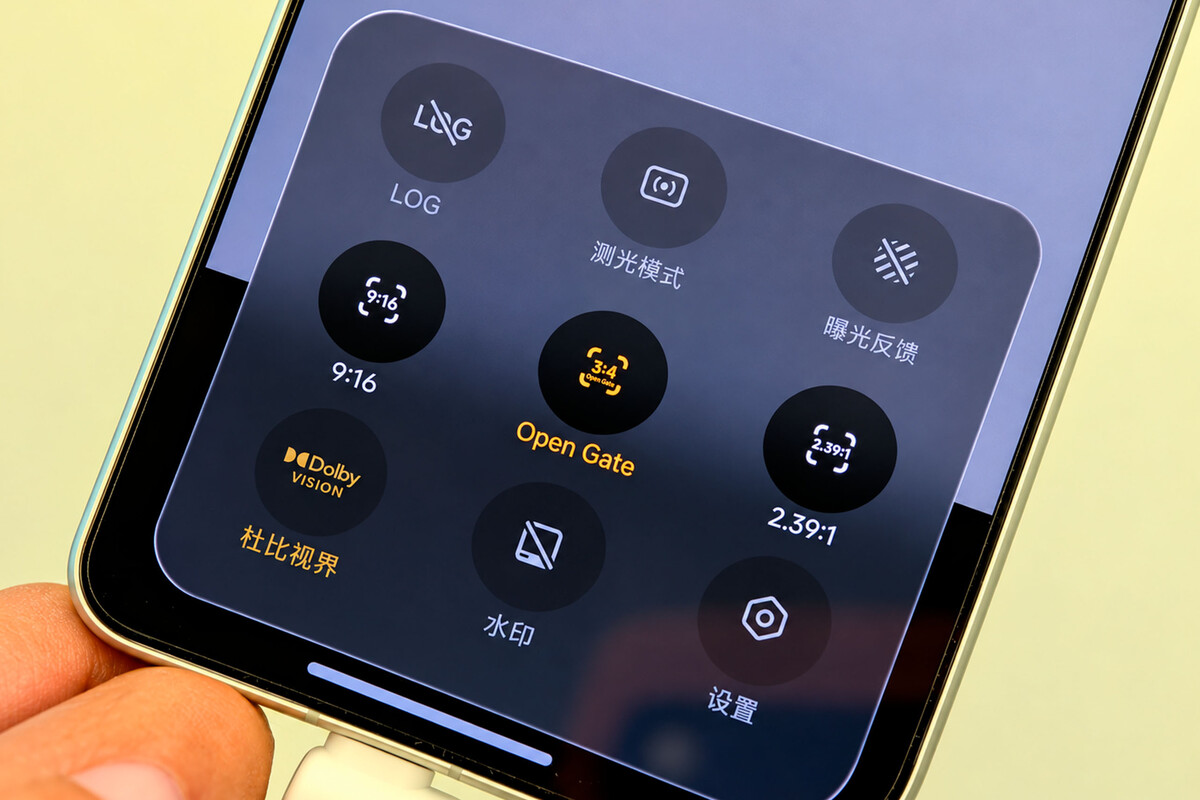
The feature was highlighted by the website Mundo Xiaomi, which noticed it in footage from the camera interface. During the actual presentation of the 18 Pro series, Xiaomi gave it almost no screen time.
What we don’t know about Open Gate yet
Xiaomi hasn’t confirmed what resolution the mode runs at, how many frames per second it can handle, or whether all cameras support it. From interface shots, we can only tell that it’s a video format option.
It works the same as every other crop. Each crop removes pixels. The higher the resolution you record in, the more room you’ll have to slide/crop. Anything that didn’t fit into the shot when filming won’t be recoverable—even with Open Gate.
The phone has the hardware for it
The main camera of Xiaomi 18 Pro is built on a 200 Mpx sensor with a 1/1,28-inch diagonal and a lens with a 23 mm focal length. The periscope telephoto lens has the same 200 Mpx and a 1/1,56-inch sensor. The phone records video up to 8K at 30 fps; at 4K it handles a 120 shot. It also includes 10-bit LOG and Dolby Vision.
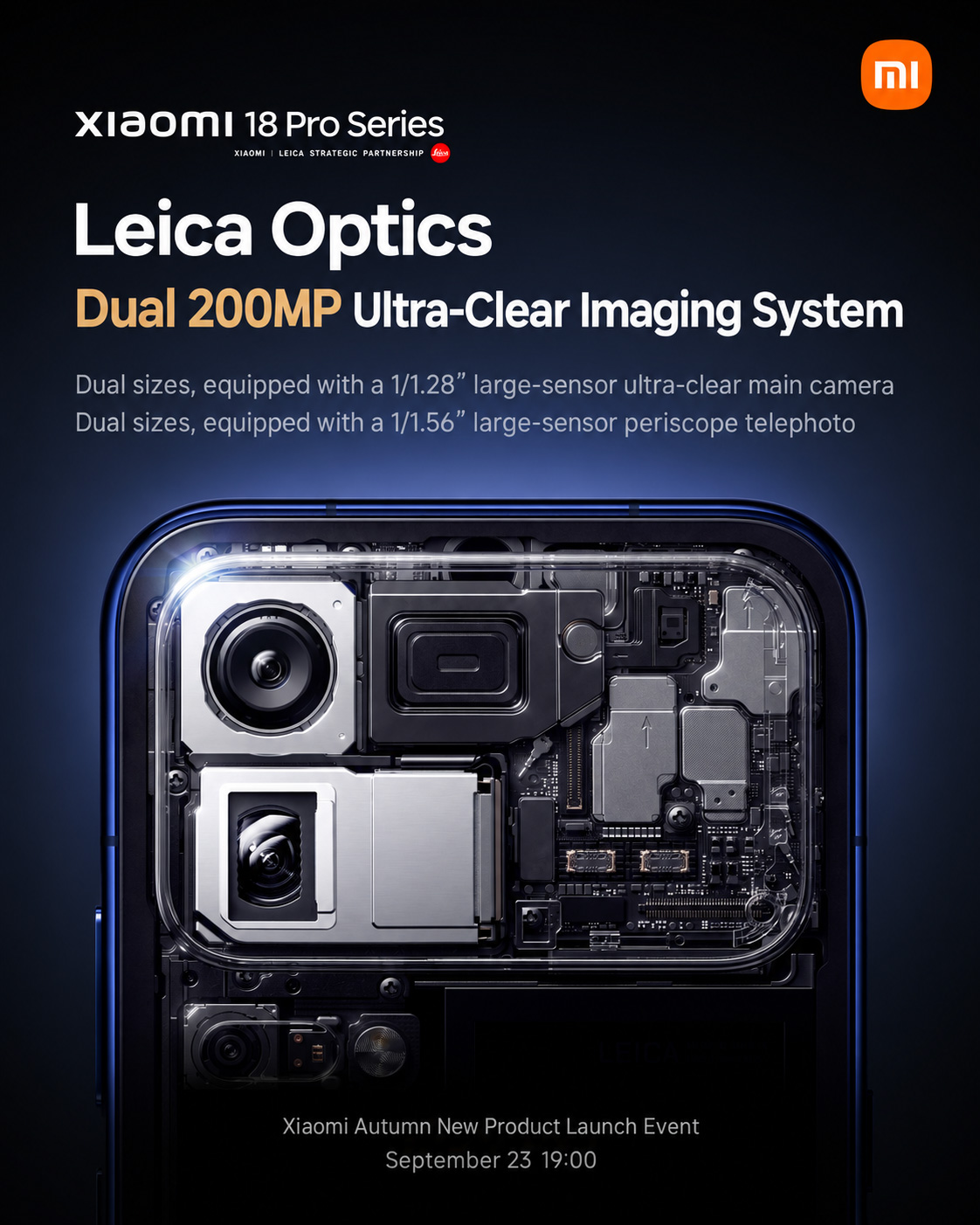
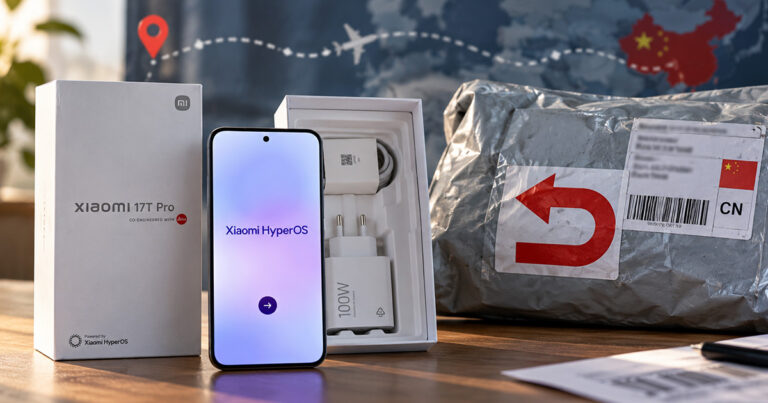
The 18 Pro range is currently sold only in China. Xiaomi confirmed that it will come to global markets this year too, so Open Gate should reach Europe as well. That will only be confirmed with the European software version.
To get more updates from the world of Xiaomi, keep following our Xiaomi Planet website. Join our Facebook group, where we build an active community and help each other out. Subscribe to our Telegram as well, where we add the best deals and coupons from China every day.
Don’t miss the best coupons 📩
Subscribe and we’ll email you new coupons before they expire. We only send it once a month — no spam.