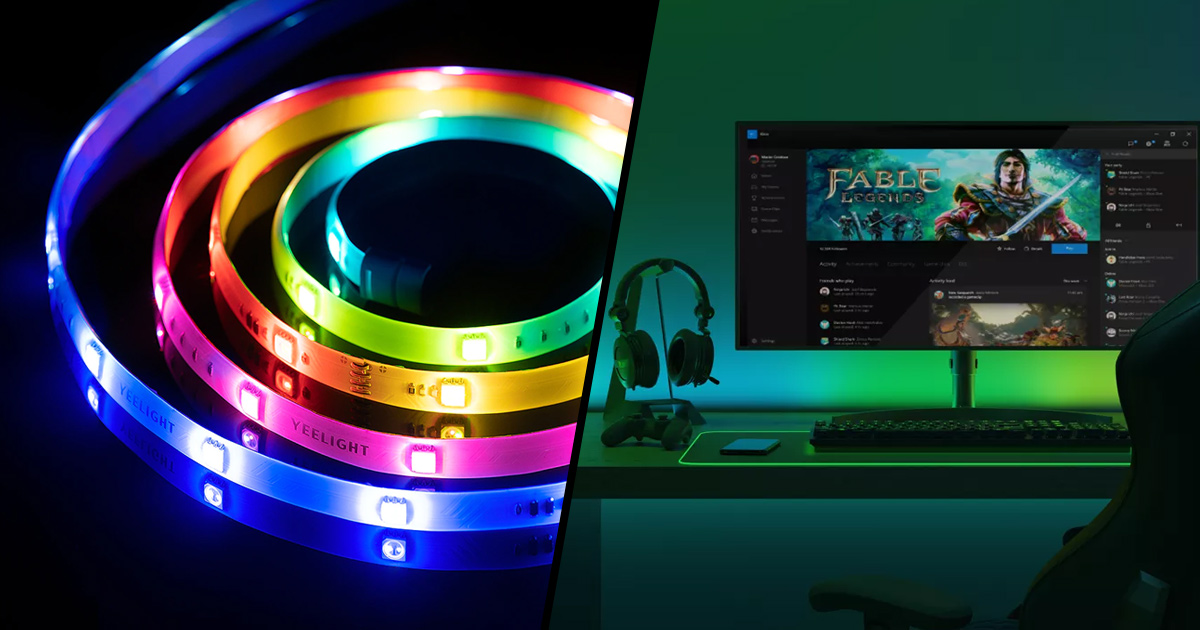
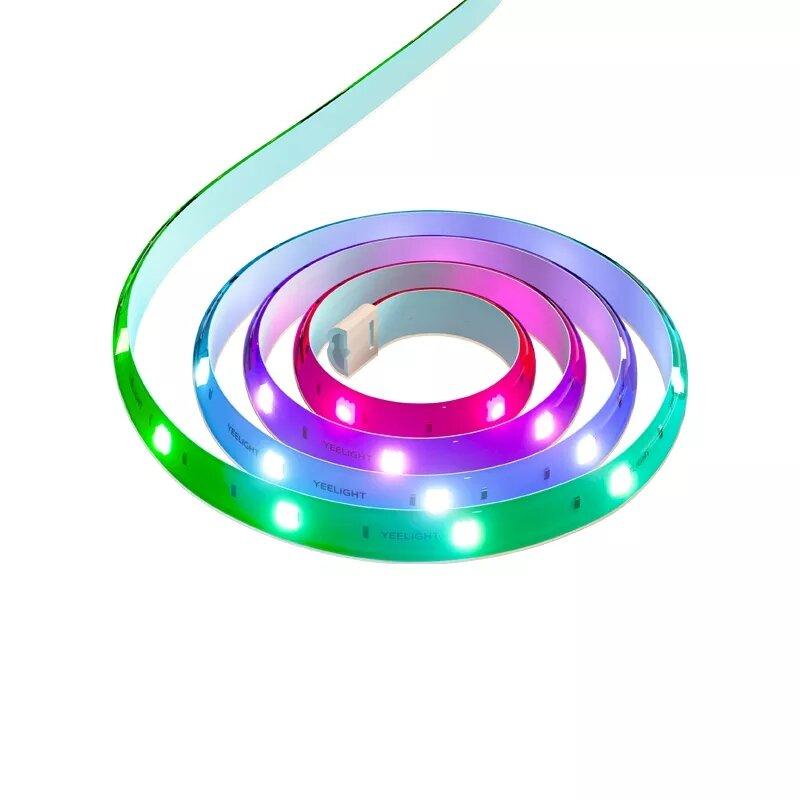
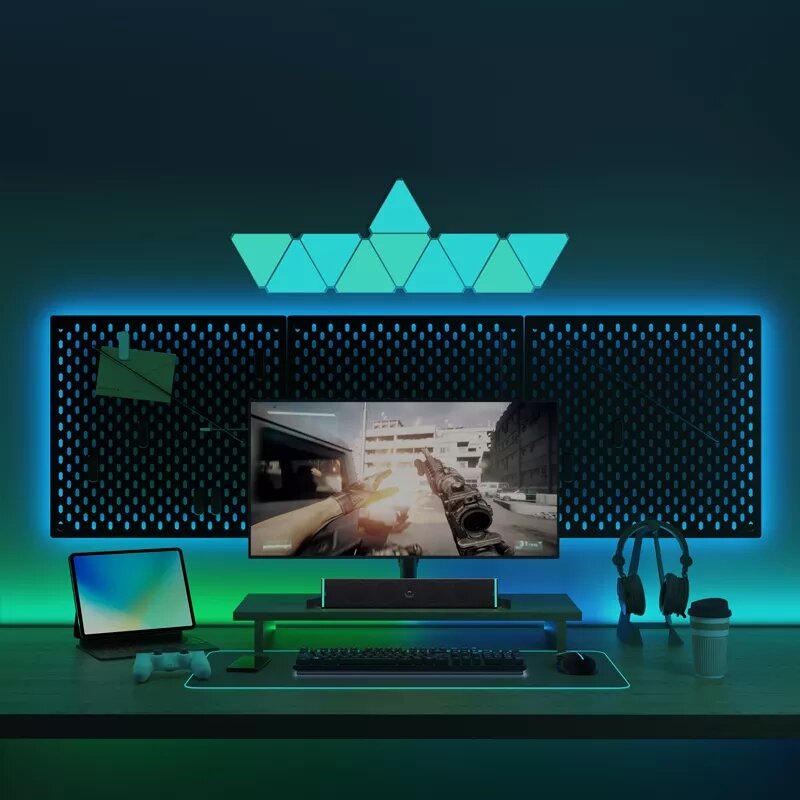
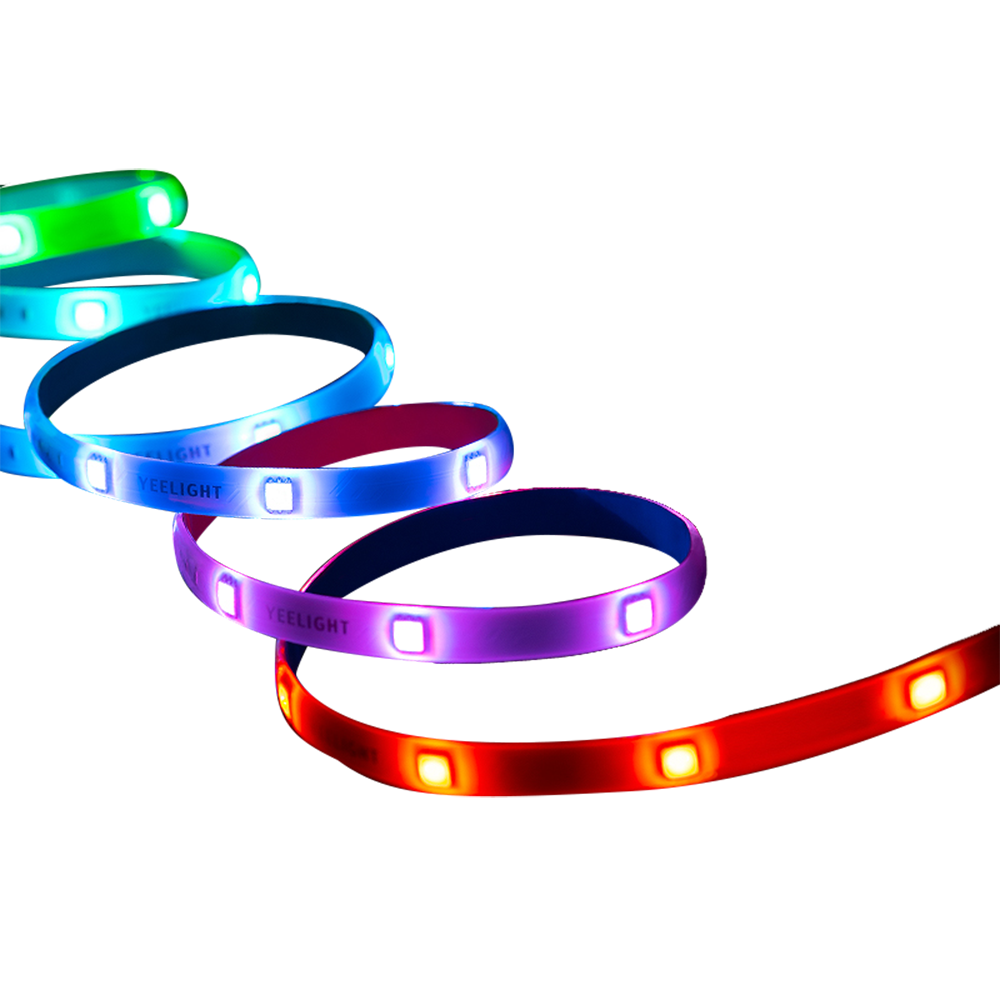
Would you like to create affordable ambient lighting for your desk at work or in the office? The Chinese manufacturer Yeelight is bringing an upgraded LED strip LED Lightstrip Pro. It supports Razer Chroma Connect, Amazon Alexa, and Google Assistant, and offers 16 million colors.
Sale price during clearance sales
If you want to buy the new version of this stylish LED strip YeelightLED Lightstrip Pro, we recommend getting it through the listing on the trusted shopping portal AliExpress. The product is currently available for the clearance sale price, and the well-known 15-day duty-free shipping is already included.
The advantage is that on AliExpress the seller offers the version with an original EU plug for a wall outlet, so you don’t need any adapter.
TIP15-day delivery via Aliexpress Standard Shipping
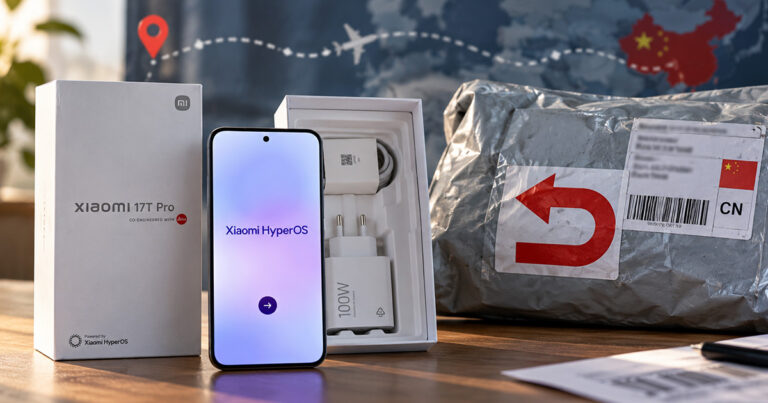
For this product, Aliexpress Standard Shipping is available with guaranteed delivery within 15 days. This is the most reliable delivery method and, in most cases, the parcel is handled by a courier company. We tested the 15-day delivery in real life.
When ordering from the Chinese warehouse, AliExpress will add the customs duty in your cart—approximately 3,70 € per order. When you receive the package, you won’t pay anything extra.
TIP15-day delivery via Aliexpress Standard Shipping
For this product, Aliexpress Standard Shipping is available with guaranteed delivery within 15 days. This is the most reliable delivery method and, in most cases, the parcel is handled by a courier company. We tested the 15-day delivery in real life.
When ordering from the Chinese warehouse, AliExpress will add the customs duty in your cart—approximately 3,70 € per order. When you receive the package, you won’t pay anything extra.
Yeelight LED Lightstrip Pro: The new LED strip also has Razer Chroma Connect
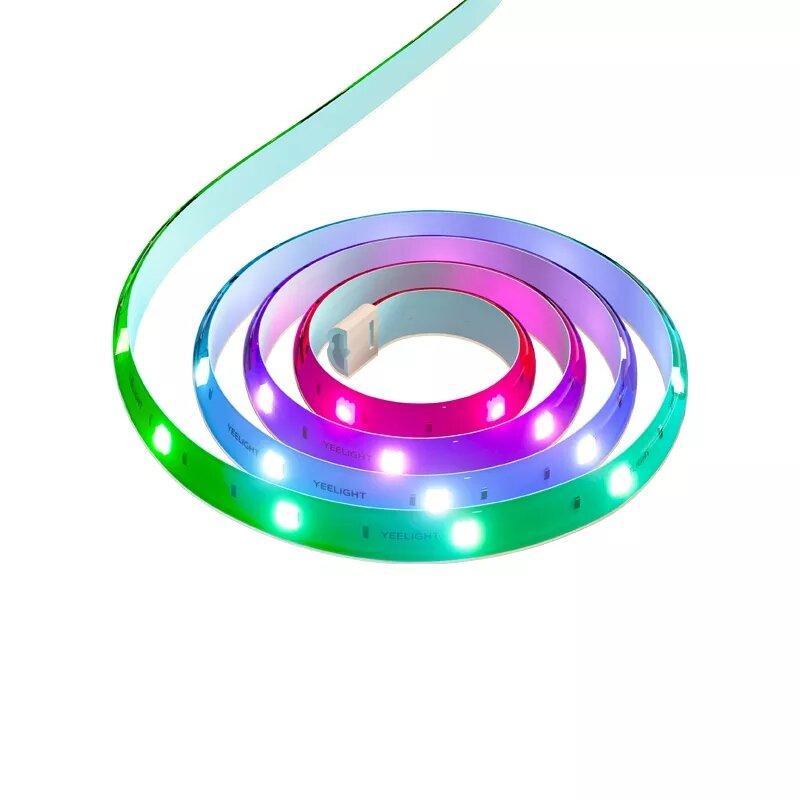
You can find the new LED strip for sale under the name YeelightLED Lightstrip Pro. The model number of this product is YLDD005, and there are two types available: with a length of 1 meter (extension without controller) and 2 meters (base length with a mains adapter).
The construction of this strip is very similar to the previous one from Yeelight. It has a sticky backing on the rear side and a rubber protection on the front. It also includes cutting points (for shortening, for example according to the length of your furniture) and, on the other hand, a connector for attaching this strip’s extension (up to 10 meters).
Ad
Apple HomeKit and mobile app
New is support for well-known gaming platforms like Razer Chroma Connect or Overworlf. Just connect your gaming accessories, and the lights can react to what’s happening in the game right now. You get up to 16 million colors with smooth transitions and various lighting modes that you can set via the Yeelight mobile app.
Also included is voice control via popular assistants like Amazon Alexa and Google Assistant, plus a convenient integration into the Apple HomeKit product ecosystem. The LED strip’s control module has Wi‑Fi connectivity, and there’s also a physical on/off button and color change.
The package includes the LED strip itself, but also the included accessories such as the mains adapter (2 m version) and a short user guide—traditionally in paper form.
What do you think of the new Yeelight LED strip from the Chinese manufacturer Xiaomi? Would you consider buying this new product? Feel free to share your thoughts and opinions with us in the discussion below the article. Also follow our Facebook group: Xiaomi Planet – a place for true Xiaomi fans and also our Xiaomi Planet portal to learn more.