
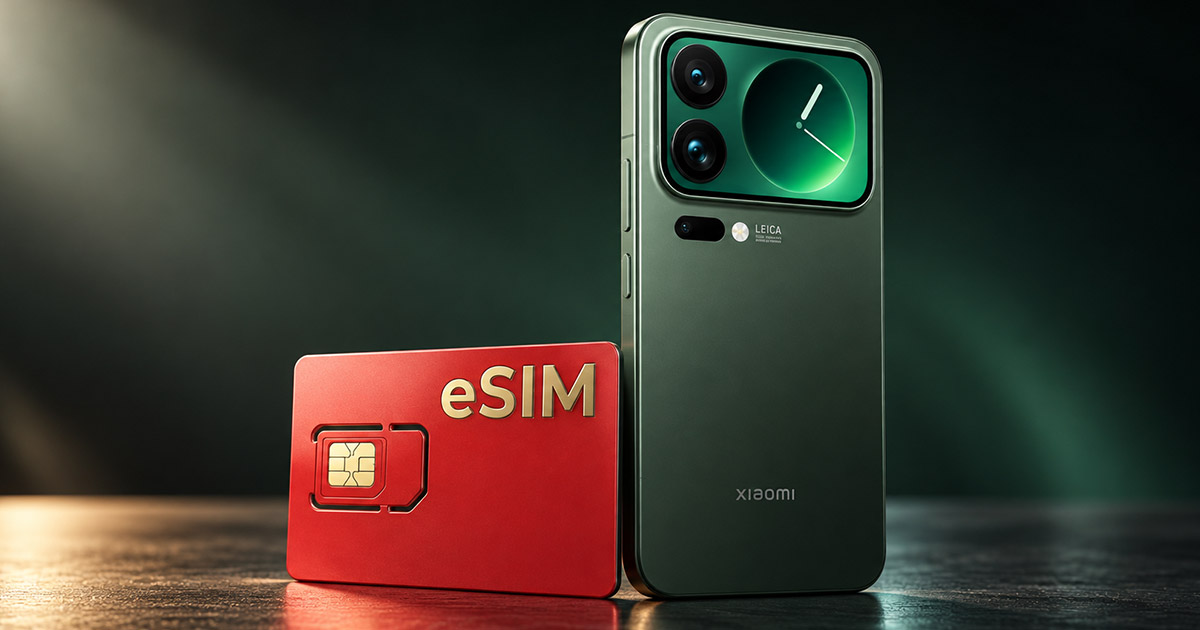
Anyone who bought the Chinese version of Xiaomi 17, 17 Pro, 17 Pro Max, or 17 Ultra faces the same issue. The phone is cheaper than the global version—or there is no global version at all—and it’s missing an eSIM that would work for you here.
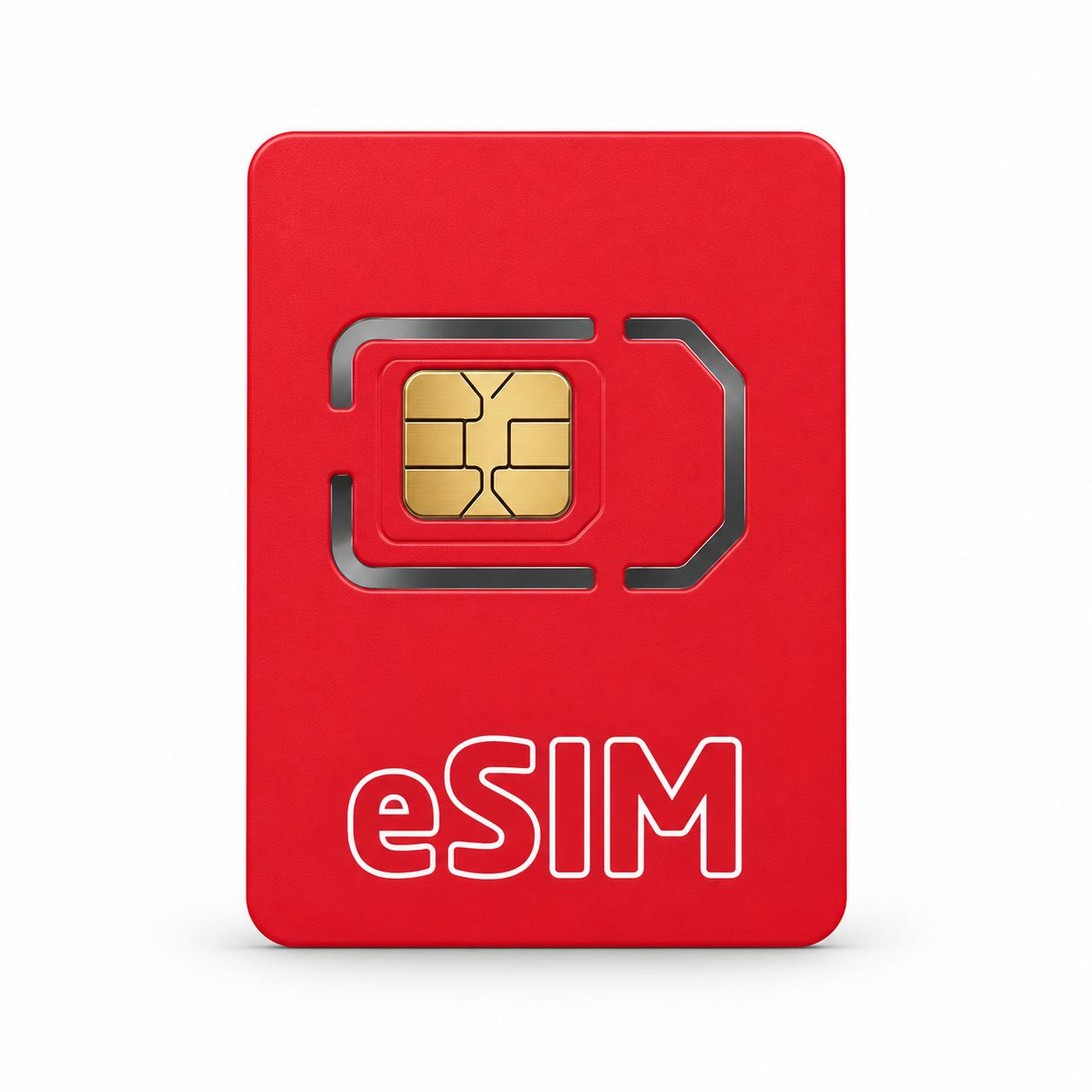
The solution costs around 19 € and looks like a regular SIM card. It’s called the EasyEUICC eSIM adapter, and you load an operator’s eSIM profile into it via an app. Your phone then uses it like a normal SIM. In our opinion, it’s one of the most useful Chinese inventions of recent times. Out of 221 buyers, it has a rating of 4.8 out of 5.
The best part is that it works with absolutely all phones, including older POCO or Redmi models that don’t support this technology out of the box at all.
Great price for the EasyEUICC eSIM adapter on AliExpress
You can find the EasyEUICC eSIM adapter from the o-discovery Store seller on AliExpress, where it has sold over 1 000 units. It ships from a Chinese warehouse, so delivery takes about two to three weeks. Customs duty 3,69 € is already included in the box price.
EasyEUICC eSIM adapter
 20-day delivery
TIP20-day delivery via Aliexpress Standard Shipping
For this product, AliExpress Standard Shipping is available with a guaranteed delivery time of up to 20 days. This is the most reliable shipping method and, in most cases, it’s delivered by a courier company. A 20-day delivery we tested for real.
When ordering from the Chinese warehouse, AliExpress will add the customs duty in your cart—approximately 3,70 € per order. When you receive the package, you won’t pay anything extra.
How can a regular card add eSIM?
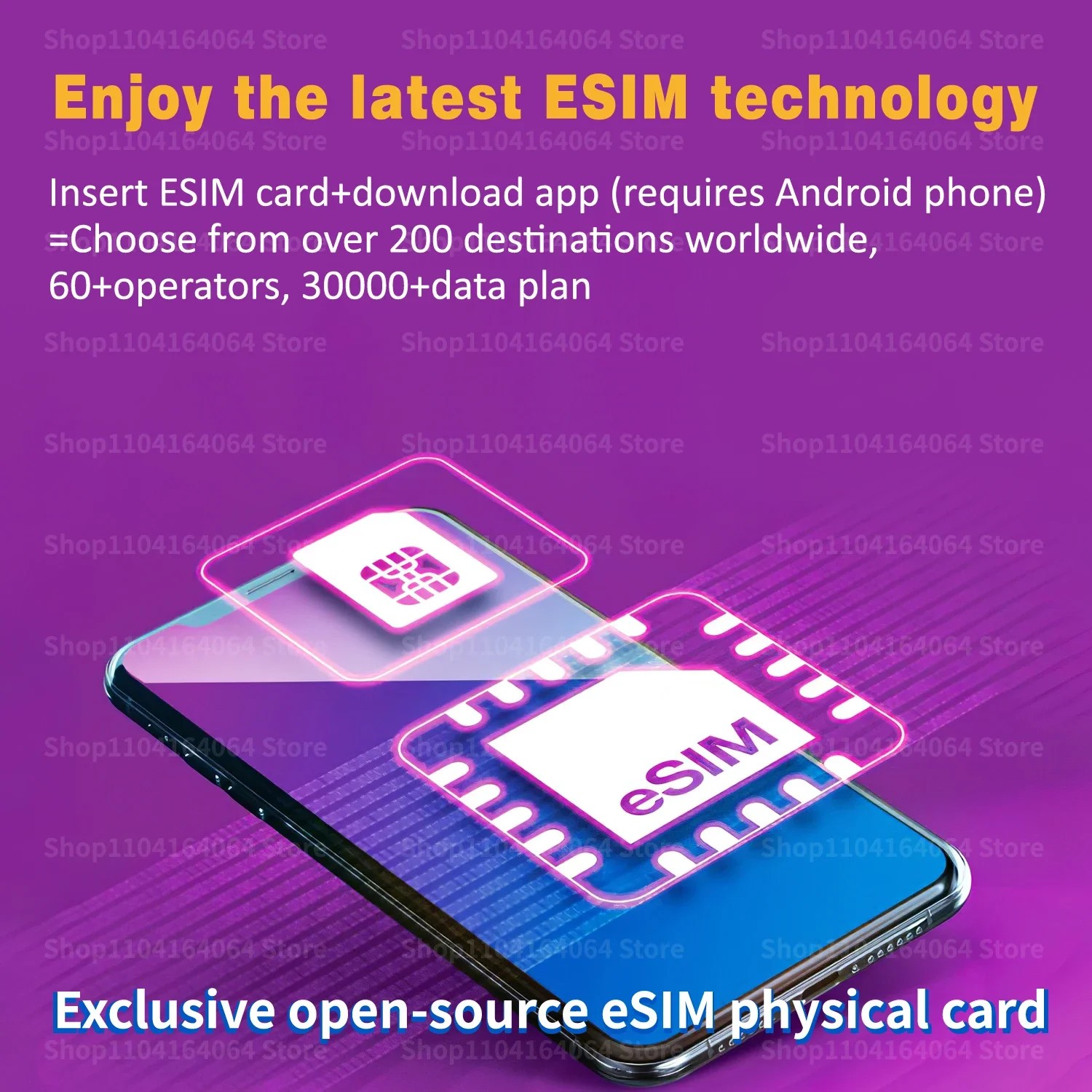
Inside the card there’s an eUICC chip. The same one is also in eSIM phones—only there it’s soldered directly onto the board. It has its own EID identification number and follows GSMA SGP.22 standards, according to which operators issue eSIM profiles. A regular SIM card has one fixed number. With this one, you load a profile from a QR code, and later you can delete it or swap it.
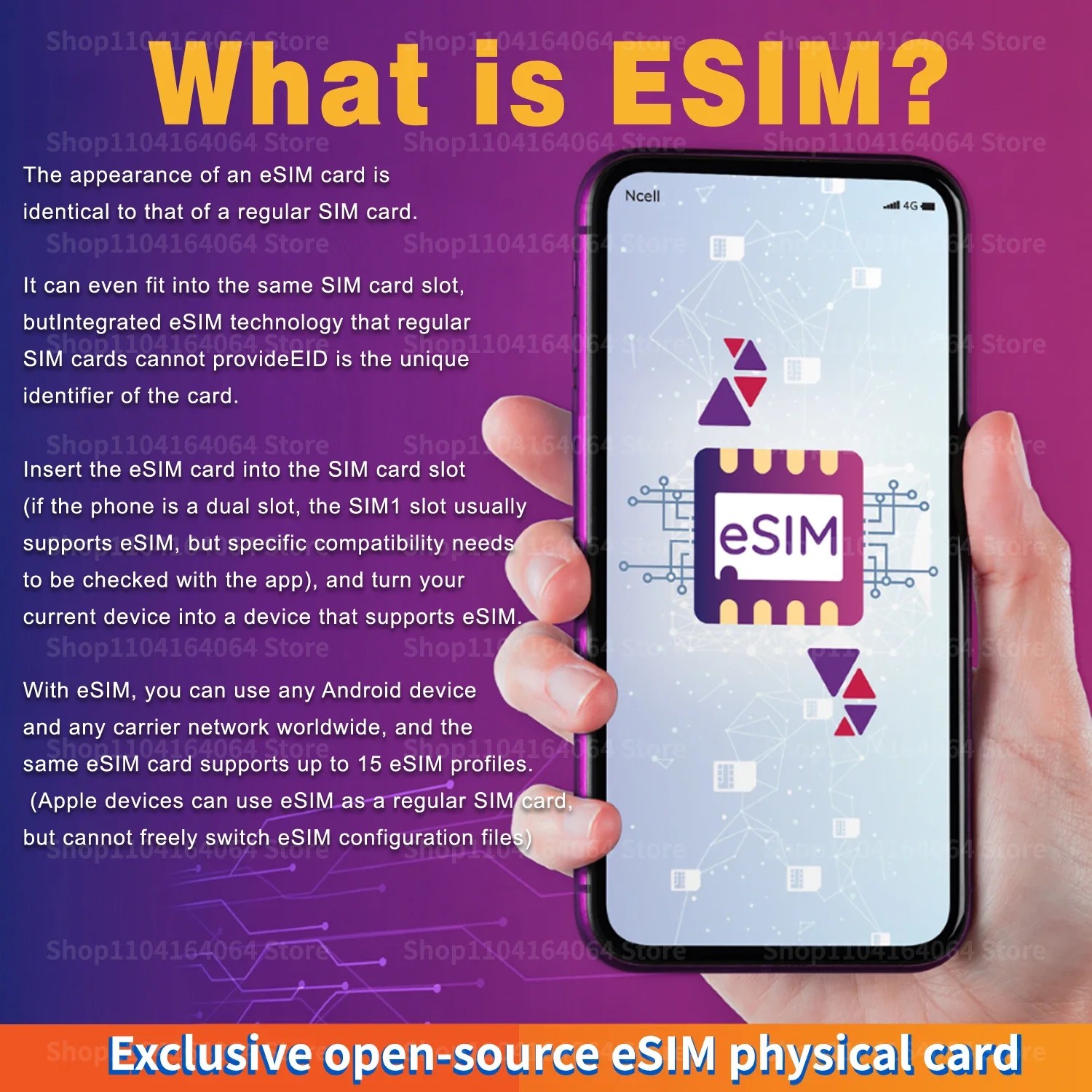
The writing is handled by the free EasyEUICC open-source app or 9eSIM. The seller claims an unlimited number of rewrites and up to 15 profiles. Even in the listing title, they mention as many as 30 numbers. However, buyers report that after 4 to 5 profiles, the card’s memory gets full. For normal use with a home number and one travel eSIM, that’s enough.
Who the eSIM adapter is for: Chinese Xiaomi 17 and older phones
It’s most worth it for owners of Chinese versions. In articles about Chinese Xiaomi 17 Pro Max and Chinese Xiaomi 17 Ultra we warned that they don’t support eSIM. The same applies to Xiaomi 17, 17 Pro, and Xiaomi 18 Pro from China. It also works with older phones that have never received eSIM. Which Xiaomi models have it directly from the factory, you can find in our list of Xiaomi phones with eSIM.

With Xiaomi, there’s one technical catch. HyperOS, based on Osmocom project documentation for Snapdragon chipsets, blocks the channel that apps on an eSIM card communicate over. Only cards that bypass this work.
According to reviews—yes: buyers use it successfully in Xiaomi 14 Ultra, Redmi K70 Pro, POCO F6, or POCO F3, all Snapdragon phones. In our reviews so far, we haven’t found anyone testing it directly on Xiaomi 17. So we consider support very likely, but not guaranteed.
What do buyers like?
From 221 ratings, 13 are less than that—everyone else has four or five stars. Among the reviewers there are many owners of Xiaomi, Redmi, and POCO. A Japanese buyer set the card up on another phone and then moved it to a Redmi K70 Pro, where it runs alongside the second SIM. Another user uses it in Xiaomi 11T and Xiaomi 14 Ultra, while others use it in POCO X5 Pro, X7 Pro, X8 Pro, and Redmi 14C.
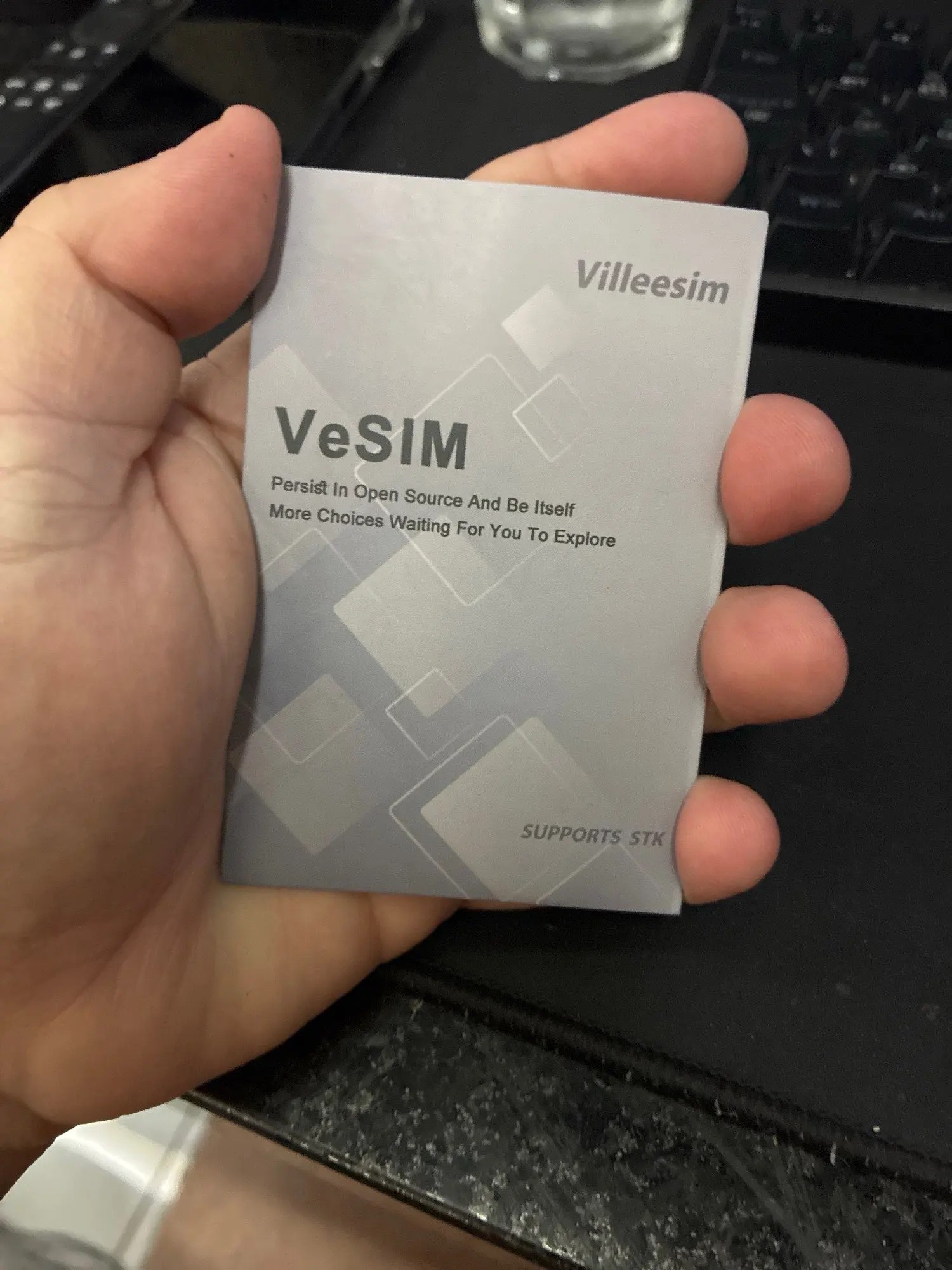
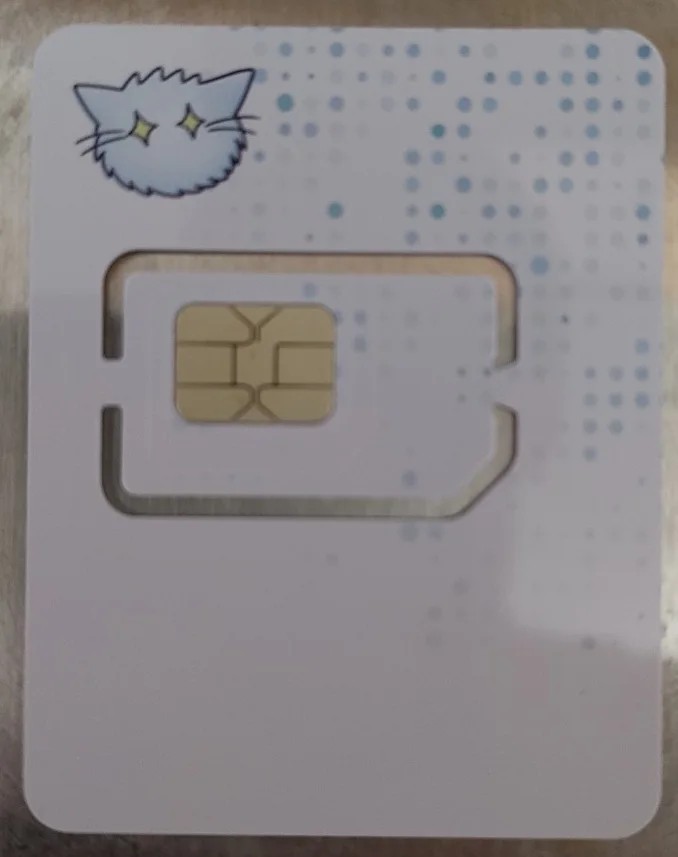
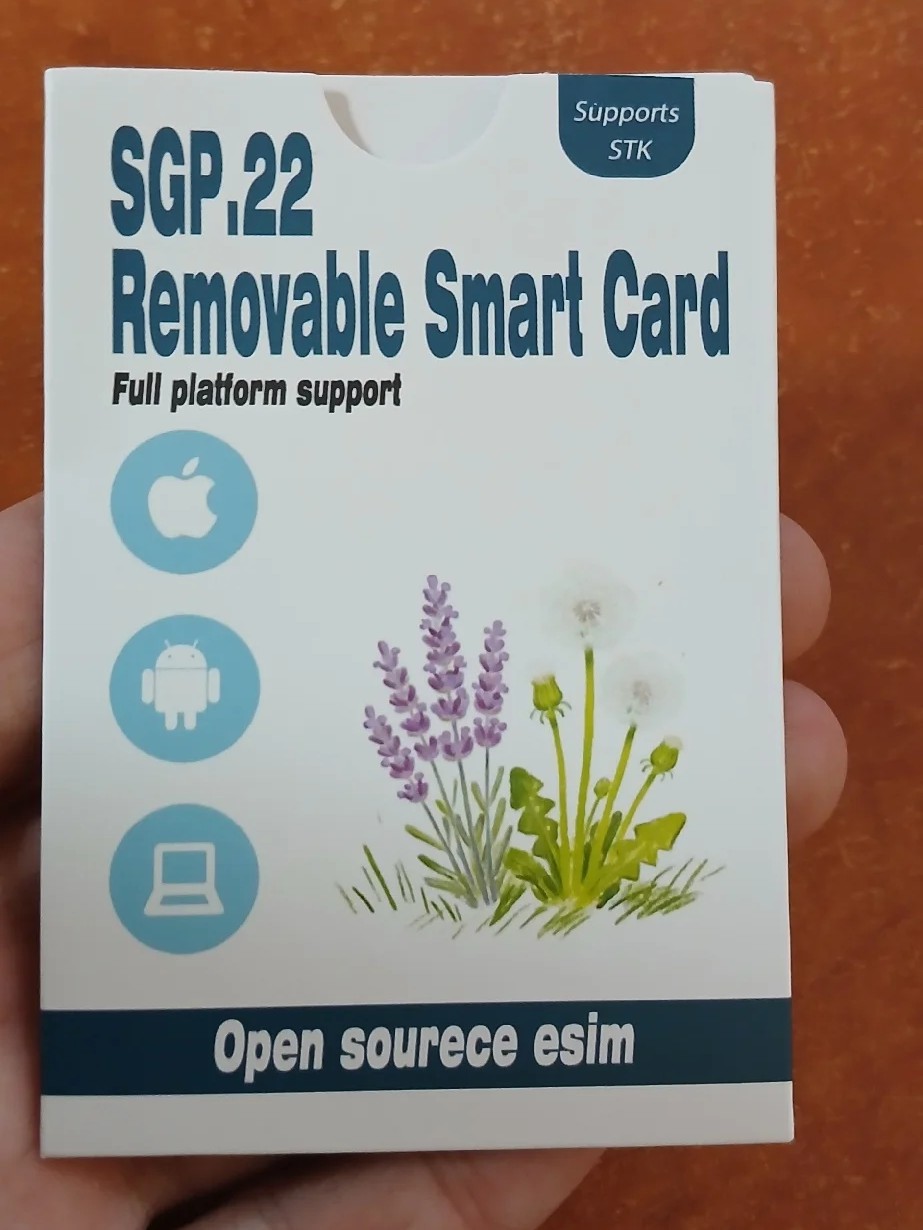
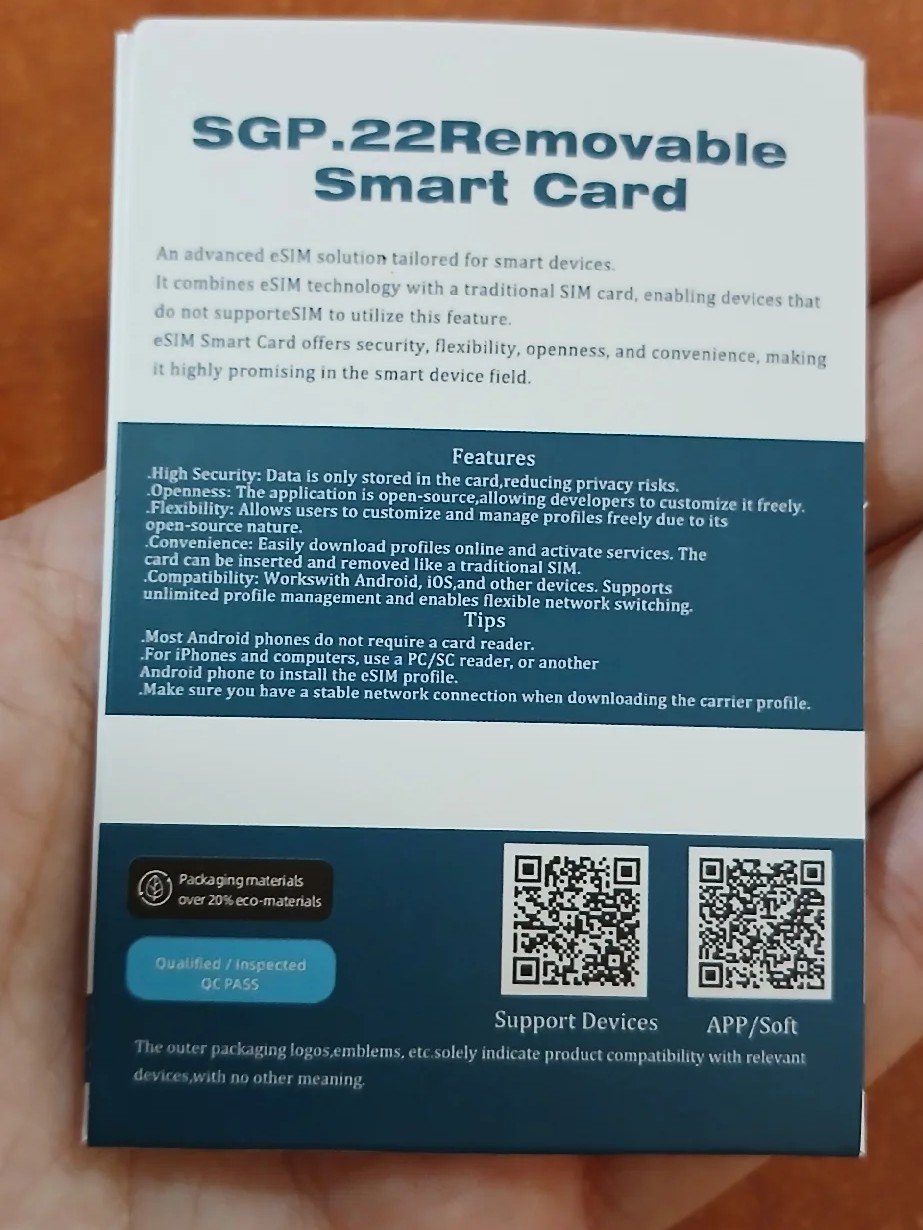
There’s also a review from Slovakia. The buyer loaded a Ukrainian eSIM from lifecell into the card in a OnePlus 9 Pro, and the phone connected to the 5G network in roaming immediately. Others praise the good packaging and delivery in under two weeks. The card also works with travel eSIMs from Airalo, Nomad, and Lebara. In the review photos you can see the card is delivered in different cases: one time with the “VeSIM” label, and other times “SGP.22 Removable Smart Card”.
What are people complaining about?
The most common complaint is about the slot. On the Redmi Note 8T, POCO X3 or POCO X5 Pro, the card worked only in the first slot, and in the second slot the phone didn’t detect it. Others, however, managed to use it in the second slot on the POCO F6 and POCO X8 Pro without any issues, so it depends on the model. The package also lacks a user manual. One buyer from Russia couldn’t load more than one profile.
Watch out for the eSIM you already have in another phone. A buyer from Germany tried to transfer it, and the operator replied that the profile is already being used on another device. So ask your operator for a new QR code. Some apps, for example Revolut or Saily, don’t recognize the card as an eSIM, so you can only load the profile from them via the QR code or an activation code. For a buyer from Ukraine, the phone with the card gets warmer and the battery drains faster.
How to load an eSIM into the adapter
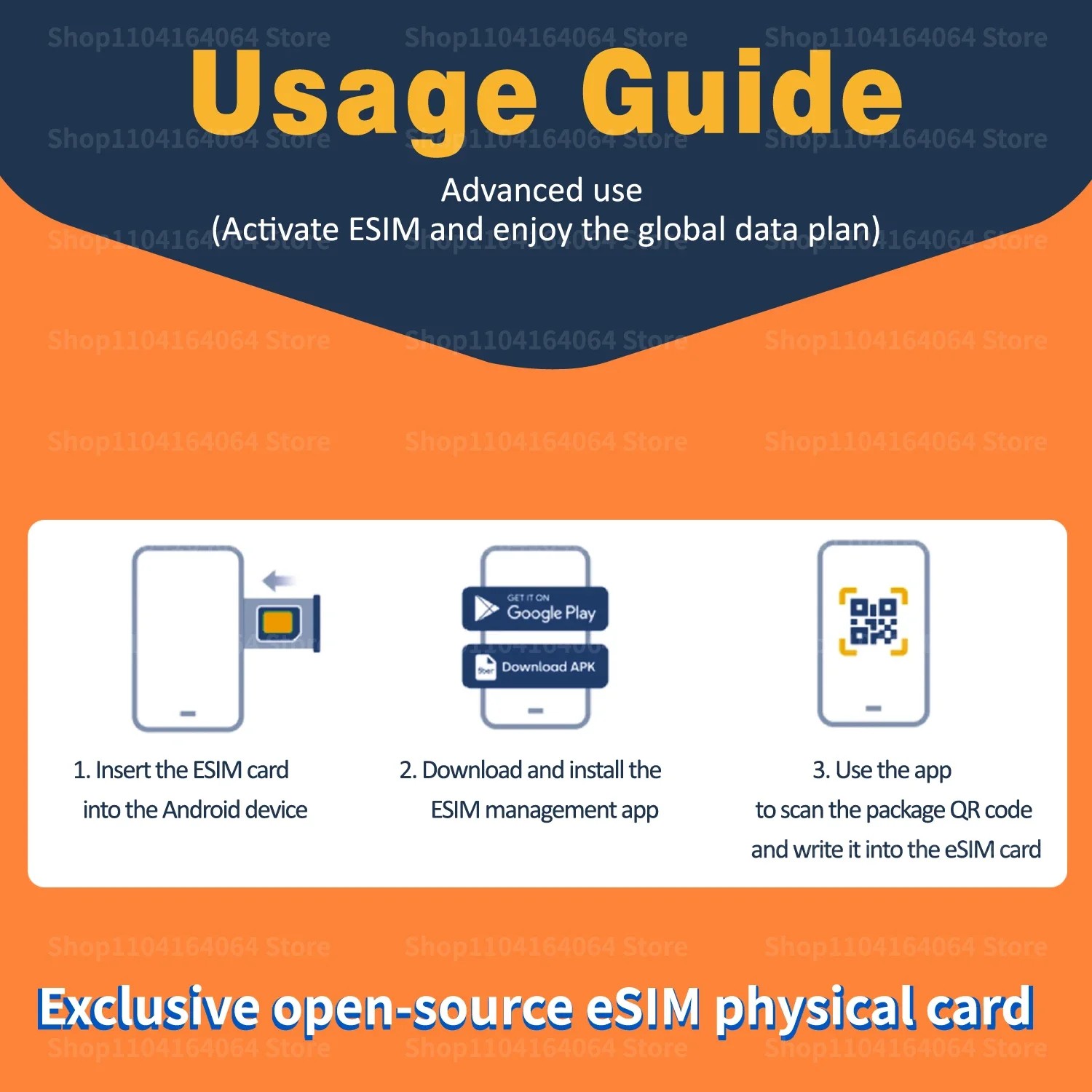
Setup takes a few minutes and you need an Android phone 9 or newer:
- Insert the card into the SIM1 slot—it works the most reliably.
- Download EasyEUICC from the official project website or via the QR code on the back of the package.
- In the app, scan the operator’s eSIM QR code and the profile will be written to the card.
- Turn the profile on, and after a while the phone will connect to the network like a normal SIM.
With an iPhone, the card works too, but only as a regular SIM with a profile you loaded into it beforehand on an Android phone. You can’t switch profiles directly on the iPhone. Download the app only from official sources—modified versions may not be recognized.
| - | EasyEUICC eSIM adapter |
|---|---|
| Type | removable eUICC card (GSMA SGP.22) |
| Apps | EasyEUICC / 9eSIM |
| Android | from version 9 (supports writing and switching profiles) |
| iPhone | like a regular SIM without profile switching |
| Profiles | up to 15 from the seller / 4 up to 5 based on buyers |
| Rewriting | unlimited |
| Identifier | custom EID |
| Recommended slot | SIM1 |
To get more updates from the world of Xiaomi, keep following our Xiaomi Planet website. Join our Facebook group, where we build an active community and help each other out. Subscribe to our Telegram as well, where we add the best deals and coupons from China every day.
Don’t miss the best coupons 📩
Subscribe and we’ll email you new coupons before they expire. We only send it once a month — no spam.