

Today we have another interesting guide for all Xiaomi device users. It’s about Bluetooth connectivity, and it only takes a few simple steps.
Xiaomi tips and tricks are also available in our FB group
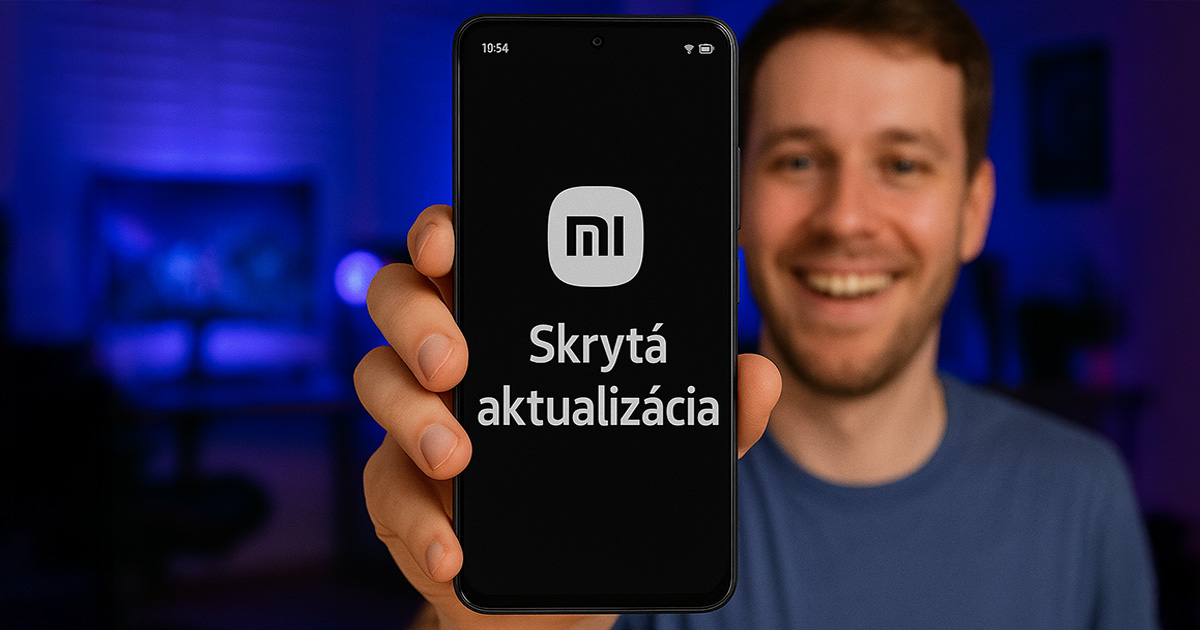
Hidden update for the Bluetooth module
Most Xiaomi smartphone users don’t even know that their device enables a separate update for the Bluetooth module – independently of regular system updates. We tested the whole process on our editorial smartphone as well, the Xiaomi 14T.
Even though it’s a lesser-known feature, it can significantly improve connection stability, compatibility with new devices, and help resolve connection drop issues.
Just a few simple steps:
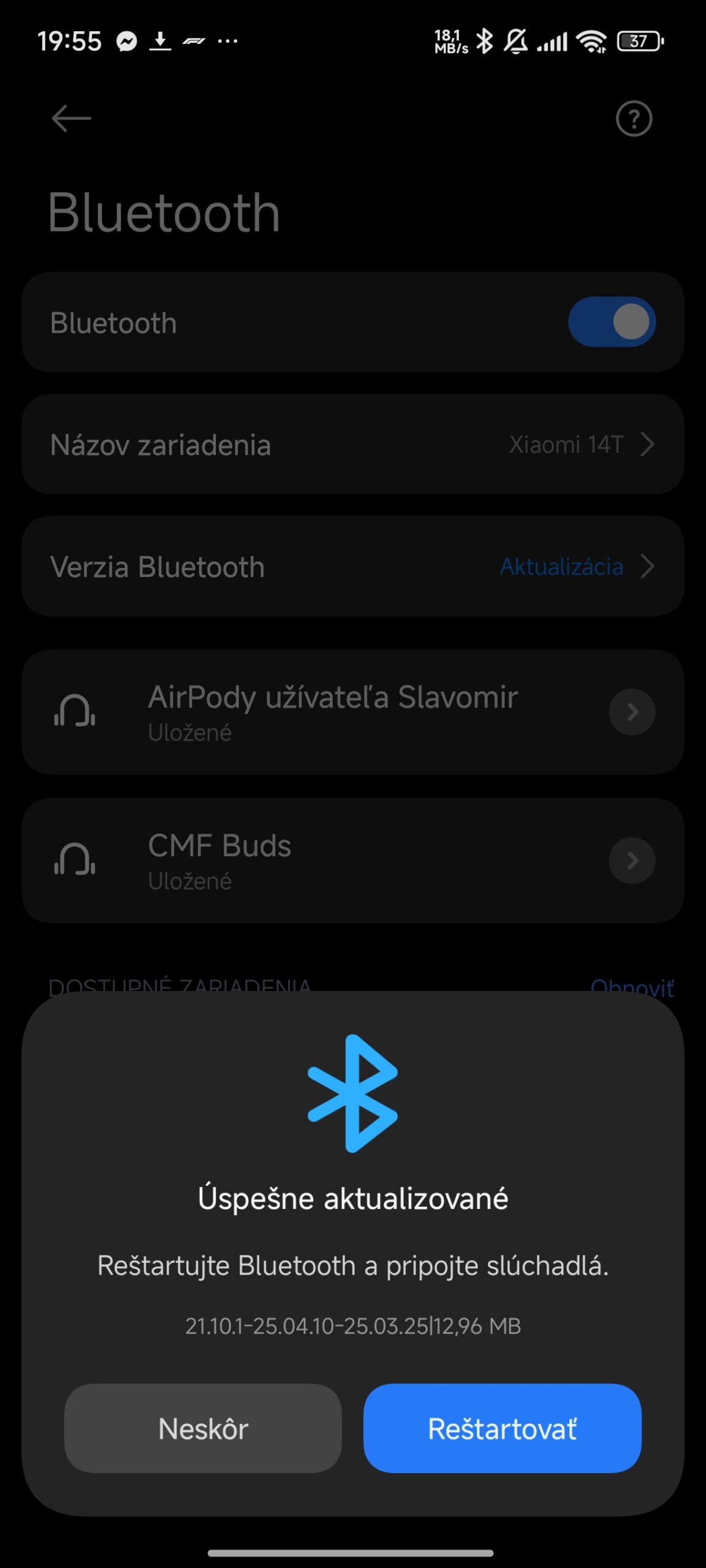
Updating the Bluetooth module is easy and doesn’t require restarting your device.
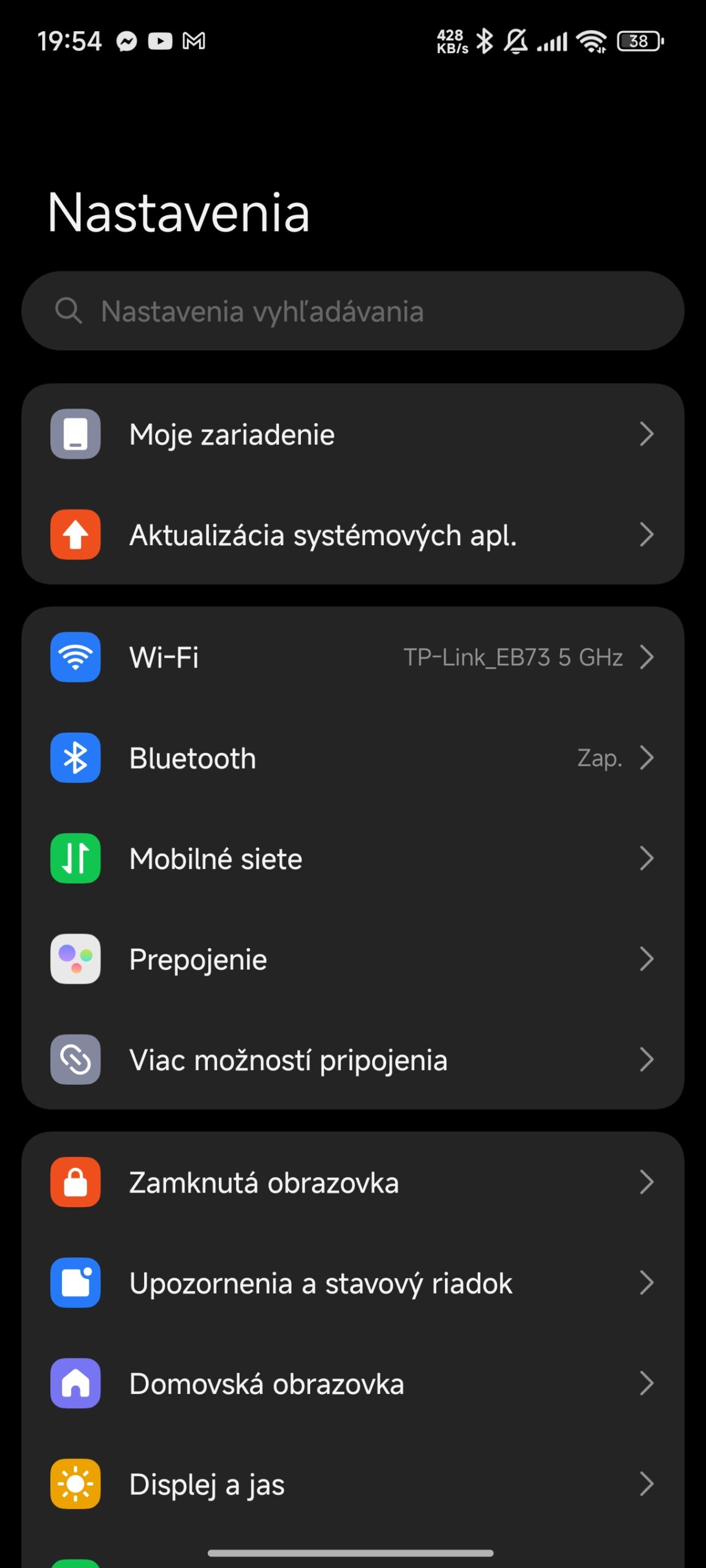
- Open the Settings. app
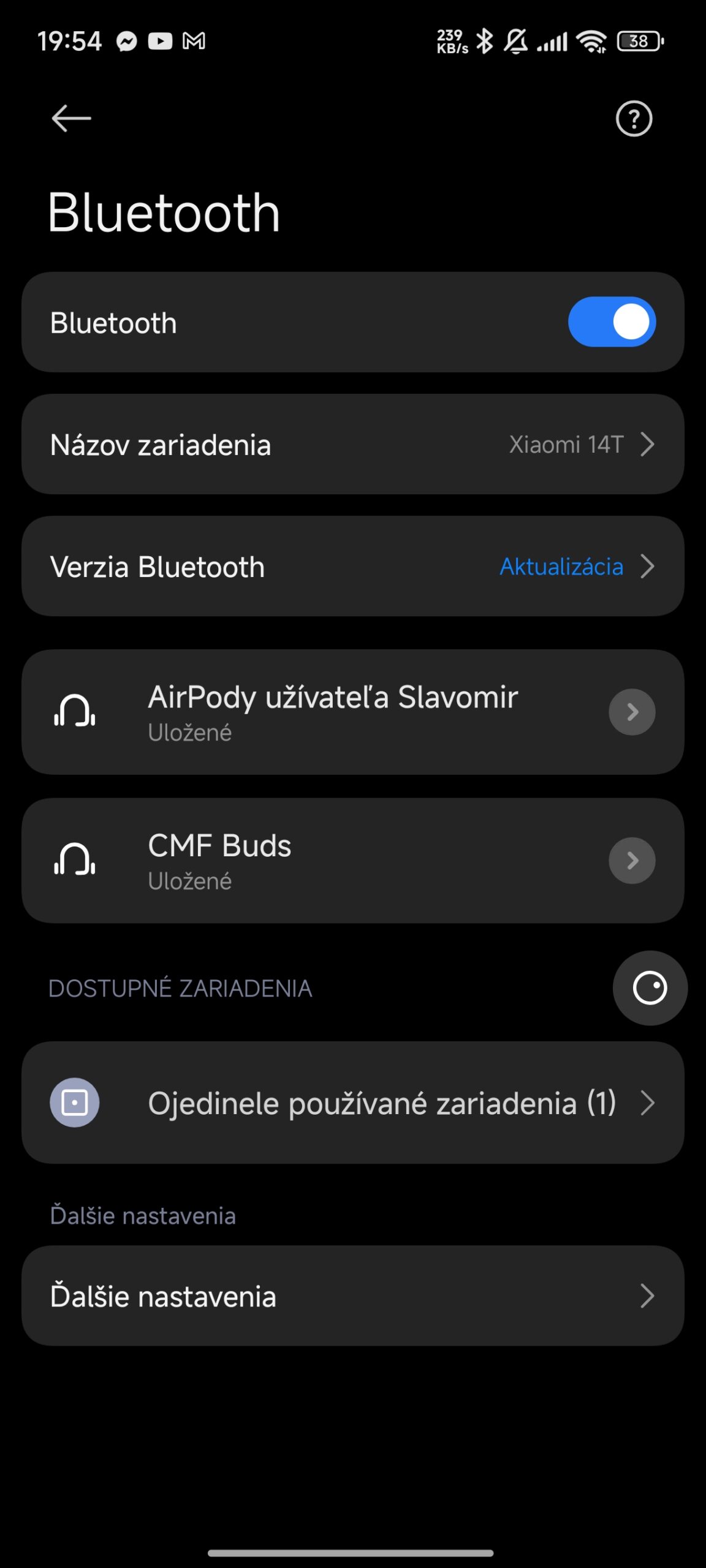
- Go to the Bluetooth section.
- Look for the Bluetooth Version – Update option.
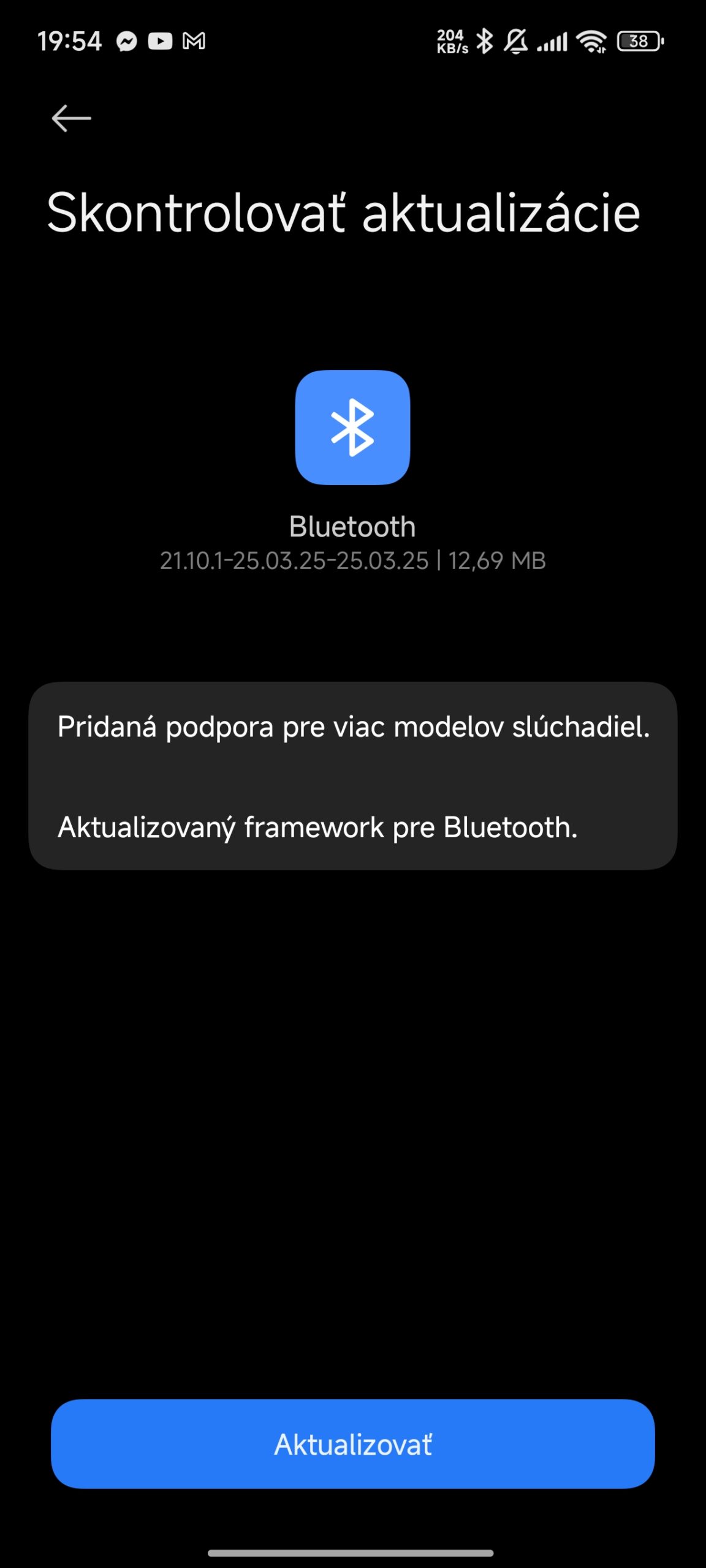
- If an update is available, you’ll see this exact notification.
- Tap the notification and start the new update.
The whole process should take only a few minutes. However, note that not all Xiaomi smartphones have this option available. On the Xiaomi 14T, we had it, but for example on the Xiaomi 14 Ultra, the Bluetooth Update option isn’t shown. In that case, your smartphone’s Bluetooth firmware updates automatically, so you don’t need to do anything.
What are the benefits of updating Bluetooth regularly?
Regular updates to this Bluetooth module bring several advantages.
Mainly:
- Better connection stability when using wireless headphones and speakers.
- Improved compatibility with the latest Bluetooth devices.
- Reduced audio latency when gaming and watching videos.
- Optimized battery usage when using Bluetooth.
- Fixes security issues in the Bluetooth protocol.
Plus, many users have reported a noticeable improvement in wireless audio streaming performance and connection stability after installing these updates, especially when using the newest models of Bluetooth accessories.
When should you check for available updates?
After buying new Bluetooth accessories.
- If connection issues occur.
- After major system updates.
- About once every three months as part of your Xiaomi device’s regular maintenance.
Xiaomi usually provides quarterly updates for the Bluetooth module, but if needed or if new vulnerabilities are found, more frequent or even special packages may be available.
To get more updates from the world of Xiaomi, keep following our Xiaomi Planet website. Join our Facebook group, where we build an active community and help each other out. Subscribe to our Telegram as well, where we add the best deals and coupons from China every day.
Don’t miss the best coupons 📩
Subscribe and we’ll email you new coupons before they expire. We only send it once a month — no spam.