

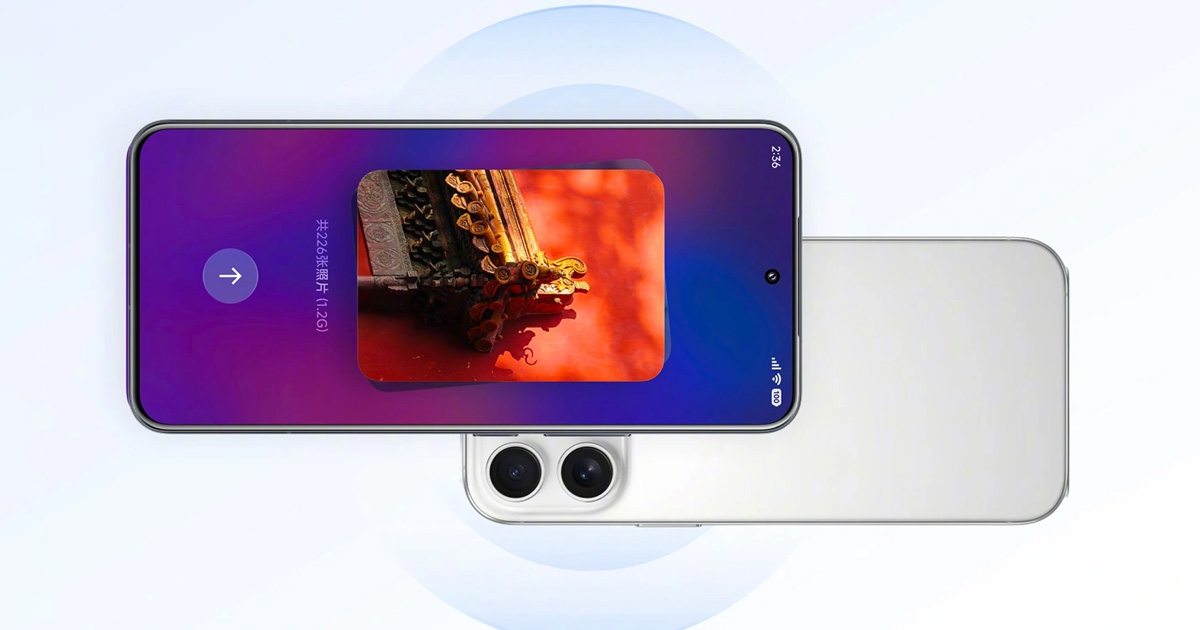
 Source: Xiaomi
 - According to Xiaomi, HyperOS 4 is fully compatible with Apple
- Share by bringing devices together with your iPhone, photos from iCloud
- Control your phone from your Mac and iPad
- Xiaomi 18 Pro Max is already sending files via AirDrop
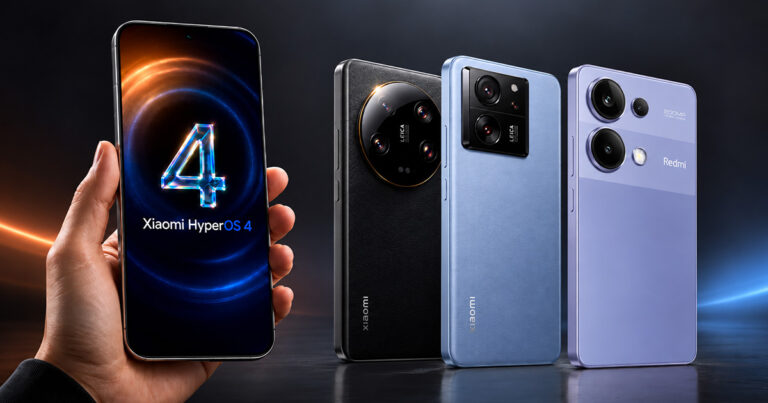
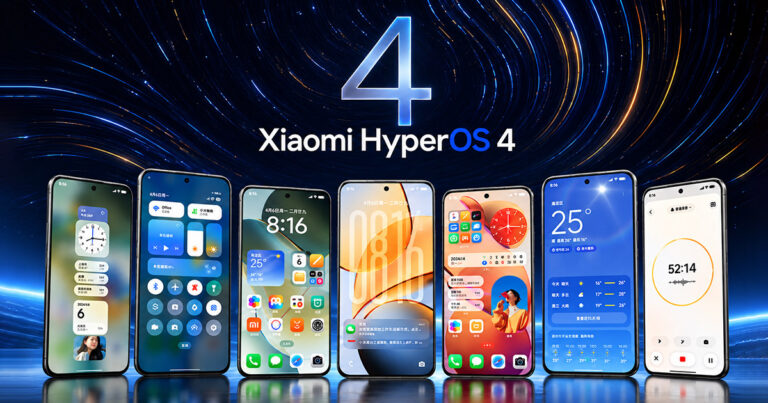
On October 7, Xiaomi announced on its official Weibo account HyperOS that HyperOS 4 is fully compatible with the Apple ecosystem. Specifically, this involves four features that help your Xiaomi phone work better with iPhone, iPad, and Mac. So far, this is an announcement for the Chinese market. Xiaomi didn’t say when, or whether, the features will reach the global version.
HyperOS 4 and iPhone: Share by bringing devices together and shared photos
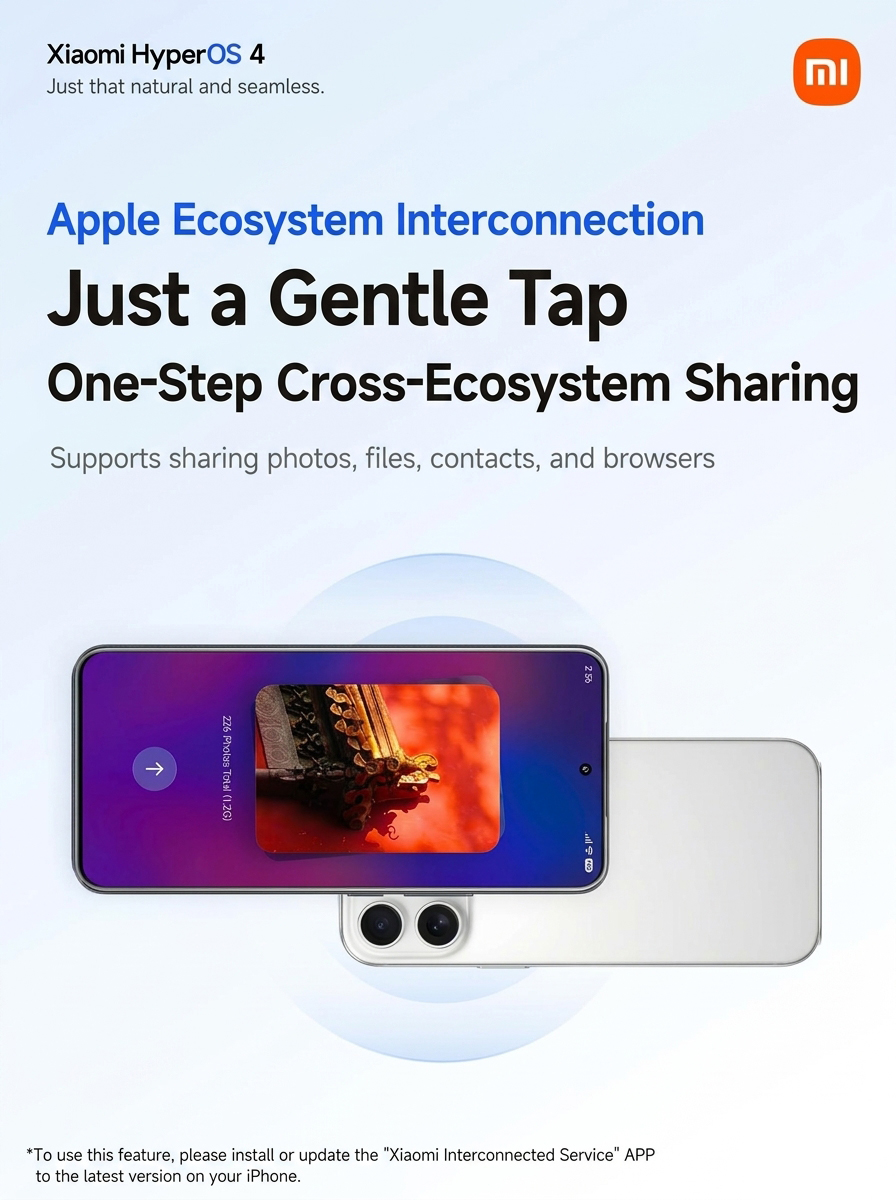
Let’s start with sharing by bringing devices together. You bring your Xiaomi phone close to your iPhone, and the photo, file, contact, or an open webpage from the browser transfers to the other device. The feature requires iPhone 12 or newer with iOS 17. On your iPhone, you need the Xiaomi Interconnectivity app installed.
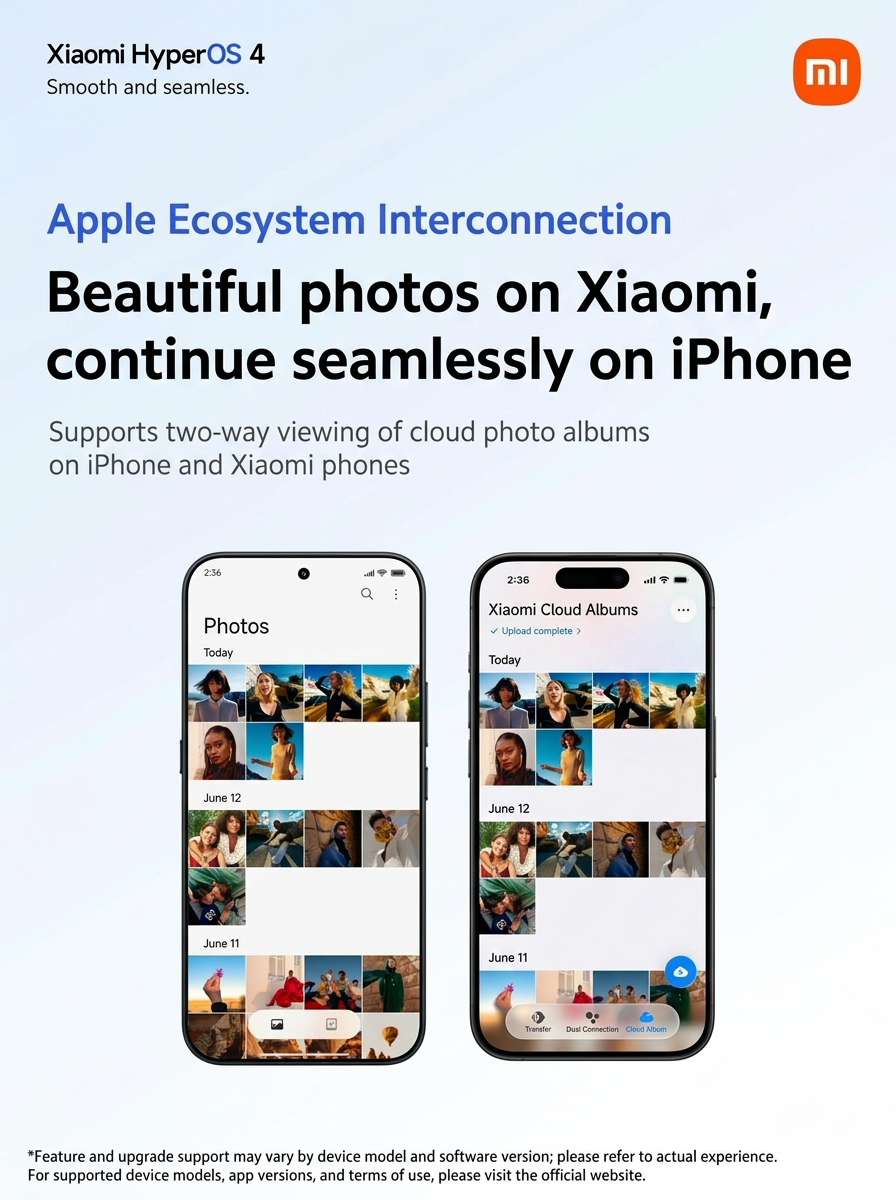
For photos, it works both ways. On your Xiaomi phone, you can view the iCloud album, and on your iPhone, you can view the photos saved in the Xiaomi cloud. If you photograph with two phones, you don’t have to move images manually between them.
Notifications on both phones and on Xiaomi on the Mac screen
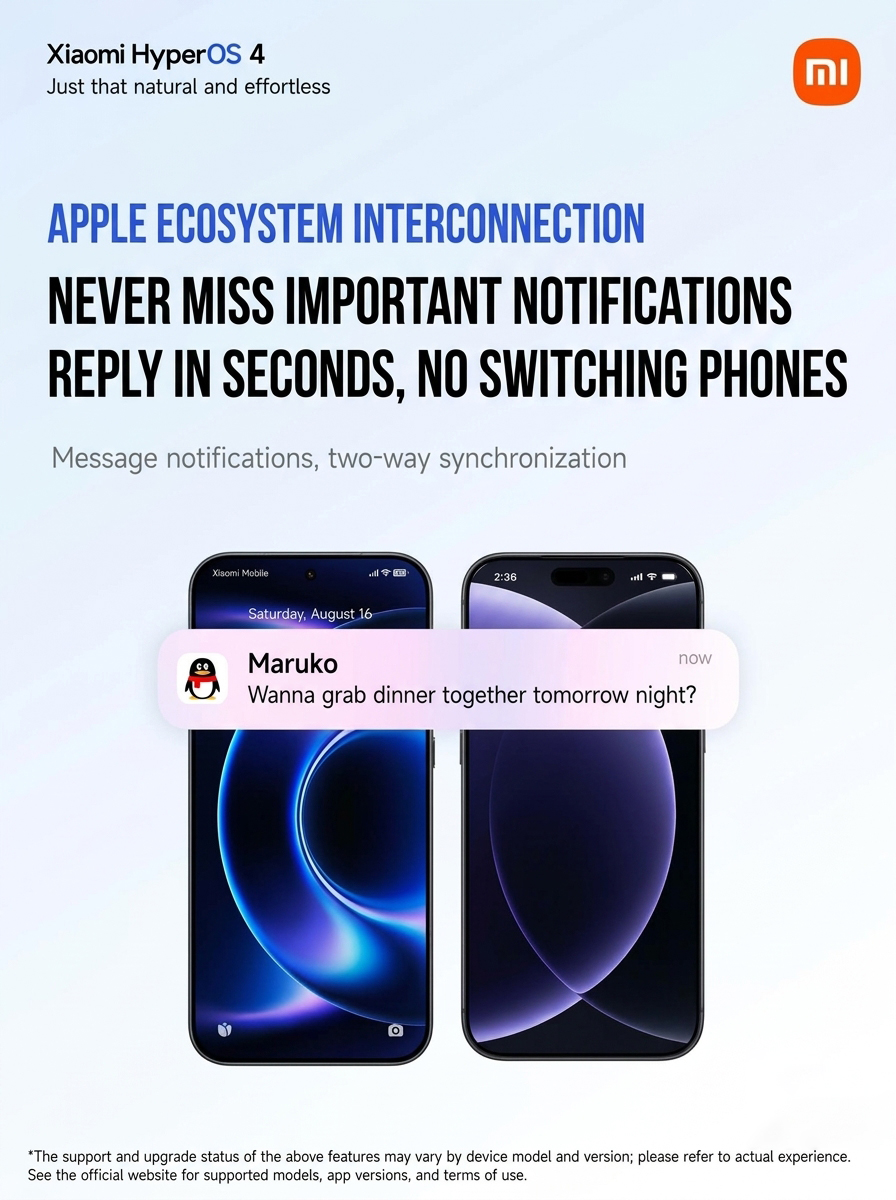
From now on, notifications sync both ways. A message that comes to your Xiaomi will show up on your iPhone, and you can reply without touching your other phone. You’ll especially appreciate this when you have a work iPhone and a personal Xiaomi.
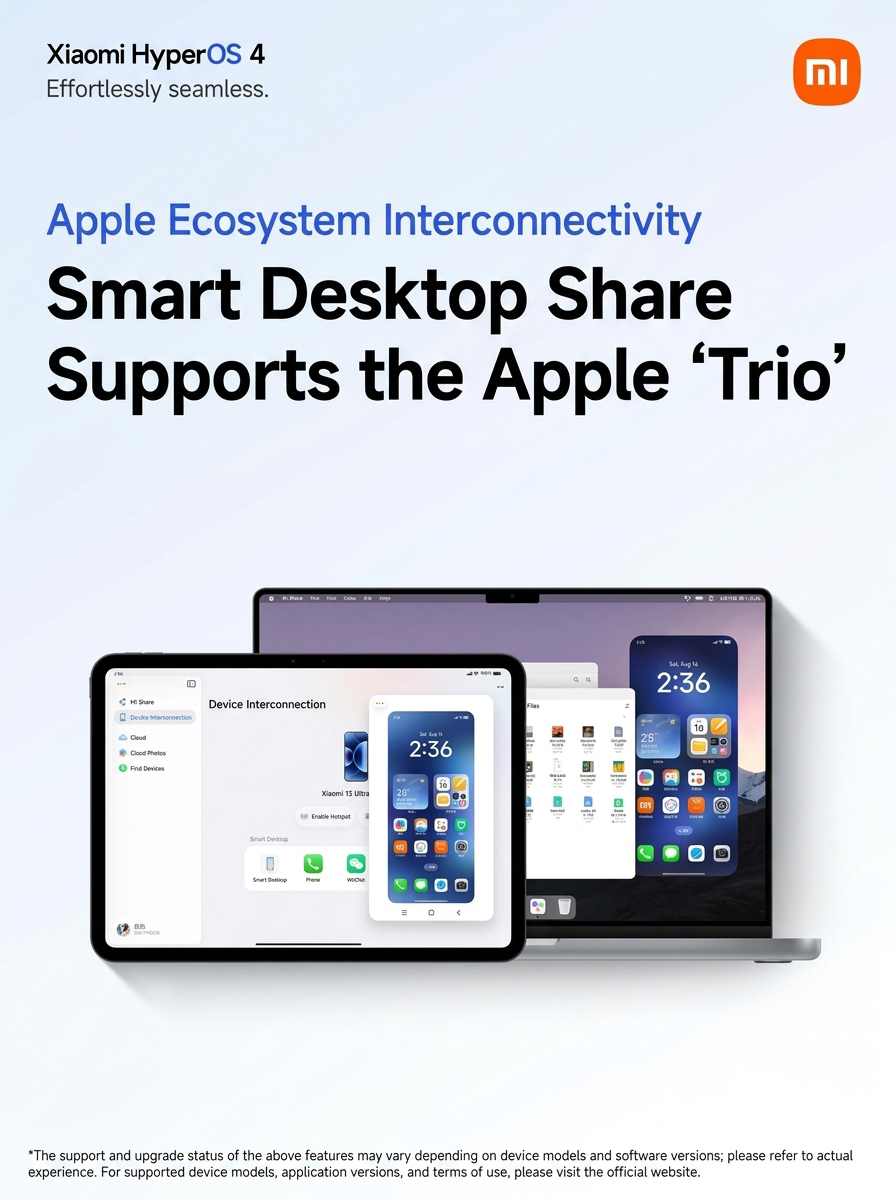
The fourth new feature is mirror sharing of your phone to another device’s screen. The feature now supports iPhone, iPad, and Mac. Mac needs macOS 12, and iPad needs at least iPadOS 14. On both, you install Xiaomi Interconnectivity from the App Store and log in with the same Xiaomi account as on your phone. The devices must be on the same network or connected to the same hotspot, and Bluetooth must be turned on. Then you can see and control the phone directly from your Mac or iPad. You simply drag pictures and files between the gallery and file manager using your mouse.
AirDrop on Xiaomi 18 Pro Max
On the same day, screenshots from a Chinese blogger appeared. They show that Xiaomi 18 Pro Max with HyperOS 4 has received the Transfer with Apple Devices feature. Using AirDrop, it sends files to iPhone, iPad, and Mac and also receives them back. No app is needed for that. On iPhone, iPad, or Mac, you have to switch AirDrop to the Everyone mode for 10 minutes in the control center. The system will also warn that while the phone waits for the transfer, it temporarily disconnects from Wi‑Fi in the 5 GHz band.
The feature uses Google’s Quick Share. Google linked it with AirDrop in November 2025 on the Pixel 10 series and later expanded it to other Android phones. According to IT Home, it’s already supported on Samsung, Pixel, OPPO Find X9 Ultra, vivo X300 Ultra, and from June 2026 also Xiaomi 17T Pro. According to Google, files transfer directly between devices and don’t go through a server.
What HyperOS 3 already knew—and when it will come to us
The Apple link isn’t entirely new. Already HyperOS 3 could send notifications to iPhone from Chinese apps like WeChat and QQ, as well as SMS and calls. The Xiaomi phone could also be unlocked via an Apple device’s Touch ID, Face ID, or passcode. In September, Xiaomi also released an app for Apple Watch. The watch displays notifications from your Xiaomi phone, syncs health data, and lets you find the phone by ringing it. This requires HyperOS 4.0.1 and Series 6, SE 2, or Ultra watches with watchOS 11.
You can download the Xiaomi Interconnectivity app from the App Store even in Slovakia. That’s why the Mac and iPhone connection features are also familiar to owners of global phones. Whether HyperOS 4 will bring all four new features to Europe and include AirDrop—we don’t know yet. Stable HyperOS 4 in China will start rolling out on October 15. What the global version looks like, we described in the article about the first review of global HyperOS 4.
To get more updates from the world of Xiaomi, keep following our Xiaomi Planet website. Join our Facebook group, where we build an active community and help each other out. Subscribe to our Telegram as well, where we add the best deals and coupons from China every day.
Don’t miss the best coupons 📩
Subscribe and we’ll email you new coupons before they expire. We only send it once a month — no spam.