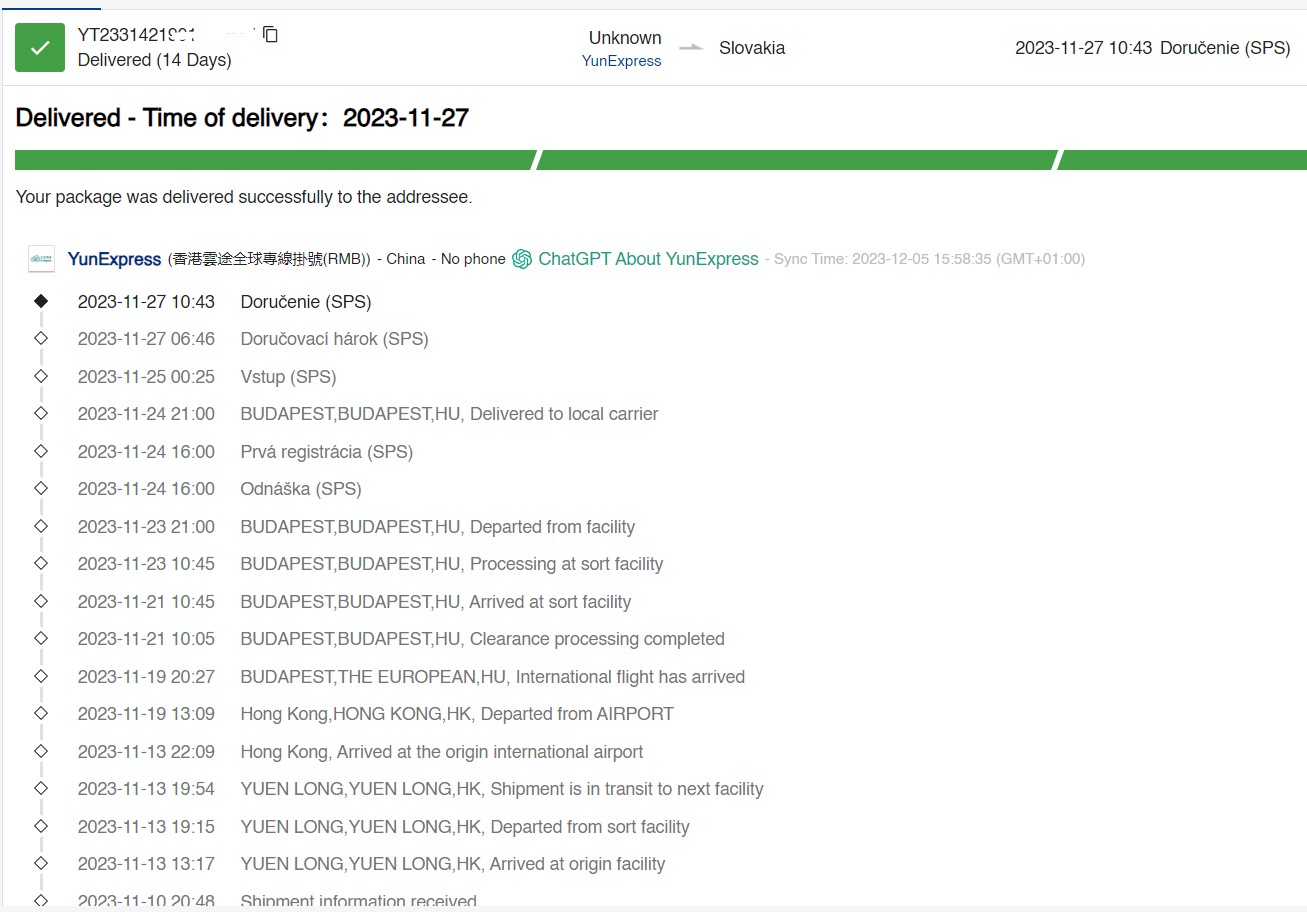
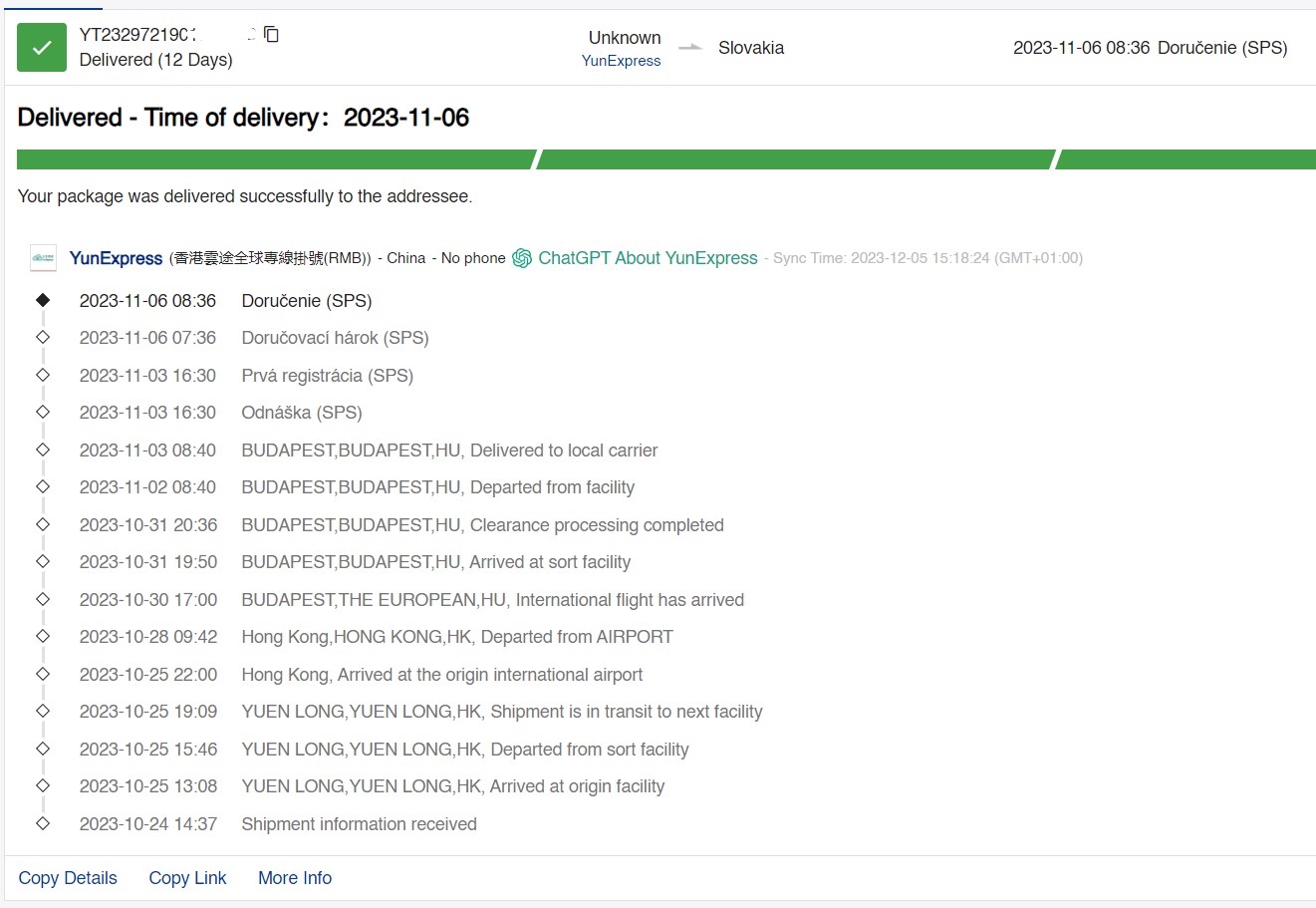
For a while now, we haven’t had a delivery test from a Chinese online shop on our site—specifically from a Chinese warehouse too, with promised duty-free shipping.
The Gshopper shopping portal is one of our long-standing partners, and besides sharing coupons from this site, we also regularly buy there. We decided to update our article with shopping experience from this Chinese online shop.
Updated article 5. December 2023: Our next orders
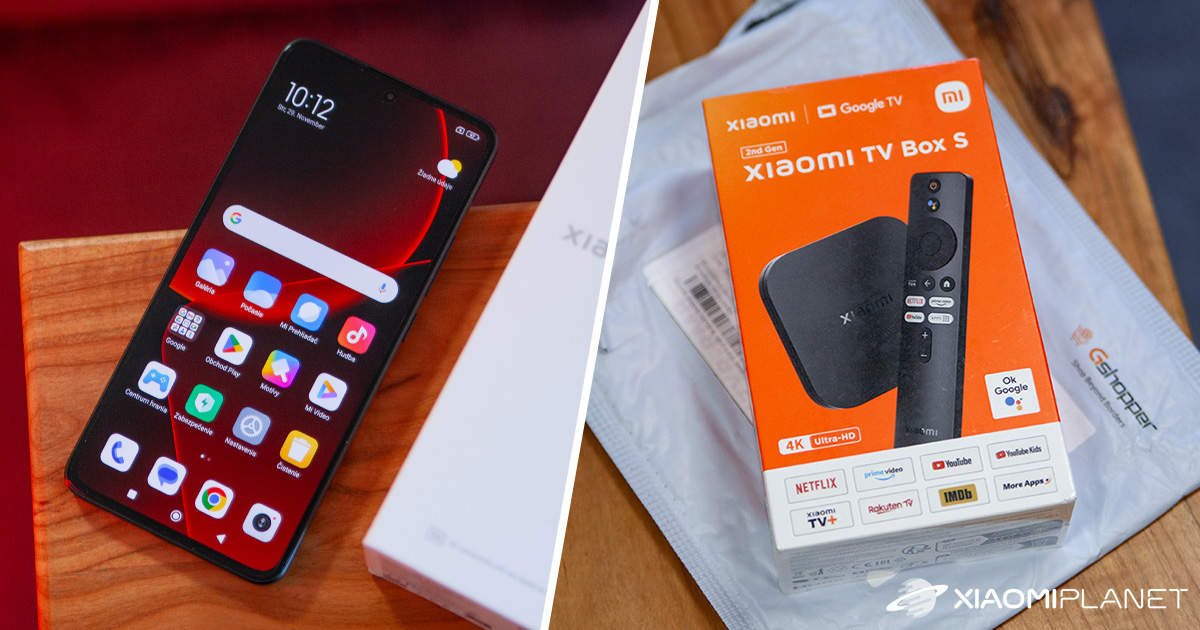
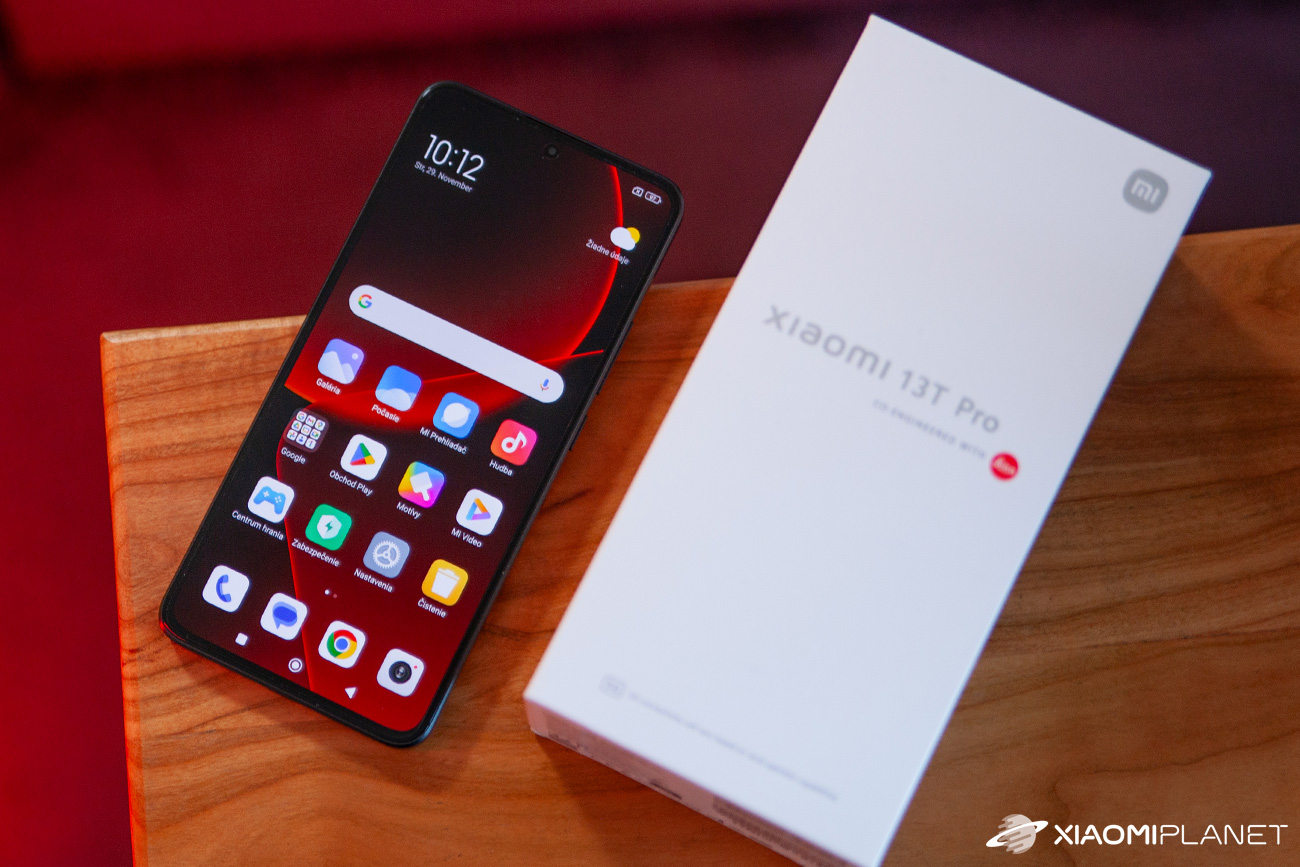
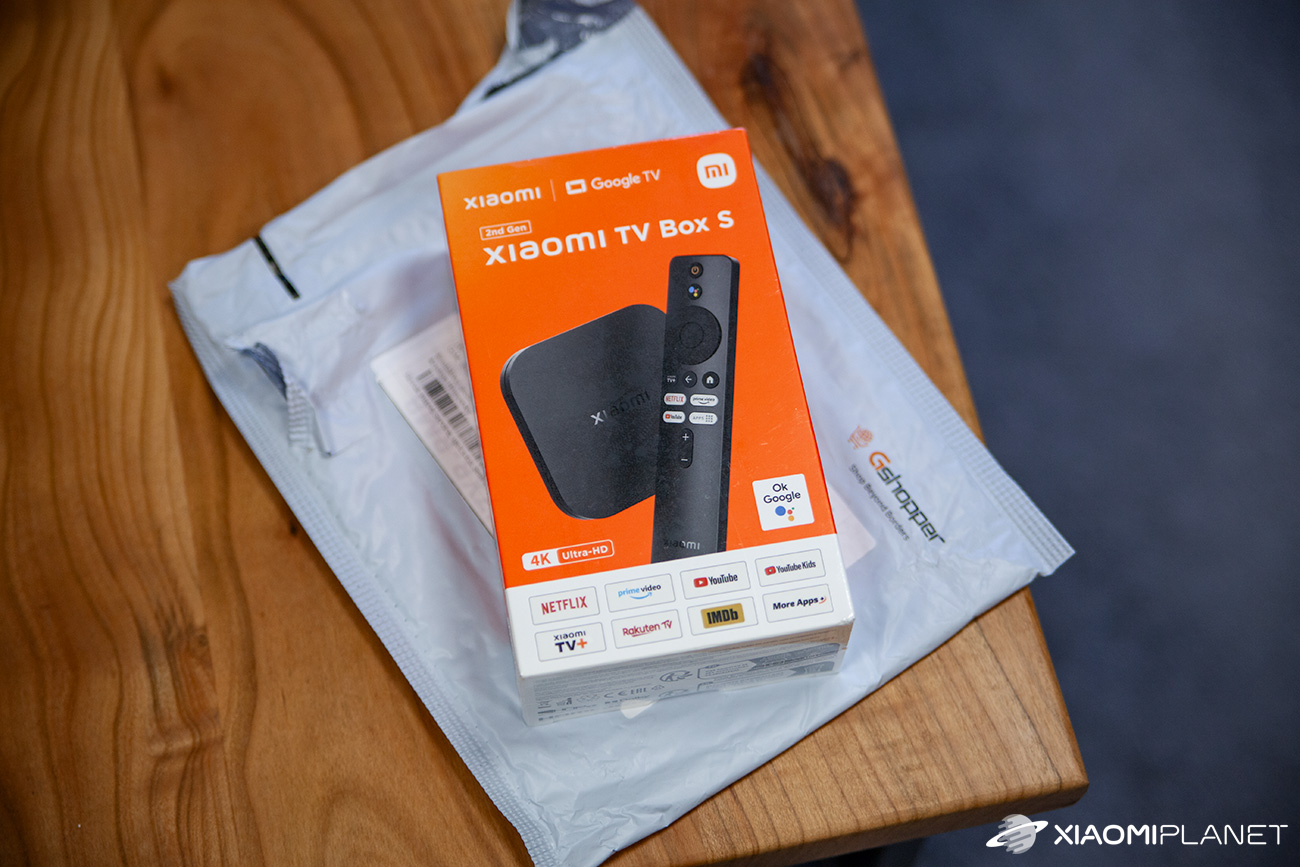
The great news is that on Gshopper, duty-free shipping from China is still working very reliably. And even very fast. Recently we ordered more goods—a Xiaomi Box S 2nd Gen TV box and a more expensive Xiaomi 13T Pro smartphone (version 12+256 GB).
Both parcels arrived fairly quickly, considering they were shipped from the Chinese warehouse. Gshopper still uses a proven and reliable shipping company—YunExpress.
The Xiaomi TV box parcel was delivered within 14 calendar days, even though we ordered it on 10. November, i.e., during the busiest shopping season, when there’s a surge of parcels and they often arrive late.
We ordered the Xiaomi 13T Pro smartphone a bit earlier—the shipment went out on October 24 and arrived at home on November 6. According to the 17track tracking system, the delivery took only 12 calendar days!
Both parcels were delivered to our home by the SPS courier, of course with no extra charge for customs duty or VAT. All fees for the customer are handled directly by the seller, or everything is already reflected in the final price.
If you’re interested in coupons for the products we ordered, here they are:
Platba cez DHgate: The platform has finally launched safe and reliable Google Pay payments! So now you don’t need to use Revolut / Wise cards for payment, and you can pay directly in EUR. We’d also like to remind you that orders from DHgate come with our VIP support, which you get after downloading our extension for the Chrome browser on desktop only (when shopping on a smartphone, you can use the DHgate app).
Xiaomi Planet shopping tip: GShopper has now launched direct bank transfer payments, so you can save another 4.5 % off the product price! Compared to card / Google Pay payment, you can get this product much cheaper. We described the full bank transfer payment process in our article.
Are you shopping on DHGate for the first time?See the guide!
Updated 11. 9. 2026 on 09:37
TIPFast delivery from the Spanish warehouse with no customs duty and VAT.
This product will be delivered to you quickly from a local Spanish warehouse. Shipping from Spain usually takes 7-10 days and is handled by a courier. When it arrives, you don’t pay any extra fees—no customs duty, no VAT.
Is it your first time shopping on GShopper?See the guide!
Updated 11. 9. 2026 on 09:37
TIPWith Standard Shipping via GShopper, you pay no extra fees—everything is already included!
With the GShopper seller, we recommend choosing Standard Shipping, where you won’t pay anything extra. Customs fees and any VAT are handled by the seller. You can select the shipping method in the cart only, after entering your delivery address. Delivery with this option usually takes about 15 business days from dispatch from the warehouse, but it may take longer.
Our extra service with VIP support — we’ll handle the order on Gshopper for you and ship it straight to your address.
If you don’t have experience buying on Gshopper, payments don’t go through, or coupon use doesn’t work for you, we offer an order handling service directly to your address for our readers and customers. You transfer the money to our account and we place the order directly to your address. This way, you won’t have to worry about a failed payment or applying the coupon, and you can be sure the entire order will go through correctly 100 %. In addition, you automatically get our VIP support — if any issues arise with the shipment, we handle them for you and assist with filing a claim. The fee for this service is €15 extra of the product price. You can contact us by email at info(@)xiaomiplanet.sk or on Messenger, where we’re constantly active.
Our extra service with VIP support — we’ll handle the order on DHgate for you and ship it straight to your address.
If you don’t have experience buying on DHgate, your payment won’t go through, or the coupon doesn’t work, we offer our readers and customers an order-handling service delivered directly to your address. You send us the money by bank transfer and we order the product straight to you. That way, you don’t have to worry about a failed payment or applying the coupon, and you can be sure the whole order goes through 100 % correctly. On top of that, you automatically get our VIP support — we handle any shipping issues for you and assist with warranty claims. The fee for this service is 15 € for the product price. You can contact us by email at info(@)xiaomiplanet.sk or on Messenger, where we’re active all the time.
Are you shopping on DHGate for the first time?See the guide!
Updated 5. 11. 2025 on 14:25
TIPExpress delivery from the German warehouse with no customs duty and no VAT.
This product will be delivered to you express from a local German warehouse. Delivery from Germany usually takes 7-10 days, and it’s brought by courier. When it arrives, you don’t pay any extra fees—no customs duty or VAT.
Is it your first time shopping on Heureka?See the guide!
Updated 5. 11. 2025 on 14:25
TIPExpress delivery from a Slovak warehouse within 1 to 3 business days.
This product will be delivered to you express from a local Slovak warehouse. Delivery usually takes 1-3 business days and is handled by a courier. The price is final.
Is it your first time shopping on GShopper?See the guide!
Updated 5. 11. 2025 on 14:25
TIPWith Standard Shipping via GShopper, you pay no extra fees—everything is already included!
With the GShopper seller, we recommend choosing Standard Shipping, where you won’t pay anything extra. Customs fees and any VAT are handled by the seller. You can select the shipping method in the cart only, after entering your delivery address. Delivery with this option usually takes about 15 business days from dispatch from the warehouse, but it may take longer.
Original article from July 18, 2023:
POCO F5 order from Gshopper: Our experience
In 2023, the Chinese shopping portal Gshopper not only upgraded its website, which got a completely new design, but also introduced shipping methods for the products it sells. We decided to test the promised new shopping experience.
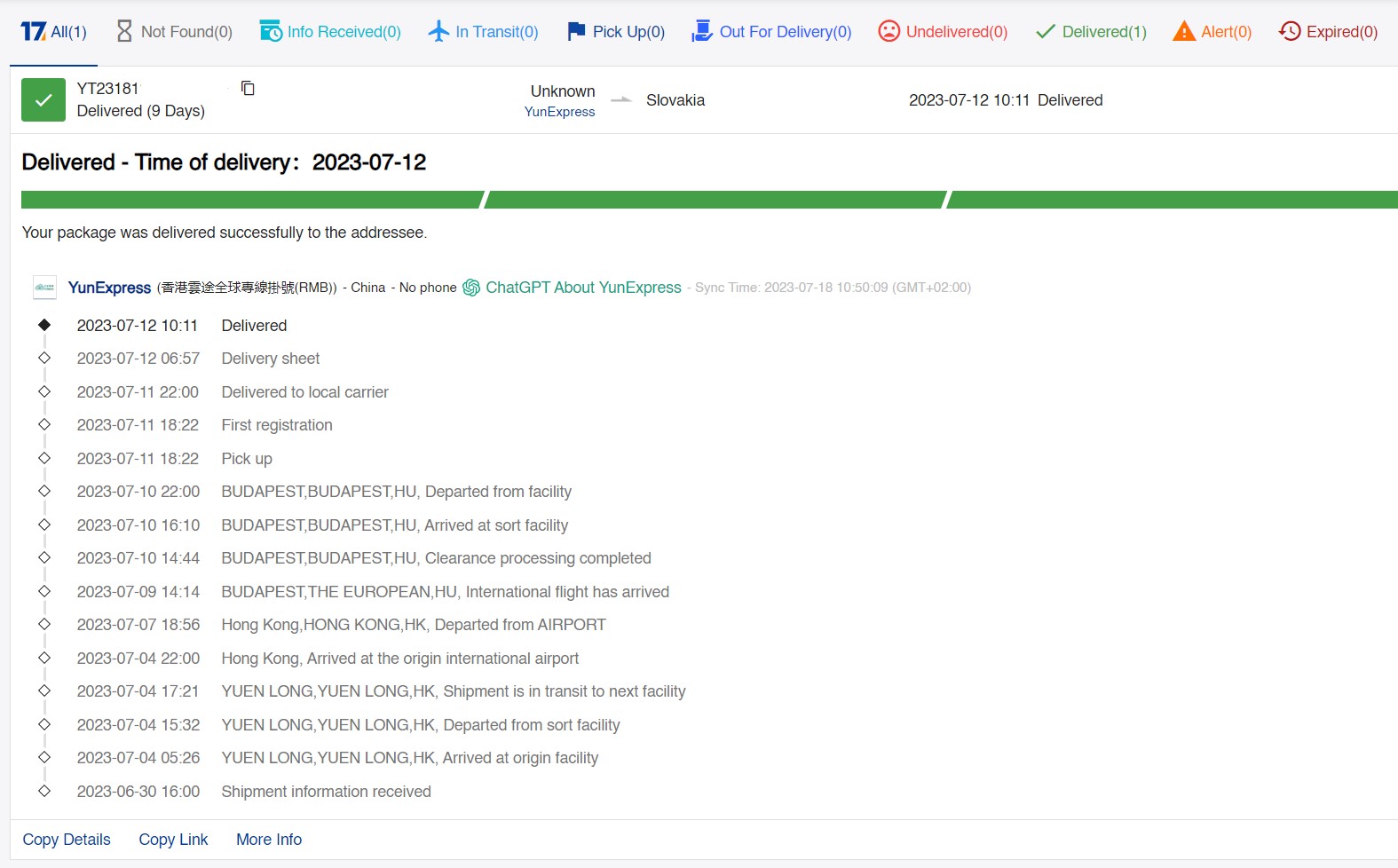
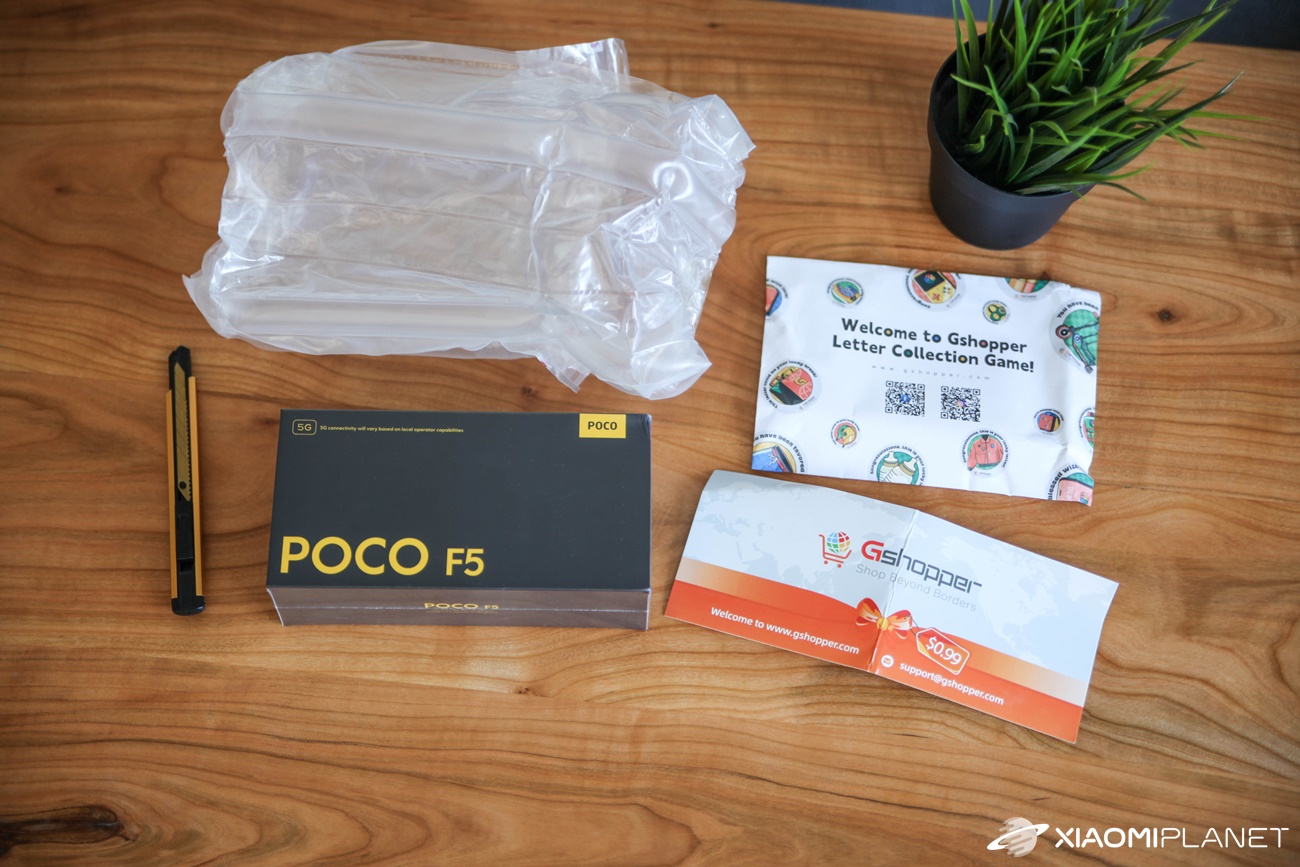
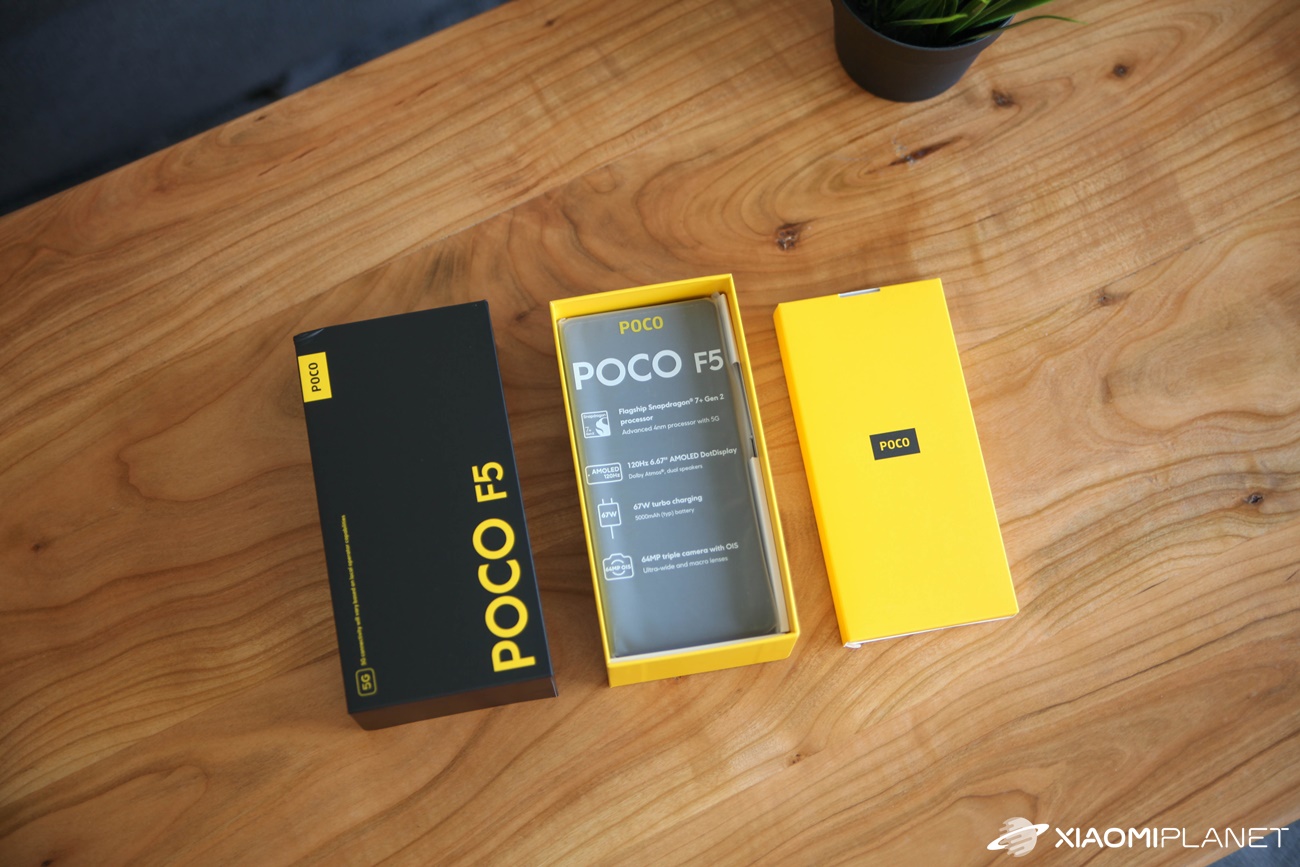
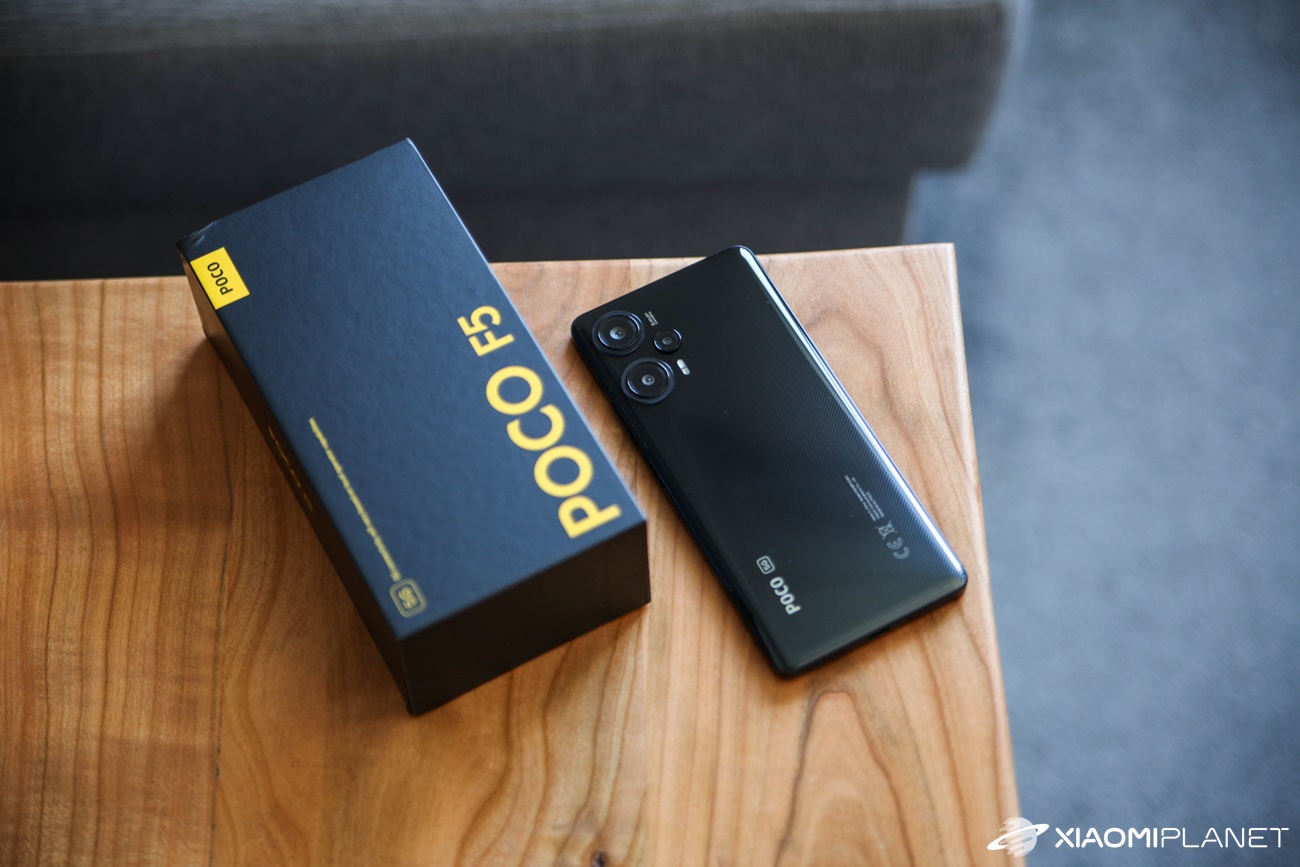
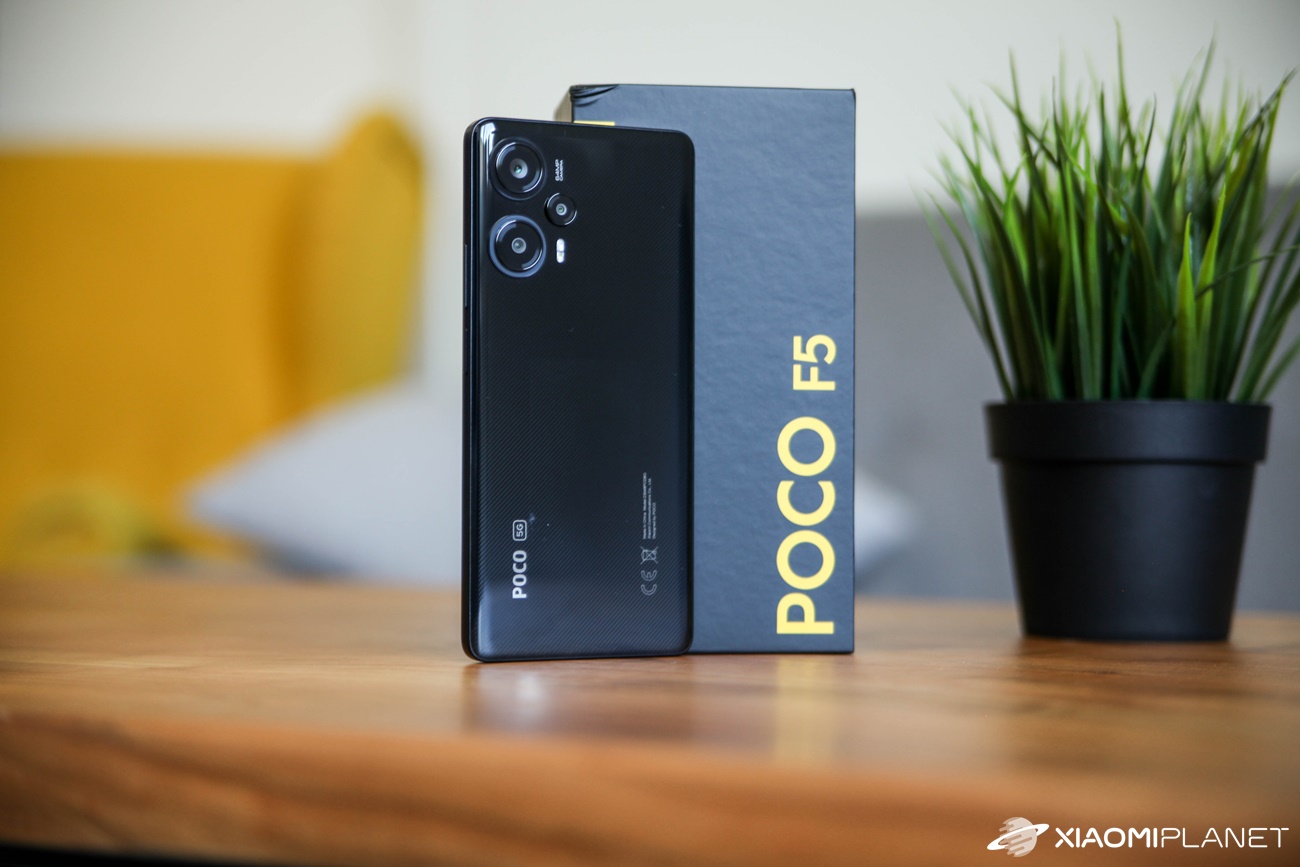
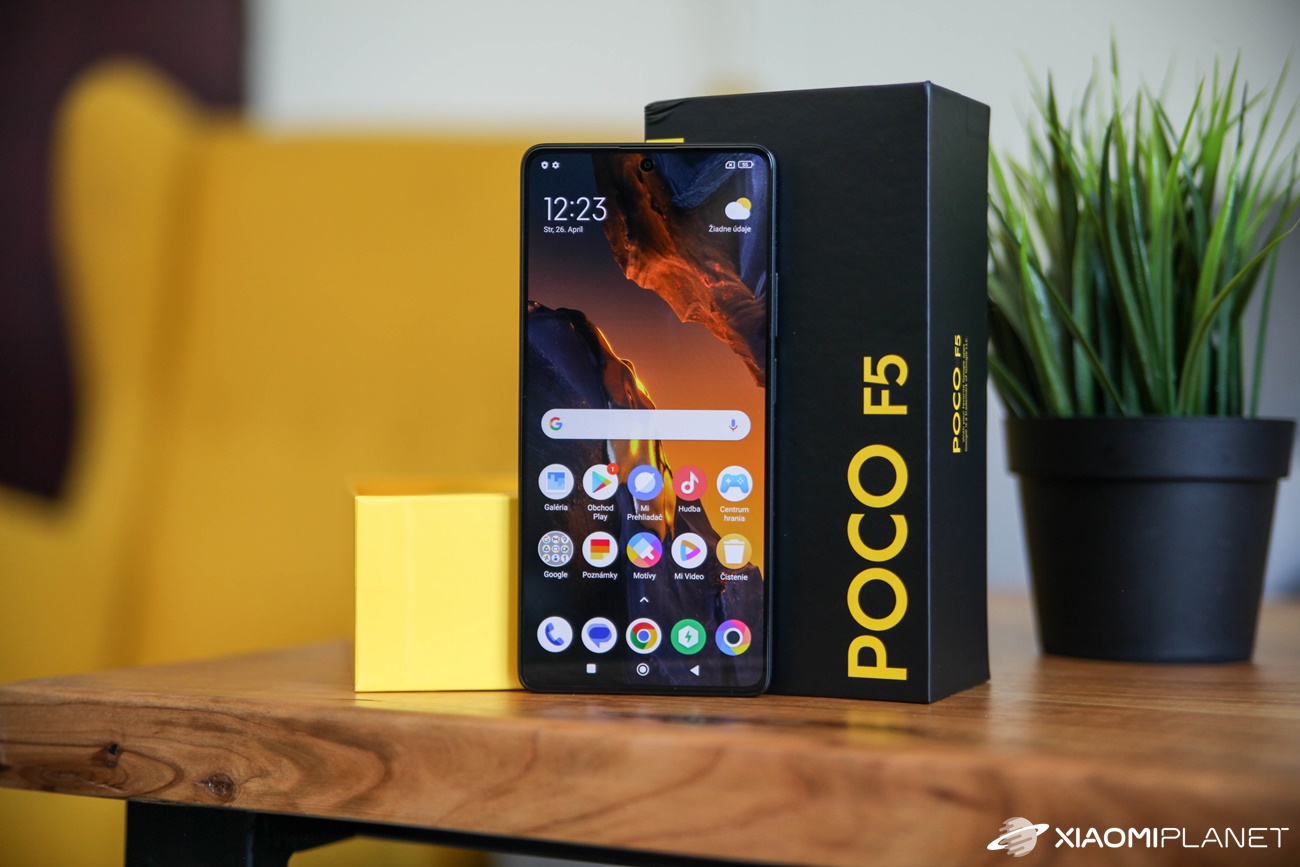
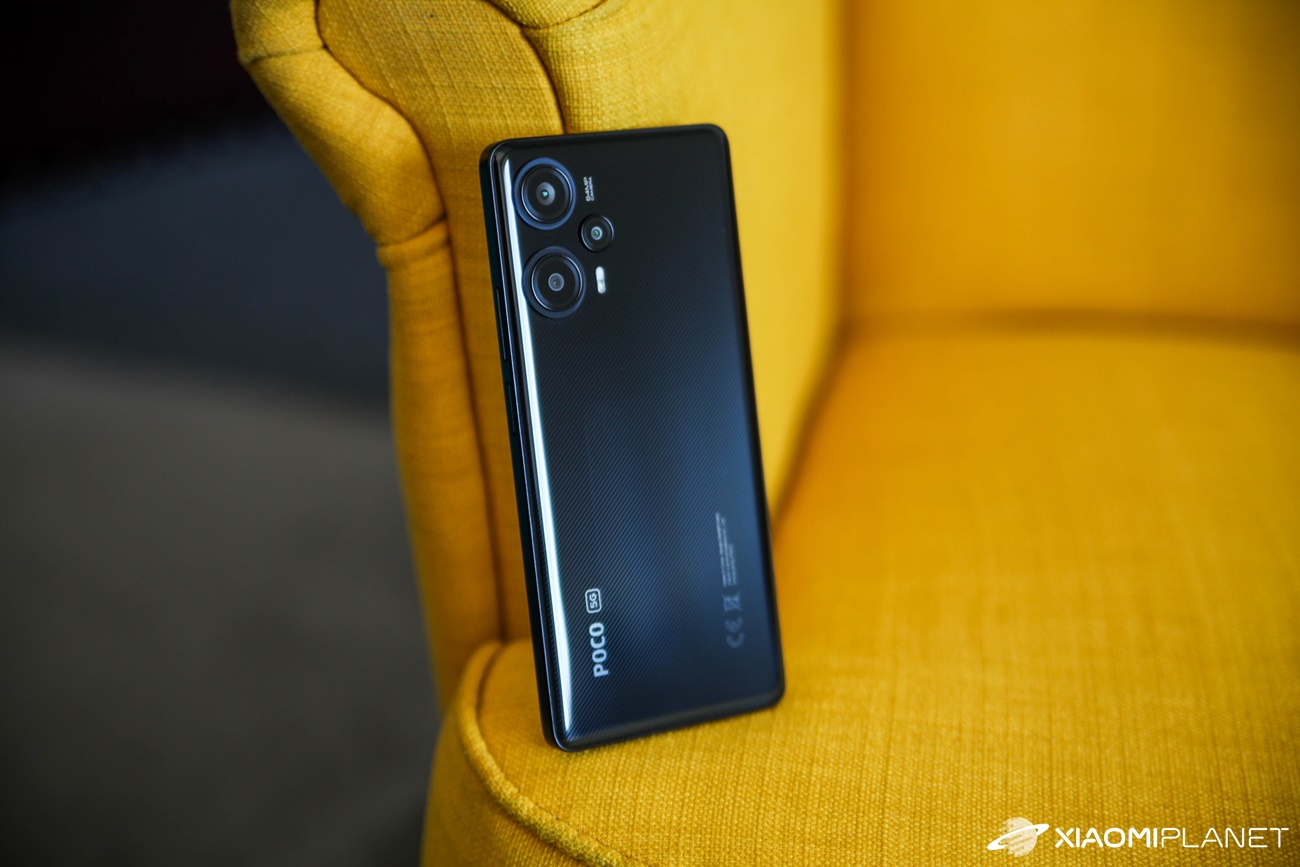
We picked the latest POCO F5 smartphone we ordered 28. June 2023. Just two days later, on 30. June, we received an email about dispatch along with the shipping company tracking number from YunExpress.
We were really happy about this, because YunExpress also fully works with the best Chinese online shop TradingShenzhen. From our experience, we already know that deliveries via this company are very fast, reliable, and truly duty-free.
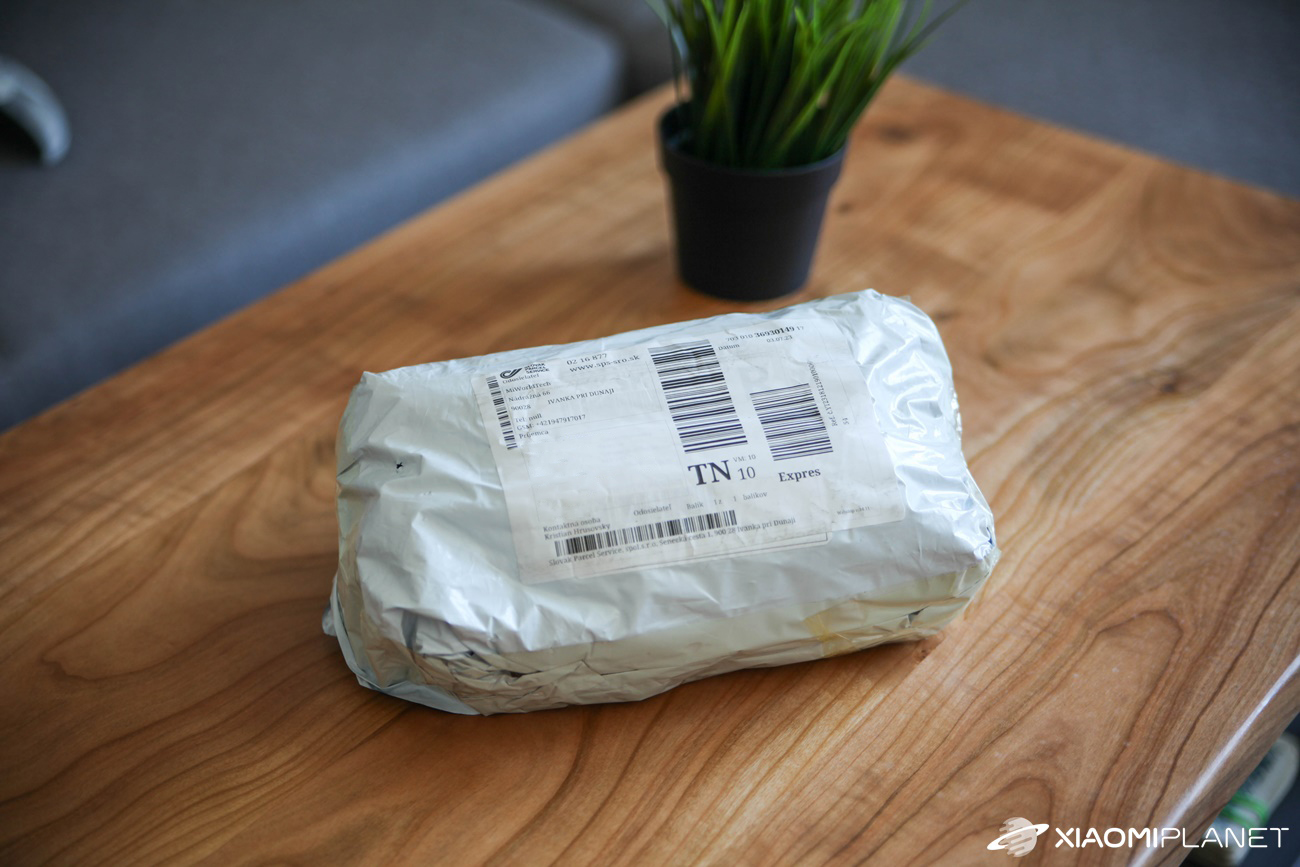
It’s no different with Gshopper. The POCO F5 smartphone parcel arrived in 9 calendar days, which is an excellent result considering the journey from faraway China! In Slovakia, delivery is handled by the SPS courier company.
It’s not only the delivery time that’s great, but also the overall order processing. Plus, considering the price, for now Gshopper looks like one of the stores where we’ll definitely be buying more and more in the next period. At least when it comes to Xiaomi smartphones in global versions, since they’re slowly disappearing from the offer of Chinese online shops.
Ad
POCO F5 for the best price on the market—through Gshopper
Additionally, our contact at Gshopper provided us with special discount coupons that drive POCO F5 prices down to record levels. They currently have the 8 + 256 GB version in stock, which will cost you a fantastic 320 € in your cart after applying the coupon. So right now, it’s the best market offer for this smartphone.
Are you shopping on DHGate for the first time?See the guide!
Updated 13. 10. 2024 on 13:06
TIPExpress delivery from the German warehouse with no customs duty and no VAT.
This product will be delivered to you express from a local German warehouse. Delivery from Germany usually takes 7-10 days, and it’s brought by courier. When it arrives, you don’t pay any extra fees—no customs duty or VAT.
Is it your first time shopping on GShopper?See the guide!
Updated 13. 10. 2024 on 13:06
TIPWith Standard Shipping via GShopper, you pay no extra fees—everything is already included!
With the GShopper seller, we recommend choosing Standard Shipping, where you won’t pay anything extra. Customs fees and any VAT are handled by the seller. You can select the shipping method in the cart only, after entering your delivery address. Delivery with this option usually takes about 15 business days from dispatch from the warehouse, but it may take longer.
Are you shopping on DHGate for the first time?See the guide!
Updated 13. 10. 2024 on 13:06
TIPFast delivery from the Spanish warehouse with no customs duty and VAT.
This product will be delivered to you quickly from a local Spanish warehouse. Shipping from Spain usually takes 7-10 days and is handled by a courier. When it arrives, you don’t pay any extra fees—no customs duty, no VAT.
Are you shopping on DHGate for the first time?See the guide!
Updated 13. 10. 2024 on 13:06
TIPExpress delivery from the German warehouse with no customs duty and no VAT.
This product will be delivered to you express from a local German warehouse. Delivery from Germany usually takes 7-10 days, and it’s brought by courier. When it arrives, you don’t pay any extra fees—no customs duty or VAT.
We’re also starting to fully test the POCO F5 smartphone, so if you’re curious about this piece, feel free to send your questions in the comments.
Have you already bought something new from Gshopper too? What are your experiences? Feel free to share your insights in the comments below. To get a steady stream of new coupons, keep an eye on Xiaomi Planet, join the Telegram channel, our Facebook group and subscribe to articles directly in your email inbox.