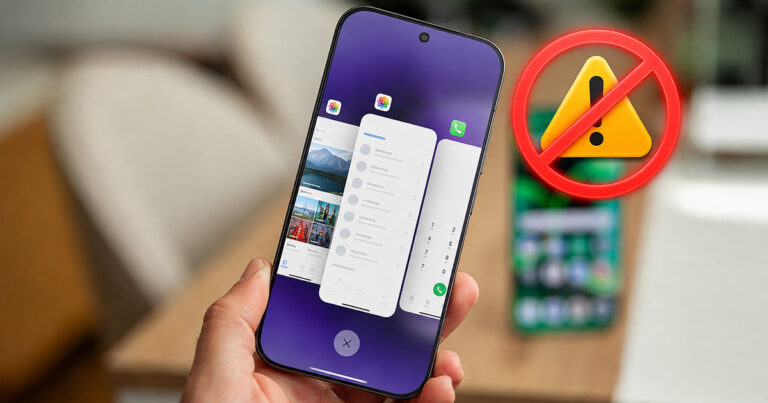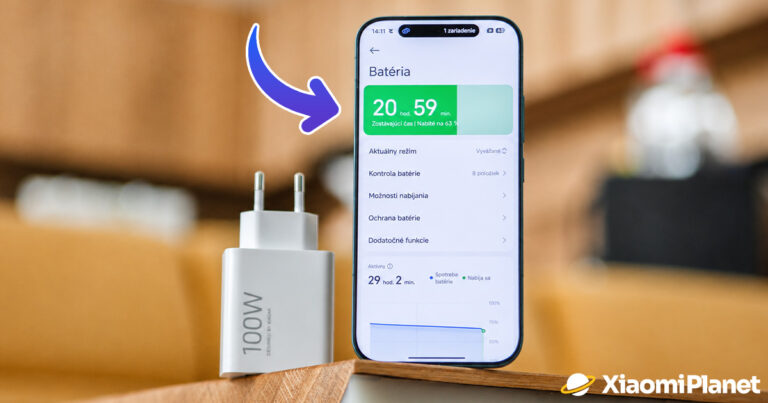

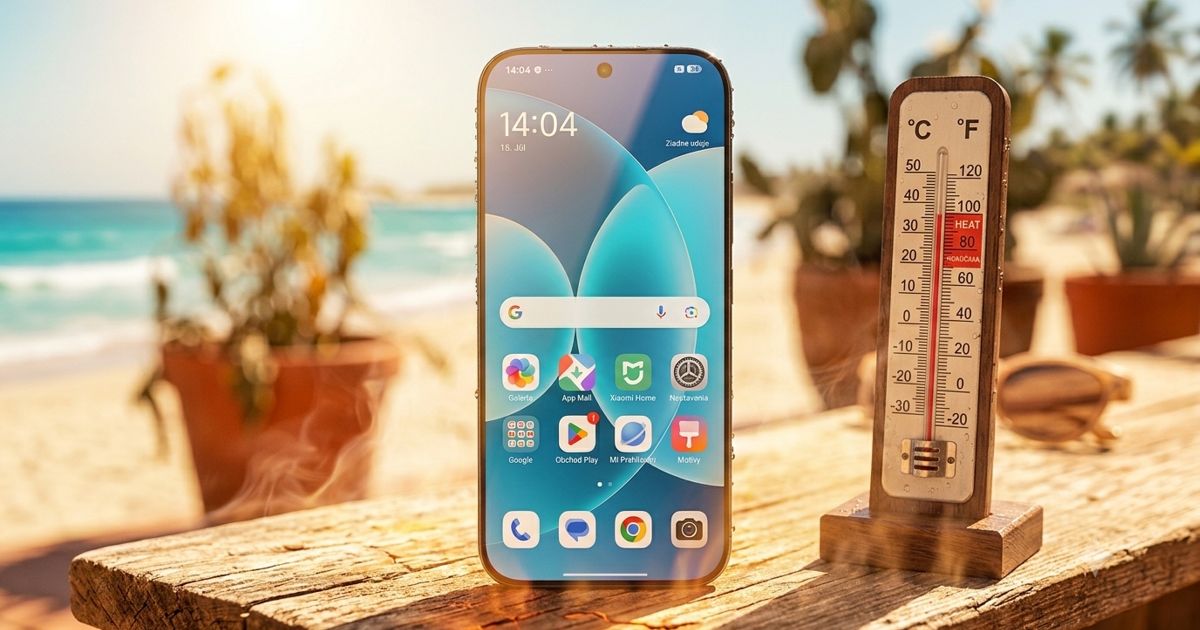
Summer heat is tough not only for people, but also for smartphones. High temperatures combined with demanding apps, navigation, gaming, or fast charging can cause the device to start overheating.
Xiaomi therefore reminds you of a few simple tips to help cool your phone down without harming it.
First, remove the source of heat
Slight heating during gaming, recording videos, or using GPS is totally normal. However, if the phone is so hot you can’t comfortably hold it, it may start slowing down or automatically stop charging — this indicates the activation of a system protection mechanism. Prolonged exposure to high temperatures negatively affects, above all, the battery’s lifespan.
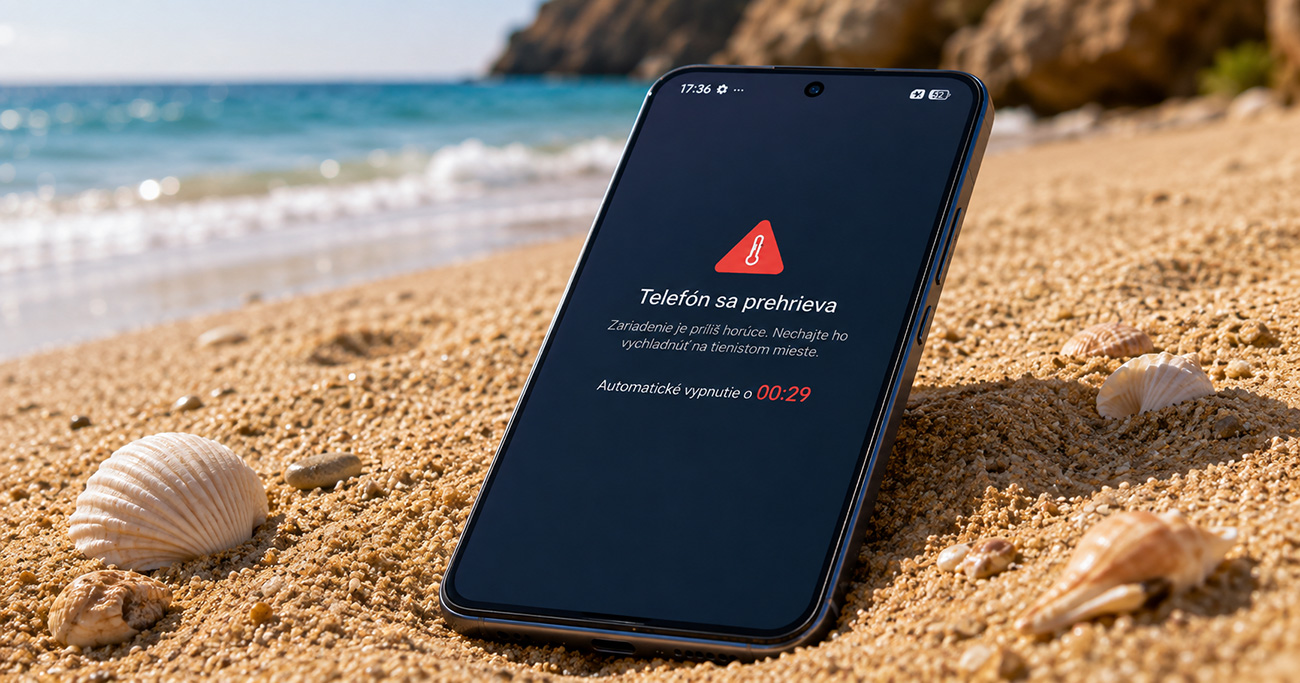
If your Xiaomi smartphone is overheating, the first step should be to move it away from direct sunlight. Don’t leave your phone on a car dashboard or other scorching places.
It’s best to place it on a solid surface in the shade, where it can naturally dissipate heat. Removing the protective case can also help. Thicker cases often trap heat and prevent it from being released naturally.
Limit demanding apps and pause charging
When the device overheats, it’s recommended to end demanding activities such as mobile games, recording video in high resolution, video calls, or prolonged use of navigation. In most cases, locking the phone for a few minutes and letting it rest is enough. If the temperature doesn’t drop, the right solution is to completely turn it off.
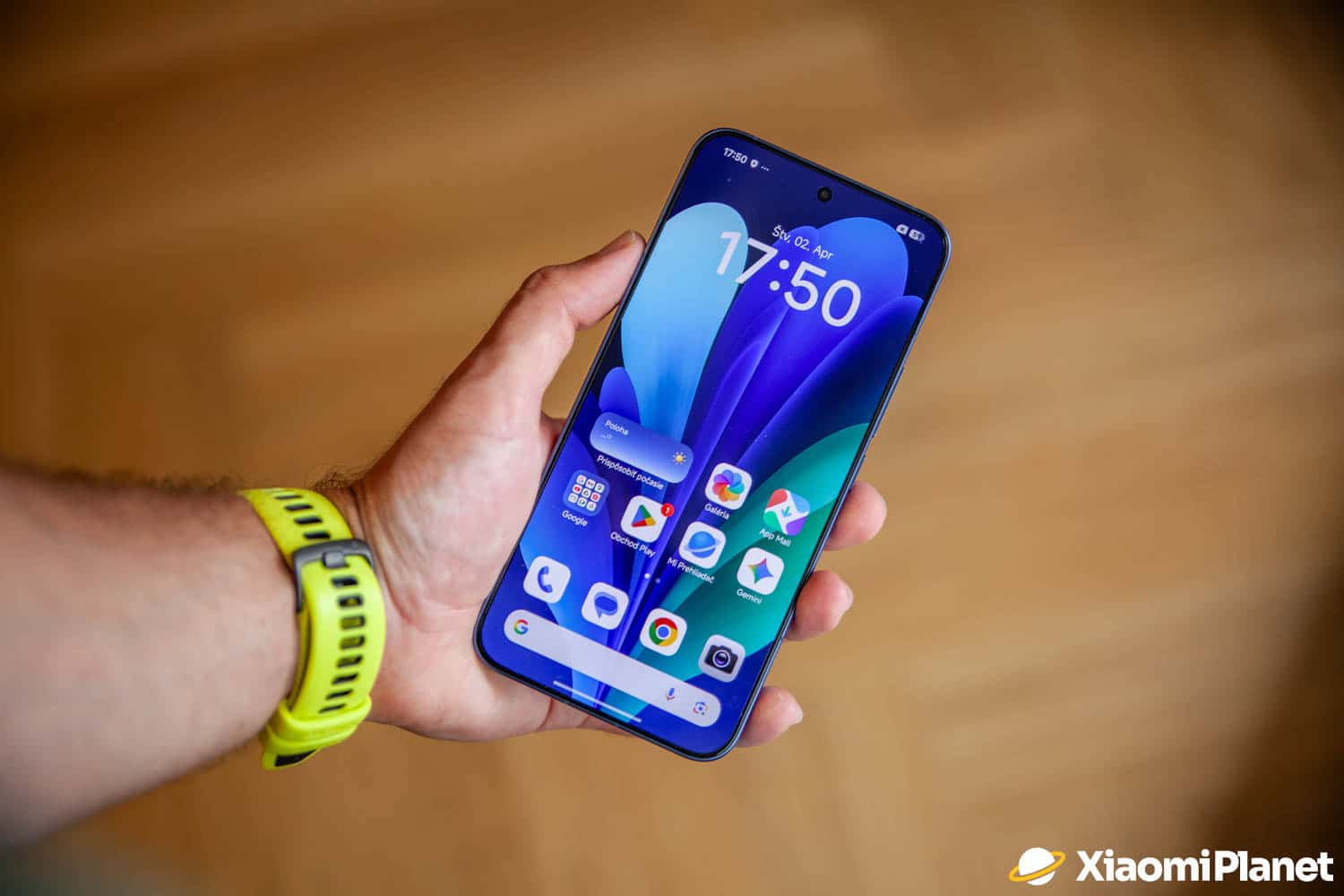
If your smartphone is connected to a charger as well, Xiaomi recommends stopping charging. Using the phone while charging creates extra heat that can make the situation worse. After the device has cooled down, you can continue charging — ideally without adding any further load on the processor.
Forget the fridge or freezer
One of the biggest mistakes is trying to cool the phone down as quickly as possible by putting it in the fridge, freezer, or placing it on ice. A sudden drop in temperature can cause moisture condensation inside the device, which creates a risk of damage to electronic components.
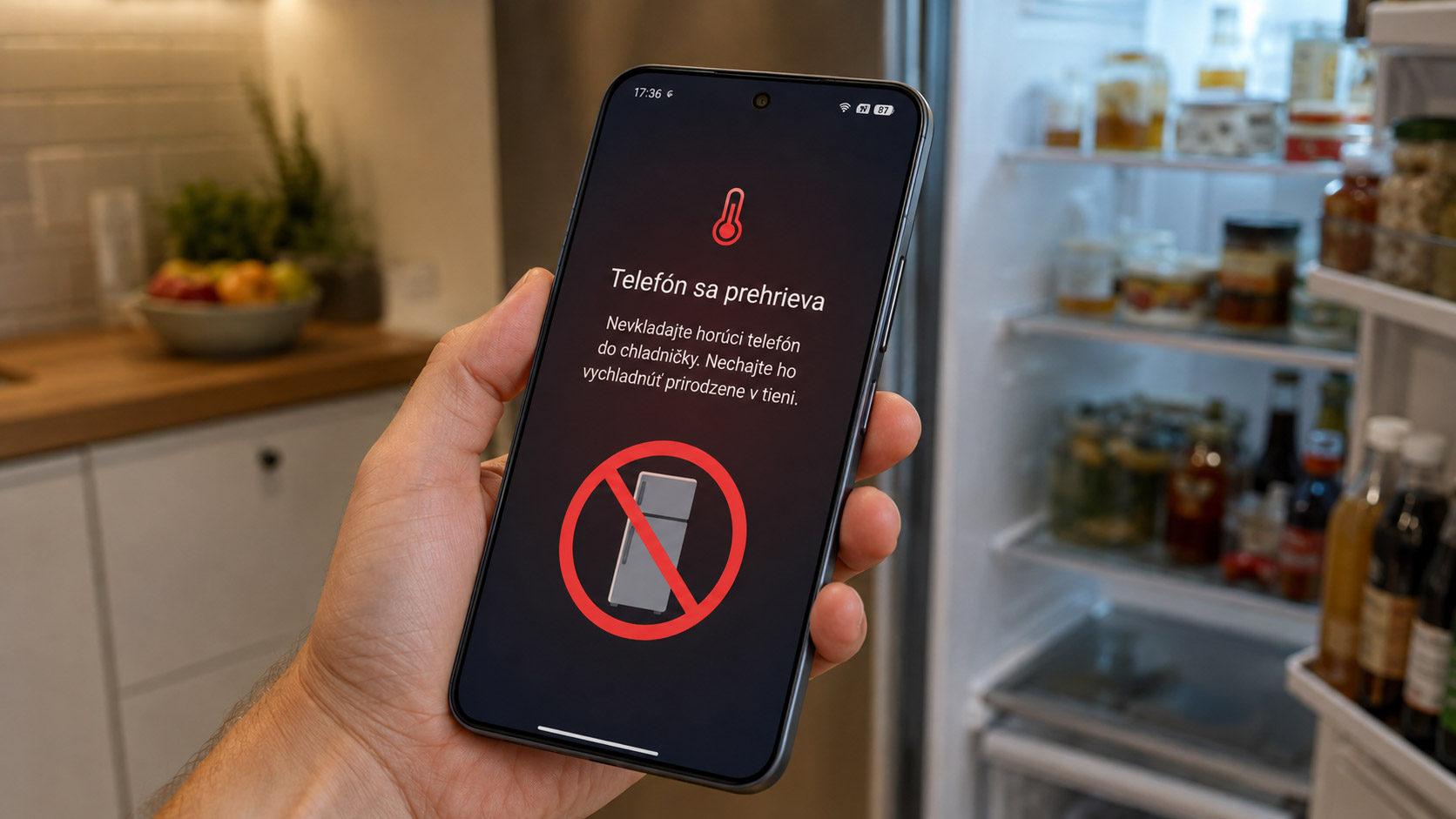
It’s much safer to let the phone cool down naturally or place it in front of a fan for a short time. This type of cooling doesn’t pose any risk to the device.
When is it actually a problem?
If your smartphone heats up only when gaming or under other extreme load, it’s nothing unusual. But if it warms up even during normal use, in standby mode, or without being connected to a charger, it could be a software or hardware issue.
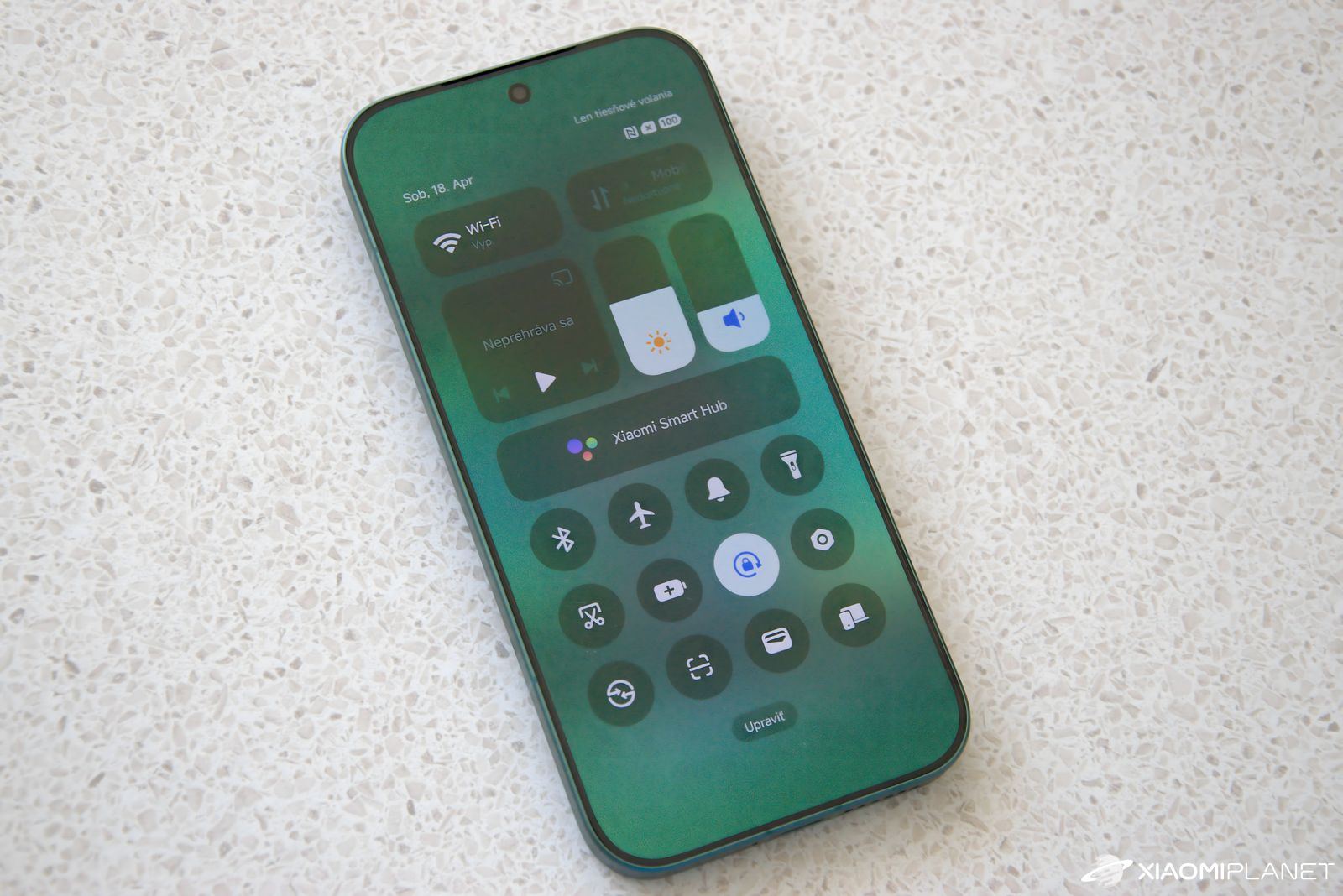
In that case, it’s worth checking the energy consumption of individual apps, installing the latest system updates, and if the problems persist, visiting an authorized service center.
Even though modern smartphones include overheating protection, prevention is always better than dealing with the consequences. That’s why, during the summer months, you should avoid direct sun, limit unnecessary device load, and give it time to cool down naturally.
For more news from Xiaomi and their entire ecosystem, keep following our Xiaomi Planet website as well—join our Telegram channel full of the latest articles, sign up for updates, and join the community group on Facebook.
Don’t miss the best coupons 📩
Subscribe and we’ll email you new coupons before they expire. We only send it once a month — no spam.