A planet full of Xiaomi news
Deal Planet

Exclusive coupon, record price 22 €! Original Xiaomi Mi 65 W GaN charger for Europe charges your smartphone and laptop

8. July 2024 4 min read 3 comments

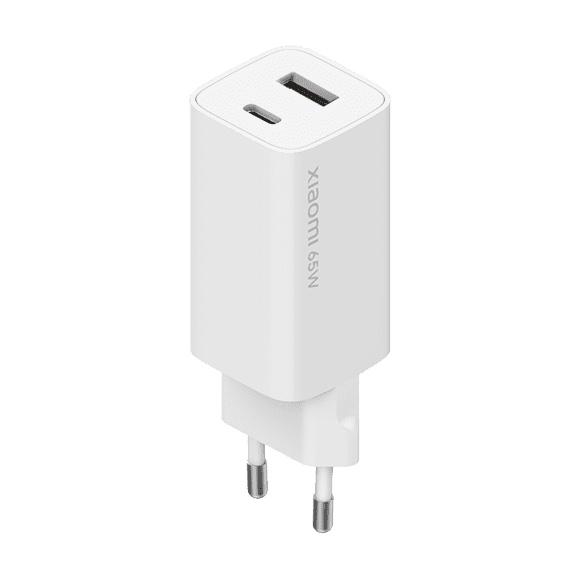
Modern smartphones are often charged every day. The days when a phone lasted more than a week on a single charge are long gone. Smartphone manufacturers today try to use various fast chargers to at least reduce the charging time. Xiaomi comes with a powerful up to 65 W GaN charger called Xiaomi 65W Fast Charger (Type-A + Type-C).

Smartphone technologies are advancing at a rocket pace, but unfortunately that can’t be said about batteries. In this regard, we’re still waiting for some revolutionary battery technology that would provide high capacity while keeping small dimensions.

Best price so far

The European version of the Xiaomi 65W Fast Charger (Type-A + Type-C) is available through the trusted seller Gshopper. In the package, along with the adapter, you’ll also get a very high-quality USB C – USB C cable, 1.5 meters long, designed for such fast charging.

Delivery ships from a Chinese warehouse, but thanks to the optimized duty-free shipping, you’ll wait up to 15 days and pay no extra fees.

We’ve been using the charger for quite some time and we can say it’s perfect. It’s useful not only for fast charging smartphones, but thanks to its high power it can also charge USB Type-C laptops without any issues, for example a Xiaomi Mi Notebook Pro X 15.

Xiaomi Planet shopping tip: GShopper has now launched direct bank transfer payments, so you can save another 4.5 % off the product price! Compared to card / Google Pay payment, you can get this product much cheaper. We described the full bank transfer payment process in our article.
XiaomiPlanet deal

Xiaomi GaN 65W Fast Charger (Type-A + Type-C) EU version

Free customs delivery
Xiaomi GaN 65W Fast Charger (Type-A + Type-C) EU verzia
Standard Shipping GShopper
34,89 €
22,15 €
SOLD OUT

Price history

0,02 €more expensive than the average price
Cheapest 22,11 €Most expensive 22,15 €
Is it your first time shopping on GShopper? See the guide!
Updated 19. 7. 2024 on 07:39
TIPWith Standard Shipping via GShopper, you pay no extra fees—everything is already included!

With the GShopper seller, we recommend choosing Standard Shipping, where you won’t pay anything extra. Customs fees and any VAT are handled by the seller. You can select the shipping method in the cart only, after entering your delivery address. Delivery with this option usually takes about 15 business days from dispatch from the warehouse, but it may take longer.

Track this product’s price

As soon as we post a new coupon, we’ll send you an email. You can unsubscribe from tracking anytime.

Is it your first time shopping on GShopper?

GShopper is an international online store with warehouses not only in China, but also directly in the EU. You can complete your order in just a few minutes. Enter your address without diacritics, choose bank transfer as the payment method—it works out cheaper than a card—and enter the discount coupon before you submit your order.

  1. Register or log inOn GShopper, you create an account, or you can log in via Google or Facebook. You can also shop without registering, but with an account you’ll see your order status and it’s easier to handle any possible claim.
  2. Get to the product using our buttonIn our article, click the GET THE DISCOUNT button—this will open exactly the product and the version the coupon applies to. Then on the product page, click Buy Now or Add to Cart.
  3. Fill in the address WITHOUT diacriticsWrite your name, street and city without accents — so Zilina, not Žilina. Foreign carrier systems can’t handle diacritics and the package may get stuck. Check your ZIP code and phone number, including the country code.
  4. Choose shipping and check the warehouseMost products come with free shipping—if Free Shipping is available, choose it. Items shipped from an EU warehouse arrive in 2 to 7 business days and don’t go through customs clearance; dispatch from China or Hong Kong takes 7 to 45 days depending on the shipping method you choose. Continue with the Next button.
  5. For payment, choose bank transfer and saveIn checkout, you pick from the available options Bank Transfer, Credit Card and PayPal. Choose bank transfer—GShopper gives you an additional discount that, depending on the product, is 3 to 4,5 % compared to card payment. In the order summary, you’ll see it as a separate line.GShopper will then show you the bank account number and the amount in the line Amount to Transfer and a reference that you need to include in the note for the recipient. You make the transfer in your bank; the account is held in EUR within the EU—so it’s a standard SEPA transfer.
    Order summary on Gshopper with discount for bank transfer
    The discount for bank transfer will appear as a separate line in the order summary.
  6. Enter the coupon and submit your orderPut the coupon into the field Discount Code and confirm with the button Apply. Only one coupon can be applied at a time. The price in the summary must be recalculated right away—if it didn’t change, the coupon wasn’t applied. Then submit your order by clicking Place Order.After payment, you’ll receive a confirmation email and you can also find your order in your account under the section My Orders.
    Discount Code field in the Gshopper checkout with an Apply button
    You’ll find the coupon box at checkout under the payment method selection.
Enter the coupon before you click on Place Order. A discount won’t be added automatically to the completed order. If you forget the promo code, you’ll have to write via [email protected] — they may not have to comply.
You can change or cancel your order within 12 hours e-mail to [email protected]. Warranty varies by category: Xiaomi phones, Redmi and POCO have 24 months, tablets and e-scooters 12 months, earbuds, smartwatches and other Xiaomi products 6 months.
Our extra service with VIP support — we’ll handle the order on Gshopper for you and ship it straight to your address.

If you don’t have experience buying on Gshopper, payments don’t go through, or coupon use doesn’t work for you, we offer an order handling service directly to your address for our readers and customers. You transfer the money to our account and we place the order directly to your address. This way, you won’t have to worry about a failed payment or applying the coupon, and you can be sure the entire order will go through correctly 100 %. In addition, you automatically get our VIP support — if any issues arise with the shipment, we handle them for you and assist with filing a claim. The fee for this service is €15 extra of the product price. You can contact us by email at info(@)xiaomiplanet.sk or on Messenger, where we’re constantly active.

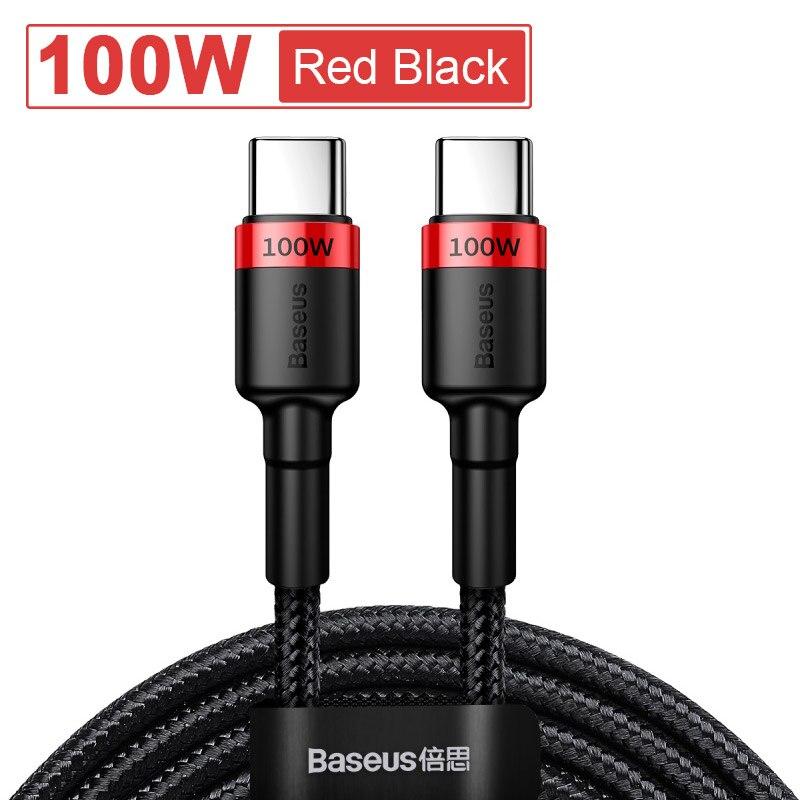
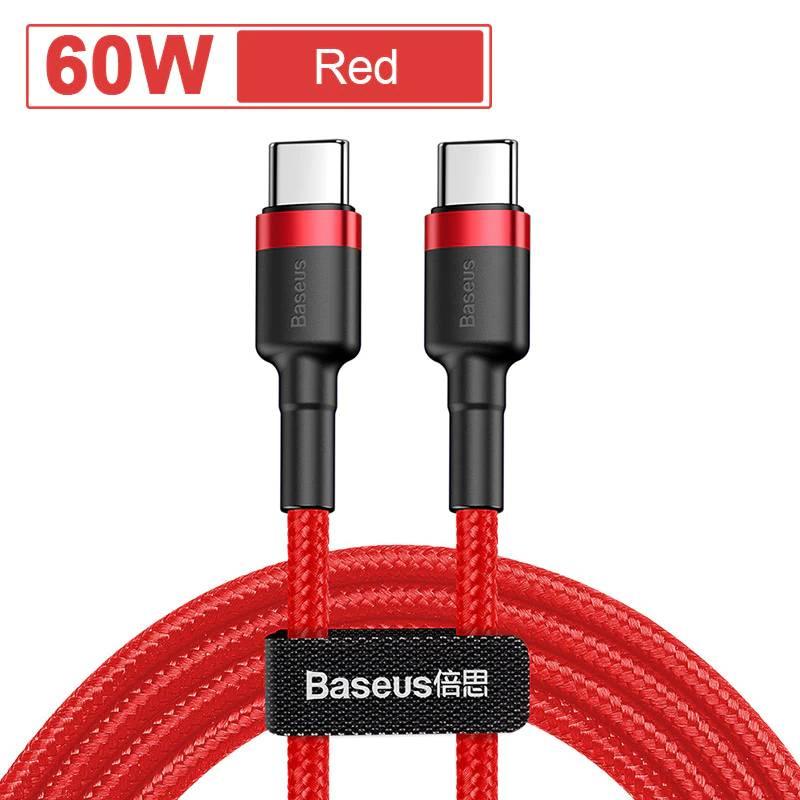
We recommend this cable for the charger:

XiaomiPlanet deal

Baseus 100W USB Type-C cable

Baseus 100W USB Type-C kábel
12,04 €You save 0,03 €
12,01 €
Without a coupon

Price history

1,99 €more expensive than the average price
Cheapest 4,80 €Most expensive 12,04 €
Buying on AliExpress for the first time? See the guide!
Updated 5. 11. 2026 on 10:10
TIP12-day delivery via Aliexpress Standard Shipping

For this product, AliExpress Standard Shipping is available with guaranteed delivery in 12 days. This is the most reliable shipping method, and in most cases it’s handled by a courier company.

When ordering from the Chinese warehouse, AliExpress will add the customs duty in your cart—approximately 3,70 € per order. When you receive the package, you won’t pay anything extra.

Track this product’s price

As soon as we post a new coupon, we’ll send you an email. You can unsubscribe from tracking anytime.

Buying on AliExpress for the first time?

This process is done through the AliExpress mobile app, where most people shop. Two things matter: don’t use Buy now and enter the coupon only in the order summary in the Promo code field. After you click Pay now, you can’t add it anymore.

  1. Copy the code and click GET THE DISCOUNTIn our article, copy the coupon and click the button GET THE DISCOUNT. The link will take you directly to the product in the AliExpress app.
  2. Use Add to cart, not Buy nowOn the product card, scroll down and click Add to cart. Don’t use the Buy now button—this skips the cart, so later you won’t have a place to enter the coupon. Before that, make sure the variant is correct: color, version, and whether it ships from an EU warehouse.
  3. Continue to Checkout via the cartA pop-up will appear: Added to cart!—tap Check it out. If it disappeared, open the cart using the icon in the bottom-right corner. In the cart, check the product and quantity, then tap the red Checkout button. Only the items marked with the red circle are included.
  4. Fill in your address and card, then look for Promo codeIn the order summary, first enter the delivery address and payment card at the top. Below that, there’s a line Promo code — expand it with the arrow on the right.
    Promo code line in the AliExpress app order summary
    Look for this line under the address and payment method.
  5. Paste the code and confirm ApplyIn the field Promo code paste the copied code and click the black Apply. The code is case-sensitive and must not contain spaces.
    Promo code box with the code and the Apply button in the AliExpress app
    Paste the code into the field and confirm by clicking the Apply button.
  6. Check your savings and payIn the section Summary expand the line Saved — you’ll see the applied coupon there as AliExpress coupons/codes. Only when Total is really lower, click Pay now.
    Saved line with the applied coupon and reduced Total in the AliExpress app
    The applied coupon will show up in the Saved line and reduce the Total.
Apply the discount again in the order summary. After you click Pay now, you can’t add a coupon anymore. If Apply shows an error, the code has either expired, doesn’t apply to your item, or your order doesn’t meet the minimum amount.
Store Coupon also belongs in the same field. — a coupon from the seller itself, which isn’t always available and changes day to day. It can’t be combined with an AliExpress coupon, so try both and go with the one that gives you more. Coins are added automatically.

Small and lightweight thanks to GaN technology

The charger Xiaomi 65W Fast Charger (Type-A + Type-C) offers very compact dimensions thanks to GaN technology. It’s Xiaomi’s first charger with this technology on the international market.

Xiaomi 65w Gan Charger Type A Type C Eu

Thanks to the GaN technology (Gallium Nitride), the manufacturer was able to fit high charging power into a very compact charger body, so it fits comfortably in your pocket and won’t get in your way.

This is made possible by high thermal efficiency, resistance to high temperatures, and other characteristics. The power conversion of GaN is far more efficient than that of standard chargers. According to available information, it’s up to 2 – 2.5× better improvement compared to classic charging adapters.

Ad

A charger for everything

With the Xiaomi Mi 65W Fast Charger you can charge almost any gadget you use. From small devices like headphones to power banks, smartphones, gaming consoles, and laptops.

As the name clearly says, the charging power is up to 65 W. Of course, using a USB-C cable.

Xiaomi 65w Gan Charger Type A Type C Eu

Besides being small, this charger is also safe and highly efficient. It features many safety mechanisms to protect against overheating and overvoltage.

Follow the Xiaomi Planet website so you don’t miss any news from the world of Xiaomi, and you can also sign up for email updates via the form below. We also invite you to our friendly Facebook group, where we build an active Xiaomi community. You can also join our Telegram channel, where all articles and coupons are published ahead of time.

Add us as your preferred source on Google

Don’t miss the best coupons 📩

Subscribe and we’ll email you new coupons before they expire. We only send it once a month — no spam.

Ad Engerio