
- Through the wall at 8 m: -39 dBm vs -50 dBm
- The signal reaches even in front of the apartment building
- The 2.4 GHz limit is 100 mW in both China and the EU
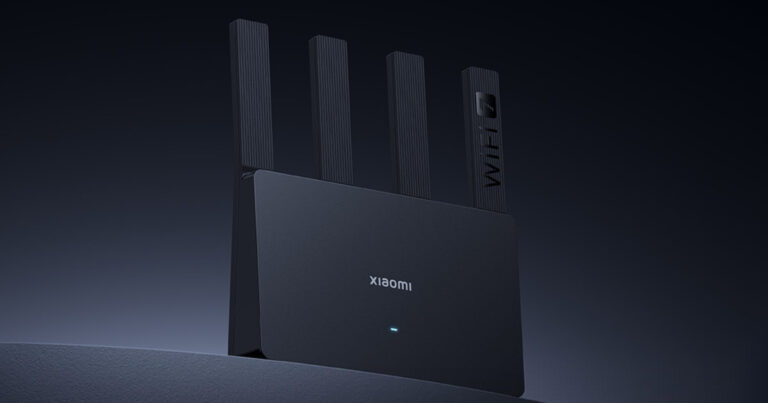
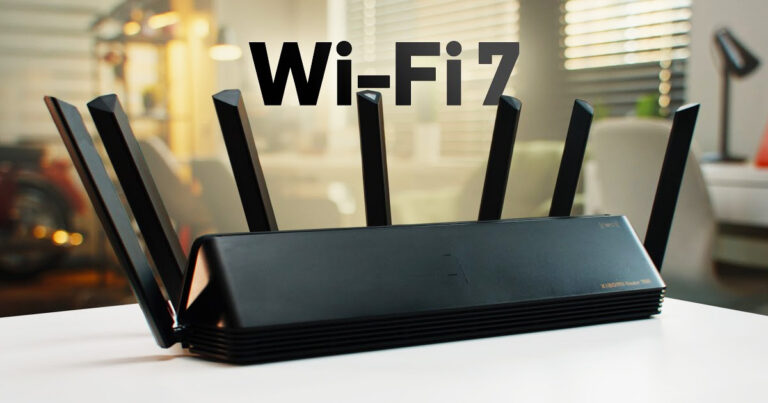
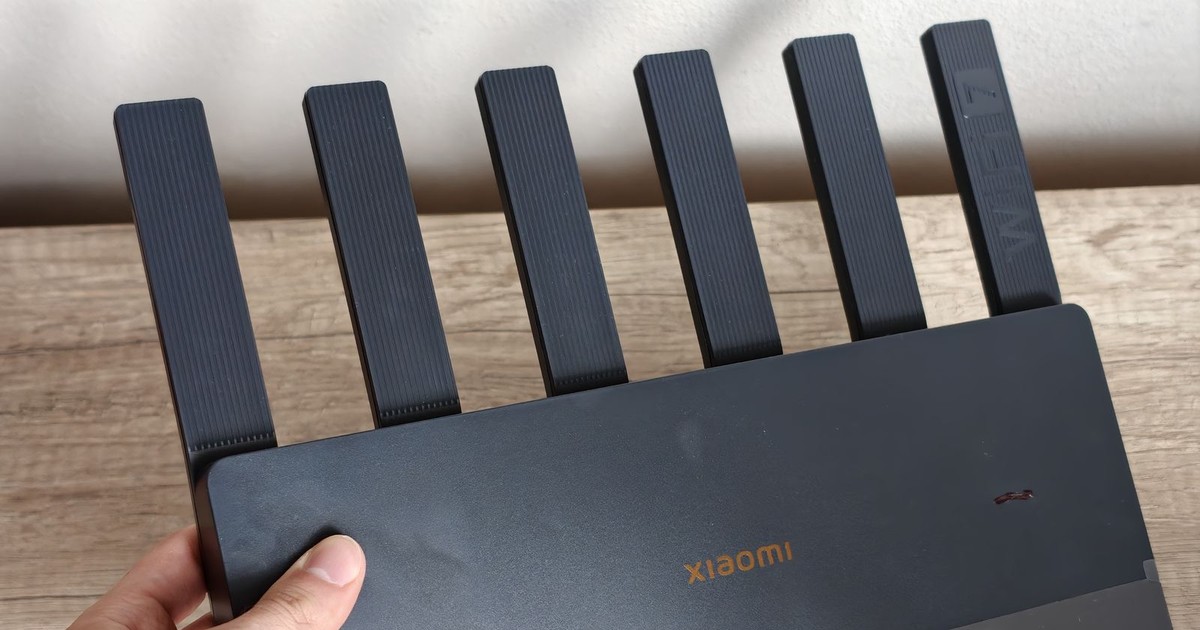
A Xiaomi Wi-Fi 7 router we bought on sale broadcasts a signal with strength -39 dBm into the next room. The old TP-Link Archer C6 showed -50 dBm in the same spot. We measured using the Wi-Fi Analyzer app for Android, roughly 8 meters away from both routers and through a wall.
At first glance, an 11 dB difference doesn’t seem huge. But decibels are a logarithmic unit, so your phone in that room receives a signal roughly 12× stronger. Values during the measurements fluctuated, but the difference between the routers was clear in every measurement. You can find the full test and the rest of the equipment in our Xiaomi Router BE6500 review.
Xiaomi Router BE6500
 Standard Shipping GShopper

TIPWith Standard Shipping via GShopper, you pay no extra fees—everything is already included!
With the GShopper seller, we recommend choosing Standard Shipping, where you won’t pay anything extra. Customs fees and any VAT are handled by the seller. You can select the shipping method in the cart only, after entering your delivery address. Delivery with this option usually takes about 15 business days from dispatch from the warehouse, but it may take longer.
Our extra service with VIP support — we’ll handle the order on Gshopper for you and ship it straight to your address.
If you don’t have experience buying on Gshopper, payments don’t go through, or coupon use doesn’t work for you, we offer an order handling service directly to your address for our readers and customers. You transfer the money to our account and we place the order directly to your address. This way, you won’t have to worry about a failed payment or applying the coupon, and you can be sure the entire order will go through correctly 100 %. In addition, you automatically get our VIP support — if any issues arise with the shipment, we handle them for you and assist with filing a claim. The fee for this service is €15 extra of the product price. You can contact us by email at info(@)xiaomiplanet.sk or on Messenger, where we’re constantly active.
In front of the apartment building, we catch only the new router
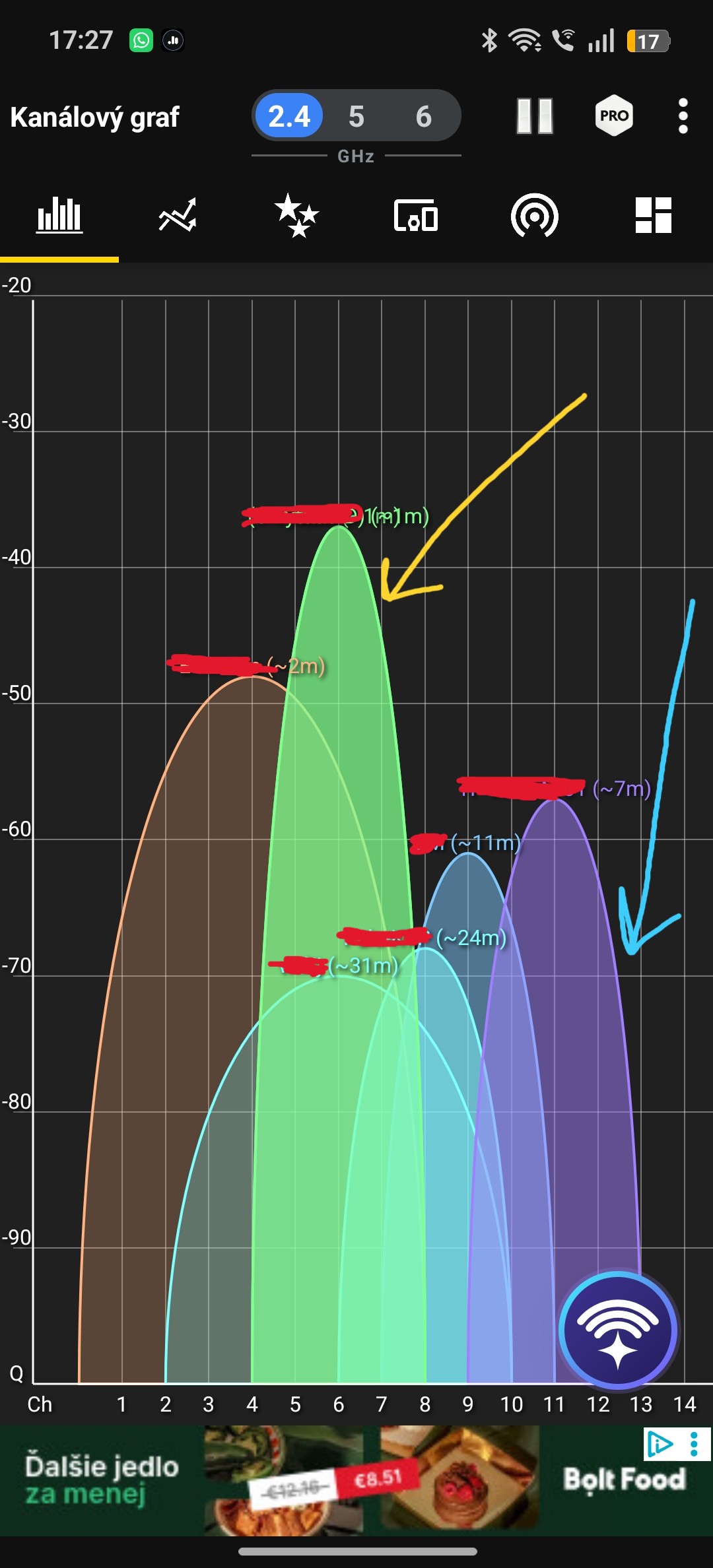
It was best to see it outside. The Xiaomi signal is weak there, but we can still pick it up in front of the apartment building. With the TP-Link, we didn’t catch anything downstairs. On the channel graph, the green curve of the new network sits above the old router’s curve as well as all the neighboring networks.
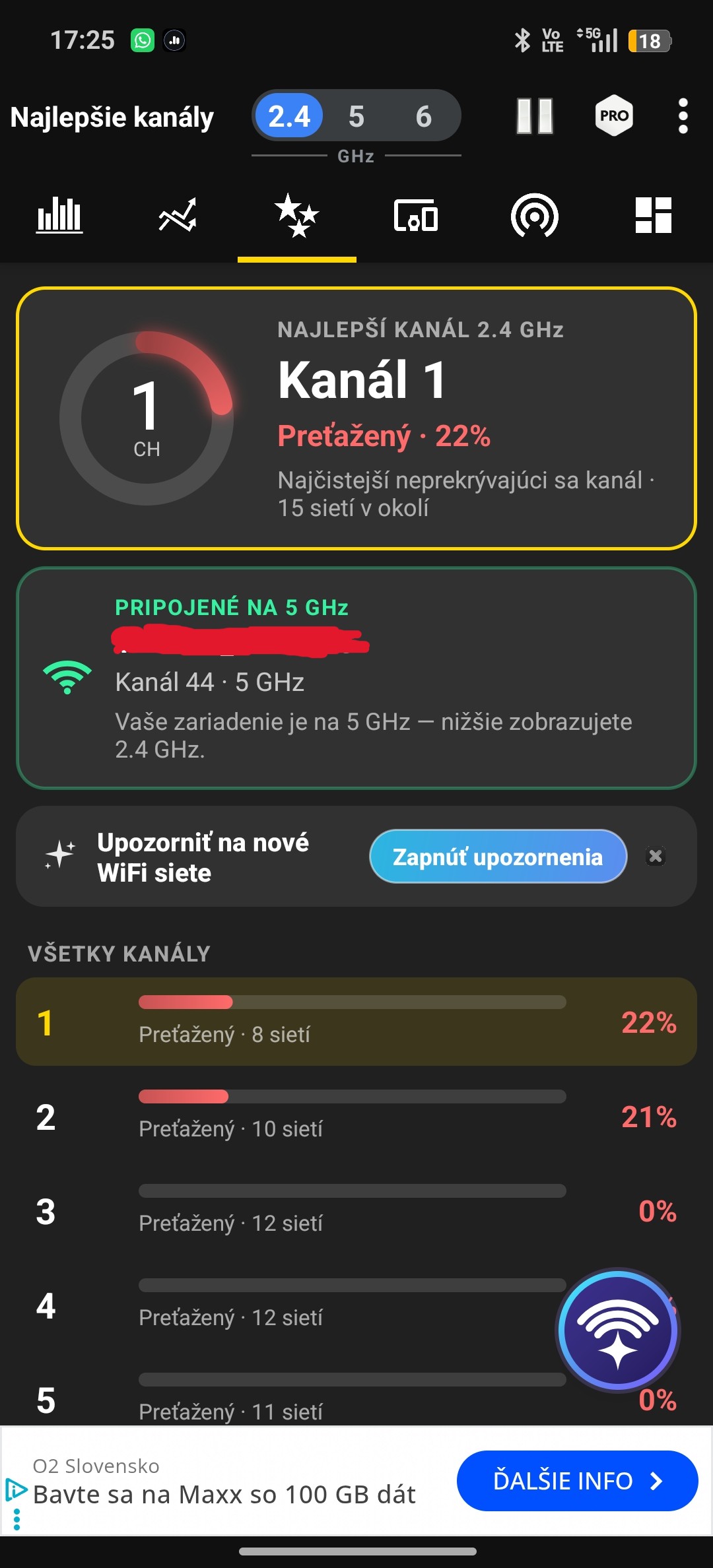
The router still doesn’t have an easy job. In a three-bedroom apartment, three to four people live there and there are lots of smart devices on Wi‑Fi. A desktop PC and a NAS server are connected via cable. Only over 5 GHz, Xiaomi transferred nearly 2.7 TB in 30 days, and it didn’t get particularly hot in the process.
Wi‑Fi 5 vs Wi‑Fi 7 for similar money
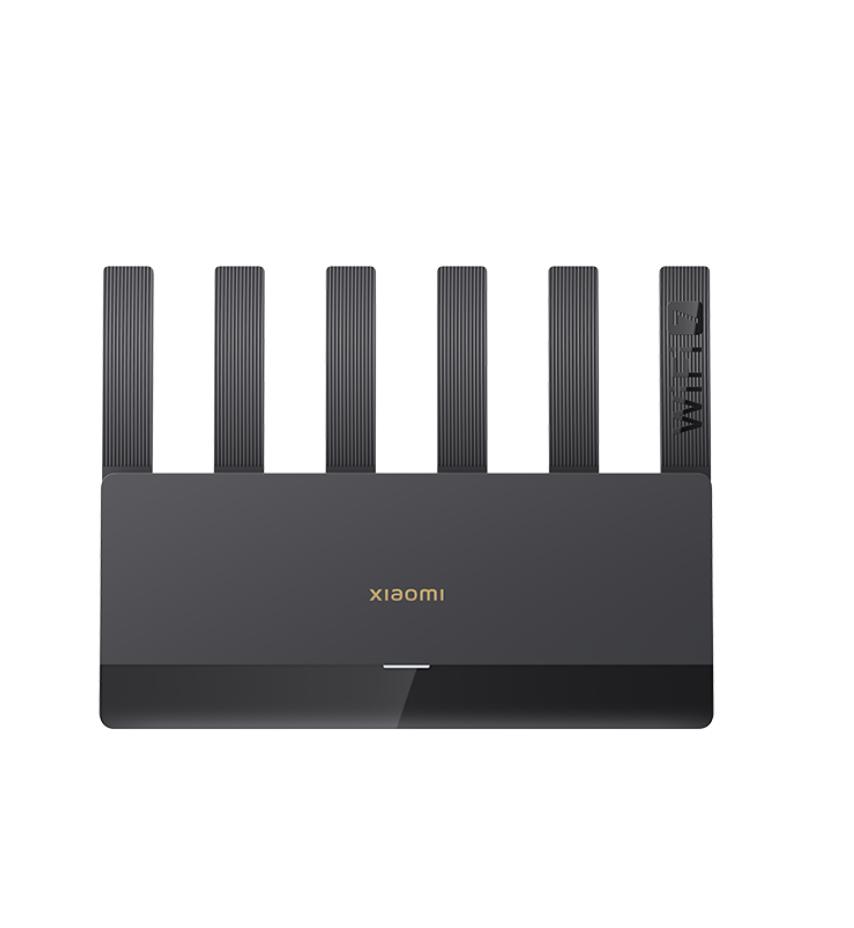
TP-Link Archer C6 is a Wi‑Fi 5 (AC1200) router with four external antennas. Today it costs around €40. Xiaomi has Wi‑Fi 7, six fixed antennas, and four ports with speeds of 2.5 Gb/s. We bought it on AliExpress for €55; normally the price stays around €80.
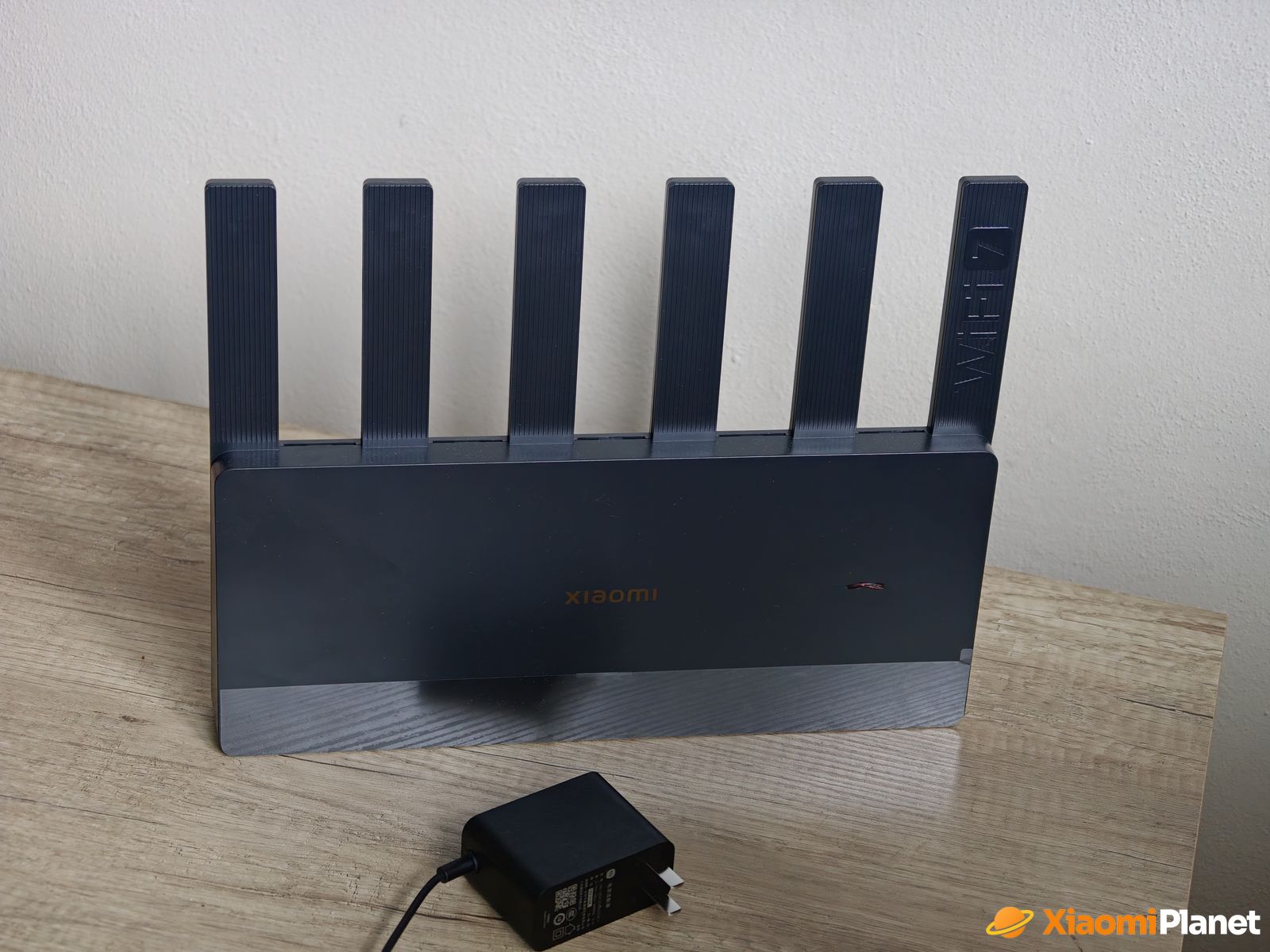
In the settings there’s a mode for 2,4 and 5 GHz called “Through the Wall,” which should improve signal penetration through obstacles. During the measurement, the phone was connected to 5 GHz, on channel 44. The 6 GHz band isn’t available as a separate band on the router, even though it’s sold as Wi‑Fi 7.
The Chinese version can’t be blamed for that, according to the limits
In our review we attributed the stronger signal to the Chinese version, which allegedly isn’t held back by European standards. The official tables don’t confirm that. At 2.4 GHz, the router may transmit a maximum of 100 mW in both China and Slovakia. The same ceiling applies to every router sold in our shop. In China, it’s set by the MIIT ministry. In our case, it’s the general authorization VPR-01/2022, which is based on EU rules.
The 5 GHz band is divided into multiple segments. In the lower segment, where our router also ran on channel 44, the limit is the same in both countries: 200 mW. China also has an upper segment with channels 149 to 165 and allows up to 2 W there. Those channels are not available at all for Wi‑Fi in the Slovak authorization.
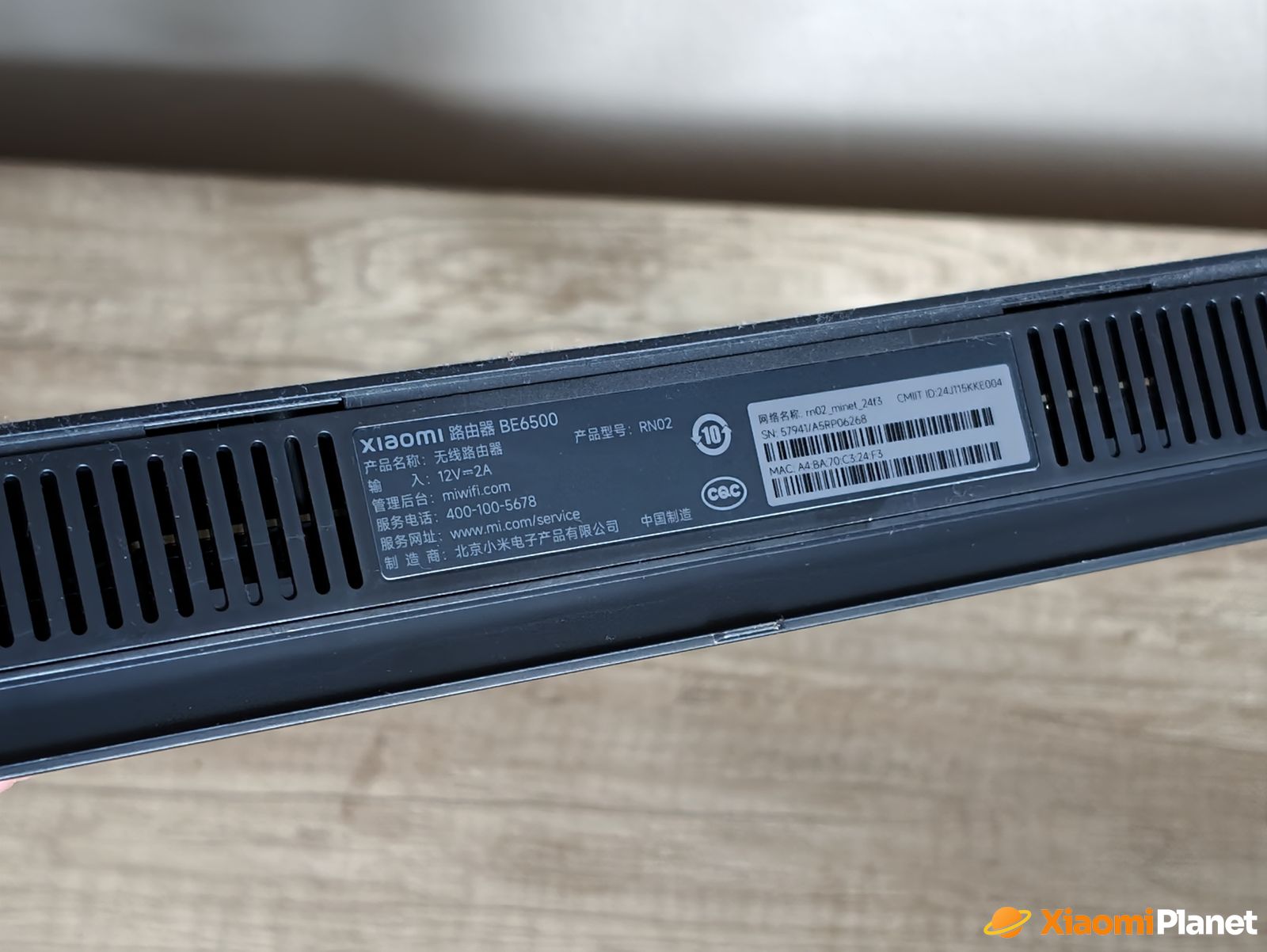
So the stronger signal is more likely due to the hardware itself: six antennas instead of four and Wi‑Fi that’s two generations newer. We didn’t compare the European BE6500 version directly with the Chinese one, so we don’t know to what extent the region contributes to the difference. But the router won’t change how strongly your phone is transmitted to. That’s why the connection from your phone to the router stays the same.
Will you get a fine for a Chinese router?
A Chinese router won’t harm your health more than a European one. In the bands commonly used, it has the same limits. According to the World Health Organization, so far no harmful effects of wireless technologies on health have been proven.
Fines are imposed by the Office for the Regulation of Electronic Communications and Postal Services. Under Section 124 of the Electronic Communications Act, a person who is not a business owner can be fined 200 to 20,000 euros. You’re at risk if you violate the conditions of a general authorization or if your router interferes with other devices and you don’t fix it. The office mainly deals with interference. Every year, meteorologists from SHMÚ report dozens of Wi-Fi devices that interfere with weather radar in the 5.6 GHz band.
China doesn’t allow the radar band for Wi‑Fi, so the channels in that range are usually completely absent from Chinese Xiaomi routers. For example, an older Chinese gigabit router’s Xiaomi page lists on 5 GHz only channels 36 to 48 and 149 to 165. A Chinese router next door doesn’t automatically mean something is being interfered with. We also didn’t find a single published case where a household was fined for a router. If you want to stay on the safe side, in the 5 GHz settings select some of the channels 36 to 48 and do not use channels 149 to 165.
What should you prepare for with the Chinese version?
The router’s web interface is in Chinese. The Xiaomi Home mobile app also works in English, but inside it you’ll find the router only if the region is set to Mainland China. If you have other Xiaomi devices in the European region, you’ll switch between regions. You’ll also need a plug adapter for a European outlet.
How the router handled ping in games and what else you’ll find in the settings—we cover it in the full review of the Xiaomi BE6500 router.
To get more updates from the world of Xiaomi, keep following our Xiaomi Planet website. Join our Facebook group, where we build an active community and help each other out. Subscribe to our Telegram as well, where we add the best deals and coupons from China every day.
Don’t miss the best coupons 📩
Subscribe and we’ll email you new coupons before they expire. We only send it once a month — no spam.