
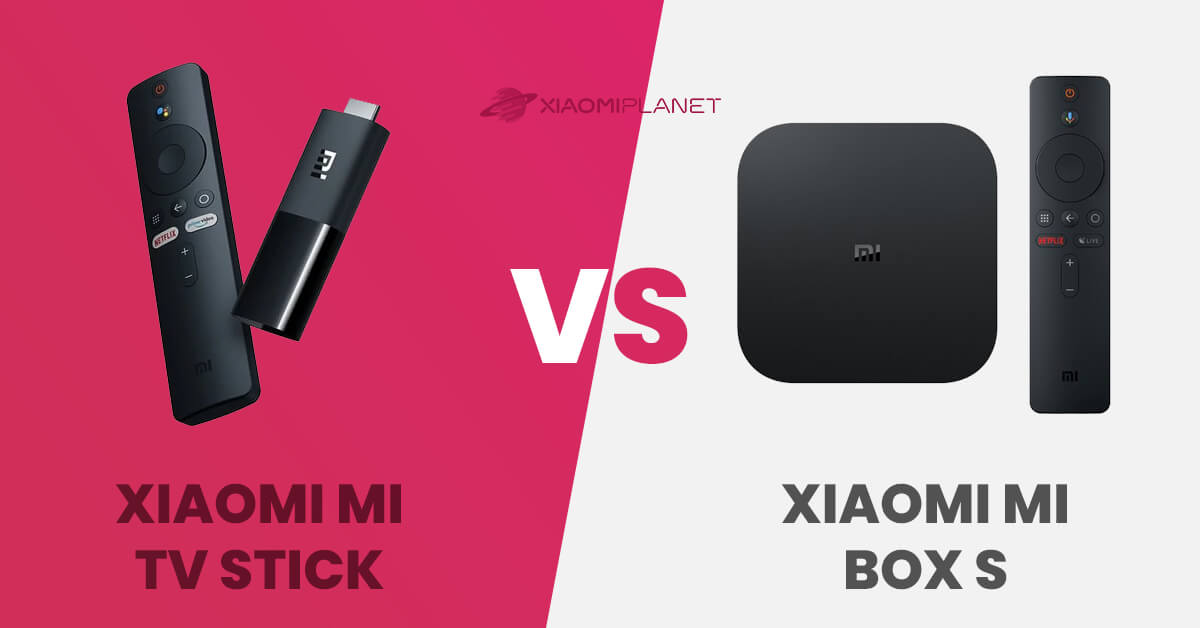
The boom in smart TVs is truly noticeable, and you’ve probably already thought about buying one. But alongside this popular segment, a new one has emerged offering handy gadgets like Xiaomi Mi TV Stick or Xiaomi Mi TV Box S.
Both products offer new functions by simply expanding via the HDMI connector, and thanks to the Wi-Fi connection, they can turn your TV or monitor into a smart one—directly with the official Android TV system. Which one is better, more affordable, or offers more features? Our comparison has the answer.
Xiaomi Mi TV Stick vs Xiaomi Mi TV Box S
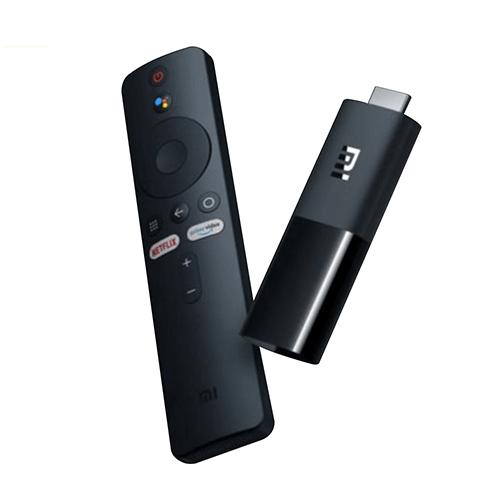
Each of the two devices is a bit different, even though their use is practically the same. Xiaomi Mi TV Stick is this year’s new release and comes in small, truly compact dimensions, reminiscent of a thicker flash drive.
The device looks a lot like the competitor from Amazon and shares the same target customer.

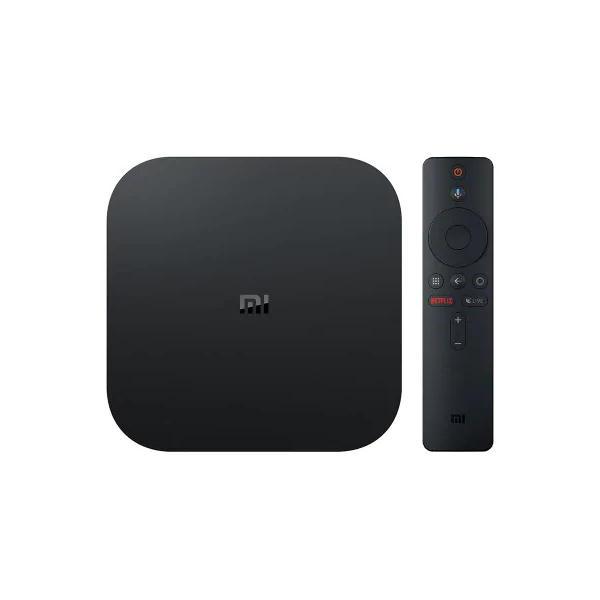
The second device is Mi TV Box S, an upgraded version of Xiaomi’s original TV Box. It became really popular despite its close resemblance to the well-known Apple TV.
For the money, it delivers up to 4K resolution, and just like the first product, it also comes with a full-fledged Android TV system with a remote control.
Technical specifications
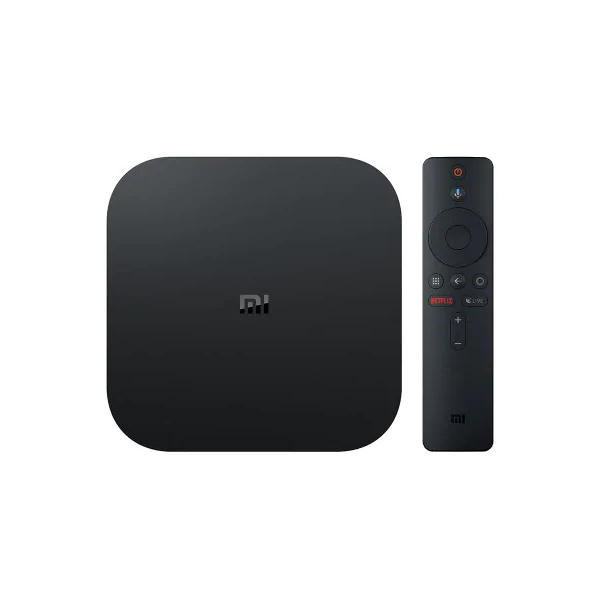
| Xiaomi Mi TV Stick | Xiaomi Mi TV Box S 4K | |
|---|---|---|
Memory RAM | 1 GB | 2 GB DDR3 |
Storage | 8 GB eMMC | 8 GB eMMC |
CPU | Quad-core Cortex-A53 | Quad-core Cortex-A53 64 bit |
GPU | ARM Mali-450 | ARM Mali-450 |
Resolution | 1080p / 60 fps (1920 x 1080) | 4K (3840 x 2160) |
Connectivity | HDMI / microUSB | HDMI 2.0 / USB 2.0 / 3.5 mm audio connector |
Wi-Fi | 802.11a/b/g/n/ac (2.4GHz/5GHz) | 802.11a/b/g/n/ac (2.4GHz/5GHz) |
Bluetooth | 4.2 | 4.1 |
Audio codec | DOLBY / DTS | DOLBY/ DTS |
Audio format | MP3 / AAC / FLAC / OGG | MP3 / APE / FLAC |
Video codec | VP9-10 / H.265 / H.264 / VC-1 / MPEG(1/2/4) / Real(8/9/10) | 4K (60fps) / VP9 / H.264 / MPEG(1/2/4) / VC-1 / Real(8/9/10) |
Video format | RM / MOV / VOB / AVI / MKV / TS / MP4 | RM / MOV / VOB / AVI / MKV / TS / MP4 / 3D |
Image format | JPG / BMP / GIF / PNG | JPG / BMP / GIF / PNG / TIF |
In the Box | product / remote control / power adapter / manual | product / remote control / HDMI cable / power adapter / 2 x AAA batteries / manual |
Price | 30 € / 35 USD | 50 € / 60 USD |
Product packaging
The contents of the packaging for both products won’t surprise you—because the manufacturer packed only what’s absolutely necessary. For the Mi TV Stick, the box includes the device itself with an HDMI connector, a remote control that you can also recognize from other products, a power cable for charging, and a simple user manual.
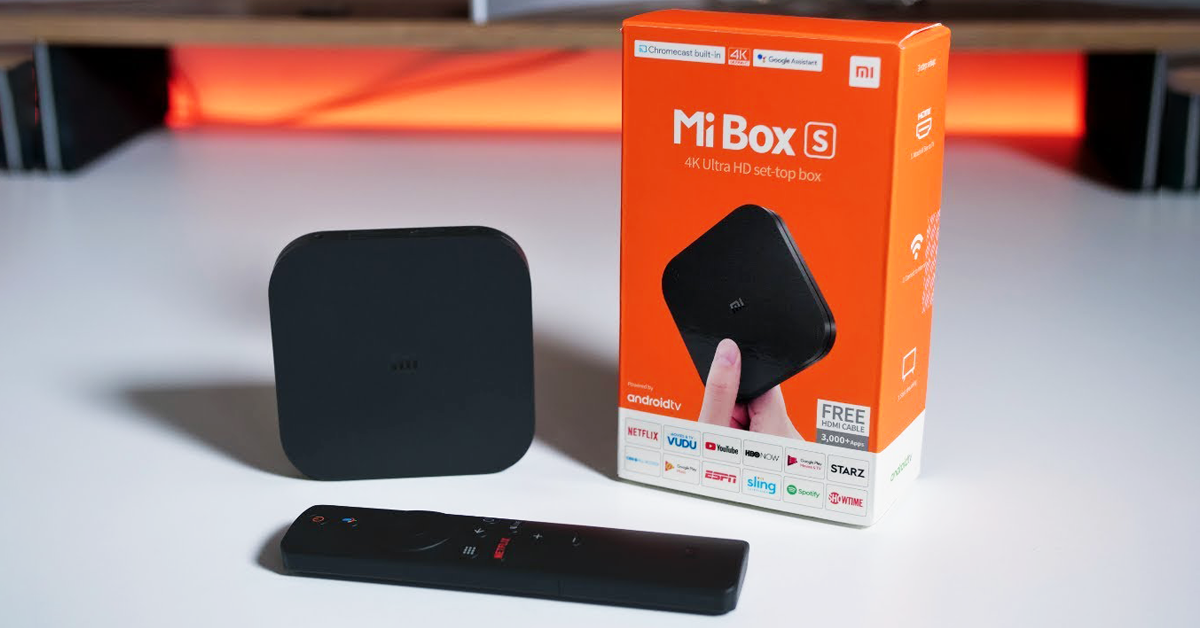
Mi TV Box S then offers the box with the box itself wrapped in protective foil, as well as the once again very familiar remote control, a separate HDMI cable for connecting to your TV, a power cable, and a simple user manual.
Ease of use
Using both products is really easy. Just connect the device to your TV and to a power outlet, then use the remote control to connect to your Wi‑Fi network. The Android TV system loads, and you just enter your Google account to access the Play Store. At this point, you’ll unlock a world of TV-optimized apps.
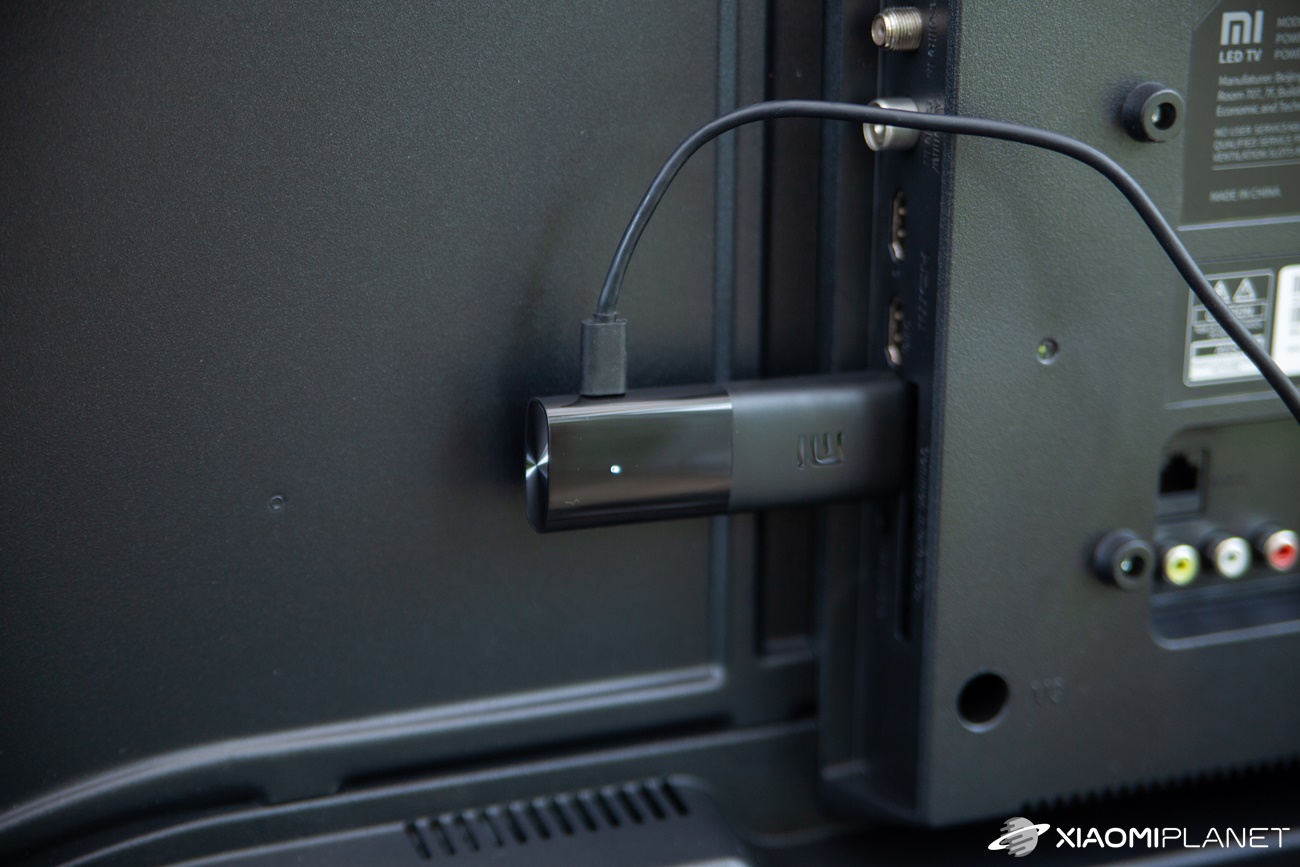
Launching apps and controlling them is handled specifically using the remote control. With it, you can also play some games from the Play Store (those that don’t require a controller).
Both devices also include Bluetooth technology for connecting accessories. There’s also support for Dolby and DTS Surround.
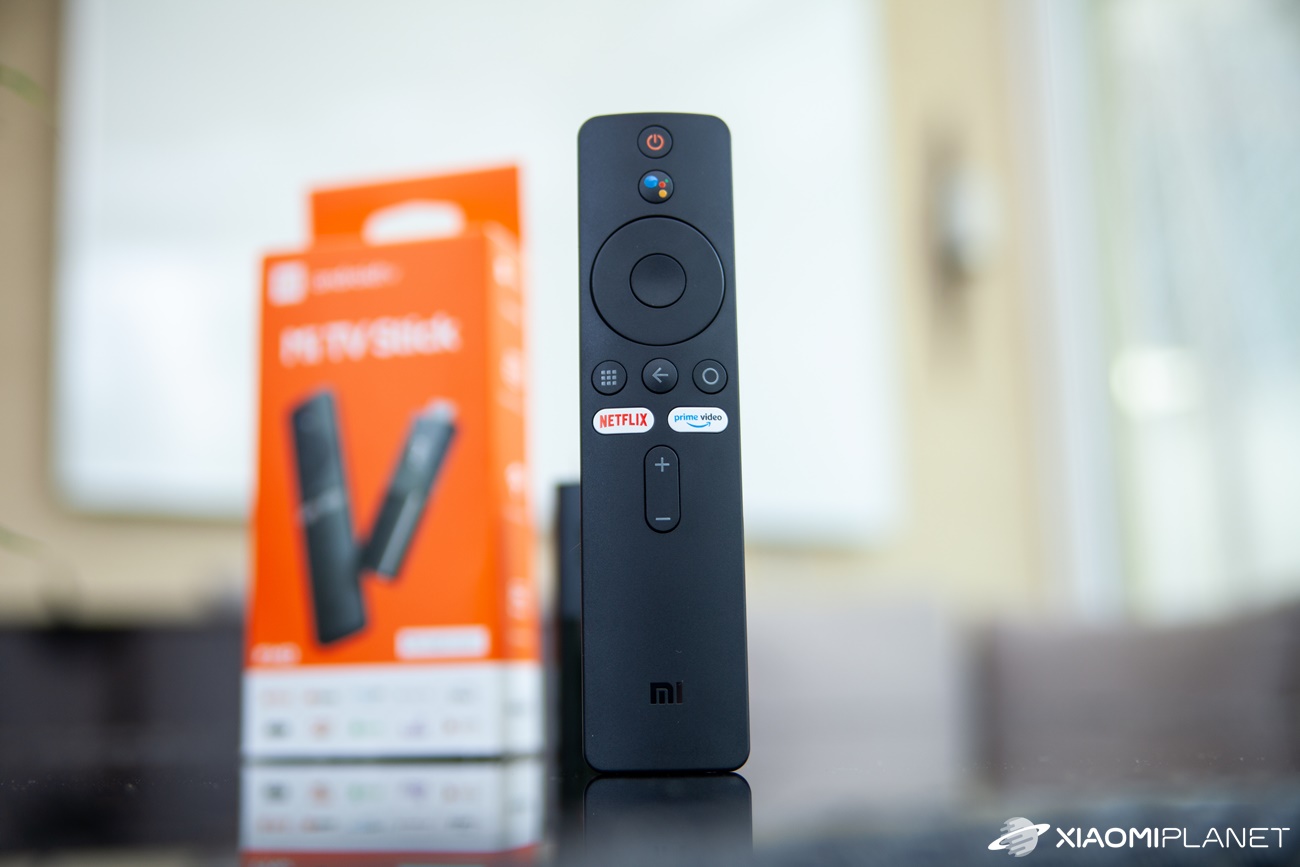
Use cases are truly diverse. Both devices let you watch multimedia content, play music, browse photos, and much more using the corresponding apps.
A simple Mi TV Stick offers 1080p video (1920 x 1080), while Mi TV Box S delivers up to 4K content (3840 x 2160) and even has an extra USB port.
Still, you can’t help but feel that the Mi TV Stick is the simpler, lighter version of the original Mi TV Box S. Same focus, very similar features, but connectivity makes it a strong competitor within its own lineup on the sales market.
Software: Use it like Chromecast
For both of these devices, Android TV is available as the operating system. It’s really straightforward—its controls and settings are very similar to what we know from our mobile phones. Through the Play Store, you can use apps optimized for the TV.
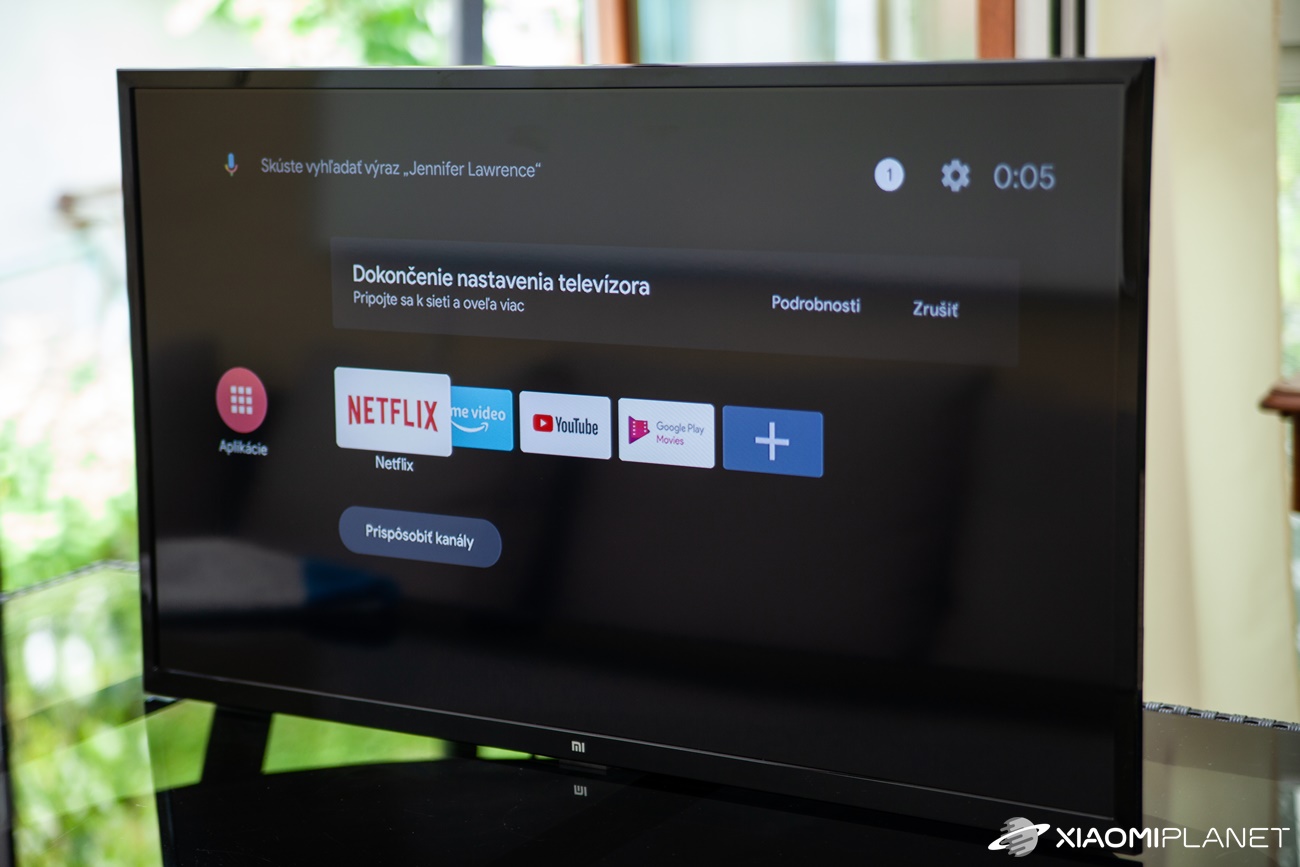
There are also fast software OTA updates, with which Google delivers not only innovations for the operating system itself, but also thinks about security in the form of regular security updates. A practical feature is using it like Chromecast—i.e., mirroring content and media, or searching by voice through Google Assistant.
Price and availability
When it comes to the selling price of these devices, the cheaper and more accessible option is definitely the compact Xiaomi Mi TV Stick. It only appeared on the sales market a few weeks ago, but with a discount coupon its current price starts from 35 € or 40 USD.
Xiaomi Mi TV Stick (1 GB RAM, 1080p)
 Standard Shipping GShopper
TIPWith Standard Shipping via GShopper, you pay no extra fees—everything is already included!
With the GShopper seller, we recommend choosing Standard Shipping, where you won’t pay anything extra. Customs fees and any VAT are handled by the seller. You can select the shipping method in the cart only, after entering your delivery address. Delivery with this option usually takes about 15 business days from dispatch from the warehouse, but it may take longer.
Our extra service with VIP support — we’ll handle the order on Gshopper for you and ship it straight to your address.
If you don’t have experience buying on Gshopper, payments don’t go through, or coupon use doesn’t work for you, we offer an order handling service directly to your address for our readers and customers. You transfer the money to our account and we place the order directly to your address. This way, you won’t have to worry about a failed payment or applying the coupon, and you can be sure the entire order will go through correctly 100 %. In addition, you automatically get our VIP support — if any issues arise with the shipment, we handle them for you and assist with filing a claim. The fee for this service is €15 extra of the product price. You can contact us by email at info(@)xiaomiplanet.sk or on Messenger, where we’re constantly active.
Xiaomi Mi Box S European version
 DE warehouse
TIPExpress delivery from the German warehouse with no customs duty and no VAT.
This product will be delivered to you express from a local German warehouse. Delivery from Germany usually takes 7-10 days, and it’s brought by courier. When it arrives, you don’t pay any extra fees—no customs duty or VAT.
Our extra service with VIP support — we’ll handle the order on DHgate for you and ship it straight to your address.
If you don’t have experience buying on DHgate, your payment won’t go through, or the coupon doesn’t work, we offer our readers and customers an order-handling service delivered directly to your address. You send us the money by bank transfer and we order the product straight to you. That way, you don’t have to worry about a failed payment or applying the coupon, and you can be sure the whole order goes through 100 % correctly. On top of that, you automatically get our VIP support — we handle any shipping issues for you and assist with warranty claims. The fee for this service is 15 € for the product price. You can contact us by email at info(@)xiaomiplanet.sk or on Messenger, where we’re active all the time.
A more expensive option is Xiaomi Mi TV Box S. Even though this product has been on the market for several months, it still holds its standard retail price. Among international sellers, you can find it for just under 55 €.
Xiaomi Mi TV Stick vs Xiaomi Mi TV Box S: Which one should you choose?
If you have a 4K TV at home and you use the 4K content support offered by the pricier of the two products, then we definitely recommend Xiaomi Mi TV Box S. It also comes out on top in performance, since it offers up to 2 GB RAM compared to 1 GB RAM in the Mi TV Stick.
If 1080p (60 fps) resolution is enough for you, and you want a cheaper, more compact, and newer alternative, the Xiaomi Mi TV Stick is the more affordable option.
Both devices expand the capabilities of your standard monitor or TV, and buying either of them is a safe move. Even though the Mi TV Stick is a newcomer on the market, don’t forget about the Mi TV Box S 4K either—it still has software support and only recently received an update to the operating system Android TV version 9.
Don’t miss the best coupons 📩
Subscribe and we’ll email you new coupons before they expire. We only send it once a month — no spam.