The official cooperation with the shopping portal Gshopper—we at Xiaomi Planet kicked it off almost three years ago, and we’ve been working together successfully ever since. We were the first in Slovakia to bring this site’s product range, and we helped them enter the Slovak market.
Gshopper is currently among the most reliable sellers and also one of our closest partners—for example, it offers Xiaomi products in official global versions with a 2-year warranty (valid for smartphones).
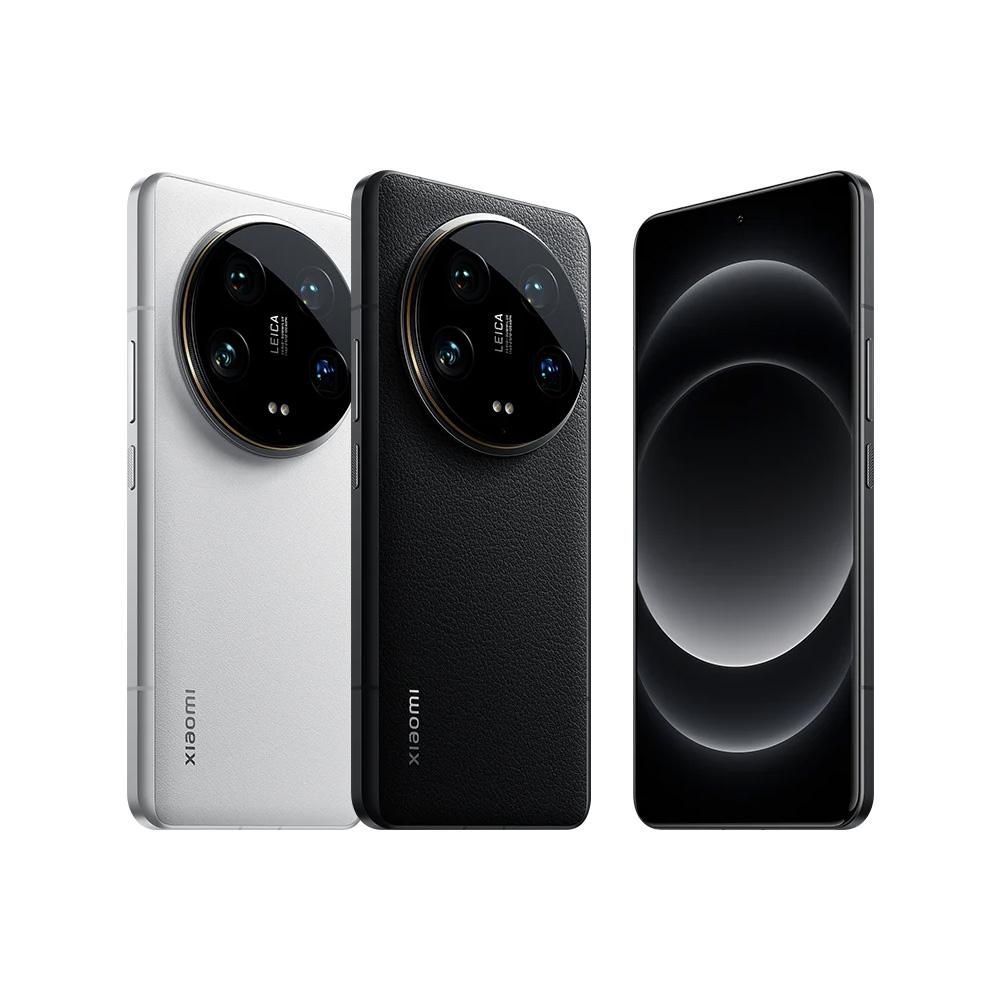
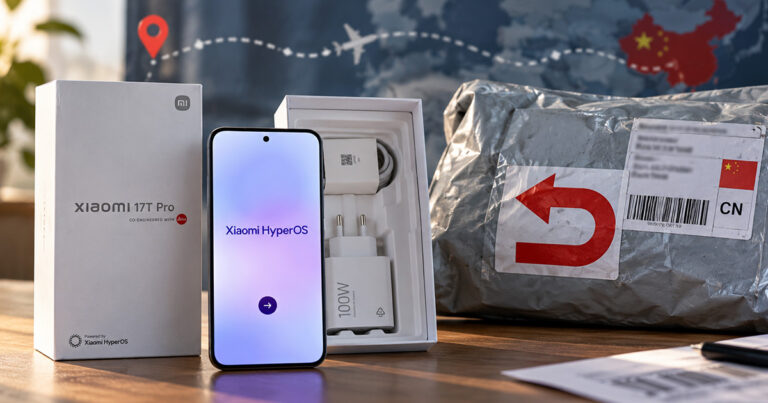
We won’t beat around the bush and we’ll get straight to the point. The packages with the above-mentioned smartphones arrived this time quite fast—even considering they were shipped from a Chinese warehouse. Specifically, the Xiaomi 14 Ultra phone traveled for just 10 days, while POCO F6 flew from China to us in 12 days.
The smartphones arrived very well packed in a protective air envelope, so nothing happened to them even during the long trip from China. Quality packaging is already standard with Gshopper. The seller still uses a very high-quality and reliable shipping company, YunExpress, which—besides its own shipping for Aliexpress—also ranks among the current TOP players when it comes to customs-free shipping.
No, we didn’t pay anything extra for the packages and we didn’t deal with customs issues either. The seller handled everything for us, and the prices after entering coupons in the cart are final.
All in all, we saved almost 300 €!
The main attraction of buying from China is the price. For these two smartphones, prices from our partner Gshopper are significantly lower than in Slovak stores. Together, we saved almost 300 € on both phones—that’s a decent amount, for which you could easily buy another quality smartphone, for example.
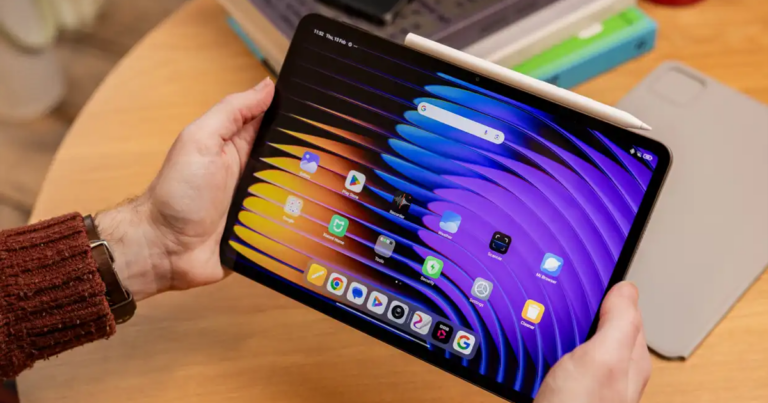
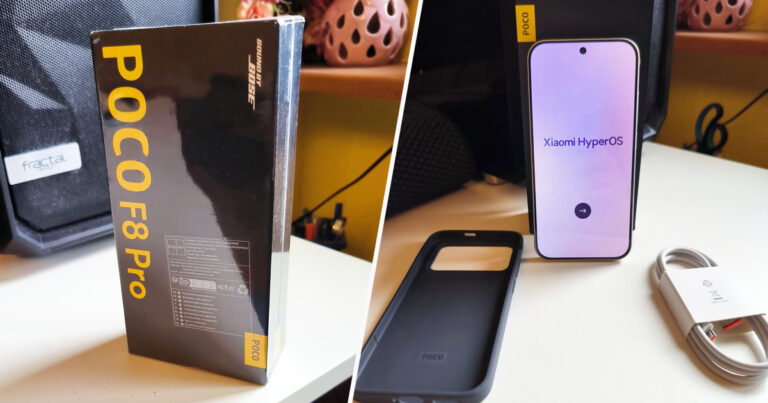
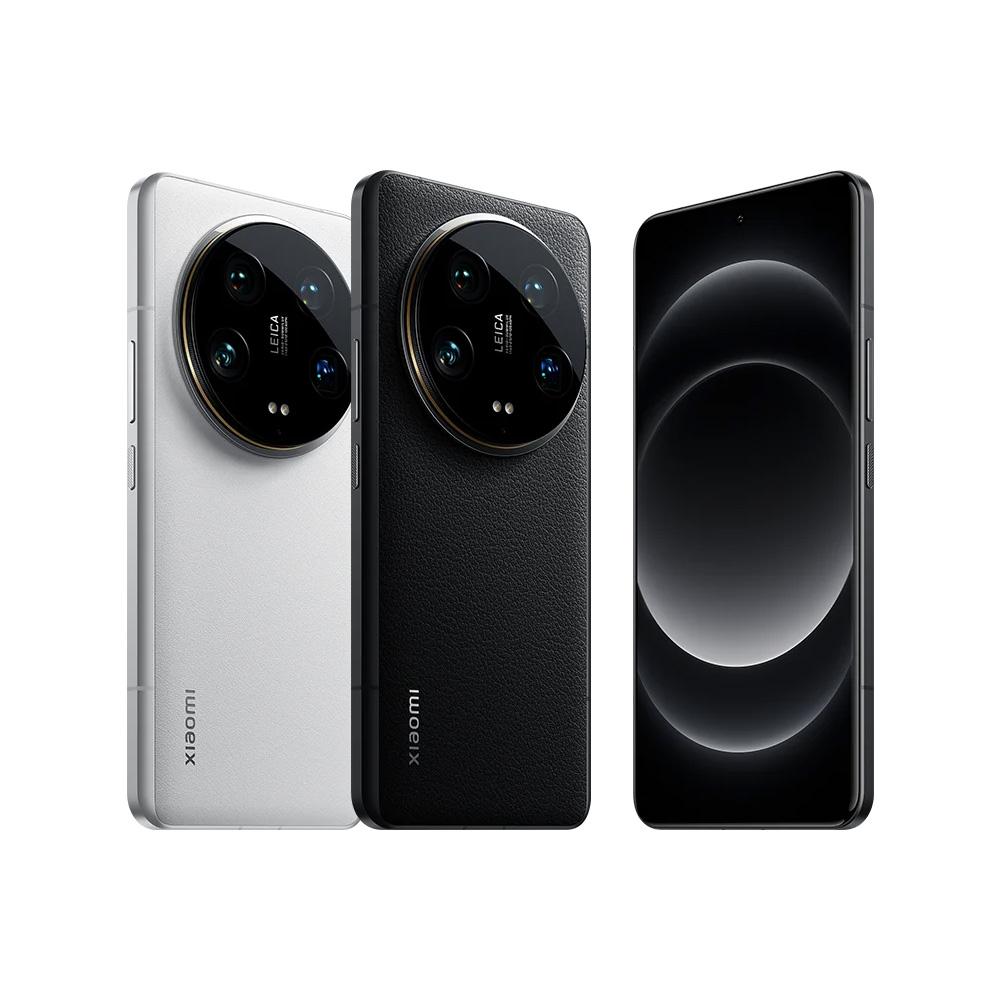
Xiaomi 14 Ultra and POCO F6
Xiaomi 14 Ultra cost us about €1020, while in Slovakia it’s currently sold for a reduced price of €1199. So the price difference is €180. We ordered the POCO F6 in the higher 12+512 GB version for €379 (on DHgate it’s currently still €50 cheaper, even from an EU warehouse). In Slovakia, this version comes out at €479, which is exactly a €100 difference. So if we add it up, we’re in the “plus” of a great €280.
Both smartphones are global versions from official distribution for global markets. Of course, you get full network support, including B20 LTE, as well as complete language support. The phones include the global HyperOS system with OTA updates (via WiFi).
Platba cez DHgate: The platform has finally launched safe and reliable Google Pay payments! So now you don’t need to use Revolut / Wise cards for payment, and you can pay directly in EUR. We’d also like to remind you that orders from DHgate come with our VIP support, which you get after downloading our extension for the Chrome browser on desktop only (when shopping on a smartphone, you can use the DHgate app).
Xiaomi Planet shopping tip: GShopper has now launched direct bank transfer payments, so you can save another 4.5 % off the product price! Compared to card / Google Pay payment, you can get this product much cheaper. We described the full bank transfer payment process in our article.
Are you shopping on DHGate for the first time?See the guide!
Updated 10. 10. 2026 on 16:54
TIPFast delivery from the Spanish warehouse with no customs duty and VAT.
This product will be delivered to you quickly from a local Spanish warehouse. Shipping from Spain usually takes 7-10 days and is handled by a courier. When it arrives, you don’t pay any extra fees—no customs duty, no VAT.
Is it your first time shopping on GShopper?See the guide!
Updated 10. 10. 2026 on 16:54
TIPWith Standard Shipping via GShopper, you pay no extra fees—everything is already included!
With the GShopper seller, we recommend choosing Standard Shipping, where you won’t pay anything extra. Customs fees and any VAT are handled by the seller. You can select the shipping method in the cart only, after entering your delivery address. Delivery with this option usually takes about 15 business days from dispatch from the warehouse, but it may take longer.
Is it your first time shopping on GShopper?See the guide!
Updated 10. 10. 2026 on 16:54
TIPWith Standard Shipping via GShopper, you pay no extra fees—everything is already included!
With the GShopper seller, we recommend choosing Standard Shipping, where you won’t pay anything extra. Customs fees and any VAT are handled by the seller. You can select the shipping method in the cart only, after entering your delivery address. Delivery with this option usually takes about 15 business days from dispatch from the warehouse, but it may take longer.
Our extra service with VIP support — we’ll handle the order on Gshopper for you and ship it straight to your address.
If you don’t have experience buying on Gshopper, payments don’t go through, or coupon use doesn’t work for you, we offer an order handling service directly to your address for our readers and customers. You transfer the money to our account and we place the order directly to your address. This way, you won’t have to worry about a failed payment or applying the coupon, and you can be sure the entire order will go through correctly 100 %. In addition, you automatically get our VIP support — if any issues arise with the shipment, we handle them for you and assist with filing a claim. The fee for this service is €15 extra of the product price. You can contact us by email at info(@)xiaomiplanet.sk or on Messenger, where we’re constantly active.
Our extra service with VIP support — we’ll handle the order on DHgate for you and ship it straight to your address.
If you don’t have experience buying on DHgate, your payment won’t go through, or the coupon doesn’t work, we offer our readers and customers an order-handling service delivered directly to your address. You send us the money by bank transfer and we order the product straight to you. That way, you don’t have to worry about a failed payment or applying the coupon, and you can be sure the whole order goes through 100 % correctly. On top of that, you automatically get our VIP support — we handle any shipping issues for you and assist with warranty claims. The fee for this service is 15 € for the product price. You can contact us by email at info(@)xiaomiplanet.sk or on Messenger, where we’re active all the time.
TIPFast delivery from the Spanish warehouse with no customs duty and VAT.
This product will be delivered to you quickly from a local Spanish warehouse. Shipping from Spain usually takes 7-10 days and is handled by a courier. When it arrives, you don’t pay any extra fees—no customs duty, no VAT.
Is it your first time shopping on GShopper?See the guide!
Updated 13. 8. 2025 on 12:02
TIPWith Standard Shipping via GShopper, you pay no extra fees—everything is already included!
With the GShopper seller, we recommend choosing Standard Shipping, where you won’t pay anything extra. Customs fees and any VAT are handled by the seller. You can select the shipping method in the cart only, after entering your delivery address. Delivery with this option usually takes about 15 business days from dispatch from the warehouse, but it may take longer.
Are you buying on Alza for the first time?See the guide!
Updated 13. 8. 2025 on 12:02
TIPExpress delivery from a Slovak warehouse within 1 to 3 business days.
This product will be delivered to you express from a local Slovak warehouse. Delivery usually takes 1-3 business days and is handled by a courier. The price is final.
Shop on Gshopper with our VIP support
Just install it on your PC and shop with support activated. All of this includes VIP support from Xiaomi and China Planet:
Assistance with unexpected issues with the order
Faster dispatch of the goods from the warehouse in case of delays
Full assistance with handling a complaint
Help sending the goods back to the seller
Negotiating the best terms in case of damaged goods delivery, partial refunds, and more
Ensuring repairs at local service centers and subsequent reimbursement by Gshopper
Have you already bought something new from Gshopper too? What are your experiences? Feel free to share your insights in the comments below. For a steady stream of new coupons, keep an eye on Xiaomi Planet, join our Telegram channel, our Facebook group, and subscribe to articles right in your email inbox.