
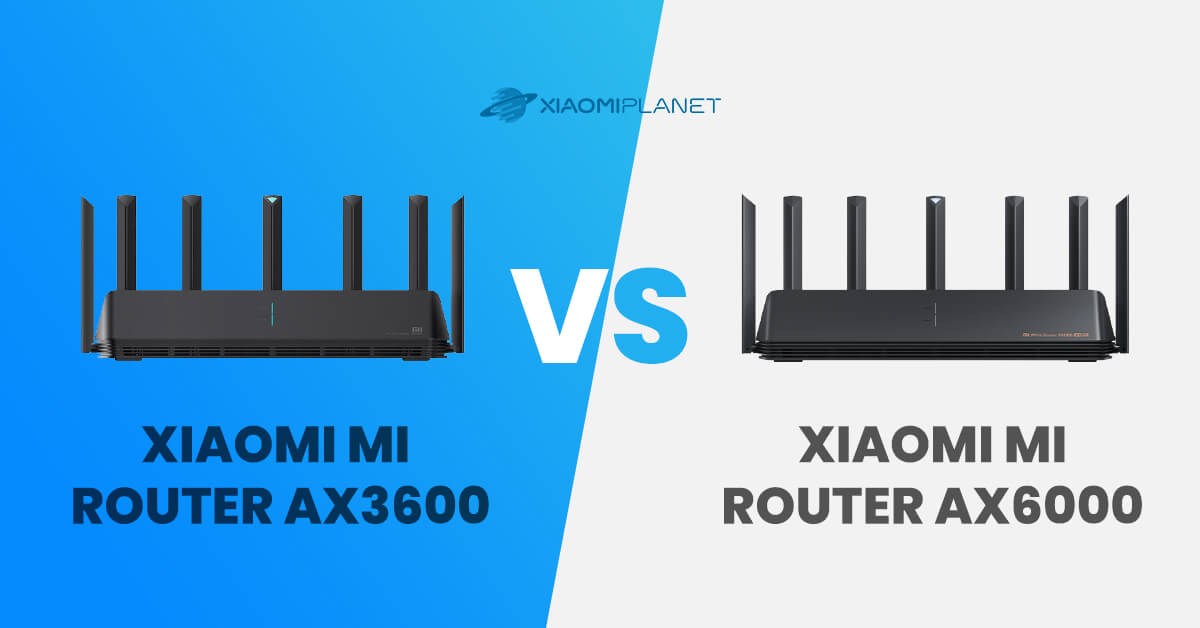
We recently tested one of Xiaomi’s best routers for the European market, the Xiaomi AIoT Router AX3600. If you haven’t read our review yet, you can find it on our Chinaplanet website. The router supports the latest WiFi 6 standard, has 7 external antennas, and ports with 1 Gbit/s support.
Xiaomi also offers another router labeled AX6000, which looks almost the same. If you don’t know what the differences are, check out our comparison Xiaomi AIoT Router AX3600 vs AX6000.
Xiaomi Mi Router AX3600 vs Mi Router AX6000: basic specifications
In the table below, you’ll find a comparison of the basic technical specifications of these two routers. In many ways they’re identical, and the differences really aren’t that many.
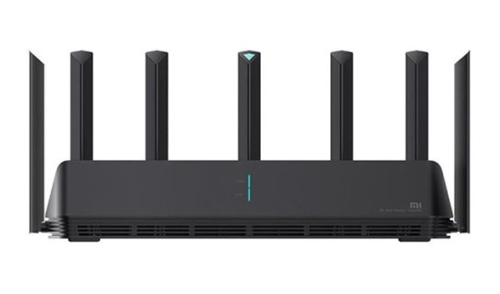
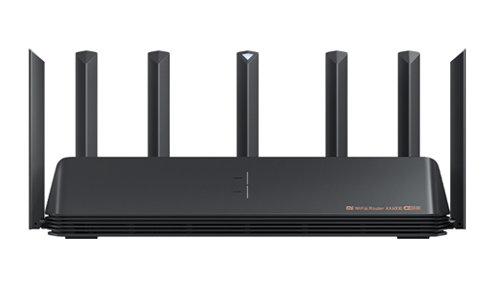
| Xiaomi AIoT AX3600 | Xiaomi AIoT AX6000 | |
|---|---|---|
| Dimensions | 408 × 133 × 177 mm | 408 × 133 × 177 mm |
| CPU | Qualcomm IPQ8071A 1.4 GHz | Qualcomm IPQ5018 |
NPU | 1.7 GHz | 1.0 GHz |
RAM | 512 MB | 512 MB |
ROM | 256 MB | 256 MB |
Theoretical throughput | 3600 Mbps | 6000 Mbps |
2.4 GHz WiFi | 2 × 2 (IEEE 802.11ax support — theoretical max speed 574 Mbps) | 2 × 2 (IEEE 802.11ax support — theoretical max speed 574 Mbps) |
5 GHz WiFi | 4 × 4 (IEEE 802.11ax support — theoretical max speed 2402 Mbps) | 4 × 4 (IEEE 802.11ax support — theoretical max speed 4804 Mbps) |
WiFi security: | WPA-PSK/WPA2-PSK/WPA3-SAE encryption | WPA-PSK/WPA2-PSK/WPA3-SAE encryption |
access control based on a blacklist or whitelist | access control based on a blacklist or whitelist | |
SSID hiding | SSID hiding | |
intelligent prevention against unknown devices | intelligent prevention against unknown devices | |
External antennas | 6 antenna + 1 for AIoT | 6 antenna + 1 for AIoT |
Ports: | 1 × 10/100/1000M WAN port (Auto MDI/MDIX) | 1 × 10/100/1000/2500M WAN/LAN port (Auto MDI/MDIX) |
3× 10/100/1000M LAN ports (Auto MDI/MDIX) | 1 × 10/100/1000M adaptive WAN/LAN port (Auto MDI/MDIX) | |
| 2 × 2 10/100/1000M adaptive LAN Port (Auto MDI/MDIX) | ||
Supported protocols | IEEE 802.11a/b/g/n/ac/ax and IEEE 802.3/3u/3ab | IEEE 802.11a/b/g/n/ac/ax and IEEE 802.3/3u/3ab |
USB: | no | no |
Mesh support: | yes | yes |
Maximum number of connected devices: | 248 | 248 |
Availability of a global version: | yes | no |
Packaging and design
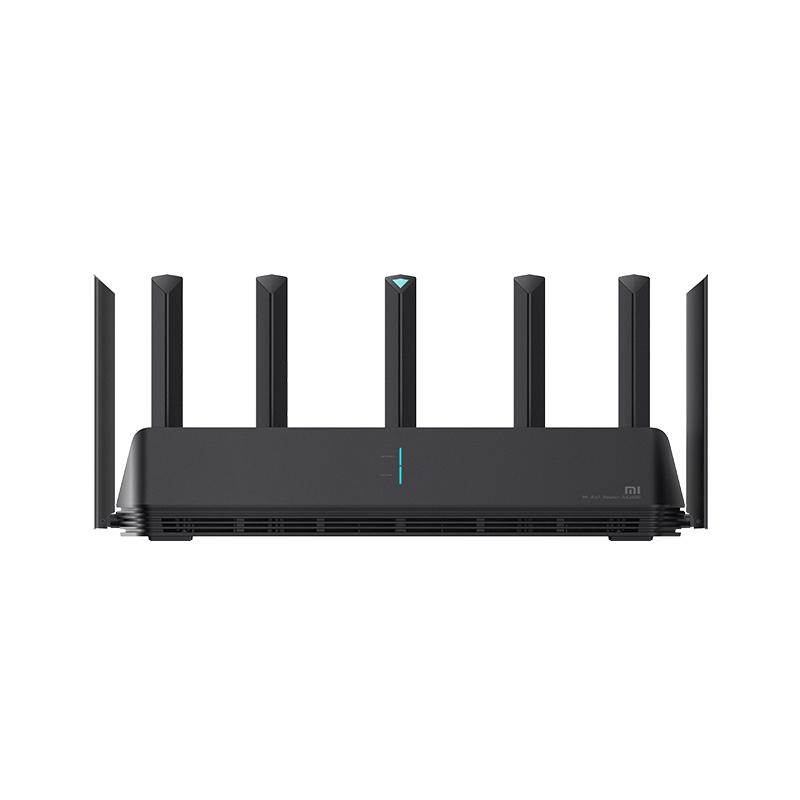
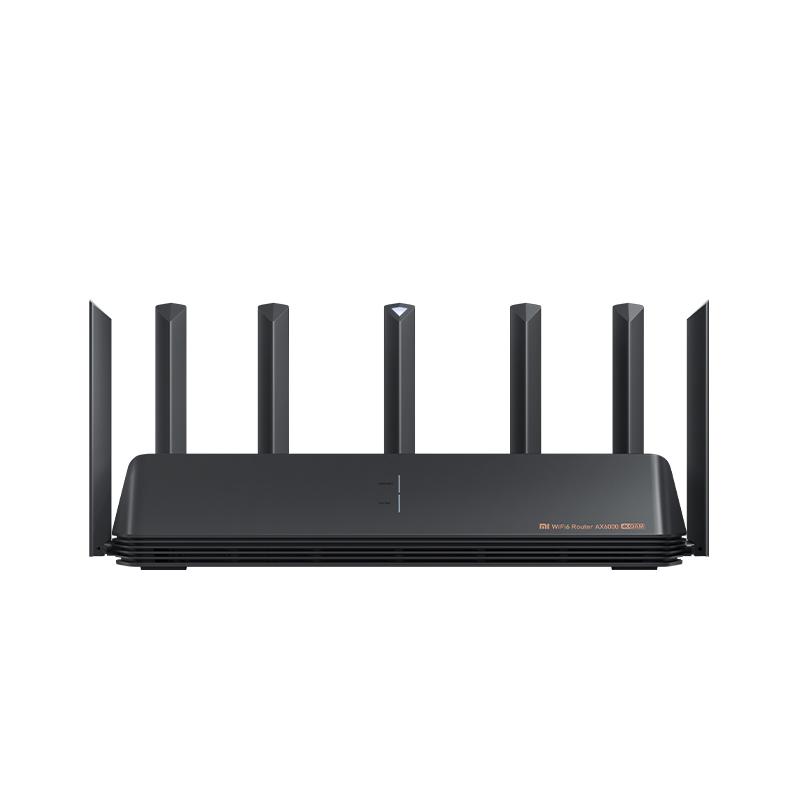
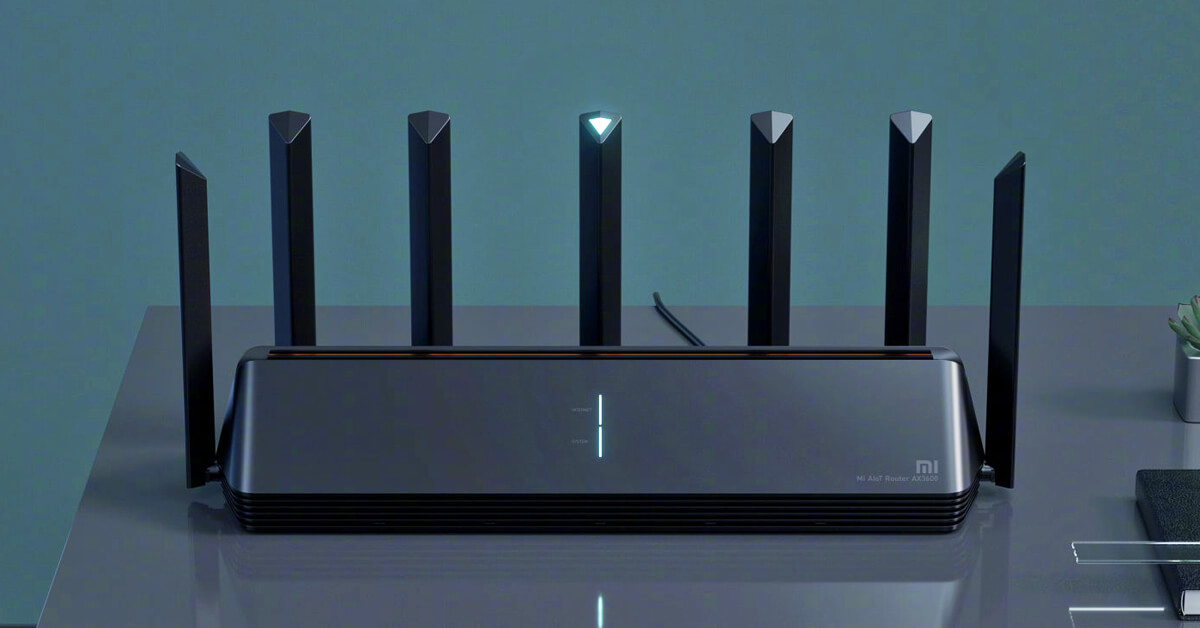
You get both routers with one Ethernet cable, a power cable, and a user manual. At first glance, the routers look almost identical in design. They have the same size, the same number of external antennas, and at first sight you’d think they’re truly the same.
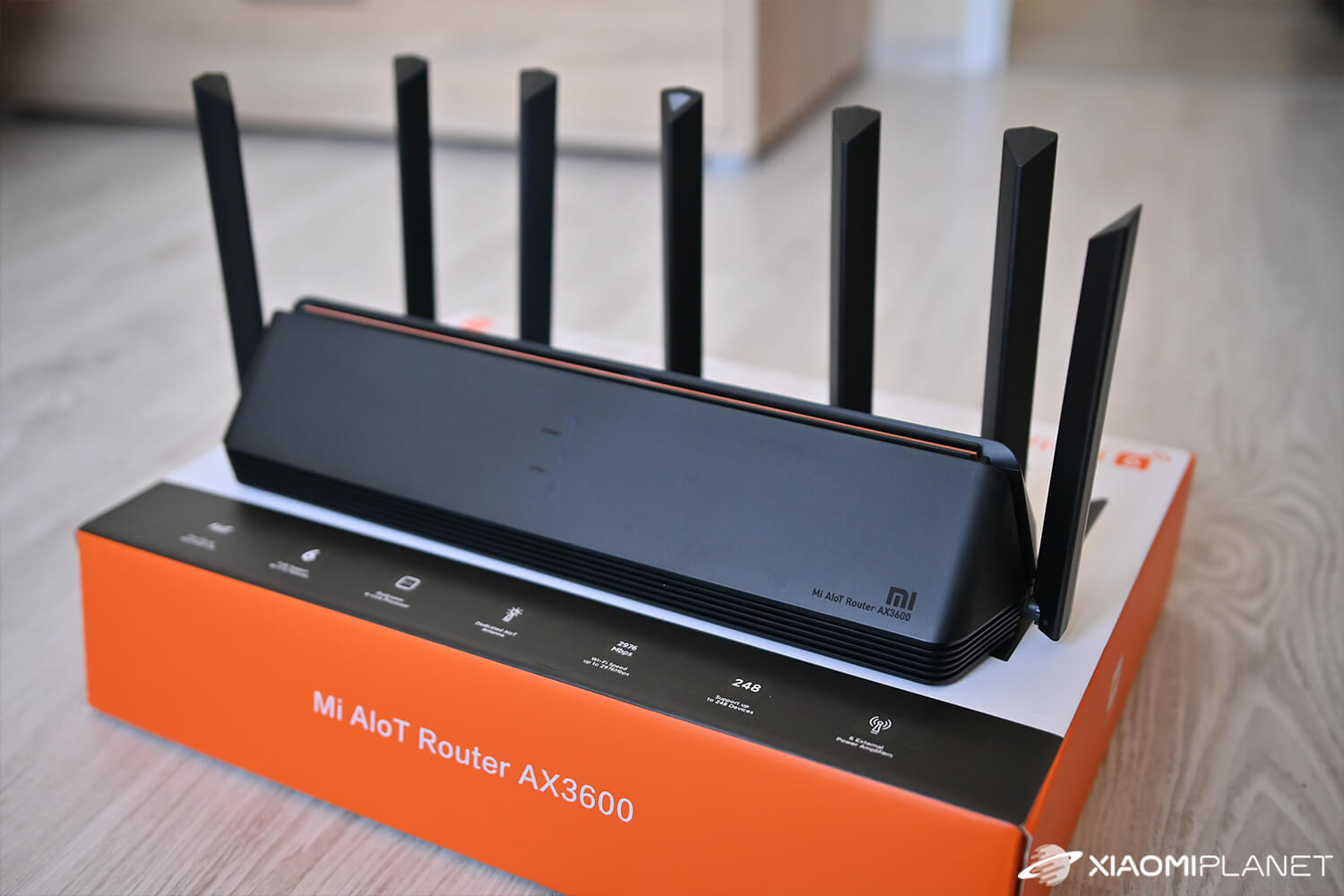
The first difference is immediately noticeable when looking at the boxes. Since the AX6000 model is available only in the Chinese version, most of the text on the box and in the user manual is in Chinese. The AX3600 router is also available in a global version, so everything is in English here.
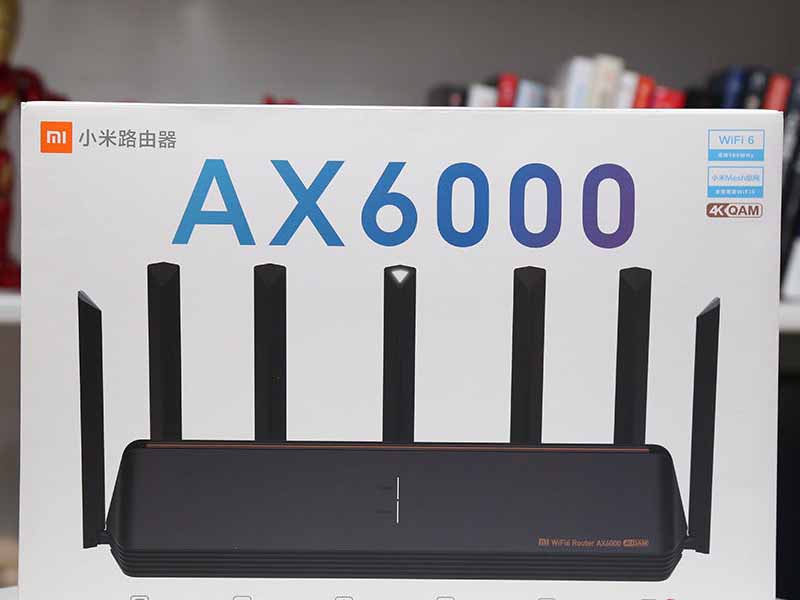
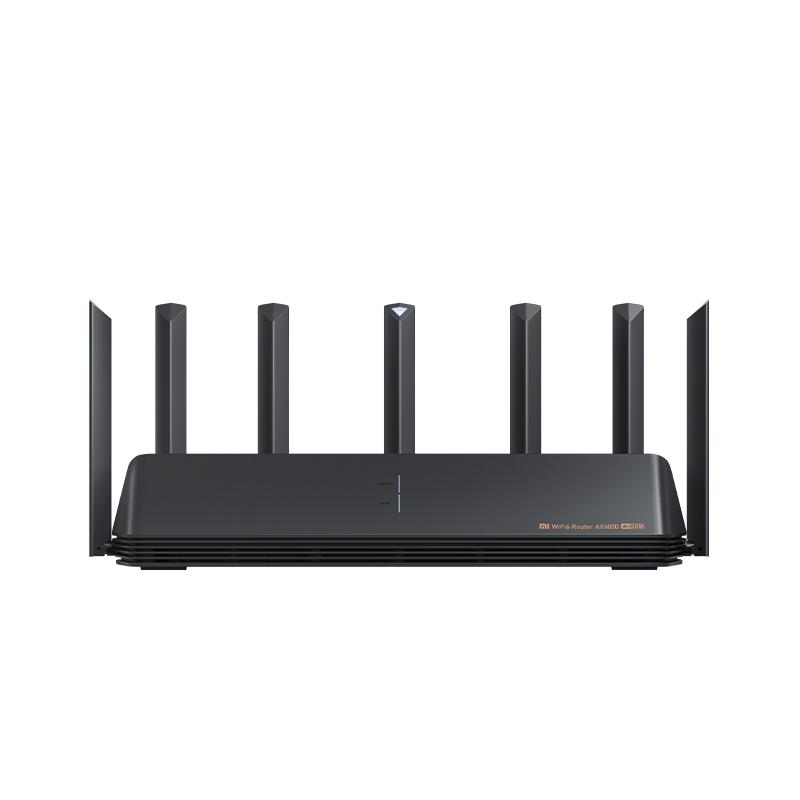
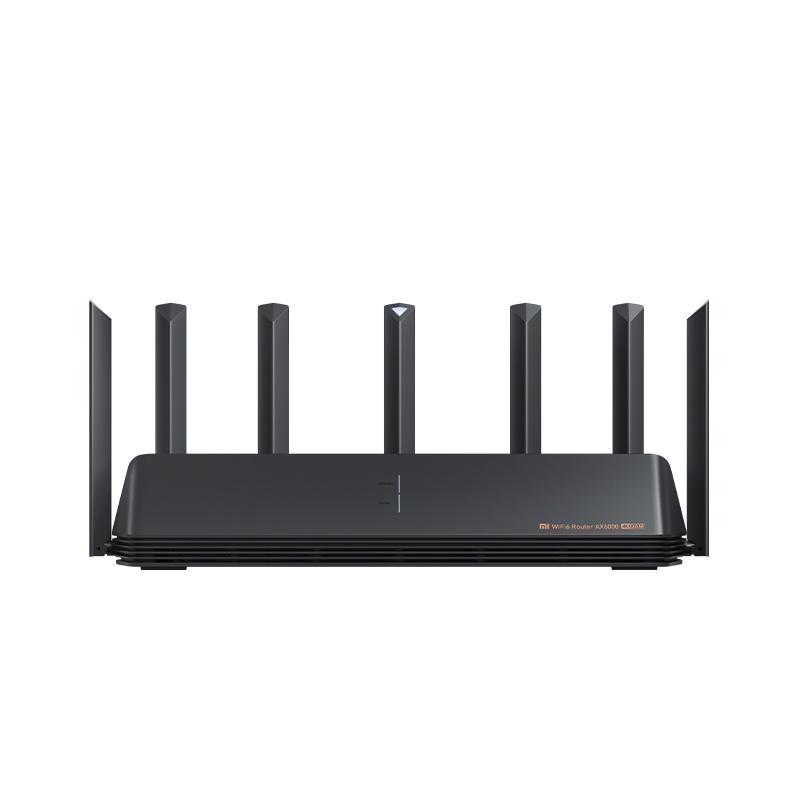
There are very few design differences between the routers — it’s mostly details like the different model label on the front and the color-coded port markings on the back for the AX6000 model. Everything else is completely the same, including the size.
Xiaomi AIoT Router AX3600 vs Mi Router AX6000: Setup
As for the initial configuration and subsequent settings, you have 2 options available. The routers can be configured using an app on your smartphone or via a web interface through a browser on your computer or smartphone. The app is in English even if the router comes from the Chinese distribution, but you must set the region to China.
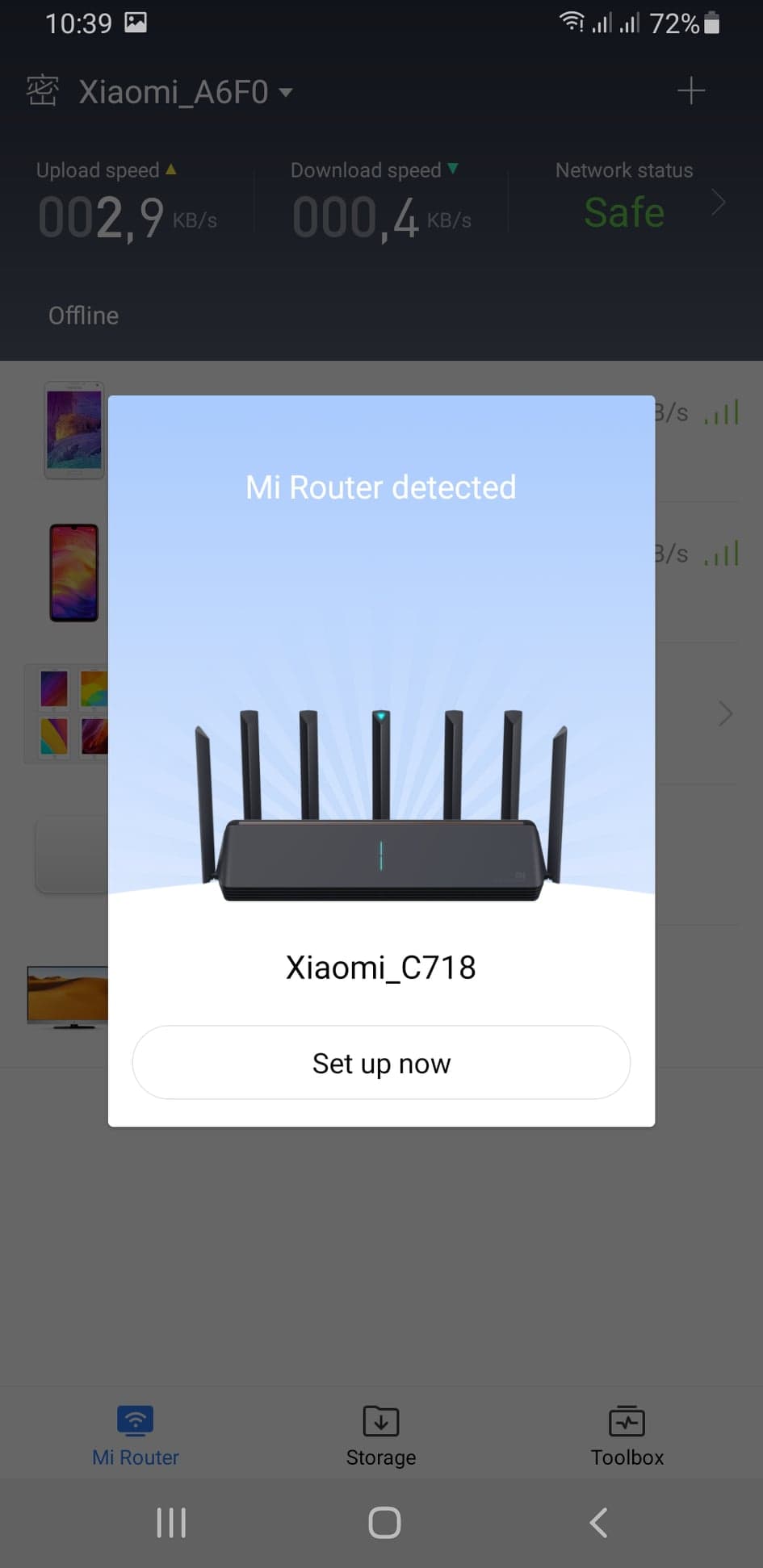
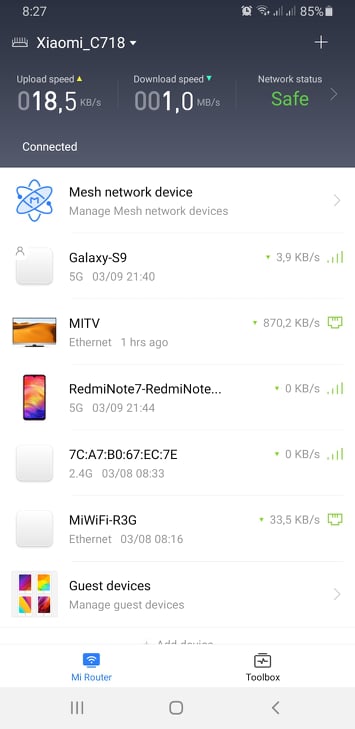
When configuring through a web browser, there’s a small complication in the form of a Chinese interface on the AX6000 router. Since it’s available only in the Chinese version, the interface is in Chinese — but you can translate it using Google Chrome in your browser.
However, if you want to use this router as your primary router for connecting to the internet, before you configure it you won’t have internet connectivity — so Google Chrome can’t translate the web interface. That’s why we recommend doing the initial setup via the app.
Connectivity and data transfer speed via cable
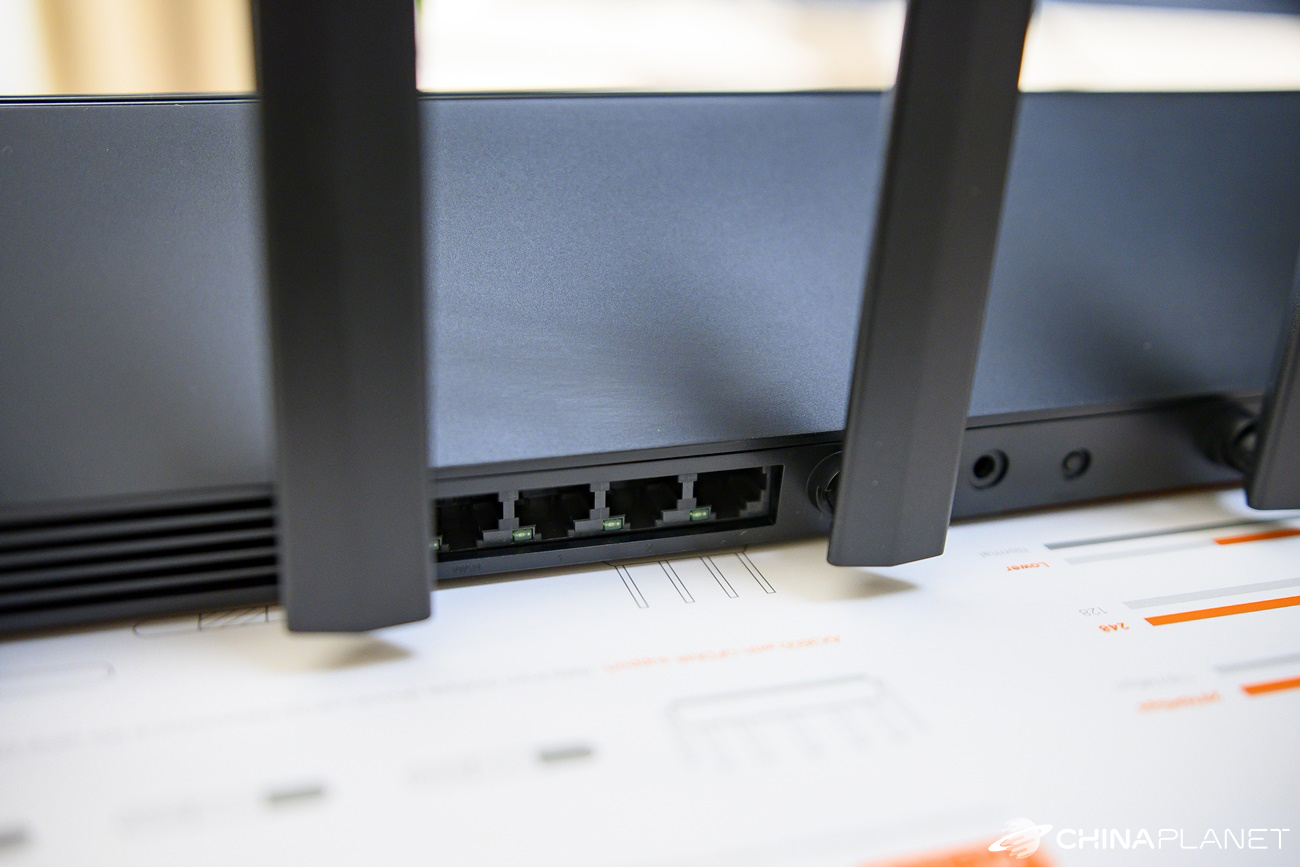
Xiaomi AIoT Router AX3600 features four ports on the back. One is dedicated to WAN, and the other three are LAN ports. All support a maximum speed of 1 Gbit/s.
Xiaomi AIoT Router AX6000 has two ports that can be used for a WAN connection. One is intended only for WAN and supports a maximum speed of up to 2.5 Gbit/s, while the other is a combo LAN/WAN port with a maximum speed of 1 Gbit/s. The remaining two LAN ports also support a maximum speed of 1 Gbit/s.
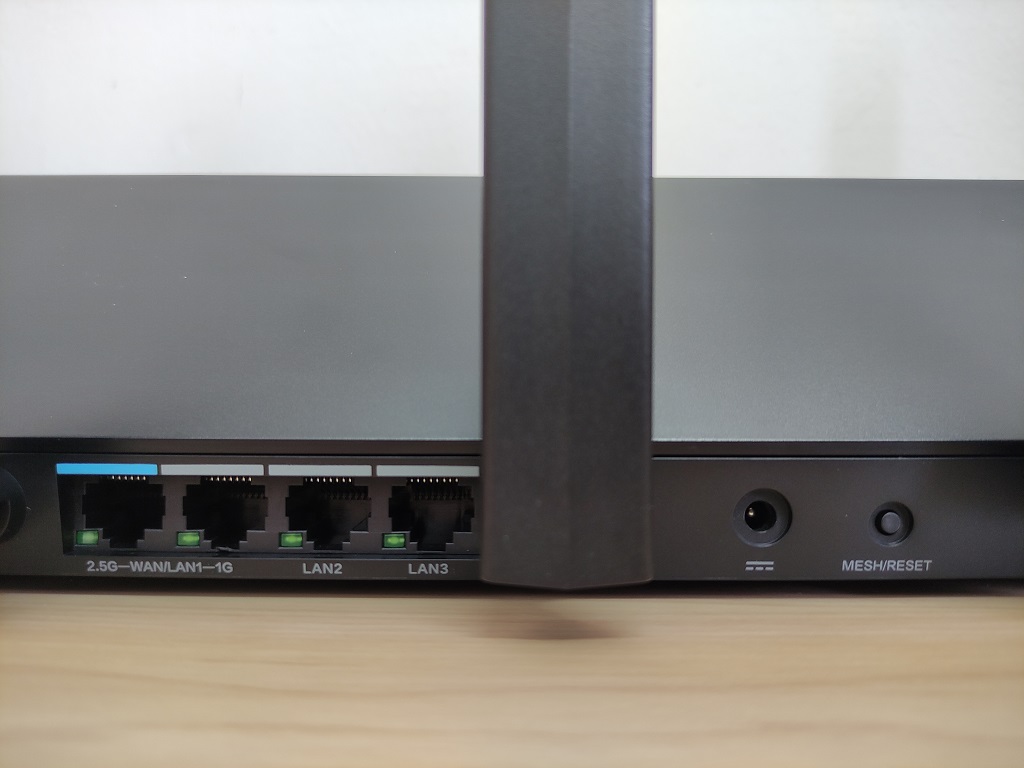
You might think it doesn’t make sense to have 2.5 Gbit/s for the WAN port and only 1 Gbit/s for the LAN port—but imagine a scenario where all LAN ports push data toward the internet at 1 Gbit/s. In that case, the WAN port acts like a narrower end of a funnel, because with 1 or 2.5 Gbit/s, it can’t keep up sending the data.
In both cases, a so-called bottleneck occurs, but with the AX6000 router it’s a much smaller issue. On the other hand, it’s very unlikely that someone will send data at that speed simultaneously through all LAN ports.
Wireless transmission speed
More interesting differences come in the area of wireless WiFi connectivity. Router AX3600 offers a maximum theoretical speed over the 5 GHz band of 2402 Mbps, while router AX6000 goes up to 4804 Mbps. In both cases, you also get support for the latest IEEE 802.11ax (WiFi 6) standard with technologies like OFDMA, BBS, and WPA 3 security.
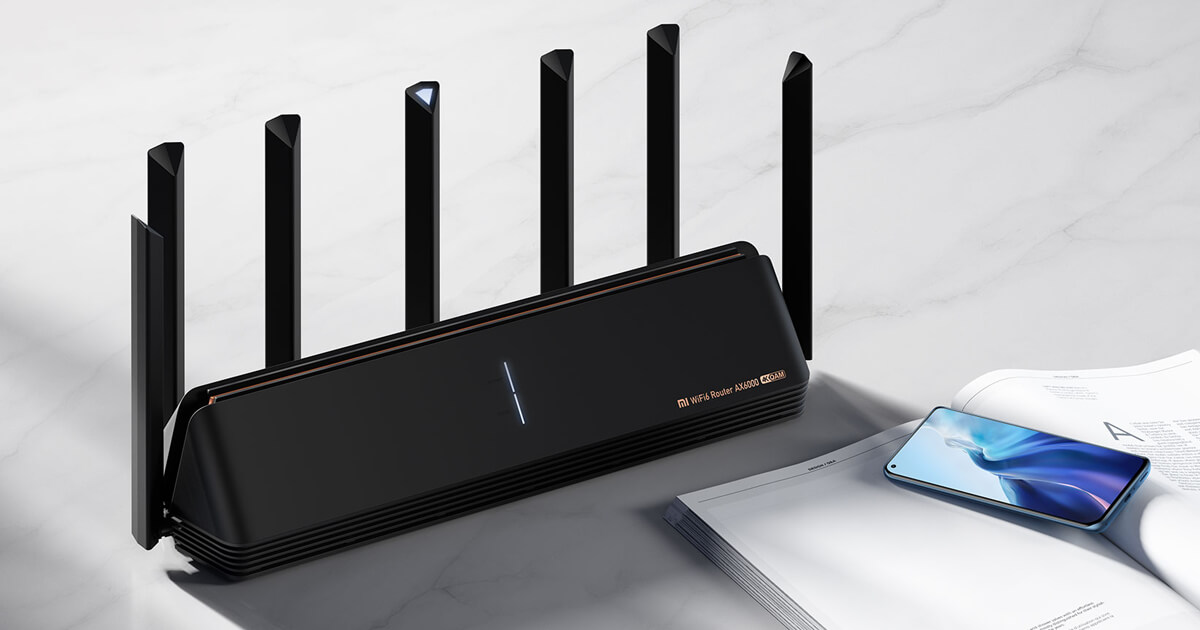
For cable or WiFi speeds, Xiaomi AIoT Router AX6000 is the clear winner.
Price and availability
Price-wise, router AX3600 is currently around 75 EUR, with delivery included with no fees from our partner DHGate, where it has the lowest price since it went on sale. It’s the global version with English language support. Router AX6000 has a slightly higher price and is available only in the Chinese version.
Xiaomi AIoT Router AX3600
 Free Shipping
TIPShipping absolutely free.
For this product, shipping is available completely free of charge. However, this is the slowest delivery method and the item may take 20 days up to 1 months to arrive.
When ordering from the Chinese warehouse, AliExpress will add the customs duty in your cart—approximately 3,70 € per order. When you receive the package, you won’t pay anything extra.
Our extra service with VIP support — we’ll handle the order on Gshopper for you and ship it straight to your address.
If you don’t have experience buying on Gshopper, payments don’t go through, or coupon use doesn’t work for you, we offer an order handling service directly to your address for our readers and customers. You transfer the money to our account and we place the order directly to your address. This way, you won’t have to worry about a failed payment or applying the coupon, and you can be sure the entire order will go through correctly 100 %. In addition, you automatically get our VIP support — if any issues arise with the shipment, we handle them for you and assist with filing a claim. The fee for this service is €15 extra of the product price. You can contact us by email at info(@)xiaomiplanet.sk or on Messenger, where we’re constantly active.
Xiaomi Mi AIoT Router AX6000
TIPWith Standard Shipping via GShopper, you pay no extra fees—everything is already included!
With the GShopper seller, we recommend choosing Standard Shipping, where you won’t pay anything extra. Customs fees and any VAT are handled by the seller. You can select the shipping method in the cart only, after entering your delivery address. Delivery with this option usually takes about 15 business days from dispatch from the warehouse, but it may take longer.

TIPWith Banggood Priority Shipping, you don’t pay any additional fees.
We recommend choosing Banggood Priority Shipping—so you won’t have to pay anything extra. Customs fees and any VAT will be handled by the seller for you. Shipping options can be selected in the cart after you enter your delivery address. Delivery with Banggood Priority Shipping usually takes around 15 -20 days, but it may take longer.

TIP10-day delivery via Aliexpress Standard Shipping
For this product, AliExpress Standard Shipping is available with guaranteed delivery in 10 days. This is the most reliable shipping method, and in most cases it’s handled by a courier company.
When ordering from the Chinese warehouse, AliExpress will add the customs duty in your cart—approximately 3,70 € per order. When you receive the package, you won’t pay anything extra.
Xiaomi AIoT Router AX3600 vs AX6000: which is the better deal?
Both routers offer excellent speeds, whether via a wired connection or wirelessly. Xiaomi AIoT AX6000 has a slight edge, though. Compared to the 1 Gbit/s ports on router AX3600, the WAN port offers a maximum speed of 2.5 Gbit/s, and you also get faster WiFi in the 5 GHz band. If you care about such high speeds, AX6000 is definitely the better choice.
In Slovakia, however, according to our information, no internet provider offers internet speeds higher than 1 Gbit/s, so you won’t fully use router AX6000 for an internet connection. Also remember that to achieve high speeds and good coverage, you need a smartphone or a notebook that supports the latest standards.

Xiaomi AIoT Router AX3600 vs AX6000 – which router would you choose? Let us know your opinion in the comments under the article.
Don’t miss the best coupons 📩
Subscribe and we’ll email you new coupons before they expire. We only send it once a month — no spam.