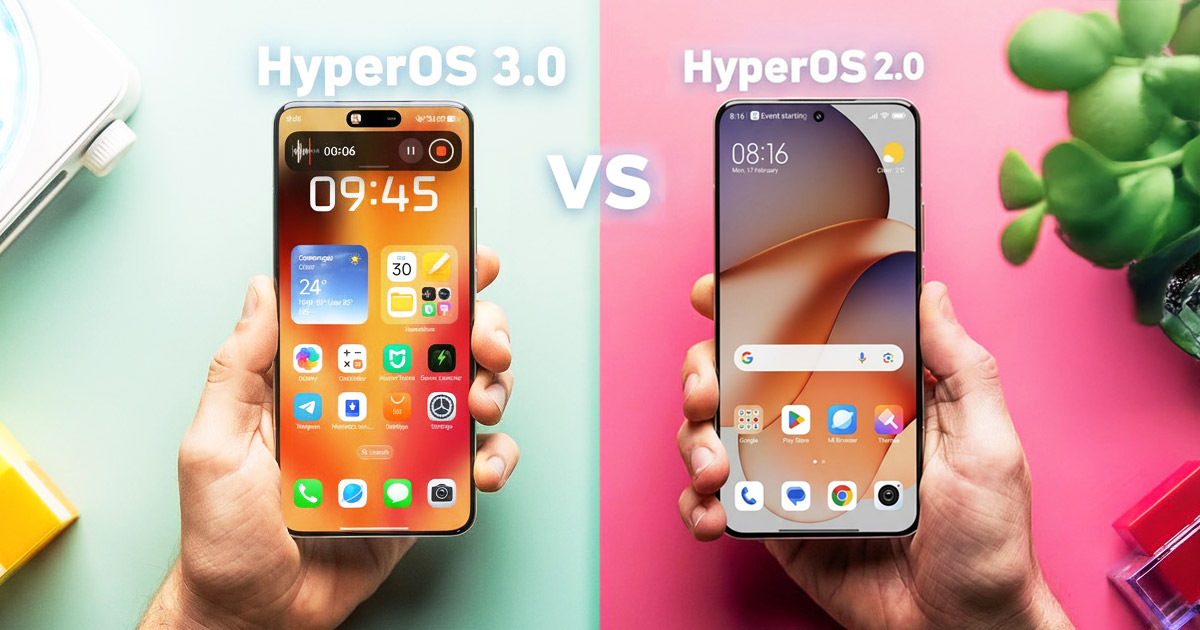
With the introduction of HyperOS 3, there’s a massive software evolution that turns the user interface into something more than just a visual layer over clean Android. Compared to HyperOS 2, it’s a major leap in design, animations, and functionality. Xiaomi doesn’t hide its inspiration from iOS, but the result is entirely its own—faster, more polished visually, and a more practical system that won’t force you to change your habits.
HyperOS 3.0 updates in our FB group
What new features does the latest overlay version bring, and how different is it from the previous one?
Great comparison video:
https://www.youtube.com/watch?v=ydPOvGlX118
More style and options on the lock screen
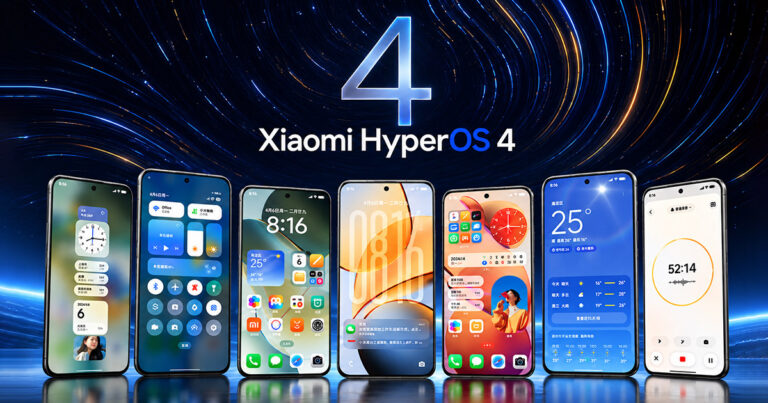
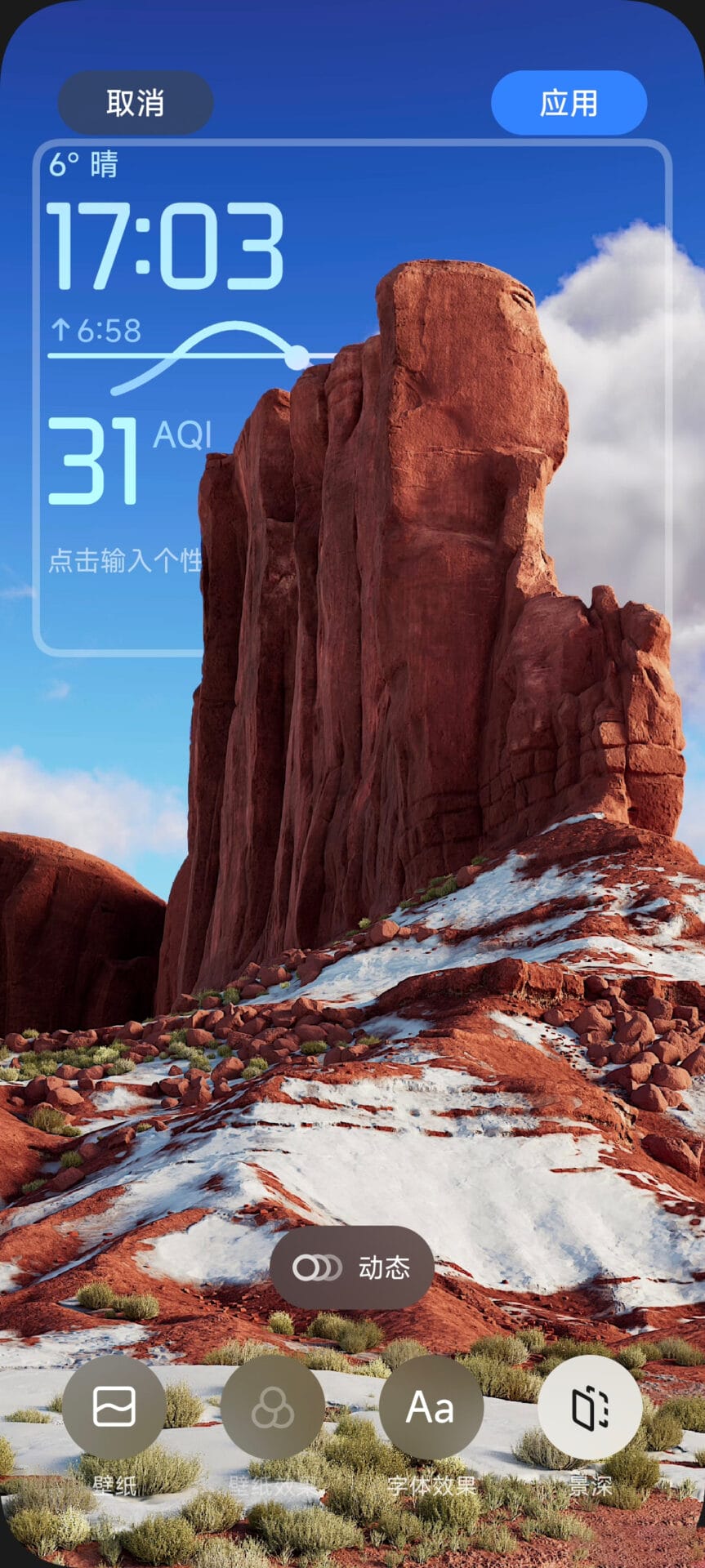
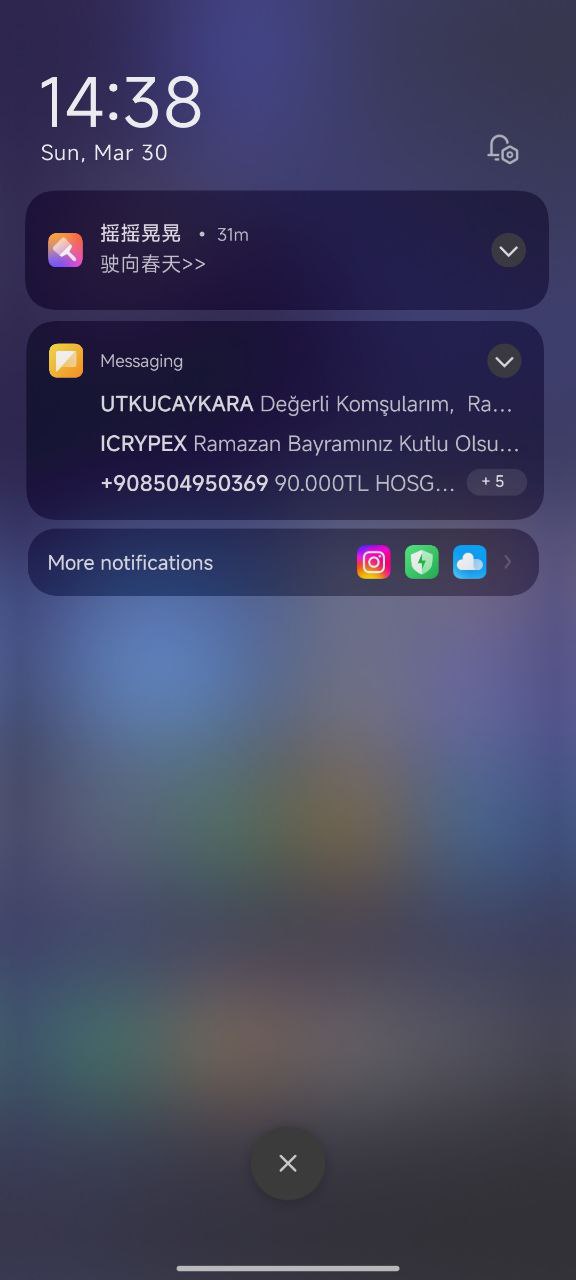
The very first interaction with the system—your lock screen—reveals its new look. HyperOS 3 brings a modern clock design that feels clean and elegant. Compared to HyperOS 2, where you were limited to the basic built-in options, now you can customize the clocks—change the size, font type, layout, and colors.
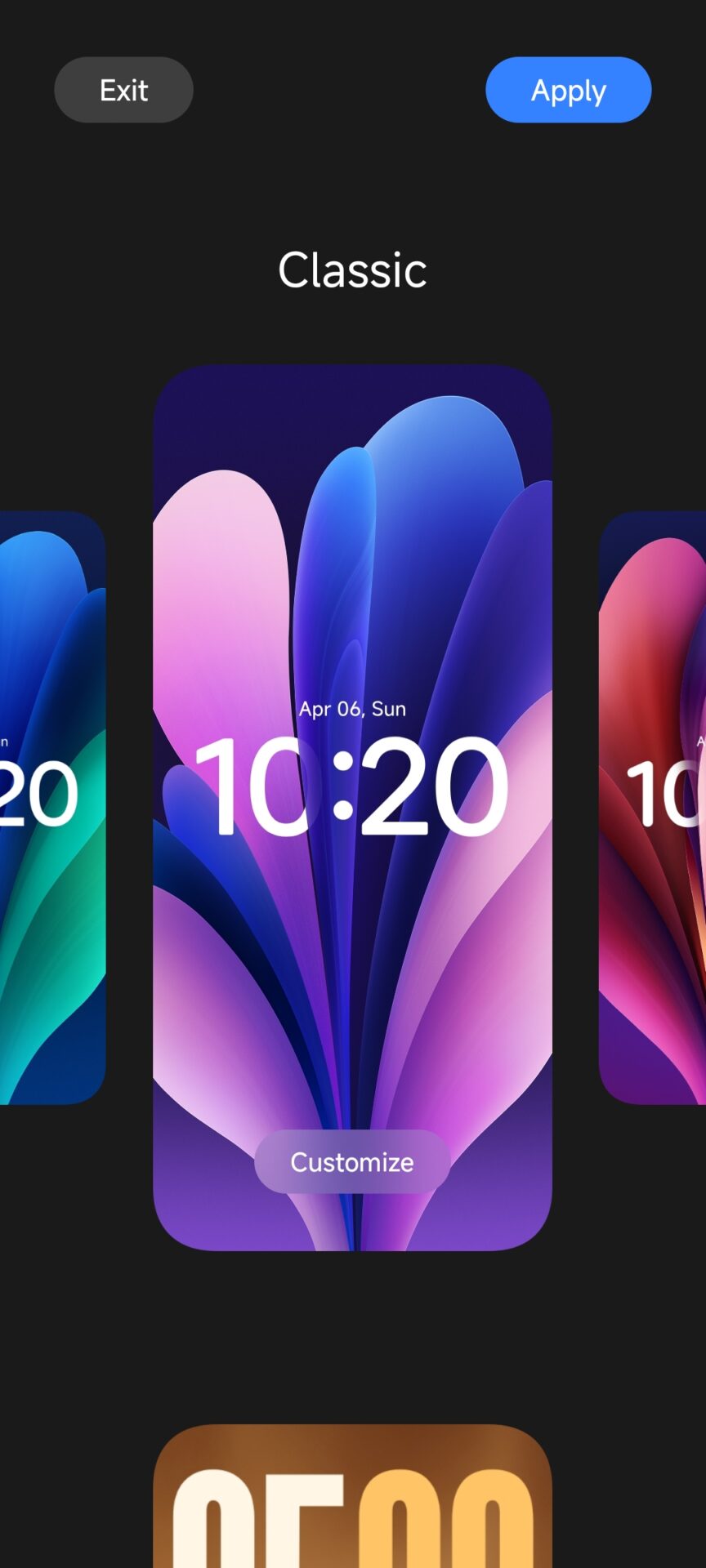
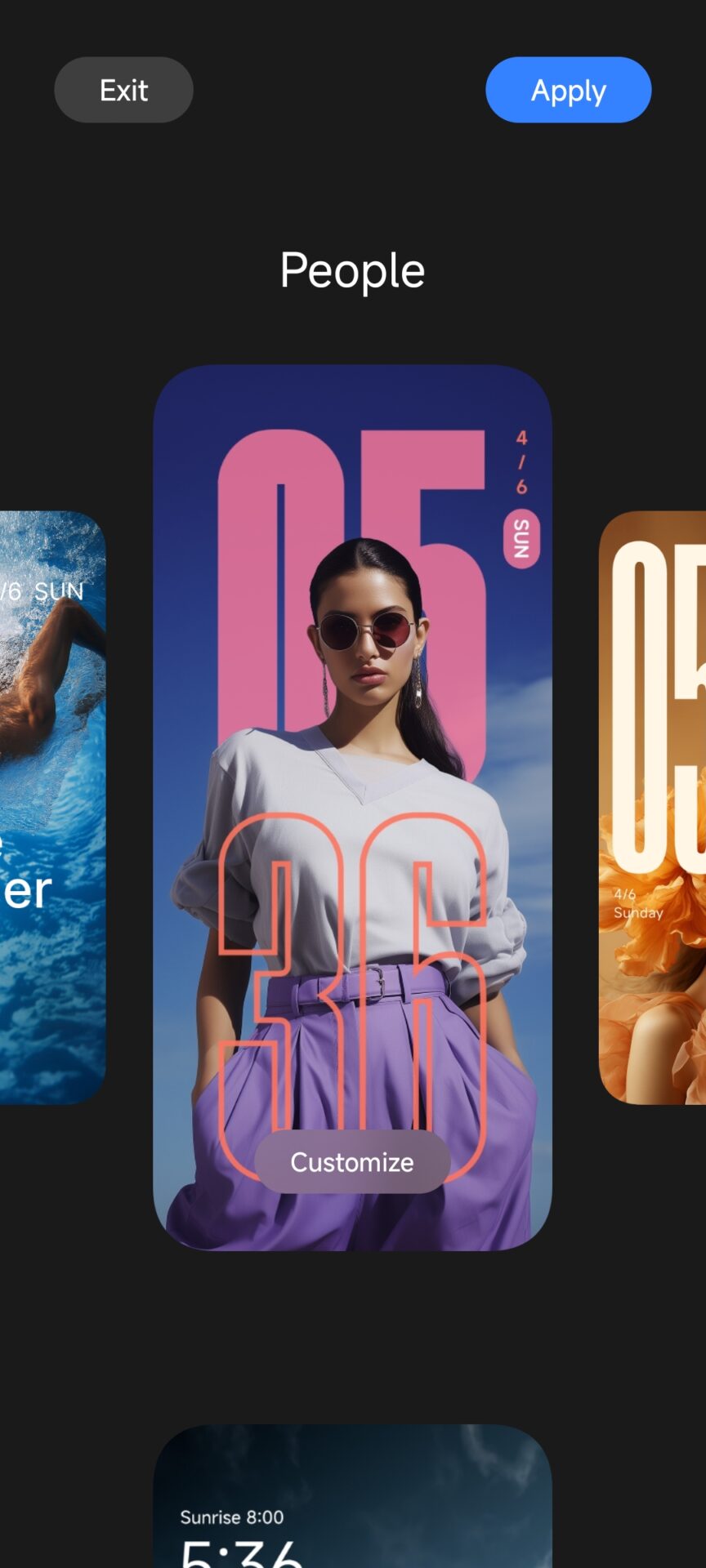
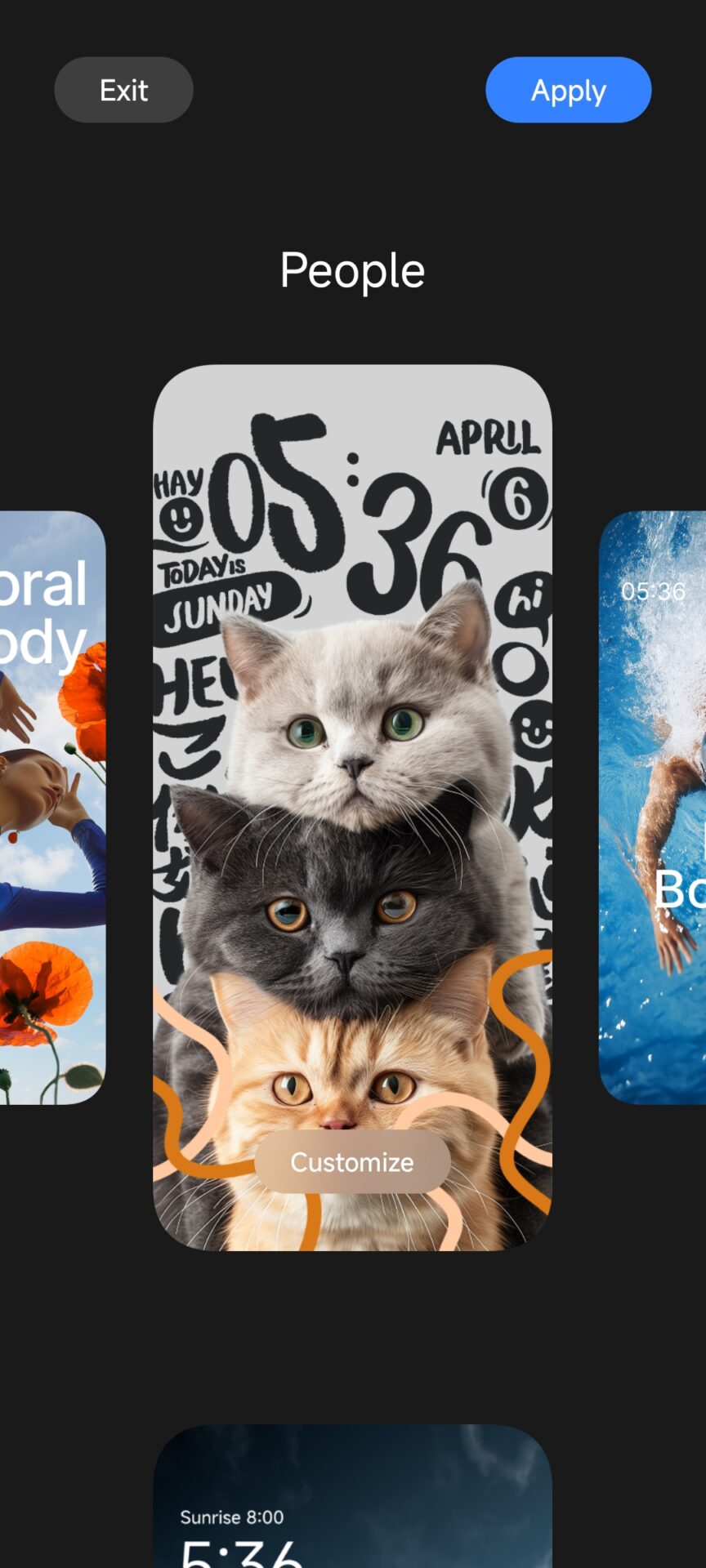
New themes and styles for the entire interface have also been added, giving you more freedom for those who want their phone to look exactly the way they like it. Despite the changes, Xiaomi kept the underlying structure, so you won’t have to learn everything from scratch. The new interface still feels very natural, and you won’t have to get used to completely new things.
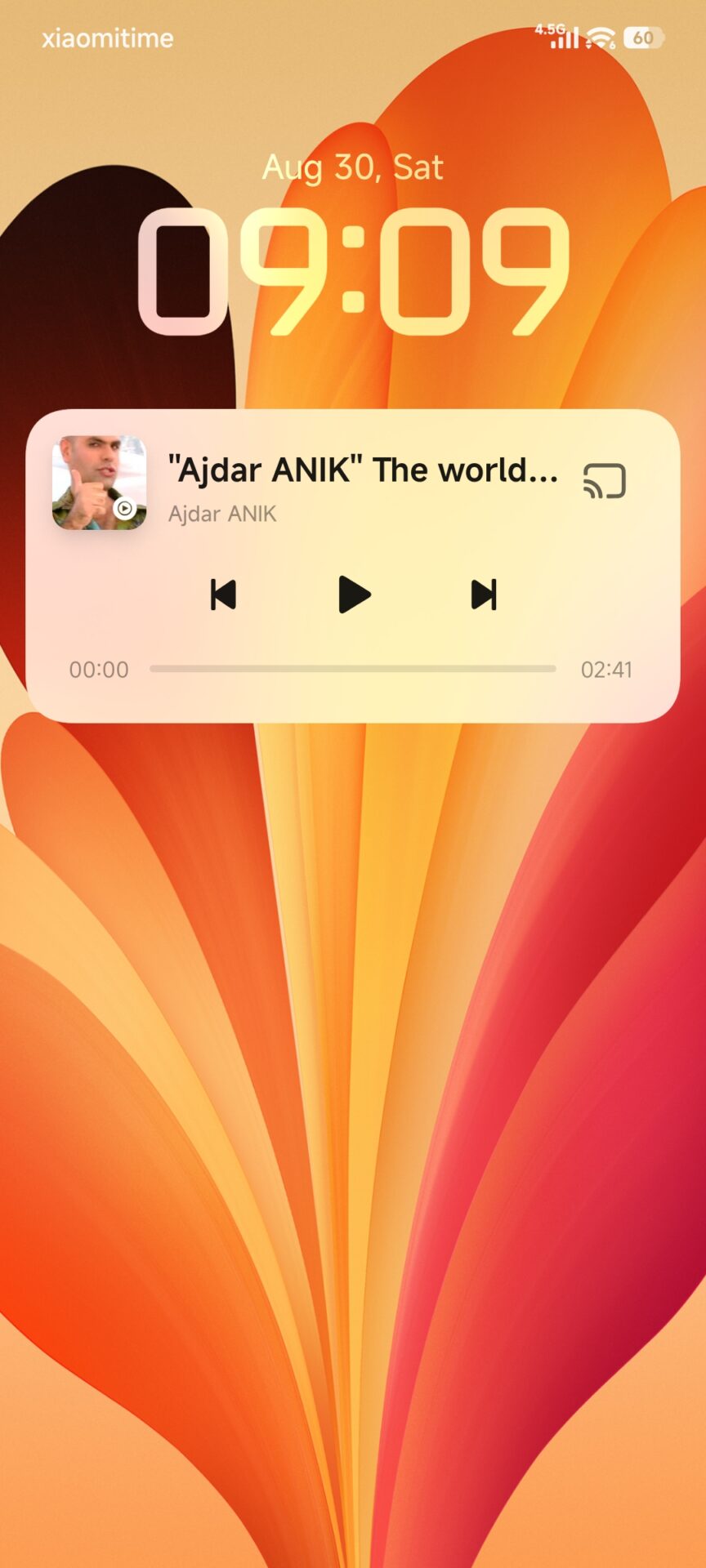
Dynamic Island, with which Xiaomi takes its own path
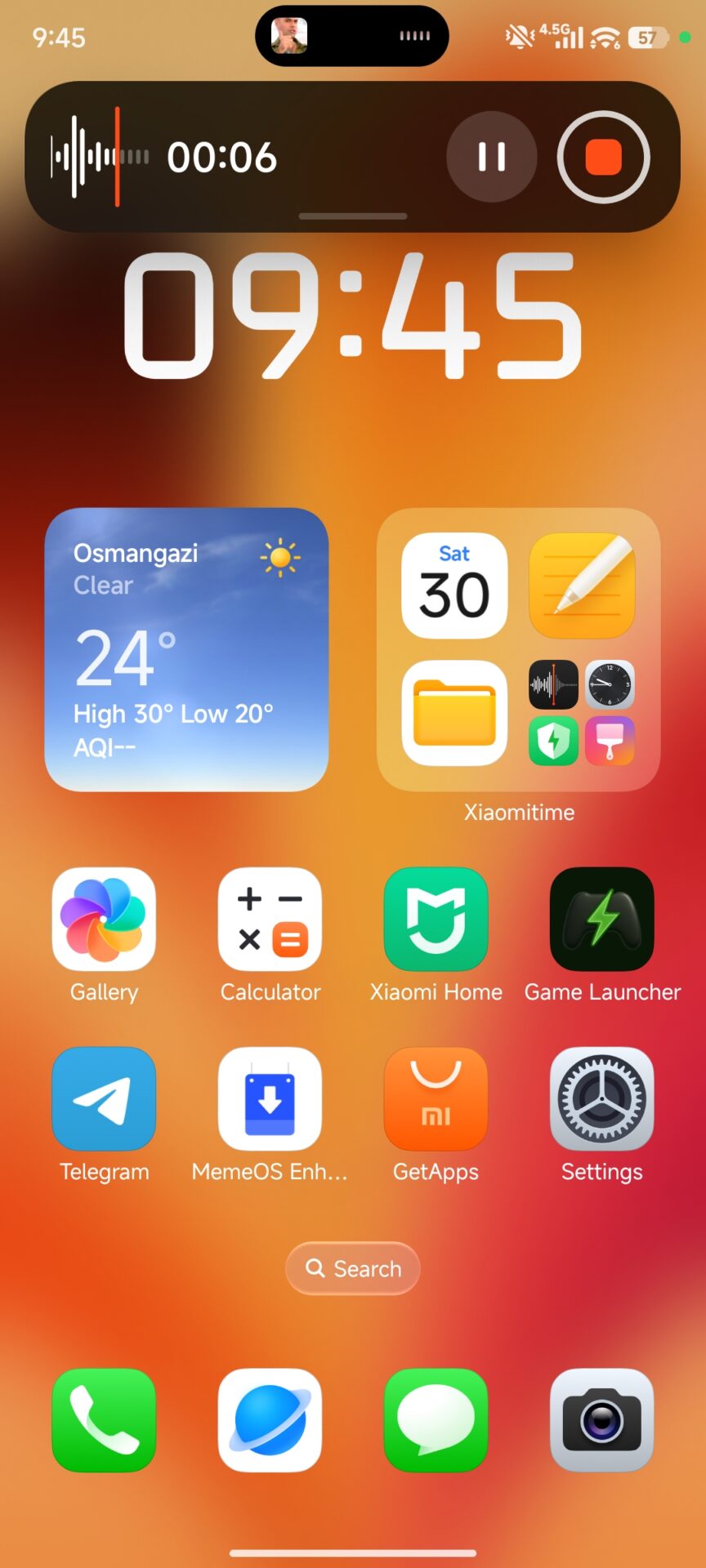
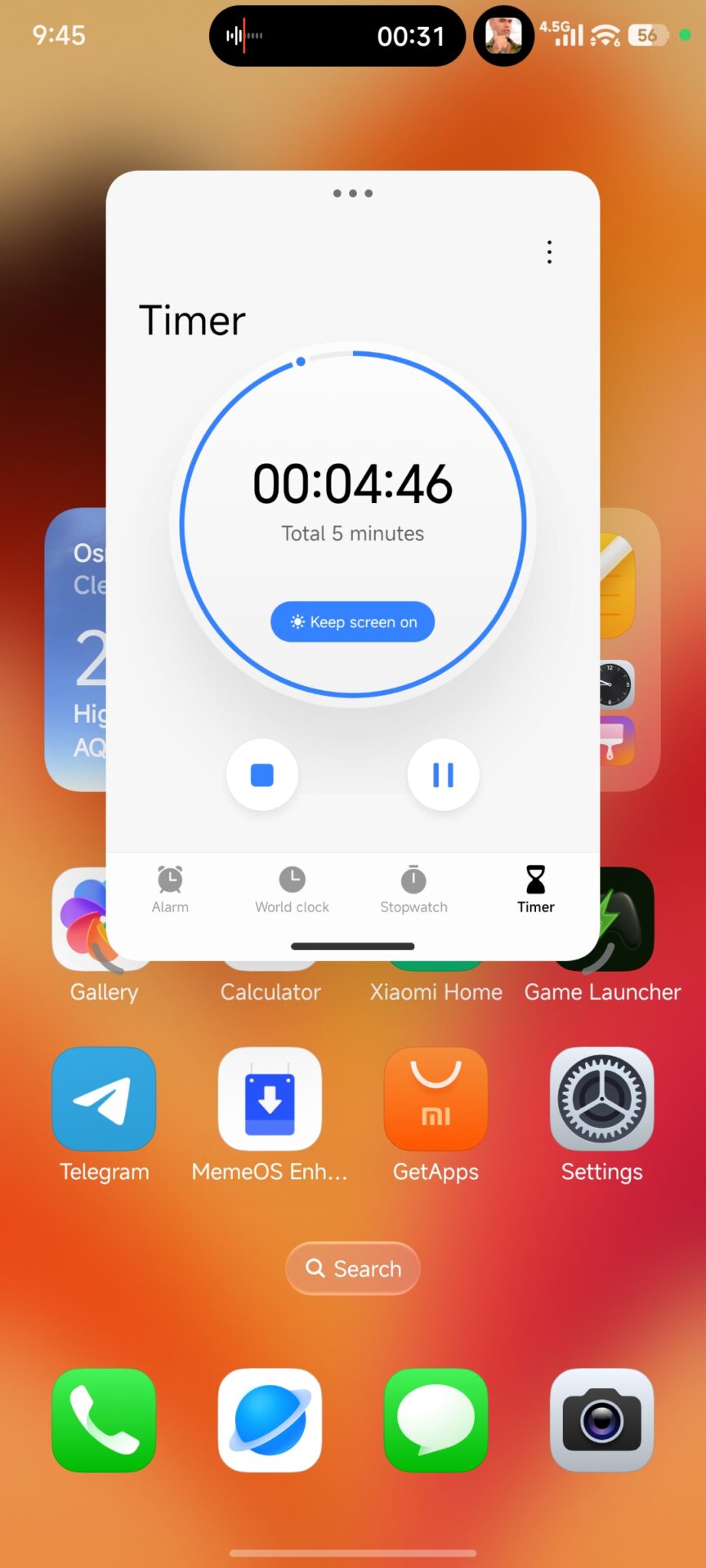
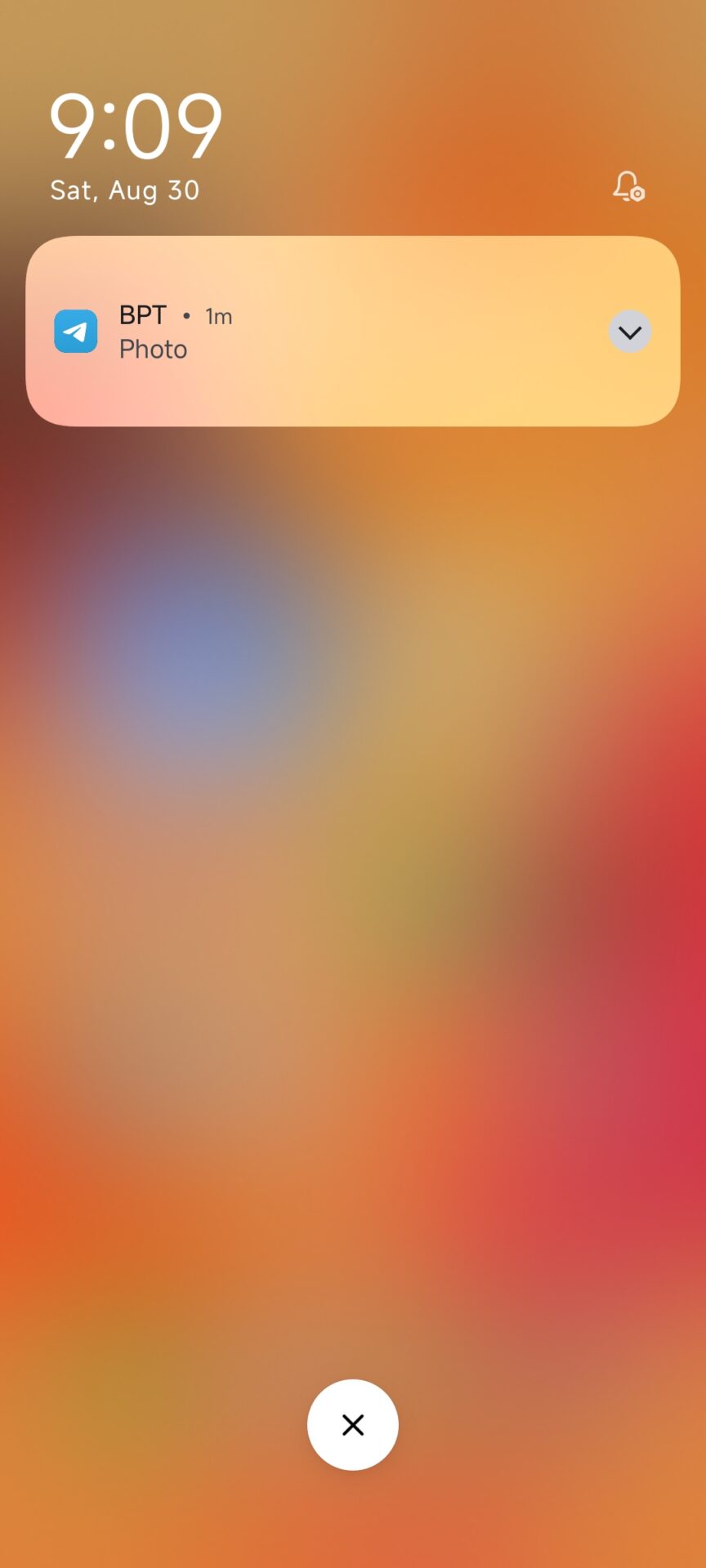
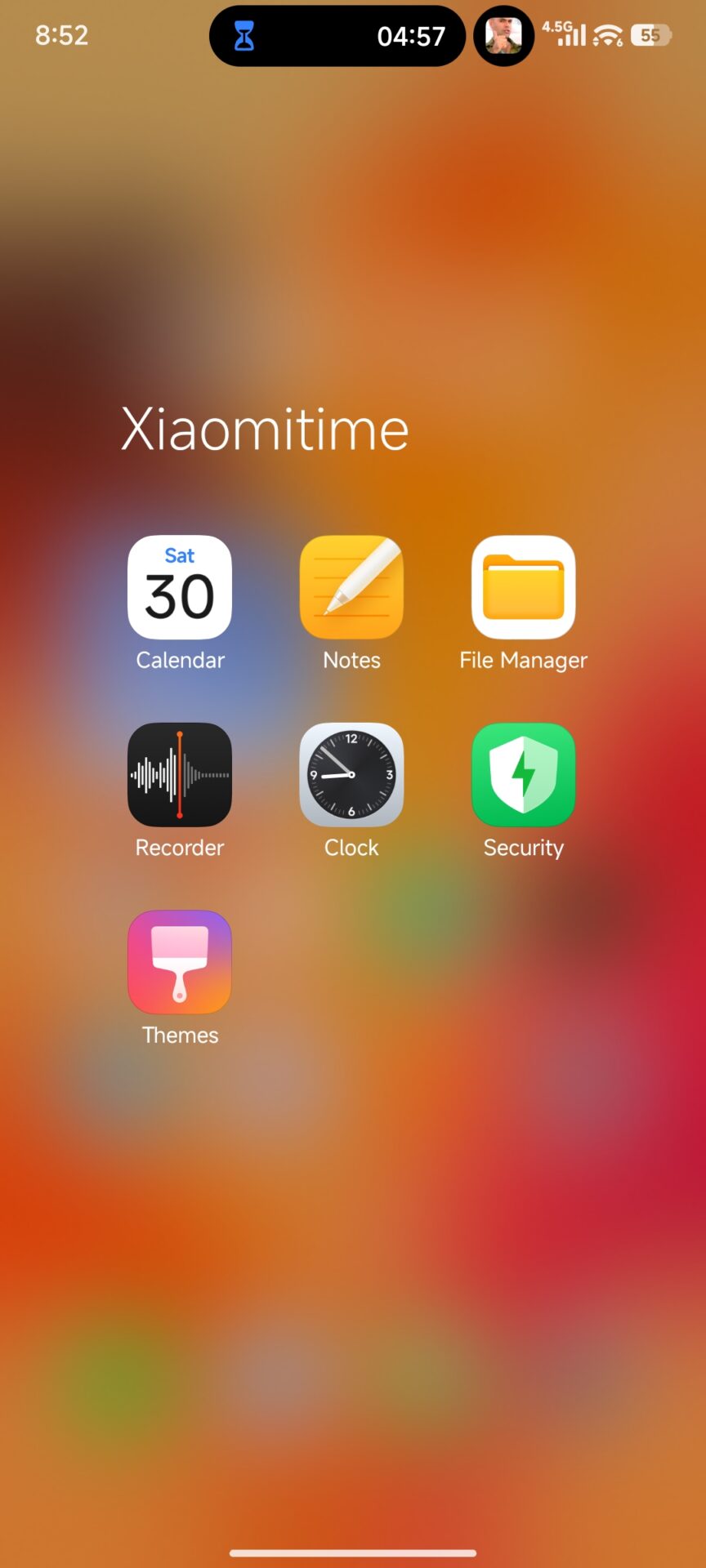
One of the most talked-about new features in HyperOS 3 is undoubtedly Dynamic Island. While in HyperOS 2 notifications were classic and essentially came down to bubbles or panels in the notification bar—now you get an interactive island at the top of the screen that shows the currently playing music, timers, recording, calls, and other active processes in real time.
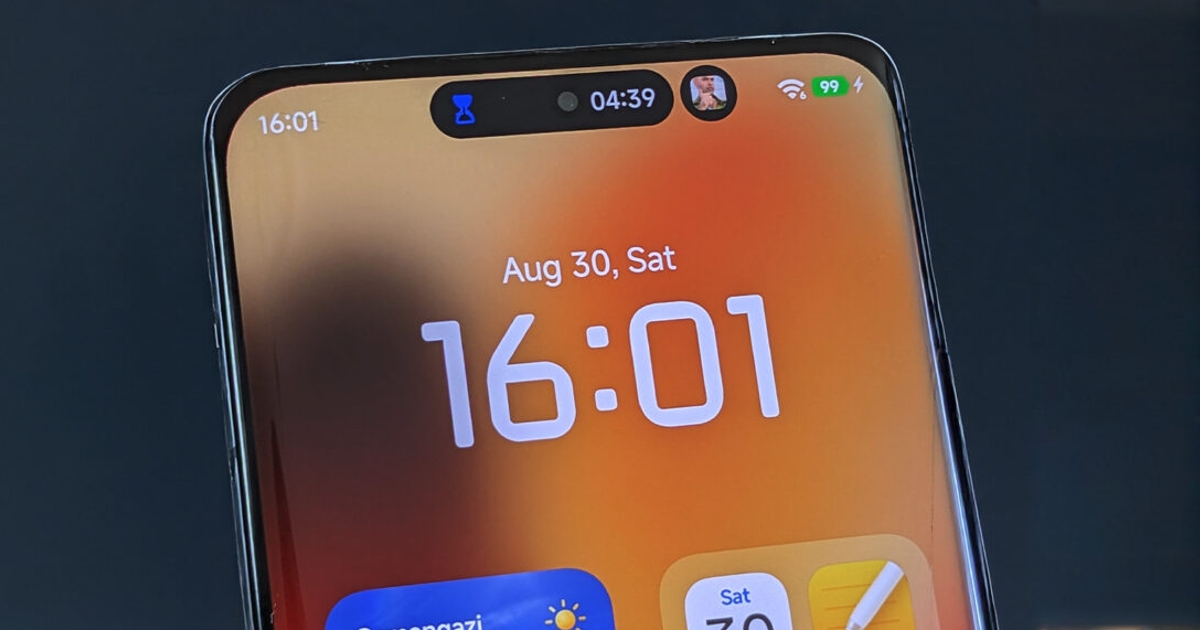
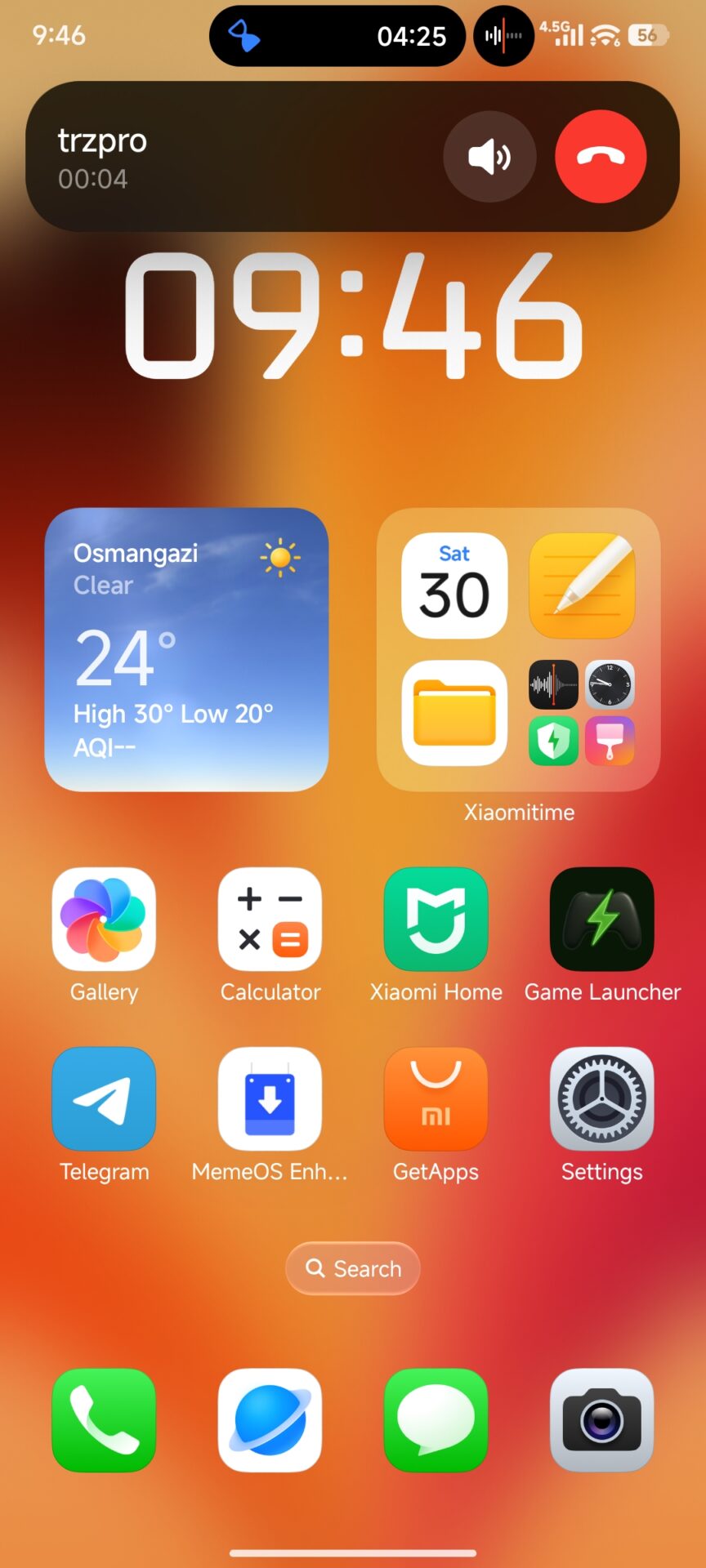
It’s not just a nice visual effect. The island is fully functional and supports multitasking. You can control music playback, track a timer, record a note, and accept a call all at once—without leaving the app you were using.
New and more pleasant settings
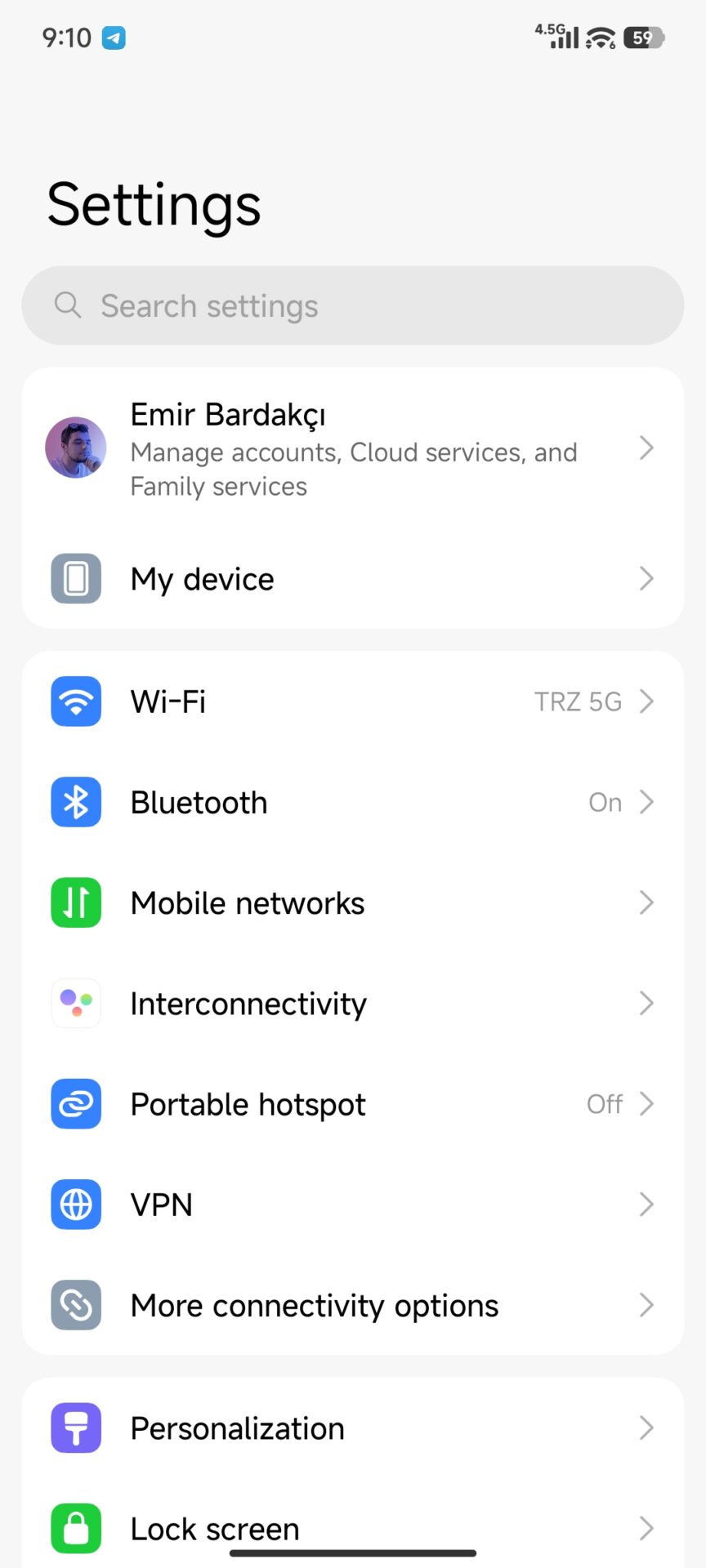
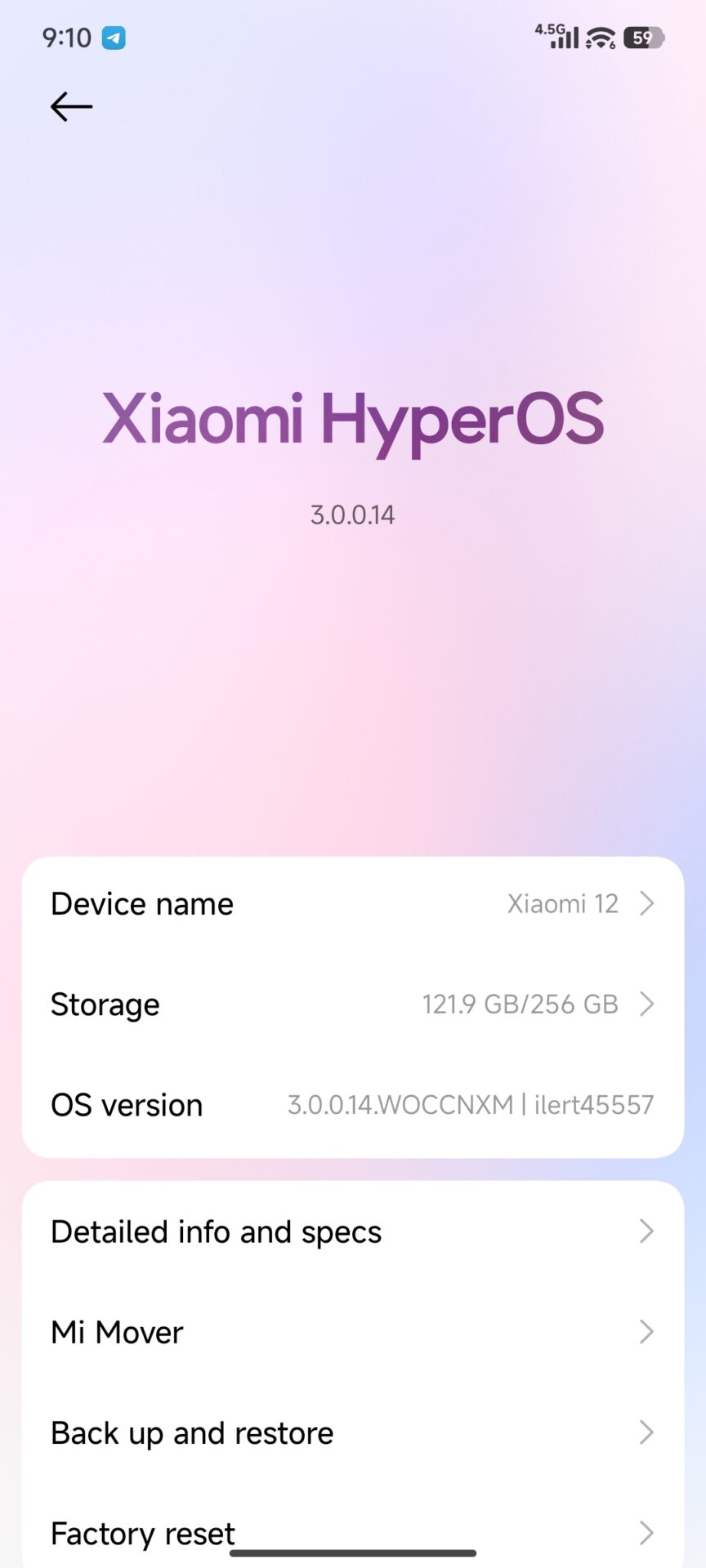
Settings have also received a visual refresh. New icons were added, there’s more space between items, and the layout logic is better. In HyperOS 2, some sections could feel overcrowded, especially on smaller displays, but HyperOS 3 looks cleaner instead, with more emphasis on quick orientation and user comfort. This trend runs throughout the whole system—smoother animations, glass-style blur effects, and improved transitions.
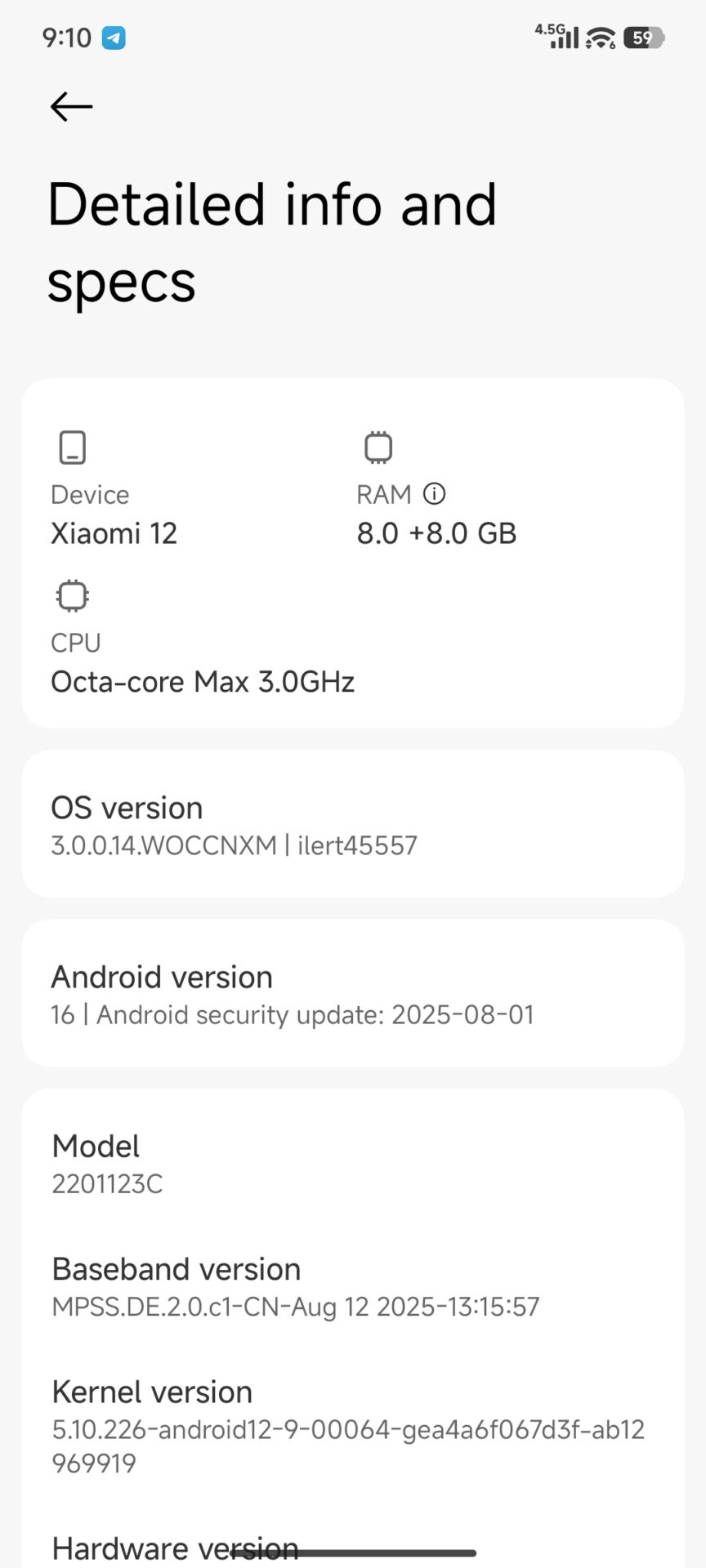
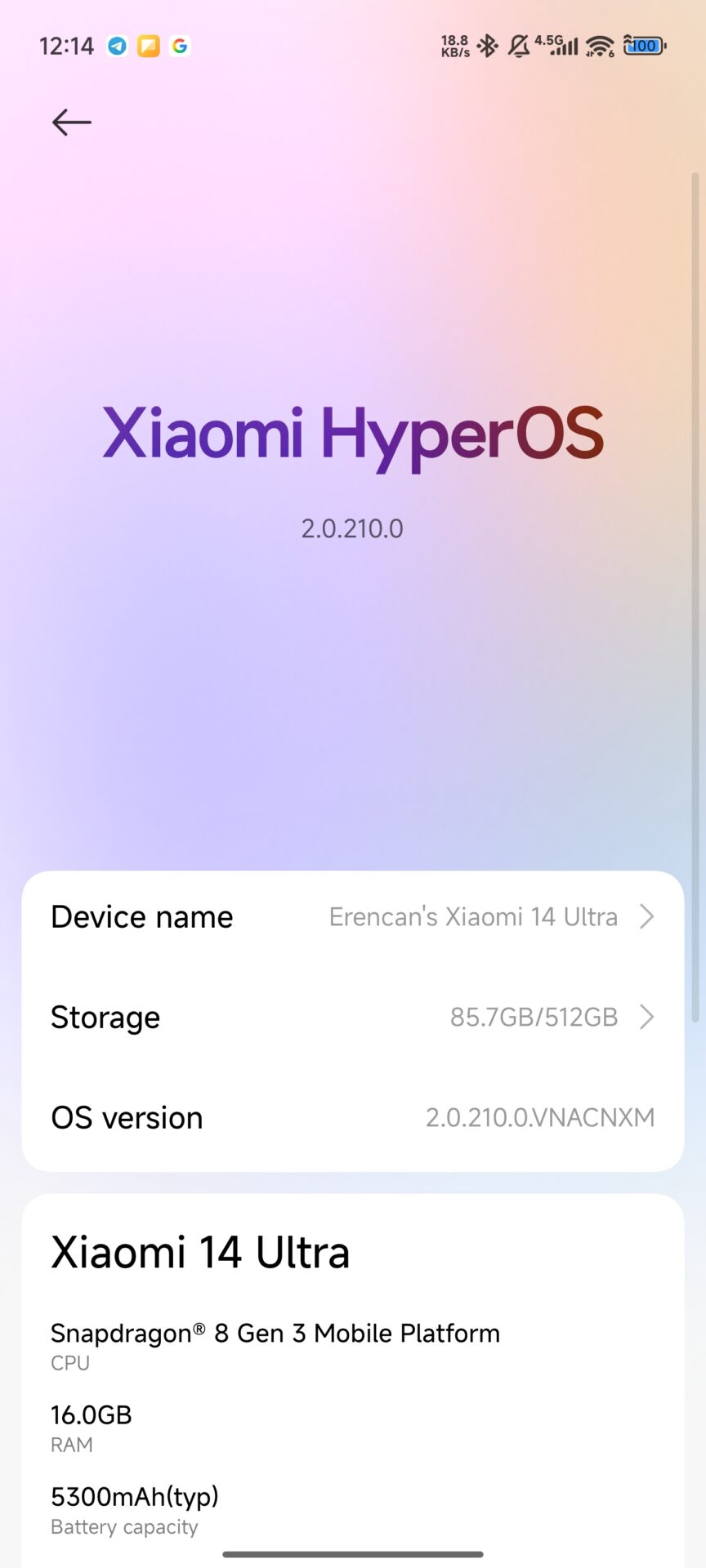
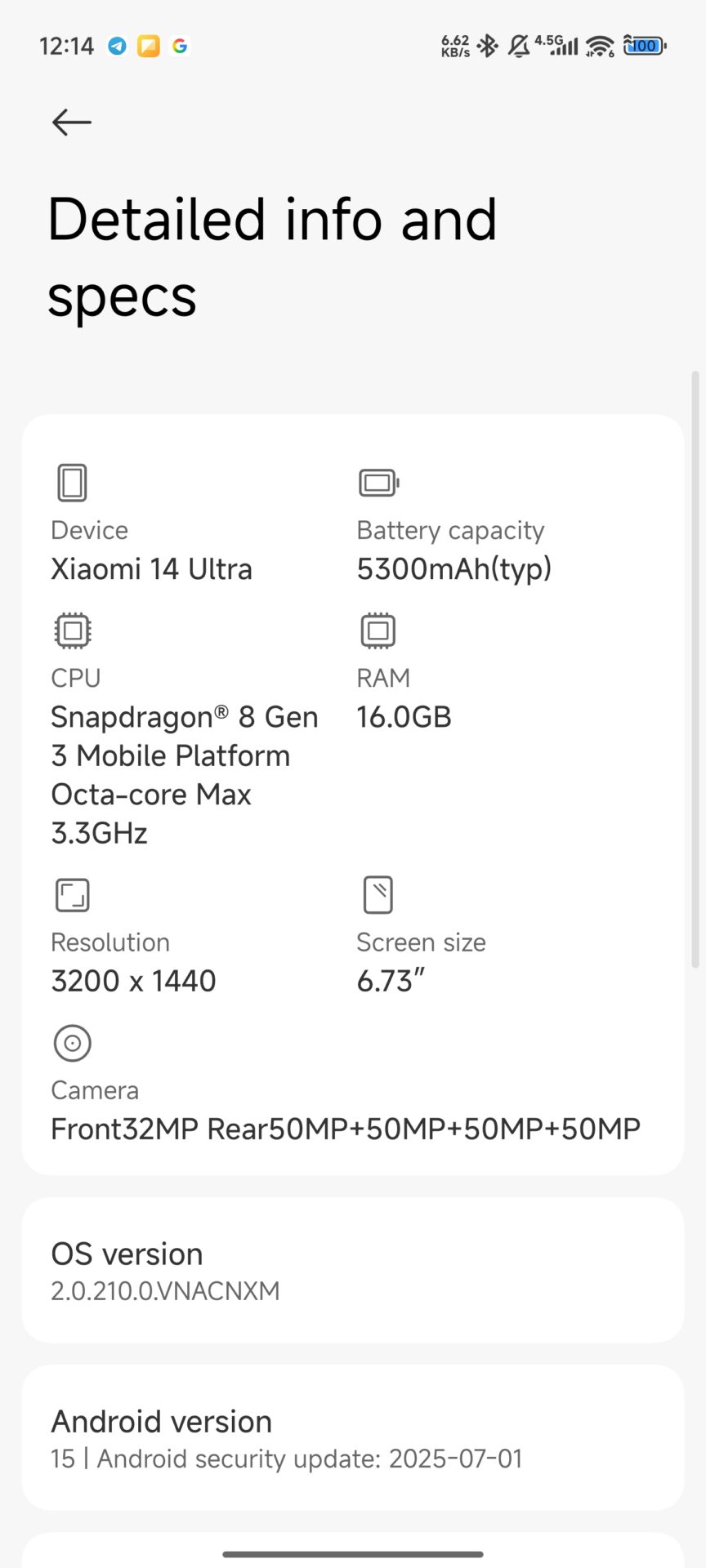
Your own Phone app has gotten a fresh new look. In-call buttons are bigger, clearer, and visually easier to understand. The iOS inspiration is obvious, but Xiaomi keeps its own style. Globally sold models come with the Google Phone app, which, by a happy coincidence, has also recently been updated and now looks like receiving calls on the latest iOS 26. The interface is designed for simple one-handed control, which we obviously see as a big plus.
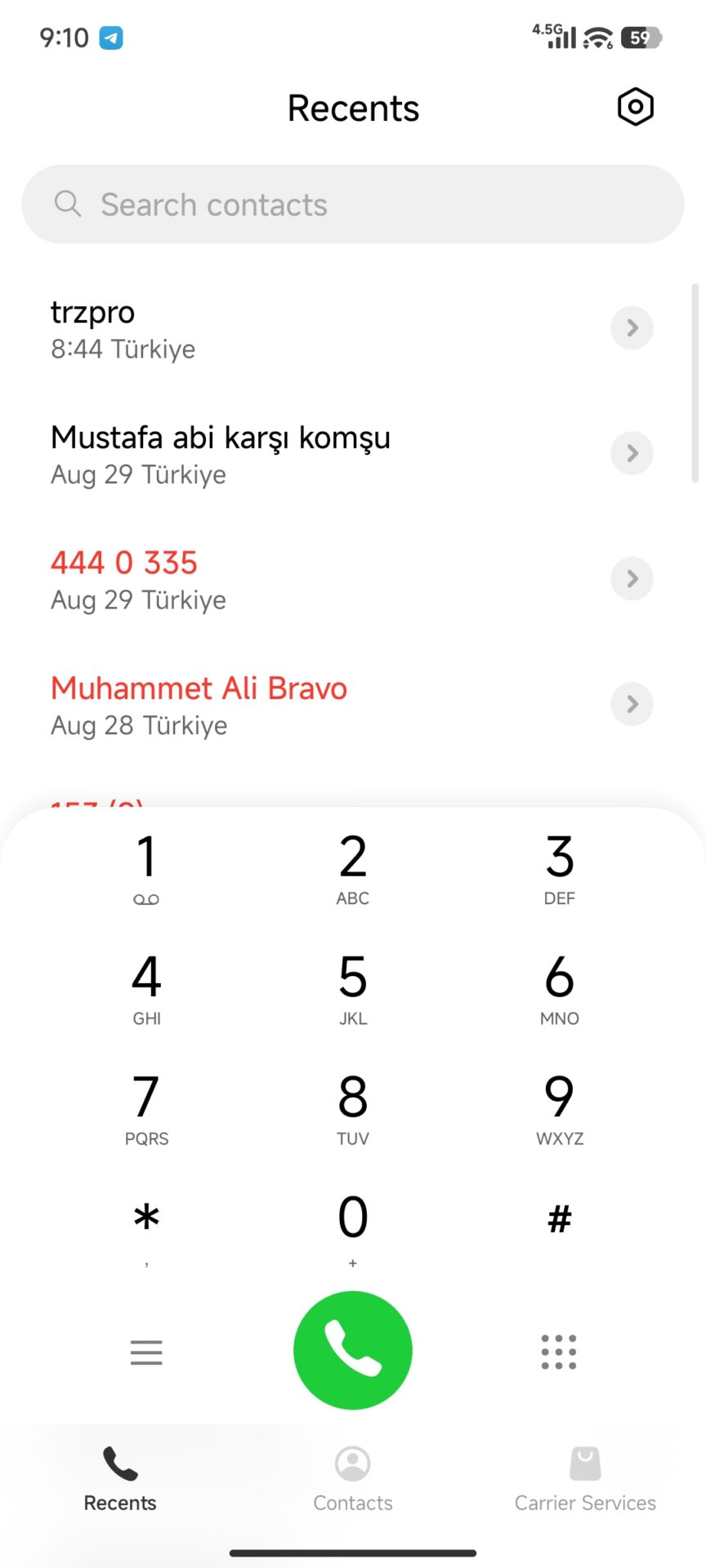
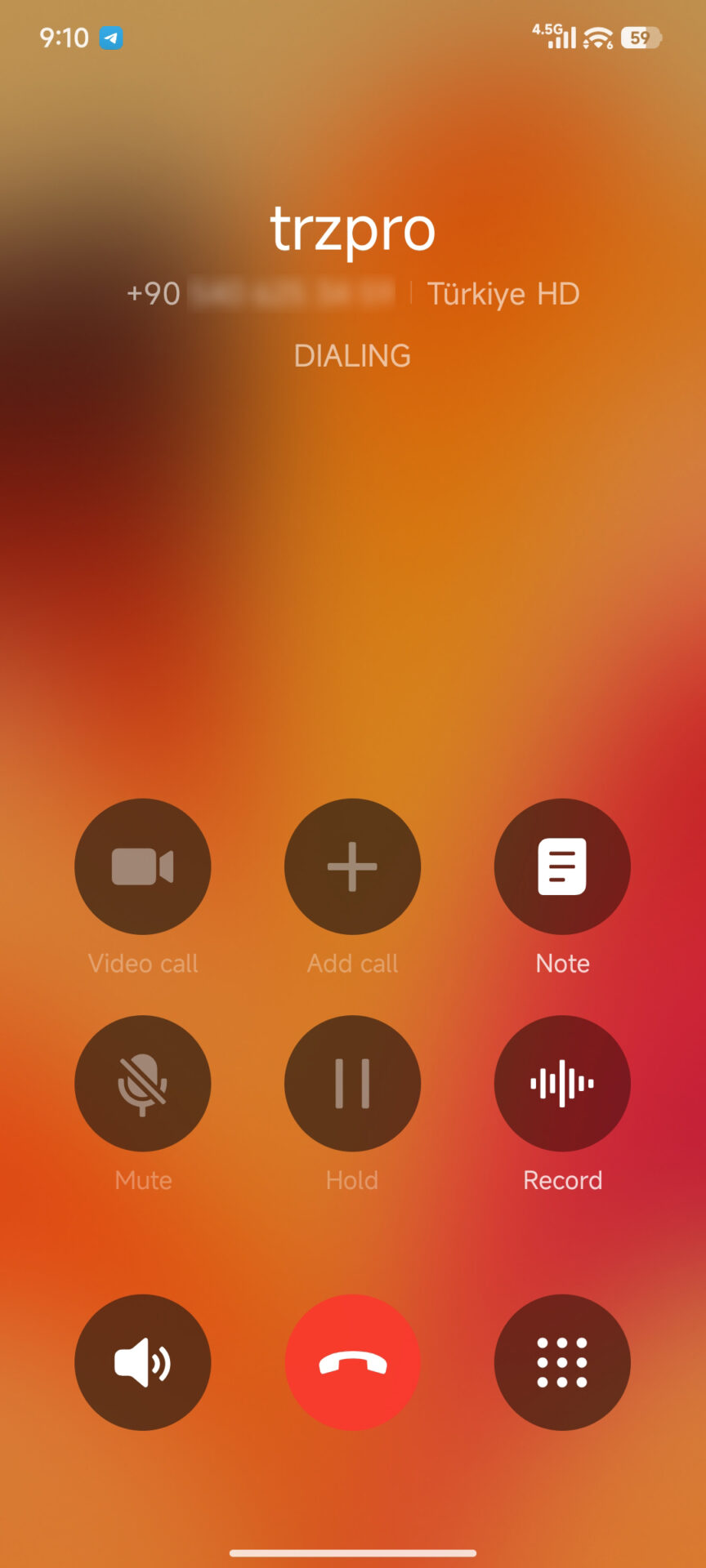
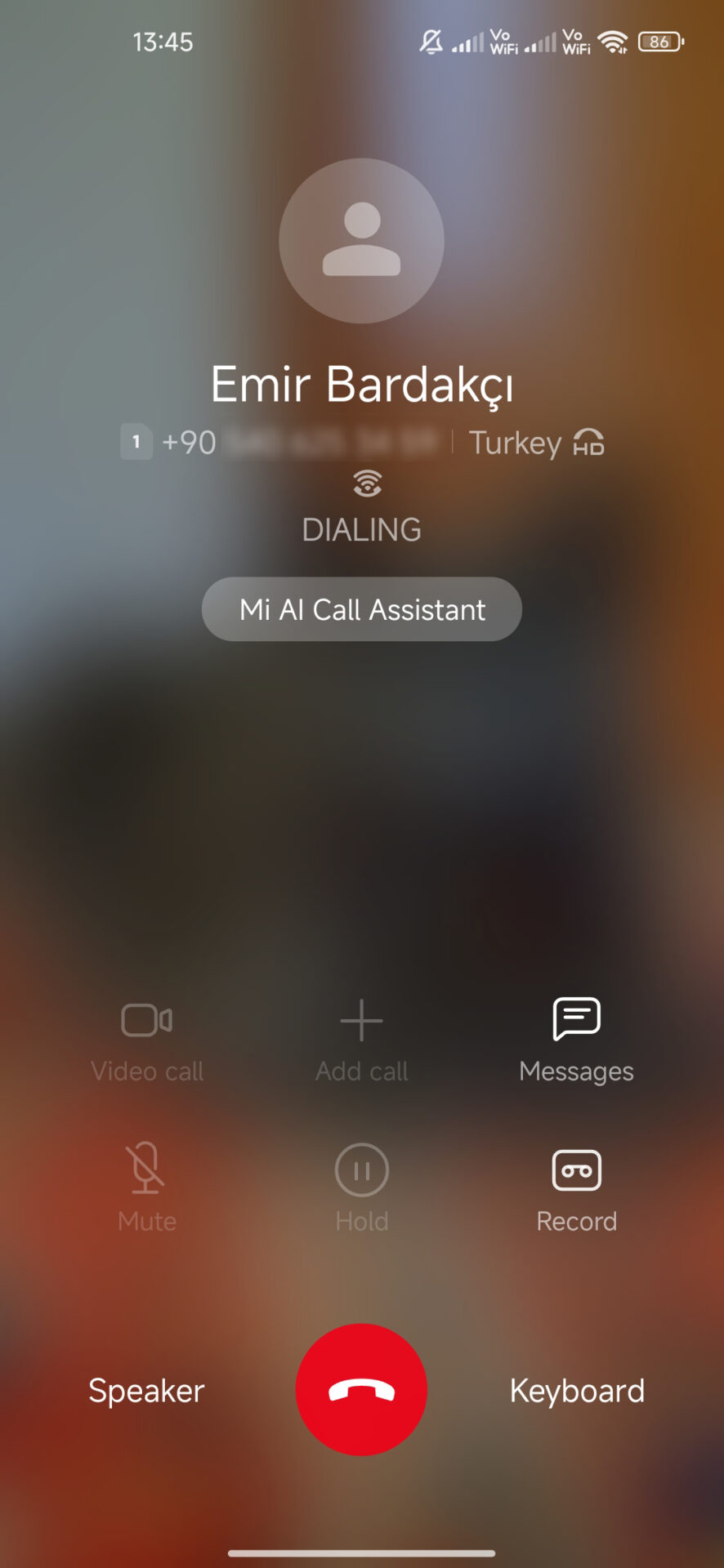
You can find similar changes in other system apps as well — the file manager, gallery, and Notes have received small improvements that make them more functional without unnecessary cluttering with new features you’d get lost in sooner or later.
Redesigned home screen and Control Center
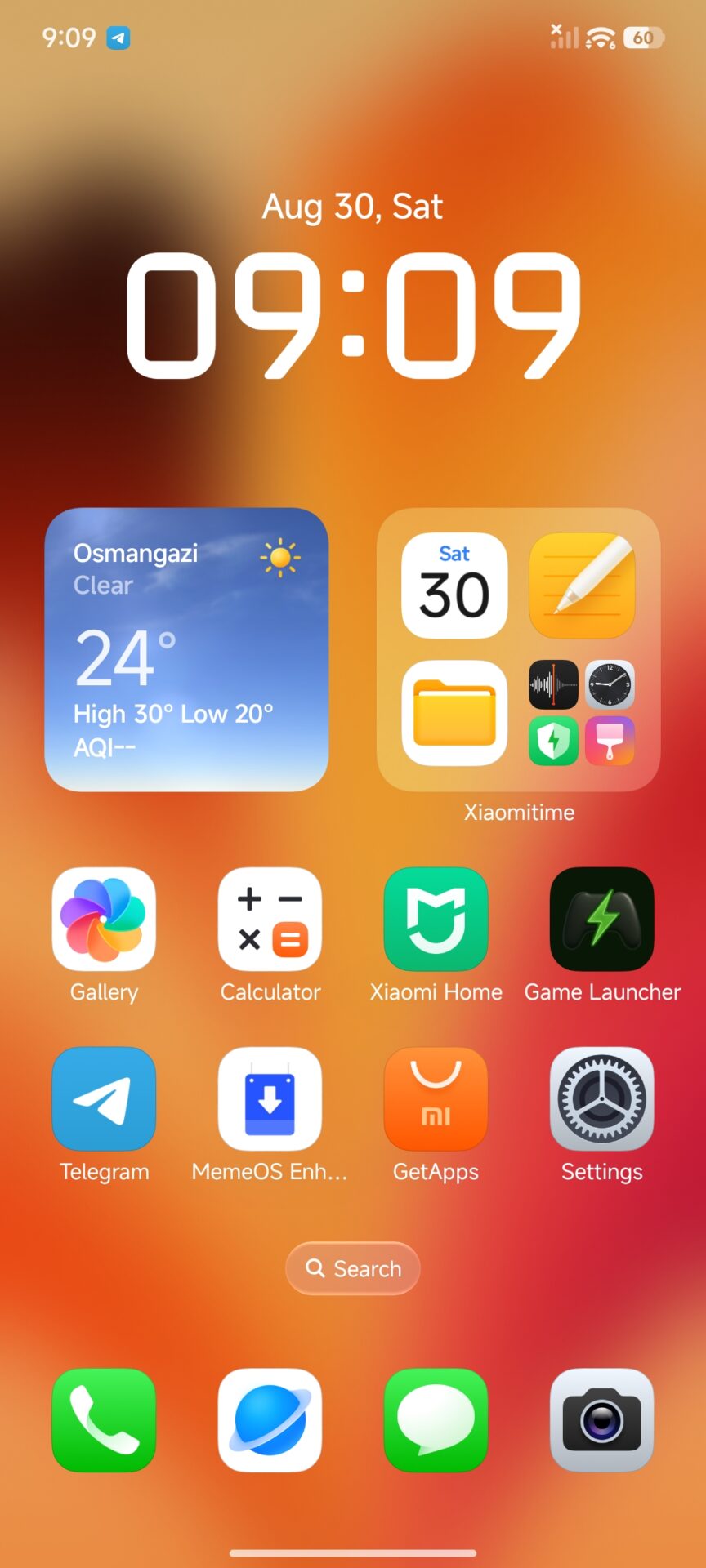
The launcher in HyperOS 3 feels more elegant. Xiaomi added a “liquid glass” effect — subtle blurring and transparency under icons and widgets. Gesture control is smoother, and the whole interface feels more “premium.”
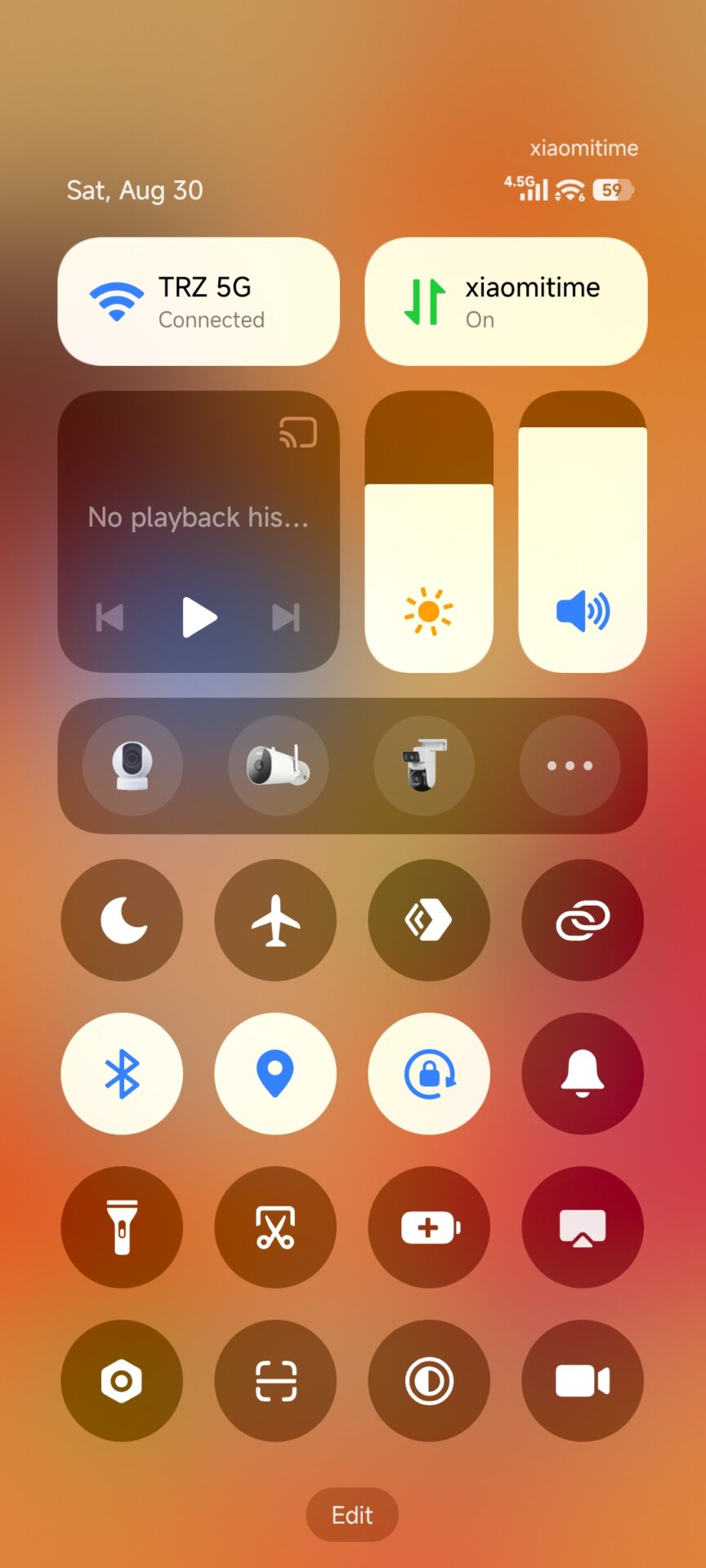
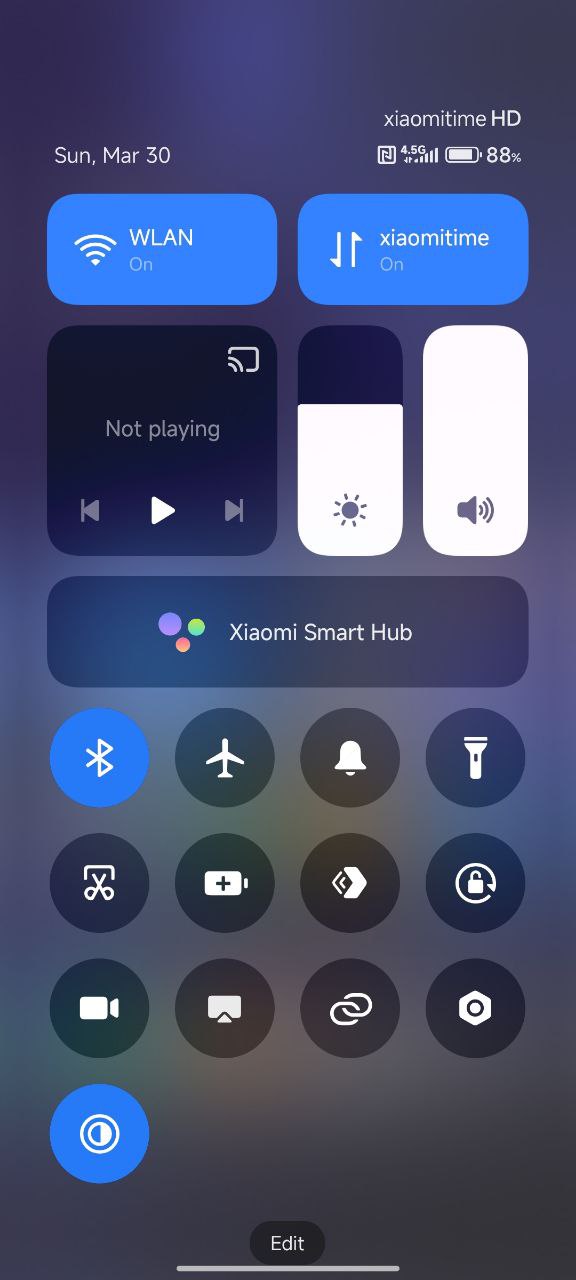
Control Center got new switches, more prominent icons, and a status bar. Battery and signal indicators are subtler and easier to read. Despite the similarity to Apple products, Xiaomi kept its own philosophy — everything is easy to reach, but you can still change the order and functions to suit your needs.
Performance and optimization
Xiaomi claims that HyperOS 3 delivers up to 30% better performance compared to HyperOS 2. In real life, that means faster app launches, shorter response times, and an overall smoother system operation — especially on newer devices.
HyperOS 3 addresses many of the shortcomings of the previous version to a large extent. RAM management is more efficient, animations are said to run smoothly, and even when switching between multiple windows, the system stays surprisingly stable. There are more power-saving options, more precise battery usage overviews, and better control over apps running in the background. We can’t wait to try it ourselves.
To get more updates from the Xiaomi world, keep following our Xiaomi Planet website — join our Facebook group, where we build an active community and help each other out. Also subscribe to our Telegram, where we add the best offers and coupons from China every day.
Don’t miss the best coupons 📩
Subscribe and we’ll email you new coupons before they expire. We only send it once a month — no spam.